
If you’re editing videos for YouTube, Instagram Reels, or client projects, the right processor is the backbone of a smooth, lag‑free experience. A powerful CPU delivers buttery‑smooth previews, faster rendering, and a resilient workflow that stays responsive when the stakes are high.
Our list is tailored for creators who demand consistent performance—whether trimming clips, layering effects, or exporting 4K. A well‑chosen CPU can save you hours and keep your creativity flowing.
We tested each processor in real‑world scenarios using Wondershare Filmora, a popular, lightweight editor known for its intuitive interface, trending effects, and rapid export speeds. Filmora’s versatility makes it an ideal benchmark for editors seeking professional results without a steep learning curve.

How We Tested CPUs for Editing
Each chip underwent the same workflow, covering:
- Timeline playback with multiple video/audio layers
- Transitions, motion tracking, and keyframe animation
- Exporting 4K projects with effects, text, and audio
- AI tools like background removal and speech‑to‑text
- Monitoring render times, temperatures, and responsiveness under load

Our Top 3 CPU Picks
Choosing the right chip depends on your workload and budget. Below are three standout options that cover heavy 4K timelines, multitasking prowess, and value‑for‑money.
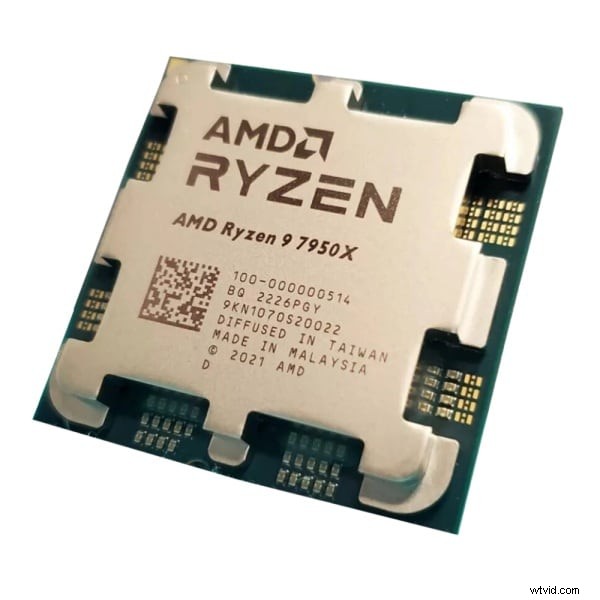
- AMD Ryzen 9 7950X – Heavy‑Duty Power
Designed for complex timelines, multi‑layer effects, and color grading, this CPU keeps your workflow fluid even during long renders.
- Intel Core i9‑14900K – Speed & Multitasking
With 24 cores, it excels at real‑time playback, rendering, and simultaneous browsing—ideal for editors who juggle multiple applications.

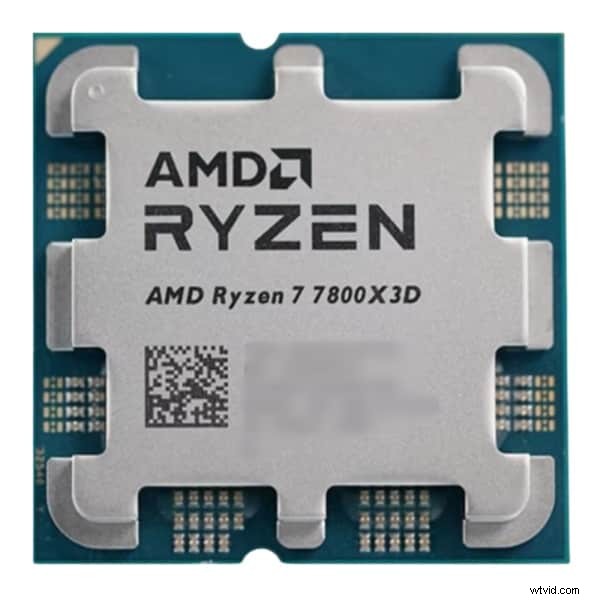
- AMD Ryzen 7 7800X3D – Best Value
Offering solid performance for Filmora and Premiere Pro, this chip delivers excellent speeds without premium pricing.
CPU Comparison Chart
Below is a quick reference for the most common CPUs used in video editing, from entry‑level to high‑end options.
| CPU Model | Cores/Threads | Base Speed | Best For | Price Tier | Verdict |
| AMD Ryzen 9 7950X | 16C/32T | 4.5 GHz | Heavy 4K+ projects | $$$$ | Pro‑level editing performance |
| Intel Core i9‑14900K | 24C/32T | 3.2 GHz | High‑speed multitasking & 4K editing | $$$$ | Fast, responsive for all workflows |
| AMD Ryzen 7 7800X3D | 8C/16T | 4.2 GHz | Mid‑tier performance | $$$ | Excellent value for creators on a budget |
| Intel Core i7‑14700K | 20C/28T | 3.4 GHz | Balanced workflows | $$$ | Smooth for professional editors |
| AMD Ryzen 5 7600X | 6C/12T | 4.7 GHz | Entry‑level editing | $$ | Budget‑friendly yet capable |
| Intel Core i5‑13600K | 14C/20T | 3.5 GHz | General editing | $$ | Great value and performance mix |
| Apple M3 Max | 16C/40T | N/A | Mobile editing on macOS | $$$$ | Ideal for Final Cut Pro & Filmora users |
Detailed CPU Reviews
1. AMD Ryzen 9 7950X
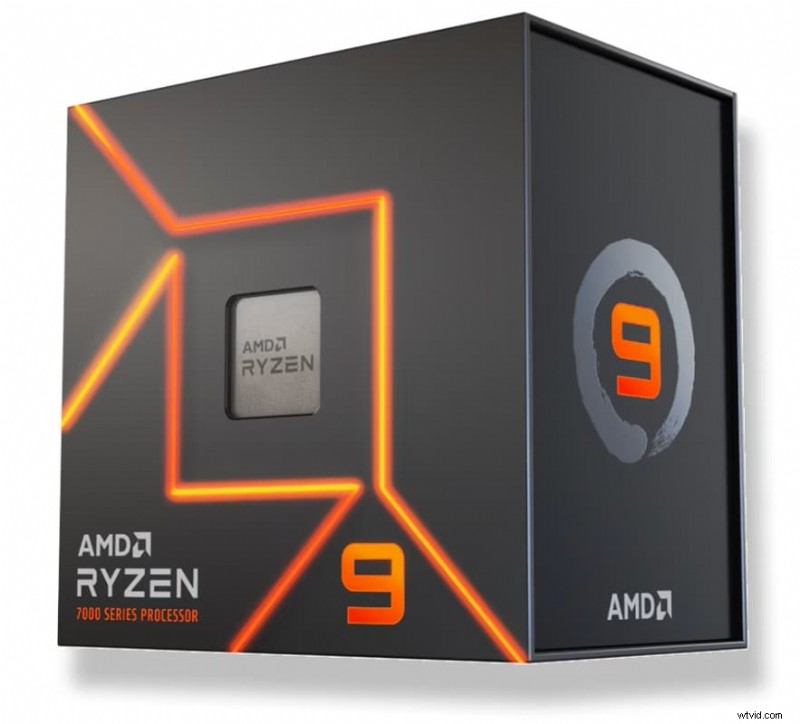
Pros: Outstanding multitasking, smooth rendering, handles 8K footage, excellent thermals with proper cooling.
Cons: High power draw, premium price.
Platform: Windows
Price: $$$$
Best For: Professionals, VFX heavy workflows, 4K+ projects.
Why It Stands Out: With 16 cores and up to 5.7 GHz, it delivers unmatched speed for layered timelines and complex effects, ensuring real‑time playback even during export.
2. Intel Core i9‑14900K

Pros: Fastest real‑time playback, strong Intel Quick Sync, AI‑assisted encoding.
Cons: Requires robust cooling, high TDP.
Platform: Windows
Price: $$$$
Best For: Editors needing top‑tier speed and multitasking.
Why It Stands Out: 24 cores with up to 6.0 GHz provide unrivaled single‑thread performance, ideal for large 4K projects and concurrent applications.
3. AMD Ryzen 7 7800X3D
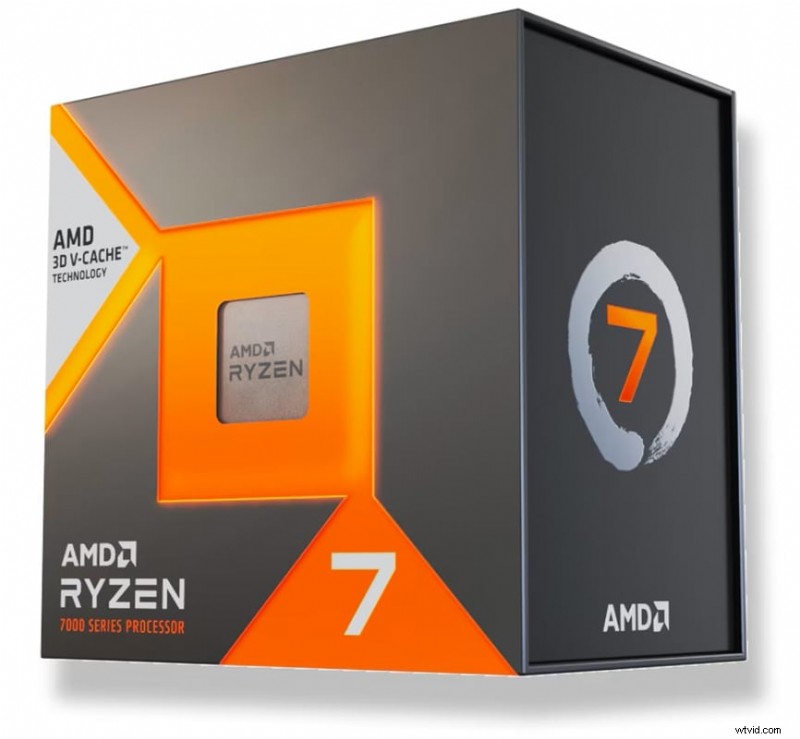
Pros: Great price/performance, efficient cooling, gaming + editing combo.
Cons: No integrated GPU, not ideal for extreme workloads.
Platform: Windows
Price: $$$
Best For: Budget creators, 4K editing on a mid‑range budget.
Why It Stands Out: 3D V‑Cache boosts memory bandwidth, delivering fast render times for Filmora and Premiere Pro.
4. Intel Core i7‑14700K
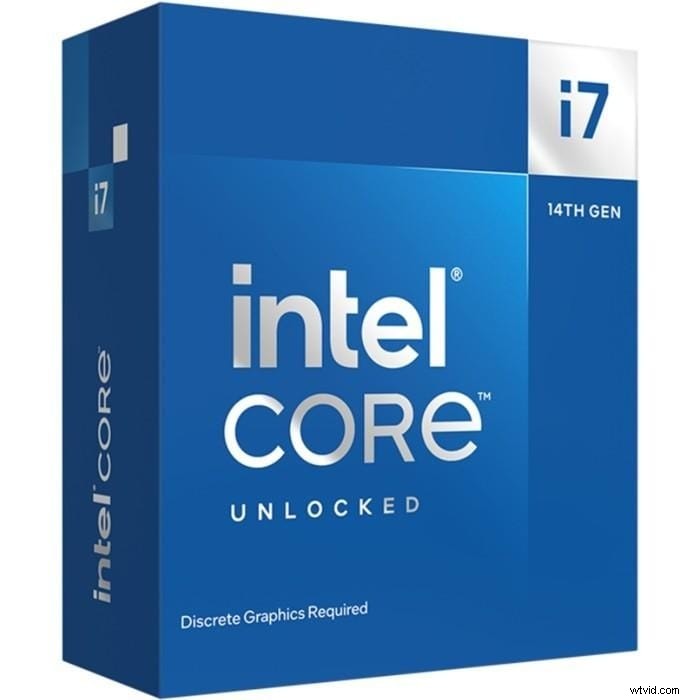
Pros: Strong multitasking, 1080p–4K support, streaming friendly.
Cons: Requires good cooling, price close to i9 tier.
Platform: Windows/macOS
Price: $$$
Best For: Editors needing solid performance without going premium.
Why It Stands Out: Hybrid architecture balances performance and efficiency, making it a smart mid‑tier choice.
5. AMD Ryzen 5 7600X
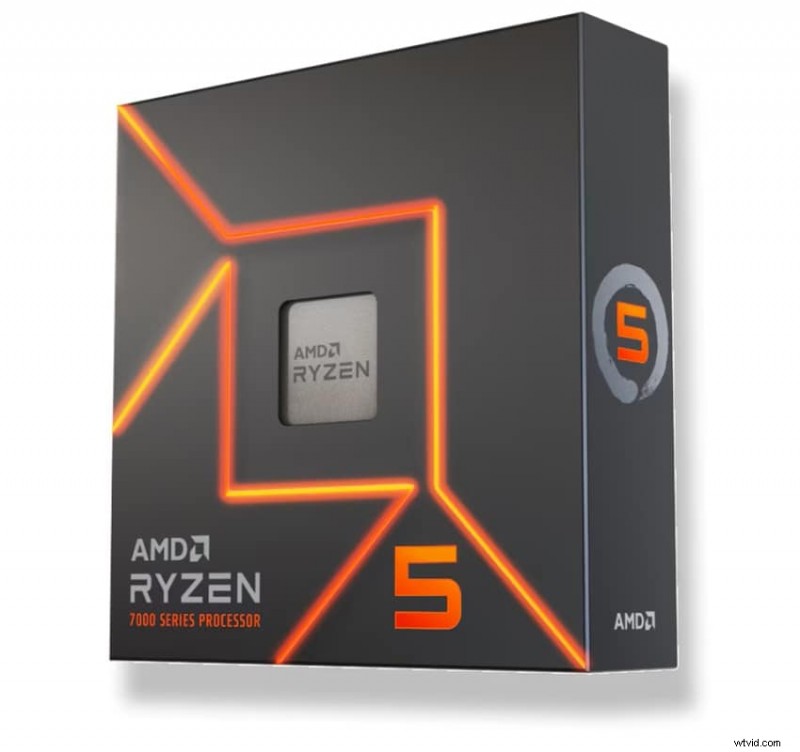
Pros: Affordable, high clock speed, PCIe 5.0 support.
Cons: Limited for large 4K timelines, no integrated GPU.
Platform: Windows
Price: $$
Best For: Beginners, short‑form content.
Why It Stands Out: Offers a strong foundation for entry‑level editors seeking quick exports without breaking the bank.
6. Intel Core i5‑13600K
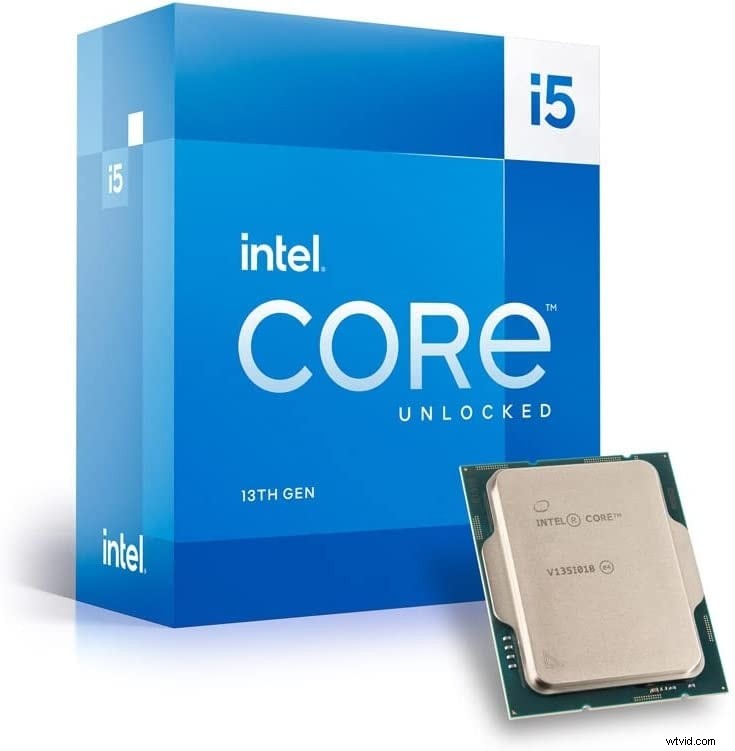
Pros: Versatile, integrated graphics, solid price/performance.
Cons: Lag on heavy 4K timelines, requires newer motherboard.
Platform: Windows
Price: $$
Best For: Entry‑level editors, students.
Why It Stands Out: 14 cores with integrated GPU make it a budget‑friendly option for HD and basic 4K editing.
7. Apple M3 Max (MacBook Pro)
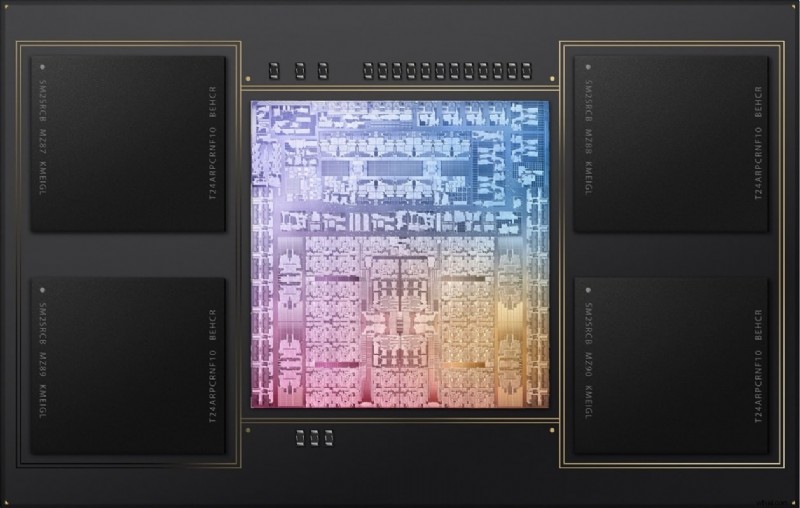
Pros: Low power consumption, long battery life, optimized for Apple apps.
Cons: Premium price, limited upgrade path.
Platform: macOS
Price: $$$$
Best For: Mobile editors using Final Cut Pro or Filmora.
Why It Stands Out: Unified memory up to 128 GB and 16 performance cores deliver studio‑quality performance on the go.
Best Video Editor That Doesn’t Need a High‑End CPU
If a powerful processor isn’t in your budget, Wondershare Filmora remains a solid choice. Its lightweight design and intuitive interface run smoothly on mid‑range CPUs, making it ideal for creators who want reliable performance without a steep price tag.
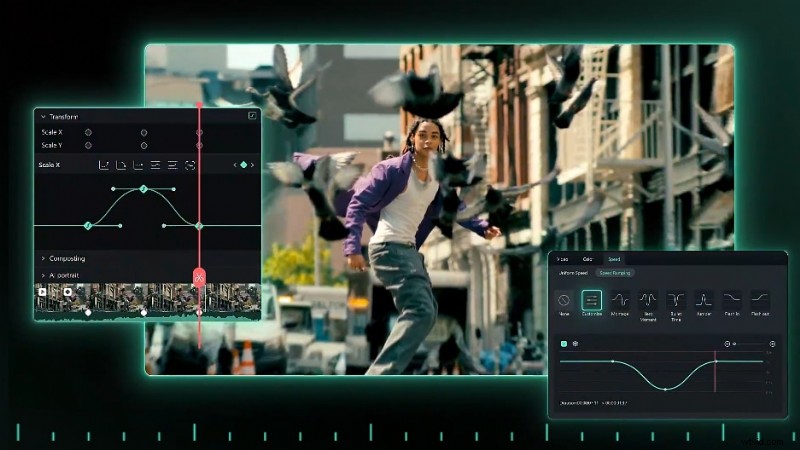
Even with a modest CPU, Filmora’s real‑time preview, keyframe animation, and AI tools (background remover, subtitle generator) function well. However, pairing Filmora with a top‑tier CPU dramatically improves render times, preview fluidity, and overall workflow efficiency.
Choosing the Right CPU: Key Considerations
- Editing Platform: Filmora performs well on mid‑range CPUs, but higher core counts reduce export times and AI processing overhead.
- Project Complexity: Beginner edits and short videos can thrive on a Ryzen 5 7600X or i5‑13600K; daily creators benefit from Ryzen 7 7800X3D or i7‑14700K; professionals handling 4K footage should aim for Ryzen 9 7950X or i9‑14900K.
- Compatibility: Verify socket, RAM speed, and cooling capacity before purchasing.
- Future Proofing: Investing in a higher‑core CPU grants flexibility for future software updates and more demanding projects.
Conclusion
Choosing the best CPU for video editing can transform your workflow—from smoother previews to faster exports and seamless multitasking. While Filmora is optimized for mid‑range CPUs, a high‑performance processor unlocks the full potential of your editing suite.
Our tested lineup covers every budget and need, ensuring you can elevate your editing game without frustration.
Vote: Which CPU Reigns Supreme?
From budget picks to pro powerhouses, let us know your favorite for your editing style.
- AMD Ryzen 9 7950X
- Intel Core i9‑14900K
- Apple M3 Max
- AMD Ryzen 7 7800X3D
- Intel Core i7‑14700K
- AMD Ryzen 5 7600X
- Intel Core i5‑13600K
Thanks for voting! Your insights help fellow editors make informed choices.