
Startups and creative professionals often need a rapid, cost‑effective branding solution that captivates audiences and boosts marketing ROI. Online 3D logo animation makers deliver polished, motion‑rich visuals that set brands apart on crowded digital platforms. This guide evaluates the most effective free tools and software for producing eye‑catching 3D logos.
In this article
- What Are 3D Logo Animations, and Why They Matter
- Top 4 Free Online 3D Logo Animation Sites
- Top 4 Software for 3D Logo Animation
- How to Build a 3D Logo with Filmora
- Conclusion
Part 1: What Are 3D Logo Animations, and Why They Matter
3D logo animations bring depth, motion, and personality to static branding assets. By rotating, illuminating, and animating key elements, designers create a dynamic representation that feels modern and engaging.
Key Benefits
- Instant Recognition: Motion captures attention and reinforces brand recall across social media and video platforms.
- Creative Storytelling: Animations allow brands to communicate values, emotions, and unique selling points in a single frame.
- Professional Appeal: A well‑crafted 3D logo signals expertise and keeps pace with contemporary design trends.
- Cross‑Platform Flexibility: Logos can be adapted as intro sequences, livestream overlays, or profile graphics without losing impact.
Part 2: Top 4 Free Online 3D Logo Animation Sites
Below are the leading web‑based platforms that enable creators to generate stunning 3D logos without installing software.
1. Renderforest
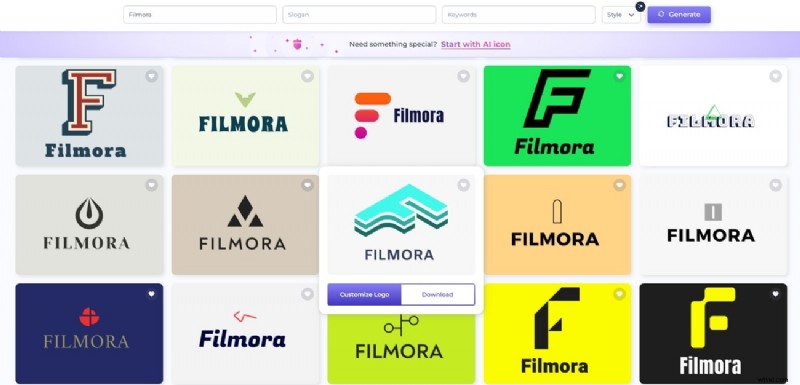
Renderforest offers a vast template library and intuitive editing tools, making it ideal for users with limited design experience.
Key Features
- Customizable color, text, and style options for every template.
- Real‑time preview with fast HD export.
- Browser‑based workflow—no downloads or installations required.
2. Canva
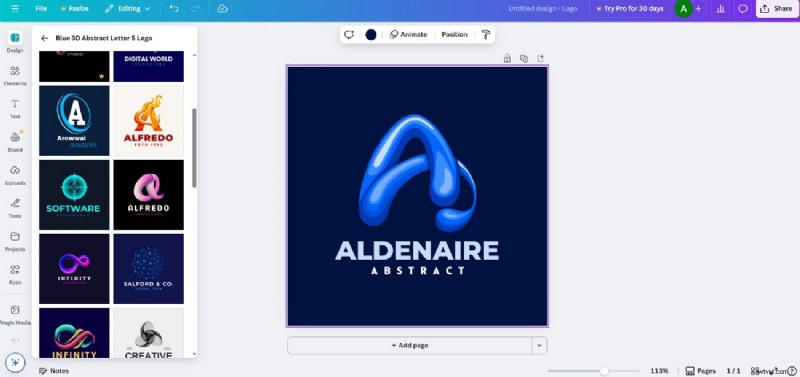
Canva’s drag‑and‑drop interface and extensive asset collection simplify the creation of 3D logo animations for marketers and content creators.
Key Features
- Over 1 million free templates and design elements.
- Direct export to video or GIF formats.
- Preset motion paths such as Drift and Pop to add flair.
3. DanceLogo
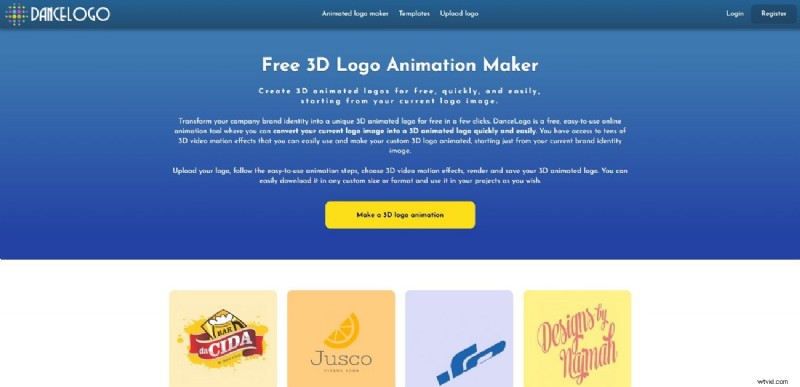
DanceLogo specializes in turning static logos into animated sequences quickly and at no cost.
Key Features
- Control over animation speed, scale, and output format.
- Hundreds of built‑in 3D effects.
- Easy upload of existing logos for instant transformation.
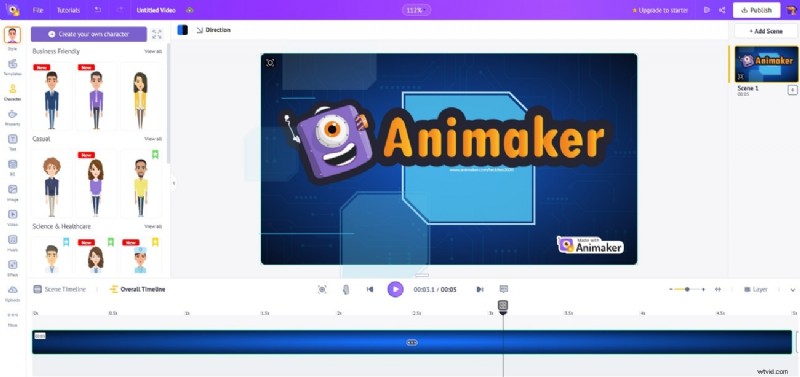
4. Animaker
Animaker blends 2D and 3D animation tools, making it suitable for both seasoned designers and novices.
Key Features
- Real‑time drag‑and‑drop editing.
- 50+ animation styles, including dedicated 3D effects.
- Subscription options that remove watermarks and unlock advanced assets.
Part 3: Top 4 Software for 3D Logo Animation
For those who prefer desktop applications, the following tools provide robust features for creating high‑quality 3D logos.
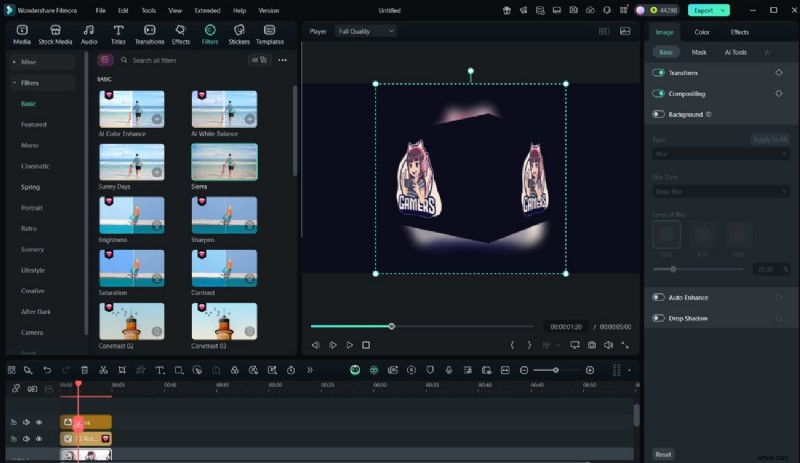
1. Wondershare Filmora
Filmora offers a user‑friendly interface coupled with powerful motion‑graphics capabilities, making it a top choice for marketers.
Key Features
- Built‑in 3D animation templates for text and logos.
- Extensive asset library with shapes, transitions, and lighting effects.
- Advanced key‑framing for precise control over rotation, scaling, and timing.
- Automatic sound‑effect sync to enhance visual impact.
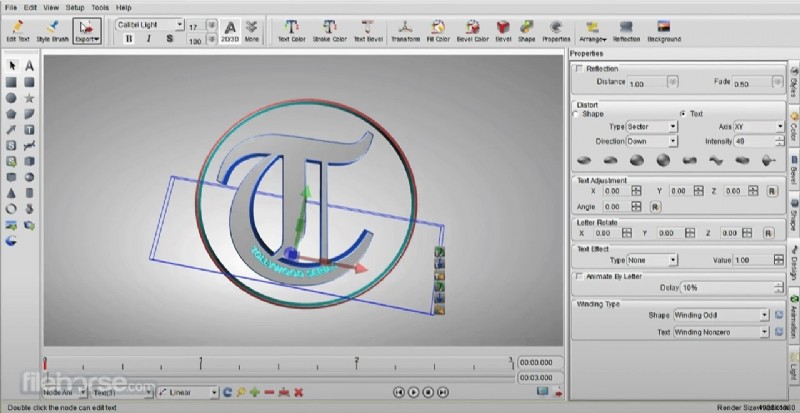
2. Aurora 3D Animation Maker
Aurora provides an intuitive workflow for both beginners and professionals to craft animated graphics and banner videos.
Key Features
- Advanced motion sequencing and timing controls.
- Full 3‑D spatial manipulation of objects.
- Export compatibility with Adobe Premiere, Photoshop, and other editors.
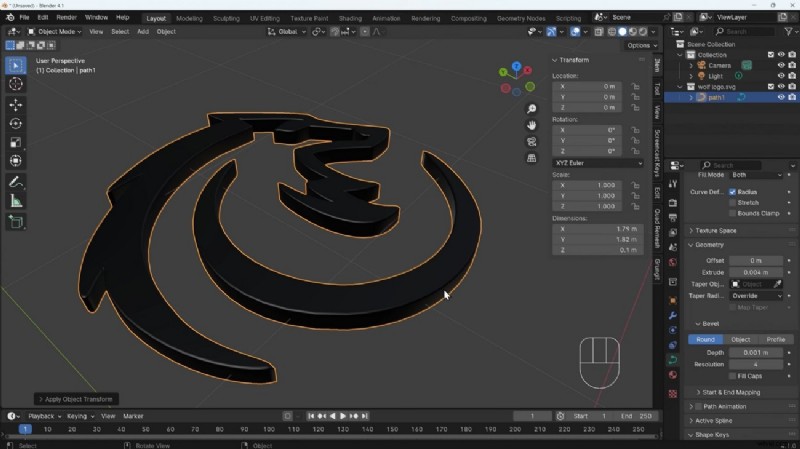
3. Blender Studio
Blender, open‑source since 2002, remains a staple for high‑fidelity 3D modeling, animation, and rendering.
Key Features
- Complete 3‑D modeling suite with non‑destructive editing.
- Physically‑based ray tracing for realistic lighting.
- Rigging and armature tools for natural motion.
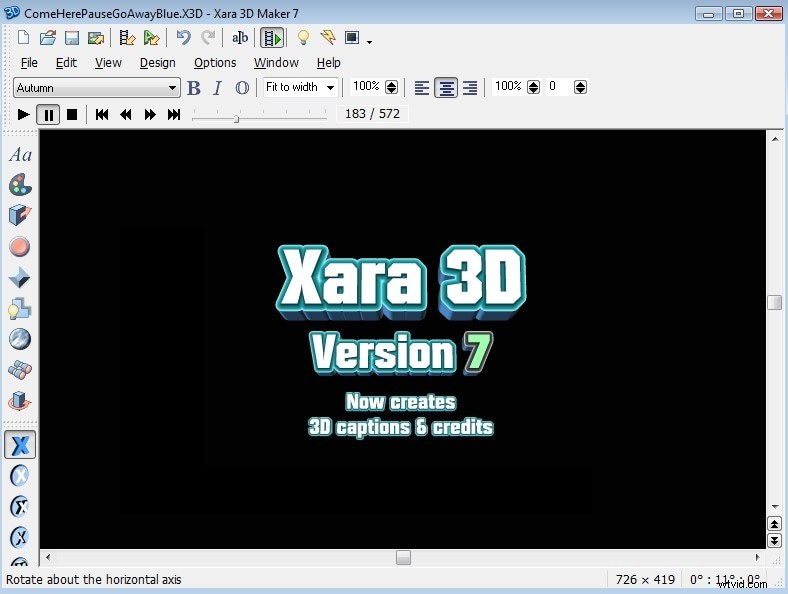
4. Xara 3D Maker
Xara’s streamlined interface lets users produce polished 3‑D text and animated logos quickly.
Key Features
- Replace elements with glazing effects for depth.
- Real‑time preview for instant feedback.
- Multiple animation styles—rotation, fade, loop control, and speed settings.
Part 4: How to Build a 3D Logo with Filmora
Step‑by‑step, Filmora allows creators to produce professional‑grade 3D logos quickly.
Conclusion
In today’s visual‑first marketplace, dynamic 3D logos offer a distinct competitive edge. Among the tools reviewed, Filmora’s 3D logo reveal templates stand out for delivering high‑impact branding content without steep learning curves.