
10 Stunning Pixel Art Wallpapers & How to Create Your Own
Why Pixel Art Still Matters
Pixel art—a craft that hones in on individual pixels—remains a celebrated visual language in modern design. Originating in the 1930s with early monochrome displays, it has evolved into a vibrant niche that blends nostalgia with contemporary aesthetics. Artists today leverage this style to create striking wallpapers that capture the charm of retro gaming while delivering fresh, high‑resolution imagery.
Part 1: Where to Find High‑Quality Pixel Art Wallpapers
1. AlphaCoders
AlphaCoders hosts over 900,000 pixel art wallpapers, ranging from iconic video game scenes to movie-inspired scenes. Their extensive search filters help you locate the perfect image for any taste.
2. WallpaperCave
WallpaperCave’s intuitive interface lets you search by keyword, while the trending section highlights the most popular pixel art designs.
3. WallpaperAccess (Mobile Focus)
WallpaperAccess specializes in mobile wallpapers, offering a curated gallery of trending pixel art. A quick search bar or simple scrolling will reveal fresh designs for your phone.
Part 2: 10 Captivating Pixel Art Wallpapers
Below are ten exemplary wallpapers that showcase the breadth of pixel art—from cityscapes to cosmic adventures. All images are sourced from the public domain and included for illustrative purposes.
1. Modern City
A 4K cityscape set against an orange sky, featuring a river cutting through towering skyscrapers. The palette blends dark and light greys with warm oranges.
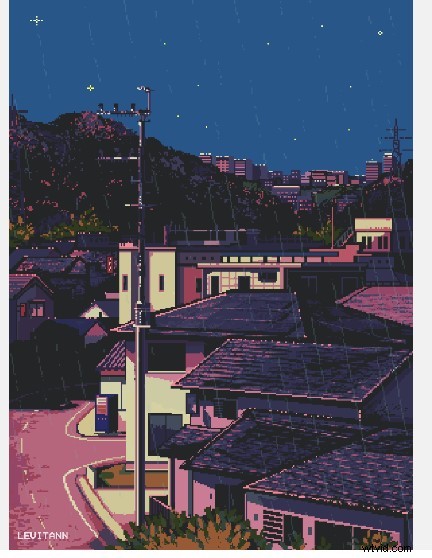
2. Rainy Night
A looping GIF that captures a town at night with continuous rain falling over a star‑filled sky. Perfect for a subtle, atmospheric mobile background.
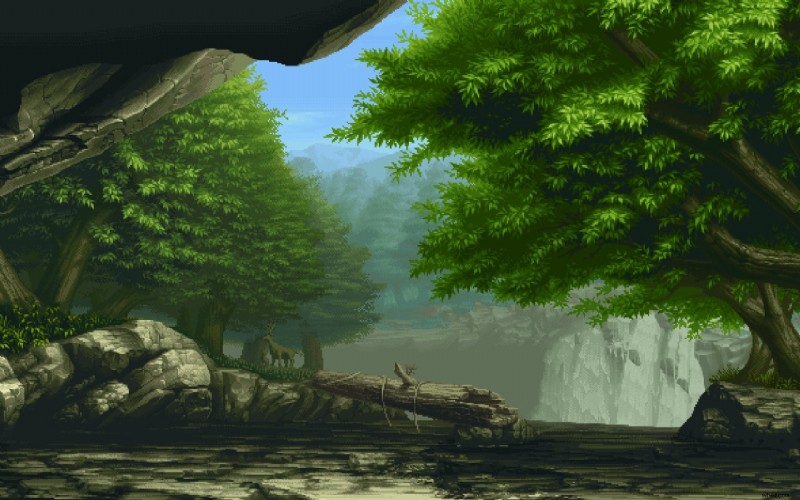
3. The Forest
A serene forest scene with a river, a fallen log bridge, and a deer under towering trees. The composition balances natural elements with minimalist color tones.
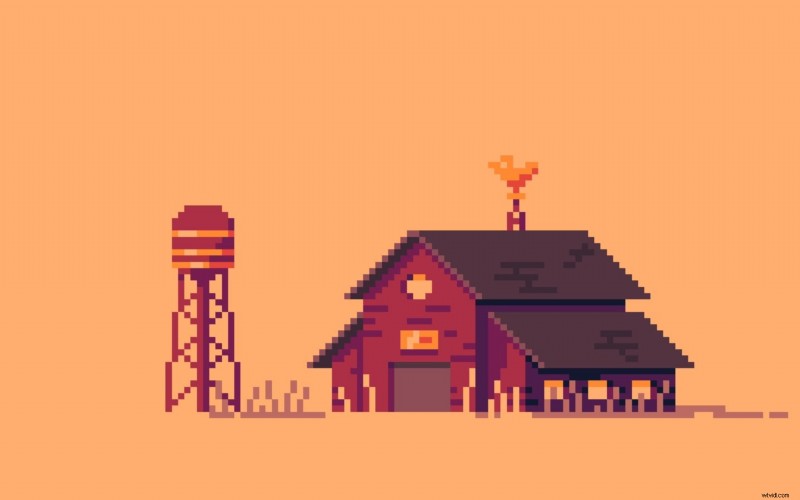
4. The Farm
Retro farm life depicted with warm orange‑red hues, featuring a graduation tower and rustic barn. The vibrant palette evokes a nostalgic countryside feel.
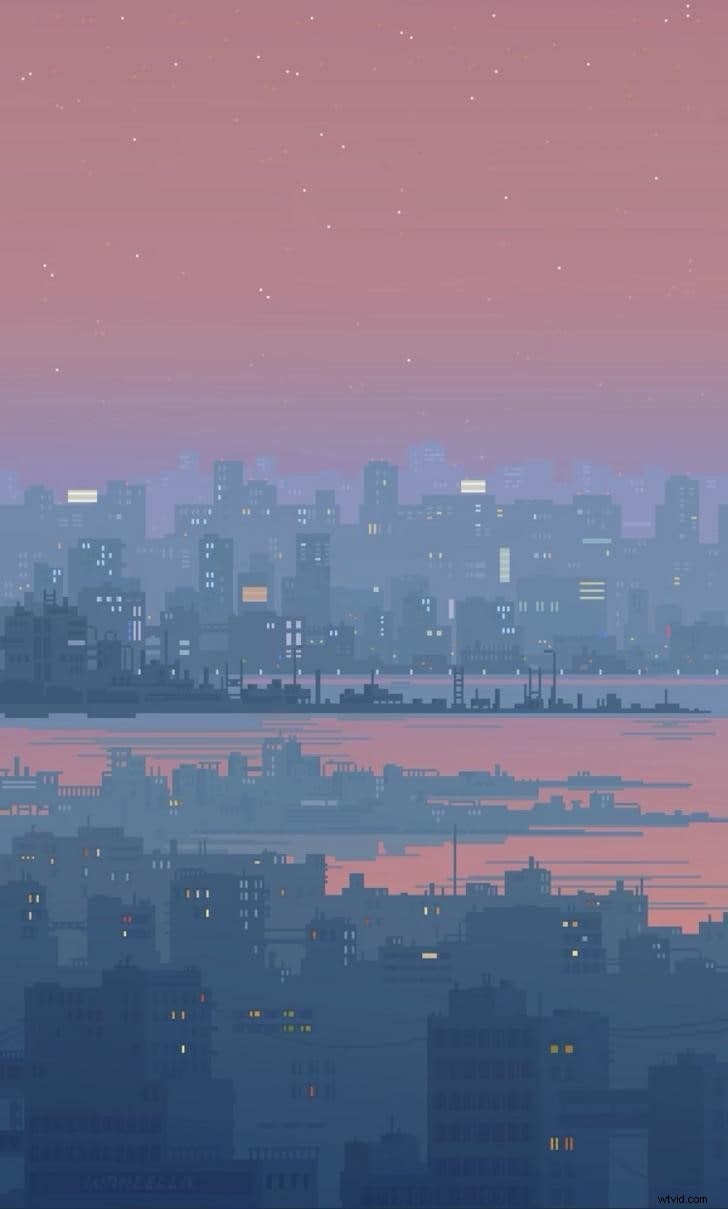
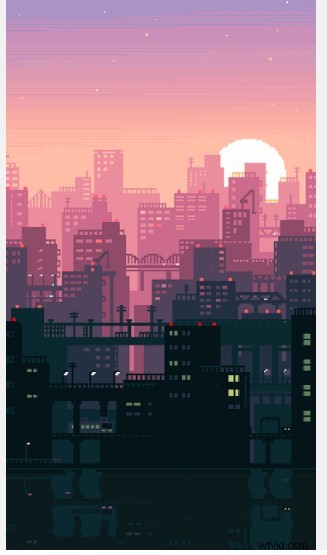
5. Sunset City
An animated mobile wallpaper showcasing a modern city skyline at sunset, with buildings linked by a bridge and sky hues of purple and orange.
6. Night City
A moody city street scene in a limited blue‑to‑orange palette, featuring a balcony and an enigmatic figure.

7. The Spaceship
A whimsical space adventure with a spaceship crew, a dog, and an alien friend. The scene balances action and humor with crisp pixel precision.

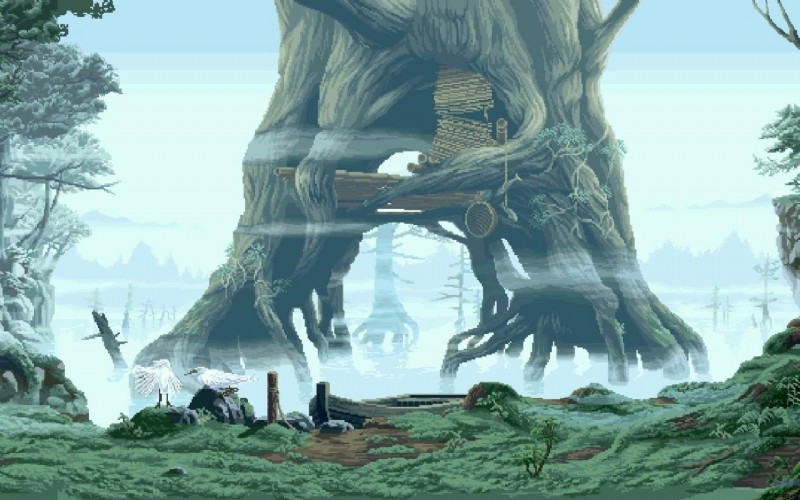
8. The Old Tree
A majestic tree by a river, featuring a broken ladder and a wooden floor, with birds perched on rocks. The image offers depth through perspective.
9. Broken Earth
An atmospheric piece of Earth drifting in space, with a fractured section drifting away against a black backdrop.

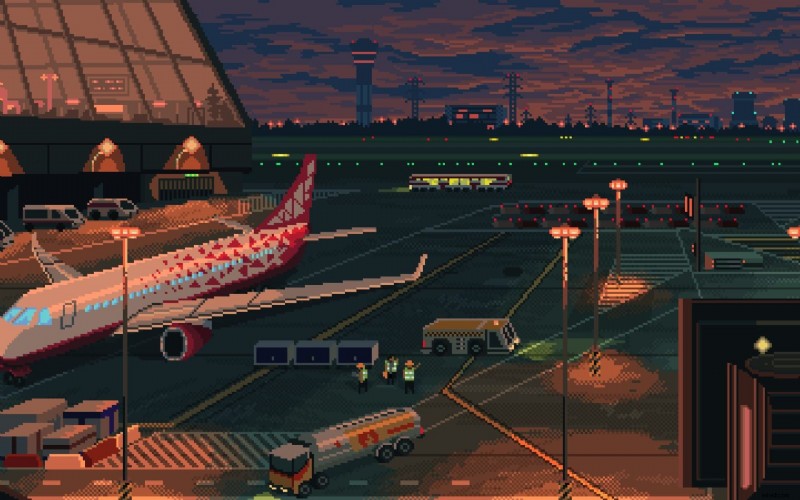
10. The Airport
A bustling airport terminal at sunset, complete with a landing plane, luggage carts, and warm orange lighting.
Part 3: Create Your Own Pixel Art Wallpaper
Crafting custom pixel art is straightforward with free, user‑friendly tools. One of the most popular is Aseprite, a pixel‑art editor praised for its precision and ease of use.
- Download and Launch Aseprite – Install the free version and open the program.
- Select the Pencil Tool – Press
Bor click the pencil icon to start drawing; use the left mouse button to paint and right‑click to erase. - Adjust Brush Size – From the top menu, set the desired pixel size for your brush strokes.
- Choose Brush Shape – Switch to the brush icon in the toolbar to explore different shapes.
- Pick a Palette – On the left side, select or create a color palette that matches your design vision.
- Export Your Artwork – Go to
File > Exportto save your image as PNG, GIF, or other formats.
Part 4: Turning Your Pixel Art into an Animated GIF with Filmora
Wondershare Filmora is a versatile video editor that supports 4K content and can be used to animate pixel art for GIF creation.
- Step 1 – Import: Drag your video or sequence of frames onto the timeline.
- Step 2 – Edit: Use Filmora’s tools—crop, rotate, speed, split—to refine the footage.
- Step 3 – Enhance: Add text, overlay elements, or pixel‑style effects to give the GIF a polished look.
- Step 4 – Export: Choose
File > Export, select GIF format, adjust settings, and export.
Filmora’s direct integration with social media platforms makes sharing your animated wallpaper effortless.
Conclusion
Pixel art has grown from a technological limitation into a respected artistic medium. Whether you’re a fan of ready‑made wallpapers or a creator eager to design your own, the tools and resources available today make it easy to explore and celebrate this unique visual style.