
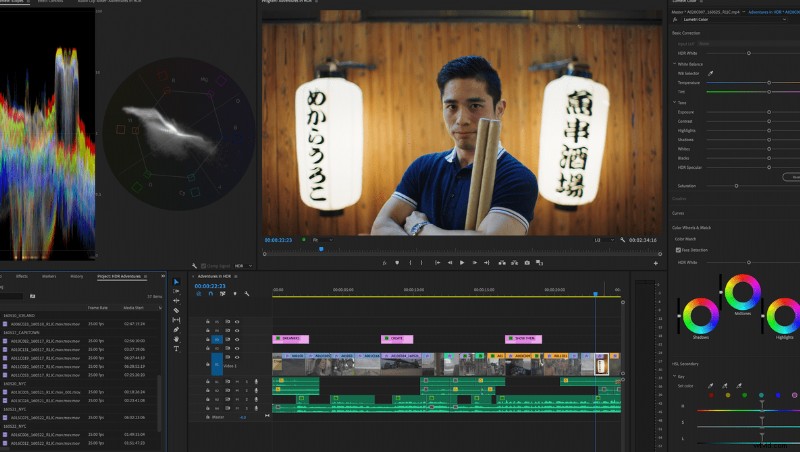
Adobe has updated Premiere Pro, After Effects, and Premiere Rush with a number of new features and improvements.
Premiere Pro’s headline feature is Auto Reframe, an AI powered tool to reformat existing footage for a range of aspect ratios. For example, you can take your 16:9 footage and have it automatically panned and cropped to a square or even vertical format. This effect can be applied to clips or whole sequences, and can be manually refined if necessary.
Premiere has also received a number of feature expansions and improvements to the range or versatility of existing tools. For example, time remapping now allows for a ramp of up to 20,000%, while audio gain can be increased by +15dB.
Along with the tool improvements, the program has received a number of speed improvements. Playback of formats like H264, HEVC, and Apple ProRes have all been improved. ProRes HDR can see improvements of up to 10x. Faster scrolling in the project panel can also accelerate your workflow.
After Effects has seen a number of performance improvements, including support for real-time playback of cached previews, faster shapes, and faster Content-Aware fill.
Premiere Rush, Adobe’s cross-platform video editor, has received a number of updates as part of Adobe’s partnership with TikTok. Interestingly, this is the first third-party app that supports direct publishing to TikTok, bringing a far more in-depth editing experience to the platform. TikTok’s unconventional 9:16 aspect ratio isn’t a problem for Premiere Rush, which supports changing and exporting to that ratio in one click.
With Premiere Rush supporting Facebook, YouTube, Instagram, and TikTok, the app has really become a major player in the mobile video editing space. All of Rush’s existing tools, including 100s of motion graphics, color filters, and transitions are easy to use.
Overall, the host of updates brings a number of good quality-of-life features to the platform. I’m personally excited to try out Auto Reframe, as past AI-powered tools have delivered extremely impressive results.