
You need a rotating shot, but you don’t have a multi-axis rig or a spinning set. No problem. Here’s how you can pull off the look on your own.
If you love to follow behind-the-scenes social media pages, then you’ve more than likely come across a video like this clip posted by Aputure.
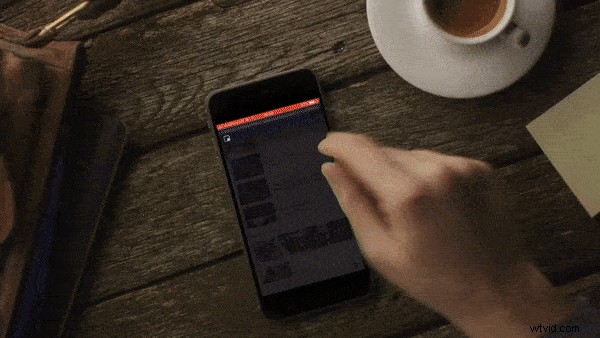
The camera tracks forward or backward, and the camera rotates on a motorized four-axis gimbal. Alternatively, some grips will build rigs that fully rotate, if the multi-axis gimbal isn’t an option. Recently, DP Rachel Morrison and director Ryan Coogler deployed this technique on the big screen in Marvel’s Black Panther, as Killmonger nears his newly acquired throne.
The technique offers a literal metaphor. As in the case of the Black Panther scene, everyone in that room has just had their world turned upside down. Of course, whether using a multi-axis rig, or conceiving a rig that can fully rotate, both of these setups would be extremely expensive. However, there is a low budget option that simply requires cheating with 4K footage.
Using the basis of my How To Make A Dolly Zoom Effect Without A Zoom Lens tutorial, which explores the benefits of using 4K footage in a 1080p timeline, have a look at how you can achieve 180° or 360° rotation, without rigging.
This is the shot I’ll be using as an example:
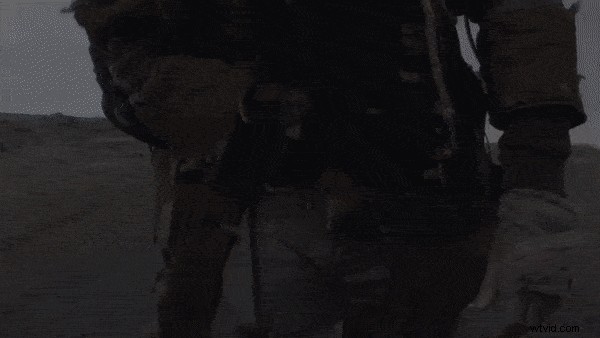
It’s a long tracking shot of a character walking toward the camera. By continually tracking backward at a faster pace, we leave him isolated. He’s injured, alone, and lost. I think that rotating the shot upside down would be a great visual metaphor. However, there’s an obvious problem — this shot has already been recorded, and it wasn’t rotated on location. Practically speaking, we could rotate the composition, but we’re left with the black matte of the background.
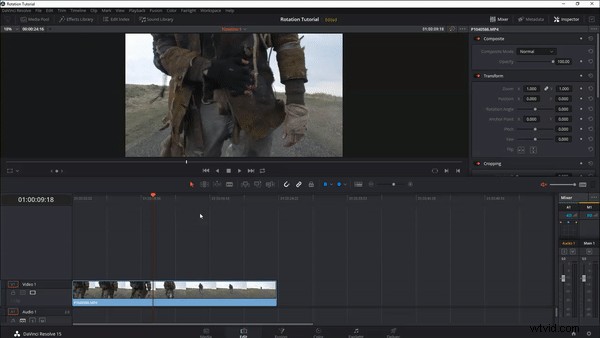
This is why, as with the dolly zoom tutorial, working in 4K is pivotal, as the effect relies on the extra resolution in a 1080p timeline.
As such, there are some constraints to getting the best look, from the following technique.
- You need to shoot in 4K and frame for a cropped shot.
- The shot needs to be stable.
- Your subject needs to be centered.
- And you need to be moving in zSpace.
You could, in theory, execute this method on a static shot, with the subject off-center. But it looks disconnected. Usually, this camera movement conveys a particular message. Executing the technique with a static shot doesn’t have the same payoff. Likewise, since we’re faking the effect, it looks more real with z-movement.
So, with those elements covered, let’s get to it. I am working in DaVinci Resolve 15, but you can do this on any platform that accommodtes animated rotation.
The How
First, we need to change the timeline from 4K to 1080p. If your software automatically scales the image to fit, then deactivate that setting, so you have a cropped image.
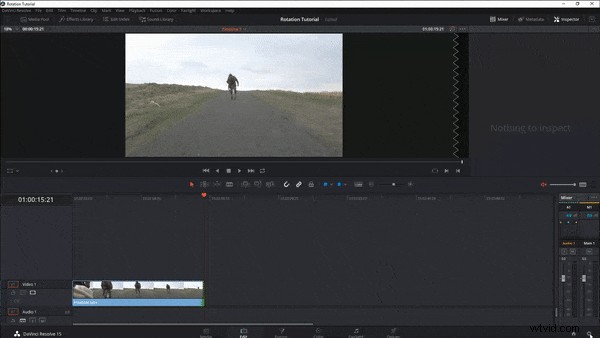
At this point, you can see why you need to frame for a cropped image, as you lose a bit of compositional space. It’s important to note that, while it appears as if we’ve zoomed in, we’ve only cropped the 4K media without sacrificing image clarity.
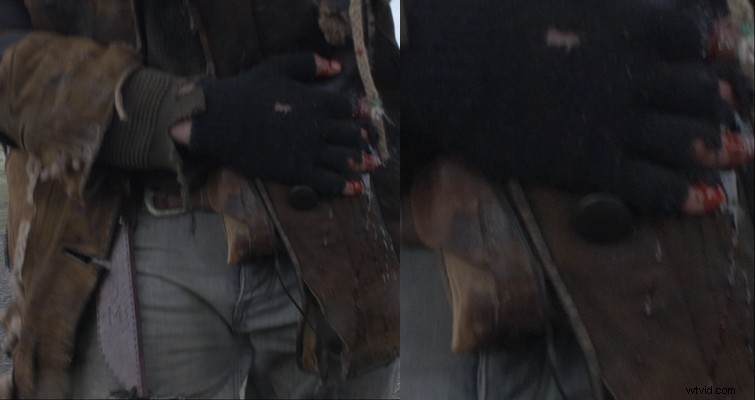
If your subject isn’t dead center, now would be the time to make it so. If the shot is a little shaky, you need to stabilize it. Smooth footages is essential to sell the effect. In Resolve, I’m going to go to the color page and stabilize the footage. Resolve’s stabilization process is pretty solid — I usually won’t need to adjust the parameters.
With our footage cropped, centered, and stabilized, we now need to rotate the clip. How you rotate your clip (i.e. how fast and how many rotations) is entirely up to you. However, for my clip, I want one long rotation, from 0° to 180°. In your software, simply open the rotation panel, set a key frame at the start of your clip, move to the end point, and rotate the clip 180°.
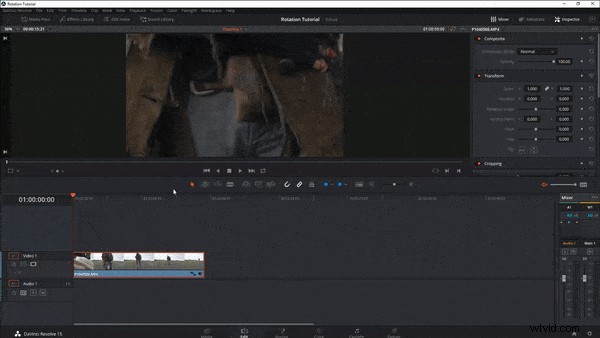
In typical, low-budget fashion, we have a slight problem. Although we’re using 4K media, there’s still an area in the clip where that the cropped resolution can’t cover entirely.
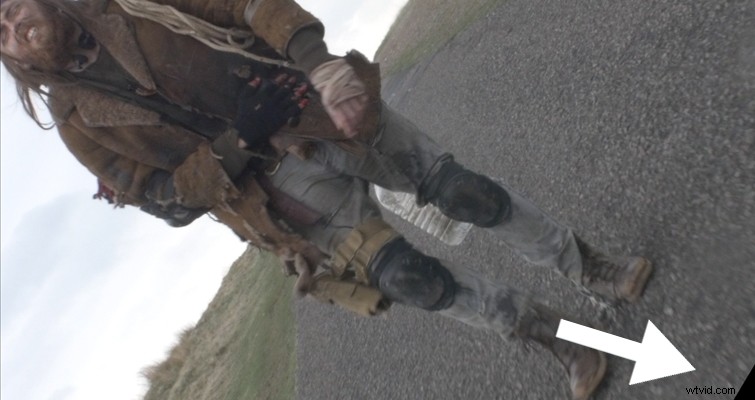
There are two ways we can fix this. Either apply a letterbox to hide the blanking, or just barely increase the scale. And remember, if you crop the clip, instead of scaling it, zooming in just a touch won’t hurt the quality of your footage. And hey, we’re cheating! There are going to be setbacks!
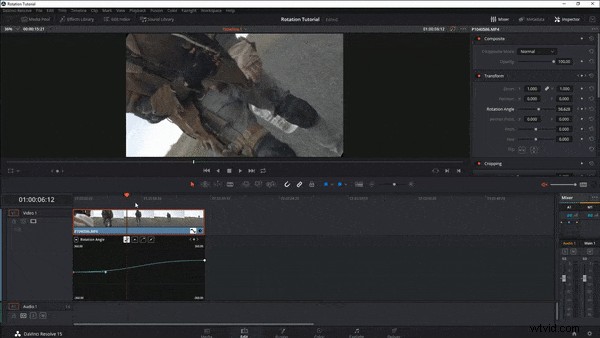
Here is your end result:
Also, in order to heighten the rotation, I would add a sound effect.
Interested in more articles on Resolve? Check these out.
- DaVinci Resolve 15 Video Crash Course — Basic Settings
- Using the Track Select Forward Tool in DaVinci Resolve 15
- Quick Tip: How To Create Stills and Pauses In Resolve 15
- Color Grading: Working with the Hue vs. Curves in DaVinci Resolve
- How to Use the Shared Node Feature in DaVinci Resolve