
As it’s the high-resolution model in Nikon’s full-frame mirrorless camera line-up, the Z 7 isn’t directly aimed at sports photographers. However, that doesn’t mean that you can use it to shoot fast-moving subjects. In this post, I’ll take you through the settings that I’ve found work best for sport and action.
Exposure Control
As with most other cameras, manual exposure or shutter priority are the best exposure modes for sport. They give you control over shutter speed and how motion will be captured. If the light keeps changing, it can be helpful to set the camera to adjust the sensitivity automatically.
The easiest way to set the sensitivity to automatic is as follows:
- Press the i button
- Tap the ISO option
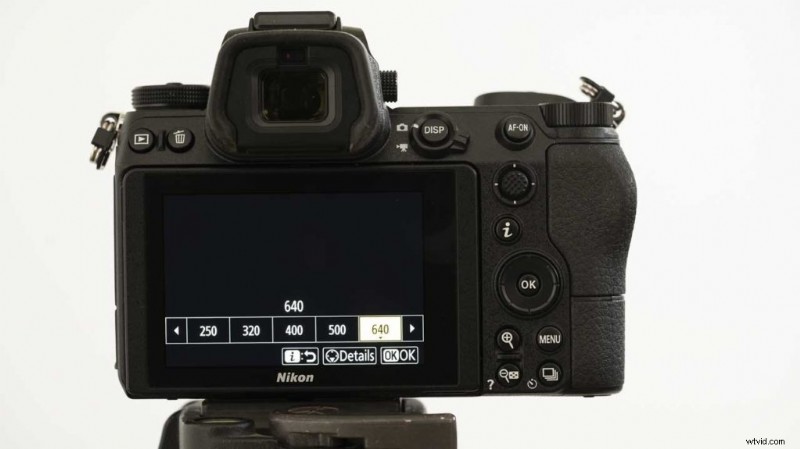
- Press the down navigation button.
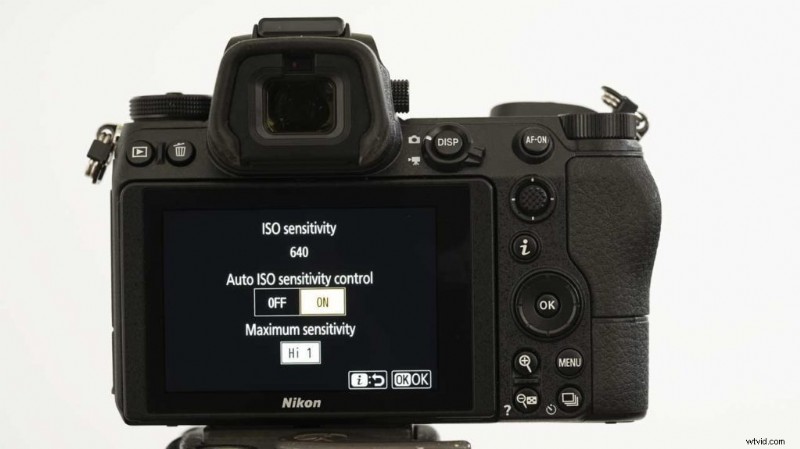
- Make sure the Auto ISO sensitivity control is set to On. Then check that the maximum sensitivity is at the highest value you’re prepared to use. I’d recommend keeping to ISO 3200 or lower if you can.
- Nikon Z 7 Review
- How do you Customise the Nikon Z 7?
Autofocus
Continuous AF (AF-C) is the way to got for sport. In the default settings, you can switch the Z 7 to AF-C by pressing the Fn 2 button on the front of the camera and rotating the main command dial. Alternatively, you can find the control listed in ‘i’ menu.
Now you need to specify how the AF points will be selected. It’s worth trying the Dynamic Area AF mode and the Tracking in Auto-area AF mode, but it it’s often better to set the AF point yourself.
Single-point AF mode allows you to target the subject very precisely but it means that you need to be very careful about how you frame your images. I found that using Wide-area AF (S) works best. This gives you a conveniently-sized AF area that’s easy to hold over your subject yet isn’t so wide that it easily gets distracted.
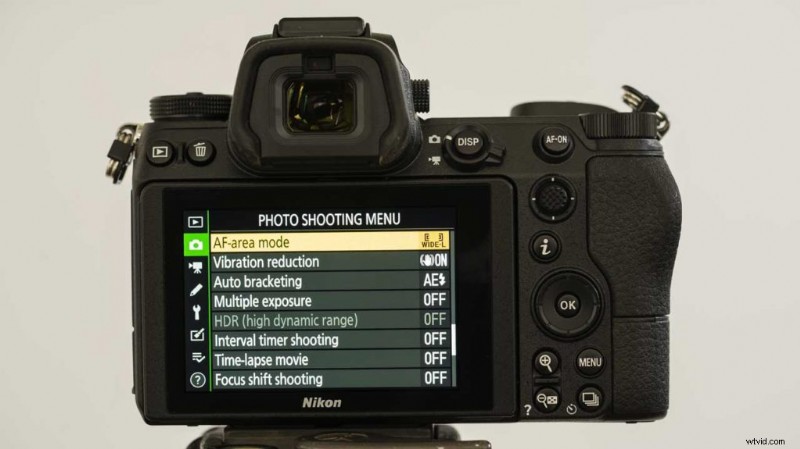
You can select the AF Area mode via the main menu or the ‘i’ menu that appears when you press the ‘i’ button.
- Nikon Z7 vs Sony A7R III: Nikon wants the crown back
Customise the Autofocus System
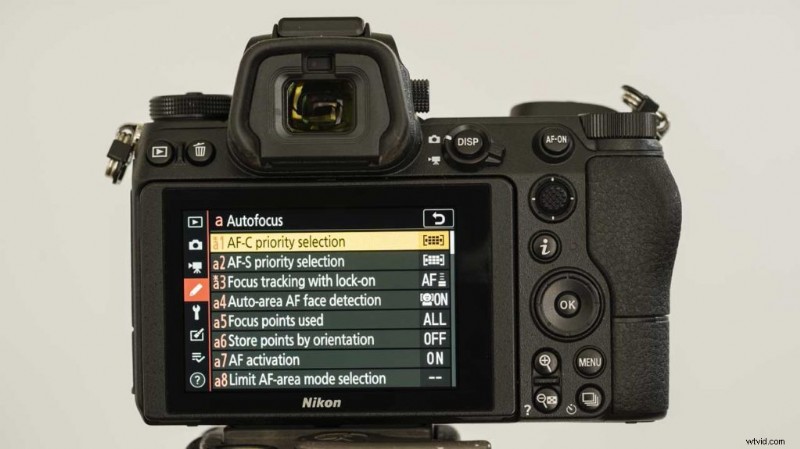
There are a few ways to customise how the Nikon Z 7’s AF system responds. These are located in the Autofocus section of the Custom Settings menu.
Custom Setting a1, for example, enables you to specify the camera’s priority, release or focus. I like to set this to Focus as it sets the camera to only take shots once focus has been achieved.
Further down the same menu, setting a3 gives control over how quickly the camera responds to a change in the subject distance. Your instinct may be to set this to the fastest value, but it needs some thought. Consider whether objects like other players, or posts are likely to get between you and the subject for example. If so, a slower response may be more appropriate.
- Shooting landscapes with the Huawei P20 Pro
Drive Mode
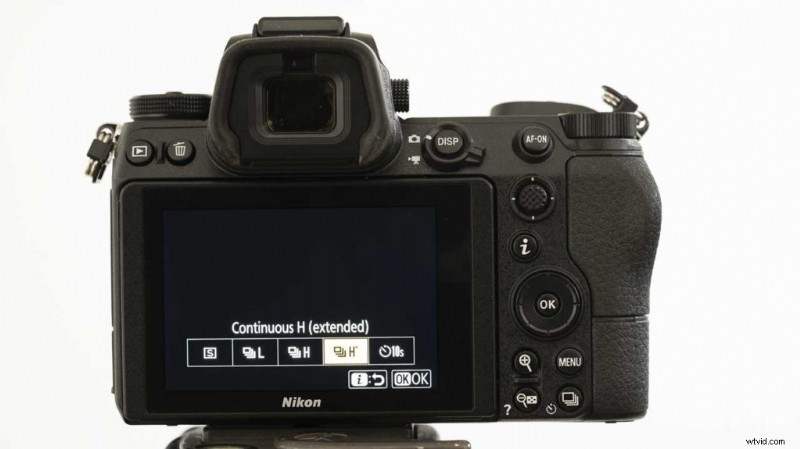
The Nikon Z 7 has three continuous shooting modes, Low, High and High (Extended) (or H+). In High (Extended) the maximum rate is listed as 9fps(frames per second). However, you have to choose whether to shoot raw or Jpegs files to get this rate. You can’t shoot both simultaneously.
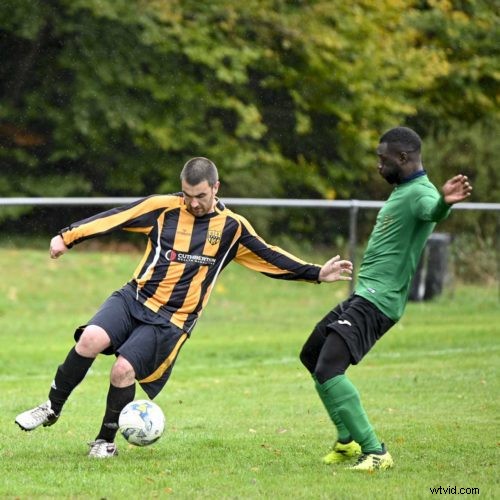
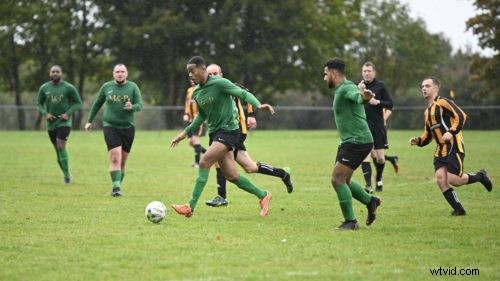
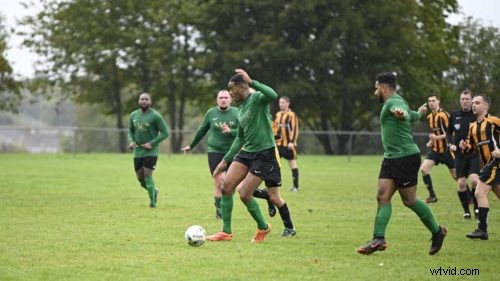
The shooting time is also limited. With sports where you want to capture quite long periods of action, like a footballer running up the wing, it’s better to shoot in the standard high mode. This set the camera to shoot at 5.5fps for longer bursts of more images.
If you’re shooting tennis or golf, consider using the Silent shooting option. However, the shooting rate drops to 6.5fps when shooting raw and Jpeg files in Continous High (Extended) mode and 3.5fps in High mode. Shooting just Jpegs files gives rates of 8fps and 4fps respectively.
The Silent shooting control is located in the Shooting menu of the main menu.
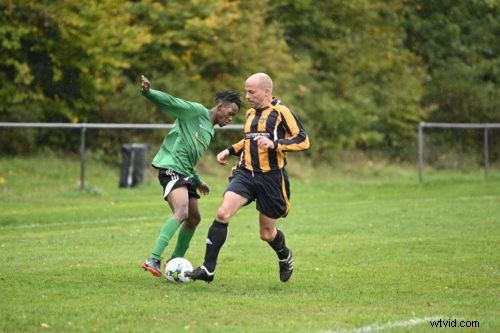
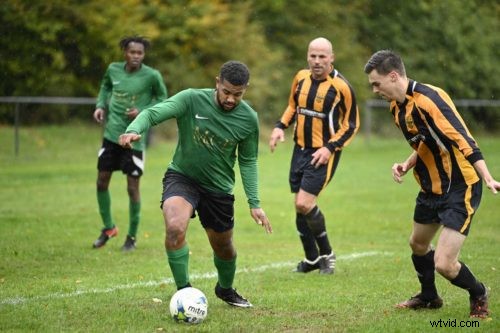
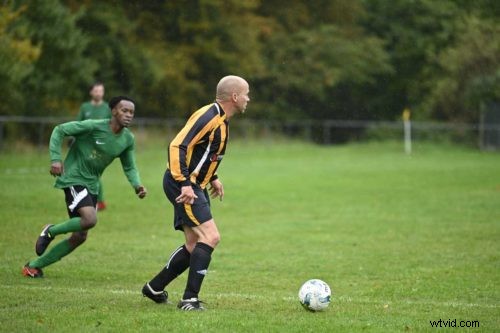
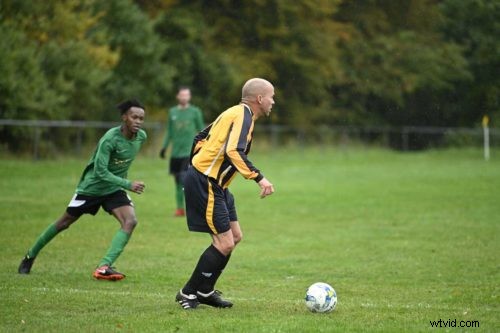
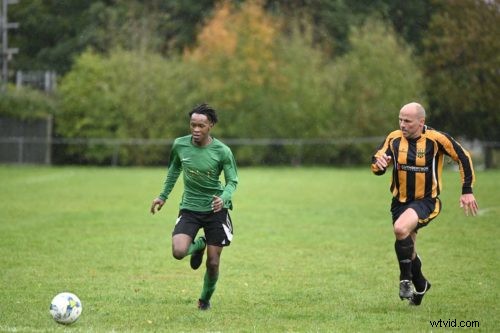
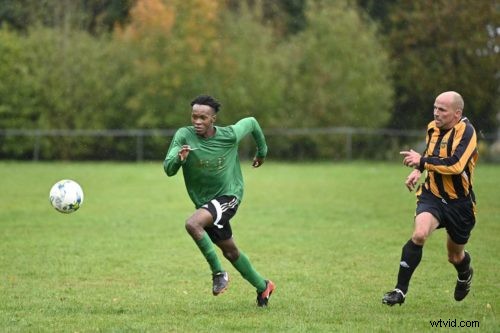
How to shoot sport with the Nikon Z 7: Summary
- Use manual or shutter priority mode
- Use the Auto ISO option
- Shoot in AF-C mode
- If in doubt use Wide-area AF (S) mode
- Shoot in Continuous High mode
- Check the Autofocus customisation options and adjust to suit the sport and shooting situation