REC

Recommended: Video Production, Editing & Gear Maintenance Guide

 WTVID >> WTVID >  >> Filming equipment >> drone

Expert Guide: How to Troubleshoot and Fix DJI Gimbal Errors

Expert Guide: How to Troubleshoot and Fix DJI Gimbal Errors

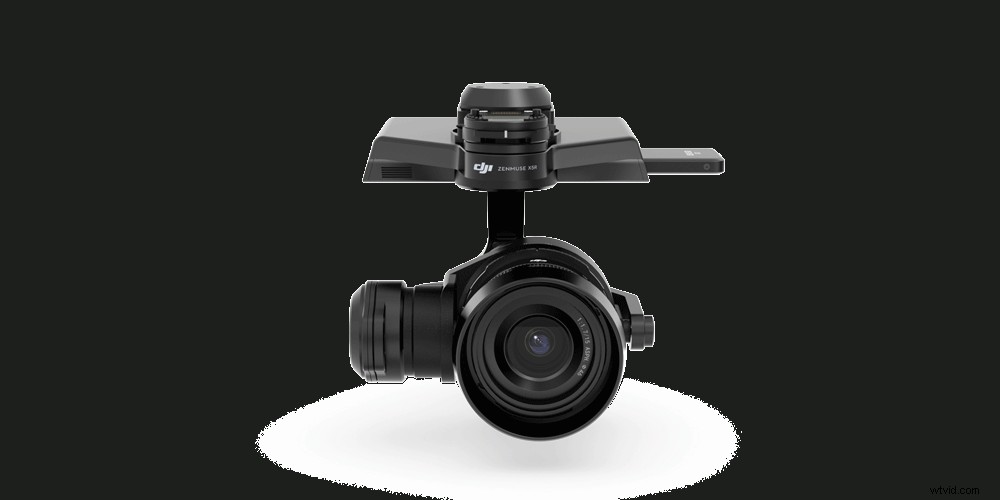
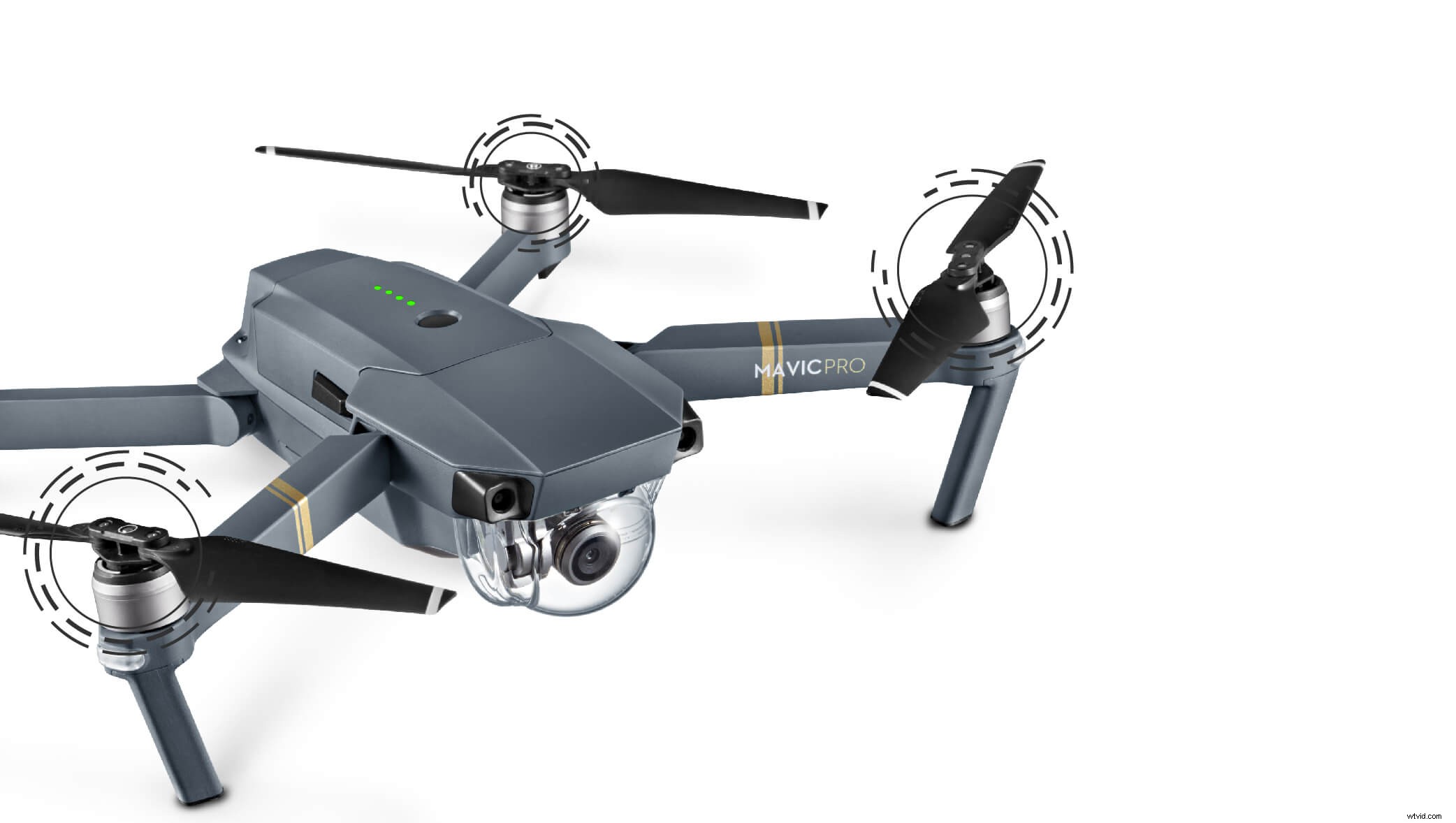
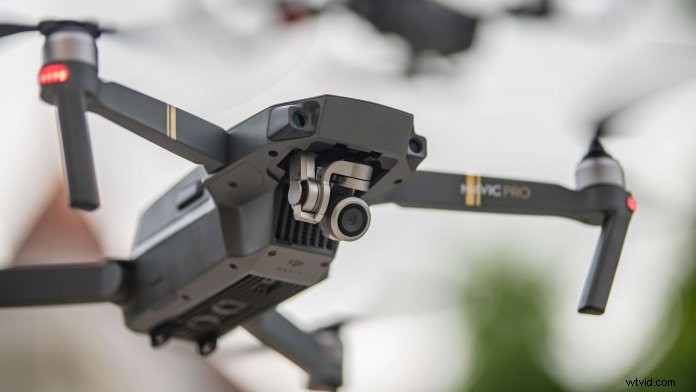
When a gimbal error warning message pops up in the DJI GO or GO 4 app, it can really get your pulse going. Tilted horizon, gimbal motor overload, and abnormal gimbal vibrations are some errors you might experience. For some pilots, especially newbies, the first reaction is usually to fix the gimbal by twisting it manually, DO NOT do this as it doesn’t work and can damage your gimbal.

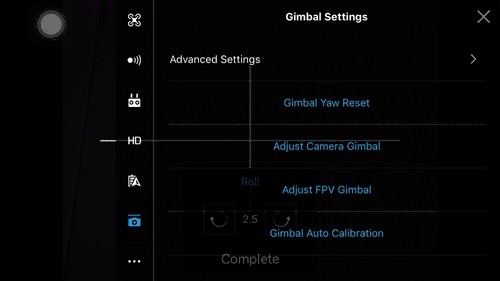
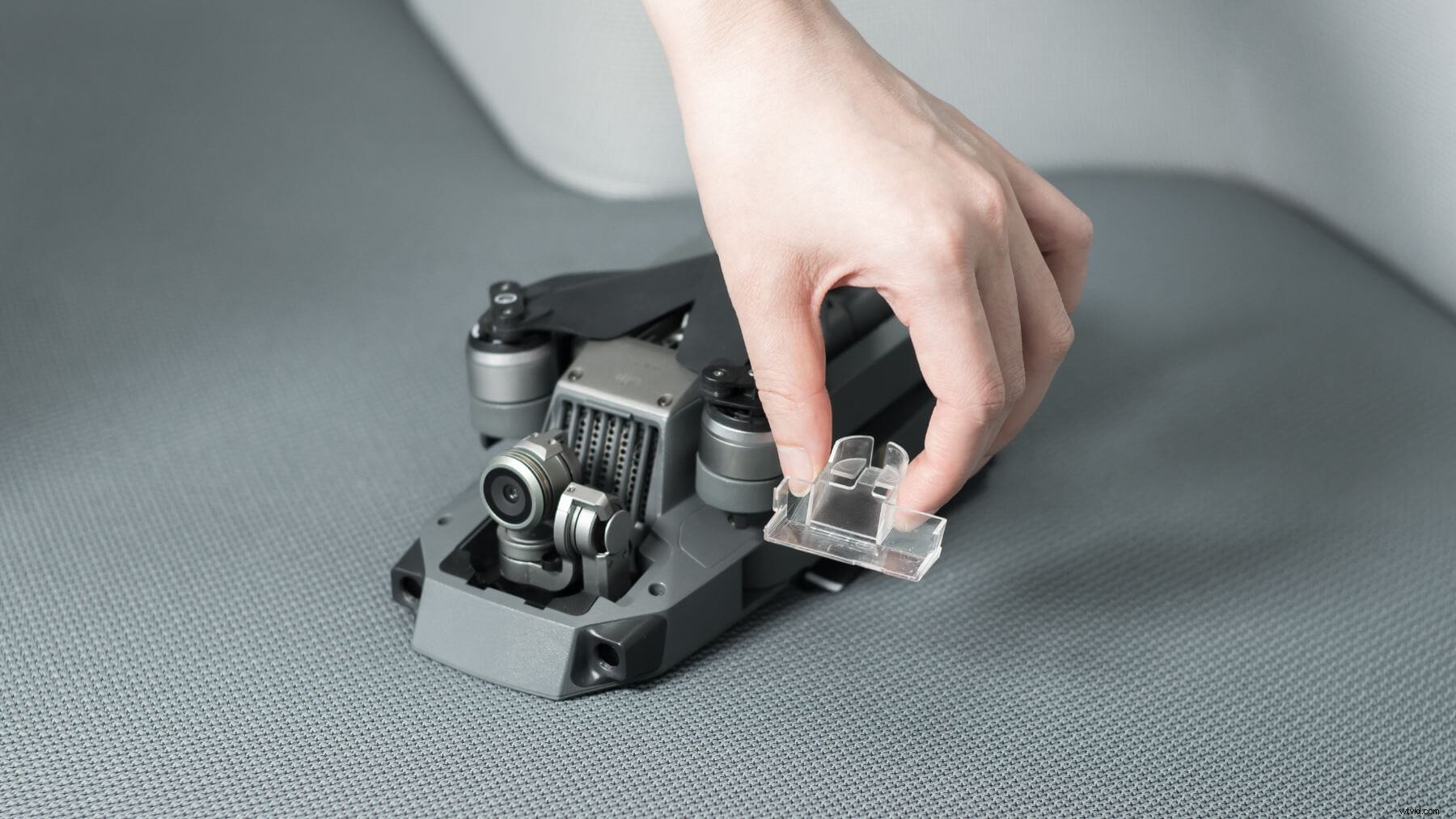
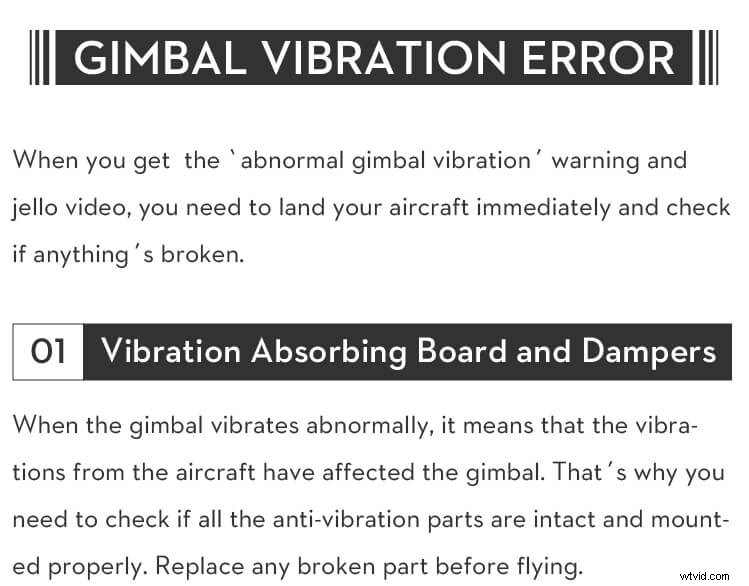
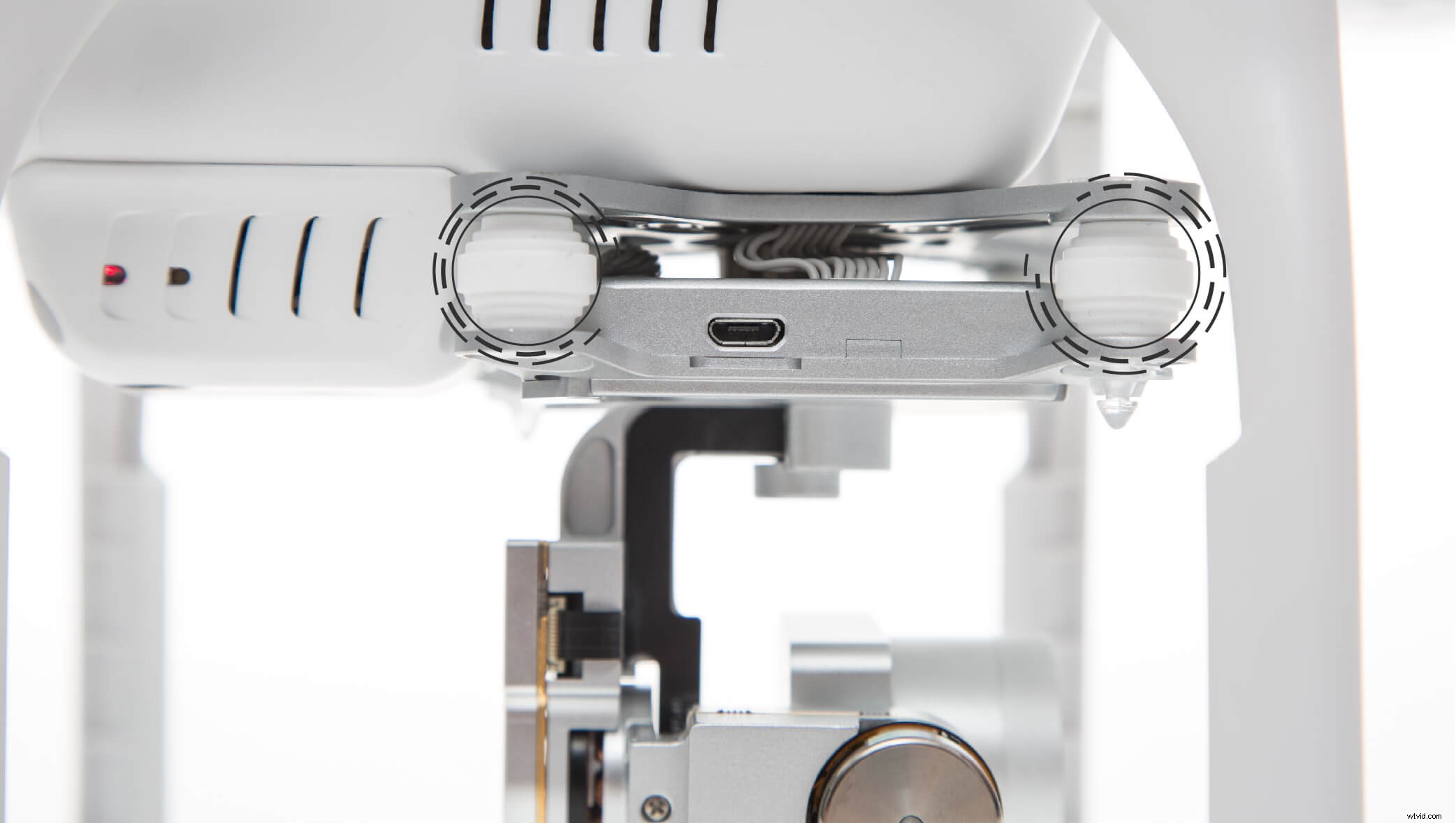
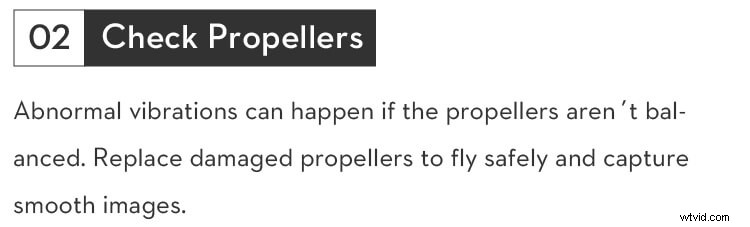
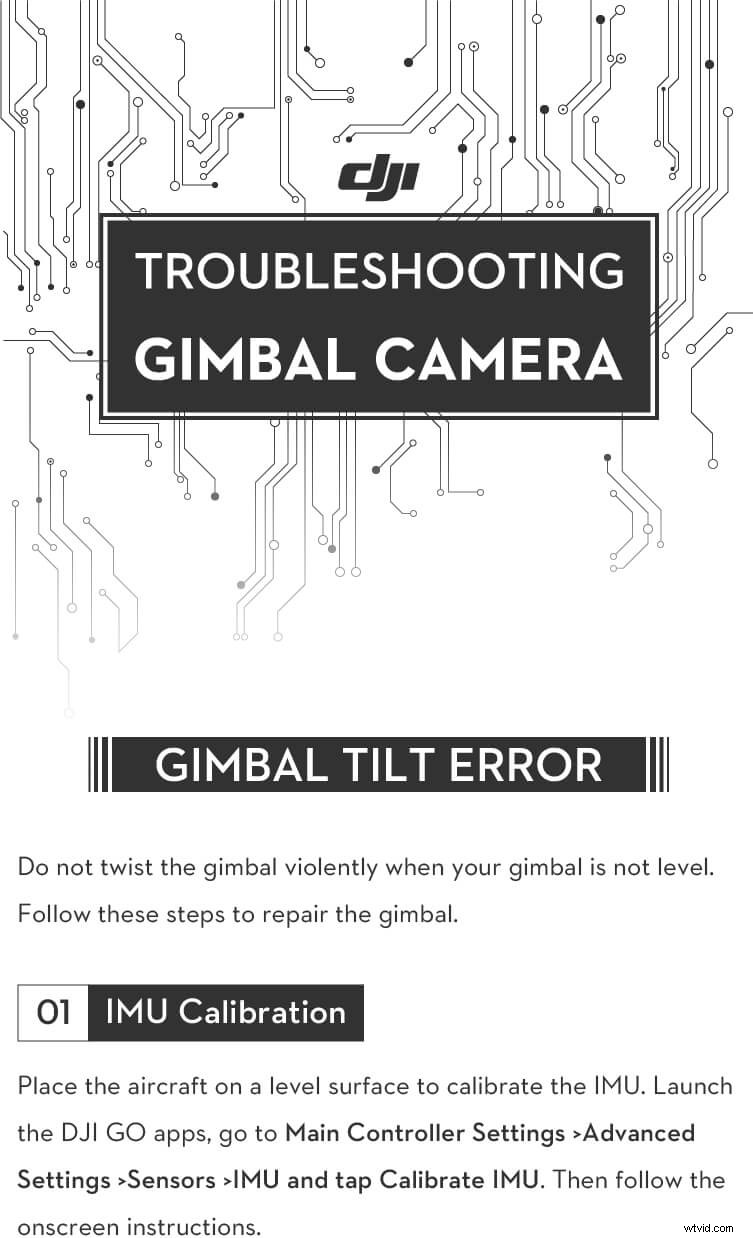
So what’s the right thing to do? It’s very likely that you are just a few taps away from resolving your gimbal issue in the DJI GO apps. For instance, by performing an IMU and gimbal calibration in the DJI GO apps you can fix a tilted horizon. By inspecting your take-off site, you can check if the gimbal motor overload is caused by obstructions stopping the gimbal from rotating. If the gimbal vibrates abnormally, you definitely need to check if any anti-vibration parts such as the vibration absorbing board, dampers, and rubber balls are malfunctioning.

Furthermore, gimbal errors can be caused by environmental factors. For example, flying in heavy fog or clouds may make the gimbal wet, leading to temporary failure. The good news is that you don’t need to worry as the gimbal will recover full functionality once it dries.

To help you, even more, we have provided more detailed gimbal troubleshooting steps below.
Expert Guide: How to Troubleshoot and Fix DJI Gimbal Errors

Expert Guide: How to Troubleshoot and Fix DJI Gimbal Errors

Expert Guide: How to Troubleshoot and Fix DJI Gimbal Errors

Expert Guide: How to Troubleshoot and Fix DJI Gimbal Errors

Expert Guide: How to Troubleshoot and Fix DJI Gimbal Errors

Expert Guide: How to Troubleshoot and Fix DJI Gimbal ErrorsExpert Guide: How to Troubleshoot and Fix DJI Gimbal ErrorsExpert Guide: How to Troubleshoot and Fix DJI Gimbal Errors

Expert Guide: How to Troubleshoot and Fix DJI Gimbal Errors

Expert Guide: How to Troubleshoot and Fix DJI Gimbal ErrorsExpert Guide: How to Troubleshoot and Fix DJI Gimbal ErrorsExpert Guide: How to Troubleshoot and Fix DJI Gimbal ErrorsExpert Guide: How to Troubleshoot and Fix DJI Gimbal Errors Expert Guide: How to Troubleshoot and Fix DJI Gimbal ErrorsExpert Guide: How to Troubleshoot and Fix DJI Gimbal ErrorsExpert Guide: How to Troubleshoot and Fix DJI Gimbal Errors Expert Guide: How to Troubleshoot and Fix DJI Gimbal Errors

Are you still having gimbal problems after trying out these steps? Then contact DJI Support and we will gladly help you fix your gimbal errors.

You might also like:

Drone Maintenance Checklist

10 Drone Safety Tips for a Safe Flight

You Can Fly, Too! Drone-Flying Tips for Newbies

10 Common Mistakes Mavic Pro Pilots Make

Top 5 Ways to Prevent Flyaways – Must-Have Knowledge for Drone Pilots

For more from DJI Support, find us on:

DJI Facebook Support

DJI Twitter Support


  1. How to Enable and Use Histograms in DJI GO 4 for Perfect Exposure

  2. DJI Mini 2 Review: Ultimate Lightweight Drone Under 250g – No FAA Registration Needed

  3. Is DJI Owned by Apple? Uncovering the Truth Behind Drone Industry Rumors

  4. Expert Hands-On Review: DJI Ronin-S Gimbal – The Ultimate Versatile Stabilizer

  5. Do You Really Need a Gimbal? Sony IBIS vs. DJI RS2 – Full Stabilization Comparison

drone
  1. 8 Essential Tips for Safe and Fun Summer Drone Flying

  2. 10 Expert DJI GO 4 App Tips to Maximize Drone Battery Life

  3. DJI Mavic 2 Pro Review: Exceptional Performance & Hasselblad Camera Excellence

  4. Master DJI Assistant 2: Complete Step-by-Step Guide to Drone Management & Calibration

  5. DJI Mini 2 Error Codes Explained: Meanings and Step-by-Step Fixes

  6. DJI Mini 2 Maximum Range Explained: Up to 10km Flight Distance Guide

  7. What Is a Gimbal? Beginner's Guide to Professional Video Stabilization

  8. What Is a Gimbal Stabilizer? Essential Guide for Shake-Free Footage