
This gimbal is one of the most intuitive stabilizers on the market, and it could definitely benefit your production. Read on for our full review.
Our friends at DJI occasionally send us some amazing toys to try out, like the Hasselblad X-1D or the Inspire 2, but we’ve been looking forward to this one for a long time. The Ronin-S comes from a long line of quality DJI stabilizers popular among industry professionals. DJI’s gimbals have, for the most part, been large-format, double-handled bar-gimbals, like the original Ronin, but the Ronin-S is a one-handed pole gimbal for mirrorless cameras and DSLRs. Here’s what we learned shooting with it for the past few weeks.
The First Look
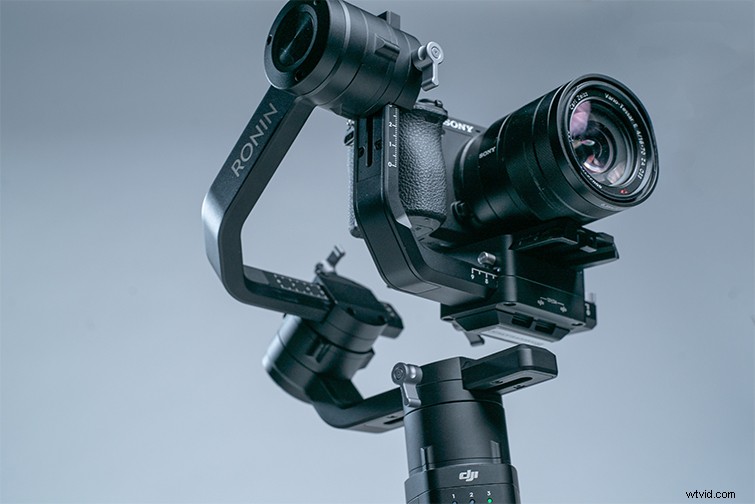
Right out of the box, you notice the Ronin-S’s amazing build quality. It feels solid and well designed, and it has ergonomic grips on the handle for easy one-handed use. Its sleek metal design is gorgeous.
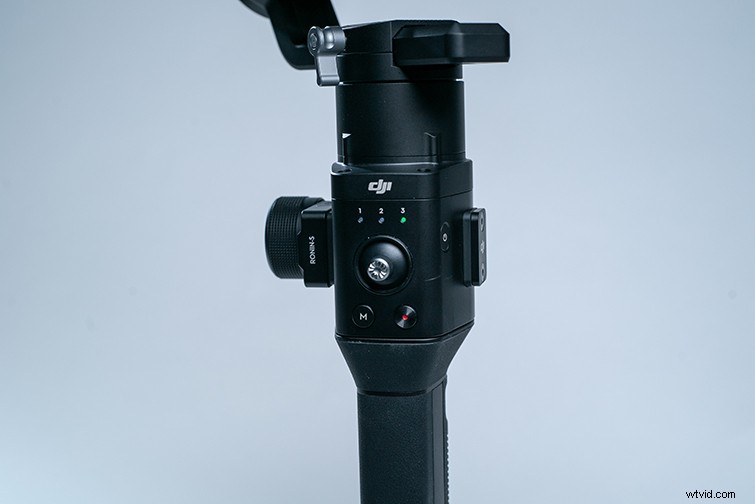
The button layout is simple and straightforward, and the joystick is extremely responsive — it’s easy to manipulate, even with just one hand. It is a bit on the heavy side, but the extra length on the bottom of the detachable battery leaves ample room for double-handed handling.
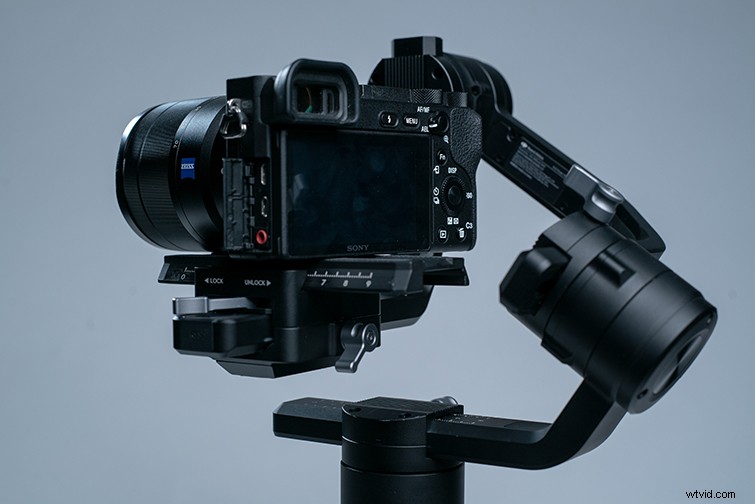
One of my favorite aspects of this gimbal is that the head is at an angle to the base to prevent blockage of the camera’s LCD screen (which has been a problem with our Zhiyun Crane).
The Specs
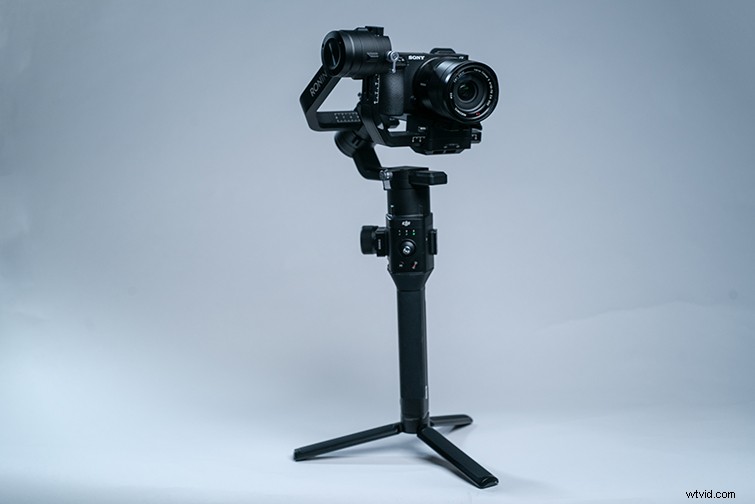
- Payload capacity tested to 8 lbs.
- Manfrotto Quick Release Plate.
- 12 Hours of battery life with a 2 1/2-hour quick charge time.
- Net weight of 4.1 lbs.
- Compatibility with most mirrorless cameras and DSLRs.
- 360-degree rotation capability.
- Sport Mode for quick tracking.
- Joystick for precision panning and tilting.
- Finger trigger for quick changes to settings.
- Ronin App functionality via Bluetooth.
Price: $699
Let’s break down some of these features.
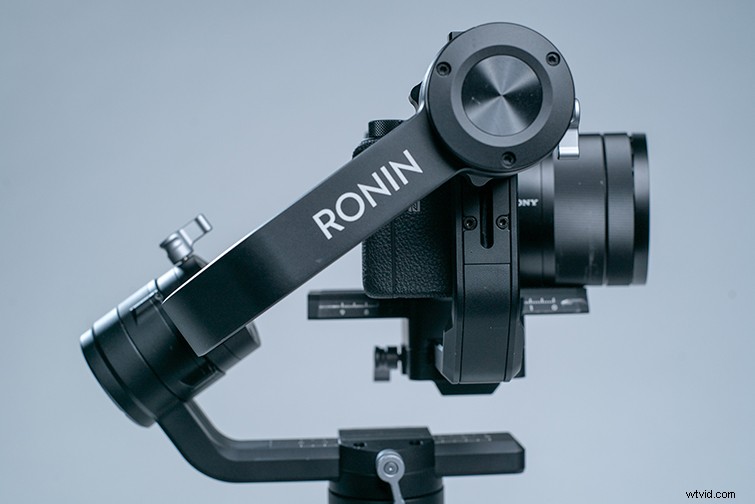
The finger trigger is probably my favorite feature on the Ronin-S. Instead of switching to different modes to keep your camera at your desired angle, holding the trigger will lock your camera in a fixed position, and you can move the gimbal around however you like. Once you release the trigger, the camera will reset to the gimbal’s gyroscopic center. It’s an incredibly simple and useful addition that gives you a lot more maneuverability when tracking a subject.
The sport mode is a setting on the gimbal that makes the Ronin pan and tilt at wildly impressive speeds, so you can track a fast-moving subject or do a quick whip pan.
The Bluetooth-compatible DJI app is also a great tool. It lets you access the gimbal remotely, and it allows you to program specific movements or make slower timelapse-friendly movements.
The 12-hour battery life is a bit shorter than the Zhiyun Crane 2, but its quick charge capability, via a USB-C port on the battery grip, lets you charge the Ronin-S with a simple cable — instead of taking the gimbal apart to charge the batteries.
So, Why Do You Need This?
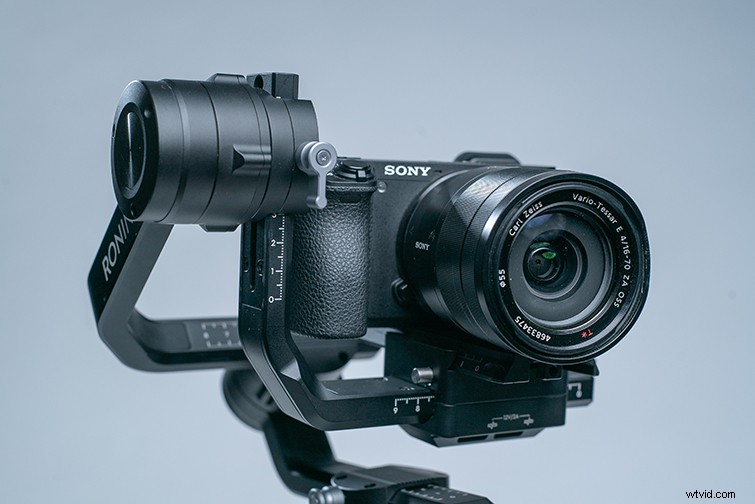
Of course, there are a ton of stabilization options out there. What makes the Ronin-S so special? Well, to me, the price tag is unreal for the features. Any other stabilizer with the same features will cost hundreds of dollars more. The only gimbal that rivals this price is the Zhiyun Crane, but it’s only $100 cheaper with fewer features. Don’t get me wrong — the Crane 2 is an incredible gimbal, but after handling the Ronin-S (after using the Zhiyun for the past year), the difference between the two is pretty clear. So if you can spend an extra $100 for $500 worth of extra features, then I suggest going with the Ronin-S.
You can also handle this gimbal upside-down, which lets you get some awesome shots close to the ground. This might not be a feature you use all the time, but, hey, it can come in handy one day if your video calls for a moving macro shot of a field of daffodils.
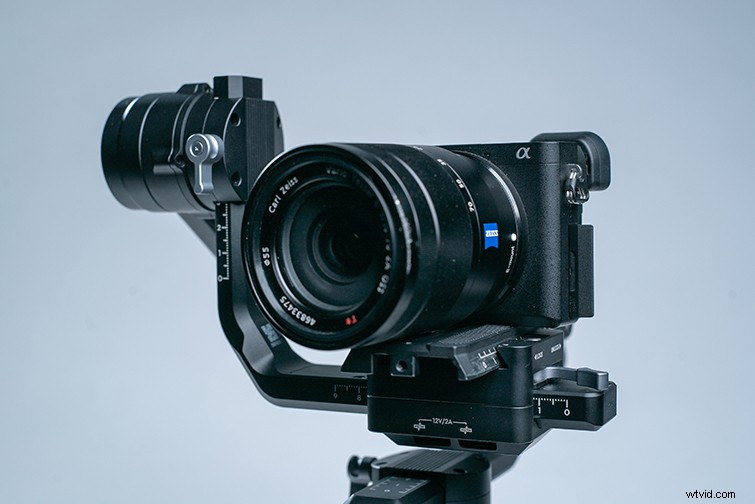
I’ve also noticed that the stabilization algorithm that DJI uses is far superior to other gimbals on the market. With other gimbals, if you take a hard step, you’ll get some shake in your footage. The Ronin-S’s powerful motor limits the shake caused by running or jumping. This means you can do some crazy camera maneuvers with the camera in your hands, a la parkour. Think of the crazy shots you can get).
All in all, if you’re looking for a long-lasting gimbal that’s going to work with any of your small to mid-sized cameras, the Ronin-S is the one. From indie filmmakers to professional cinematographers — anyone can get the job done with the Ronin-S.
You can find out more at DJI.com.