
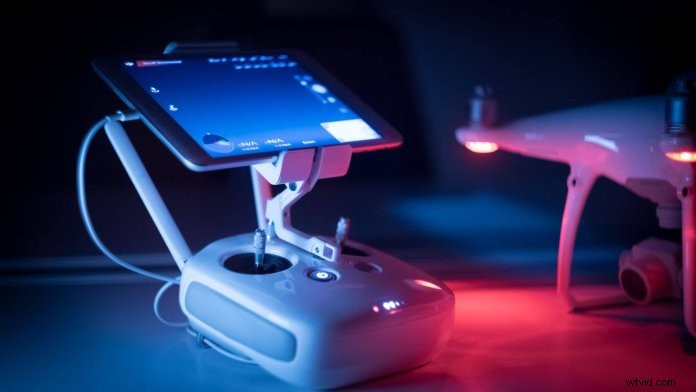
Have you ever experienced disconnection issues with your drone? Sometimes, you are ready to fly but the DJI GO and GO 4 apps state that your drone is “Disconnected”. Why would this happen? DJI GO connection issues can be caused by faulty USB cables, the remote controller’s signal connection, device compatibility and a few other reasons.
So let’s start with some quick fixes:
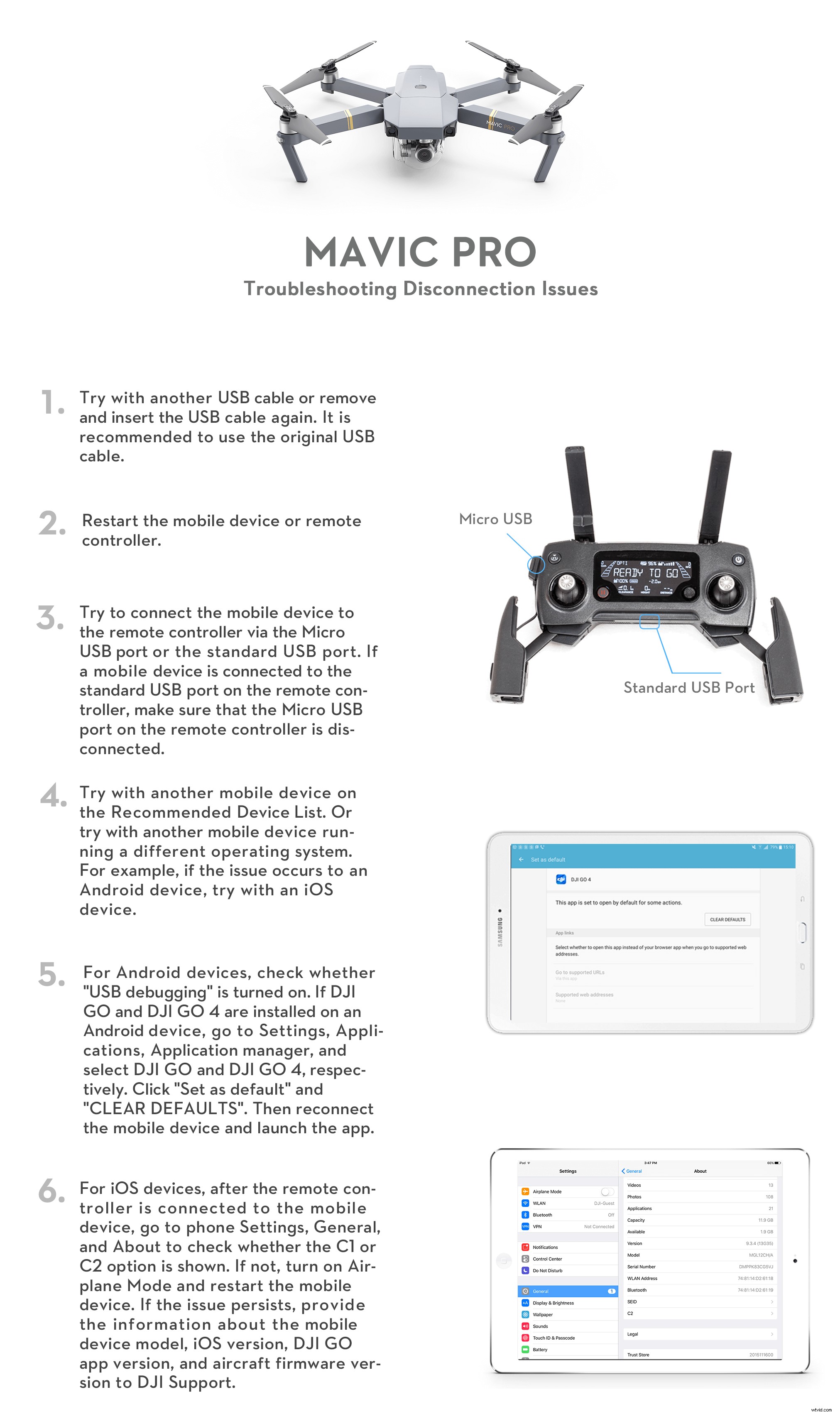
- Try with another USB cable. A malfunctioning USB cable may still look fine on the outside. Disconnect and reconnect your USB cable first. If it still doesn’t work, then test with an alternative USB cable. It’s highly recommended to use the original USB cable from DJI or the cable that came with your mobile device.
- Restart your mobile device and the remote controller.
- Try with another smartphone/tablet. Are you using a DJI recommended mobile device? There are various iOS and Android devices available on the market, but not all of them are compatible with the DJI GO apps. Make sure the one you are using is compatible by checking the download section on your drone’s product page.
- Update the firmware and the DJI GO apps. Do you have the latest version of DJI GO & GO 4? Have you updated the firmware? Make sure that you keep your firmware and DJI GO apps up-to-date. Don’t ignore the update notifications in the DJI GO apps.
Did none of these quick fixes help? Then we have prepared the following troubleshooting steps to help you fix your connection issues with the Mavic Pro Series, Phantom Series, and Inspire Series.
Quick Links:
Troubleshooting Mavic Pro Series’ Disconnection Issues
Troubleshooting Phantom Series’ Disconnection Issues
Troubleshooting Inspire Series’ Disconnection Issues


Keep Reading