
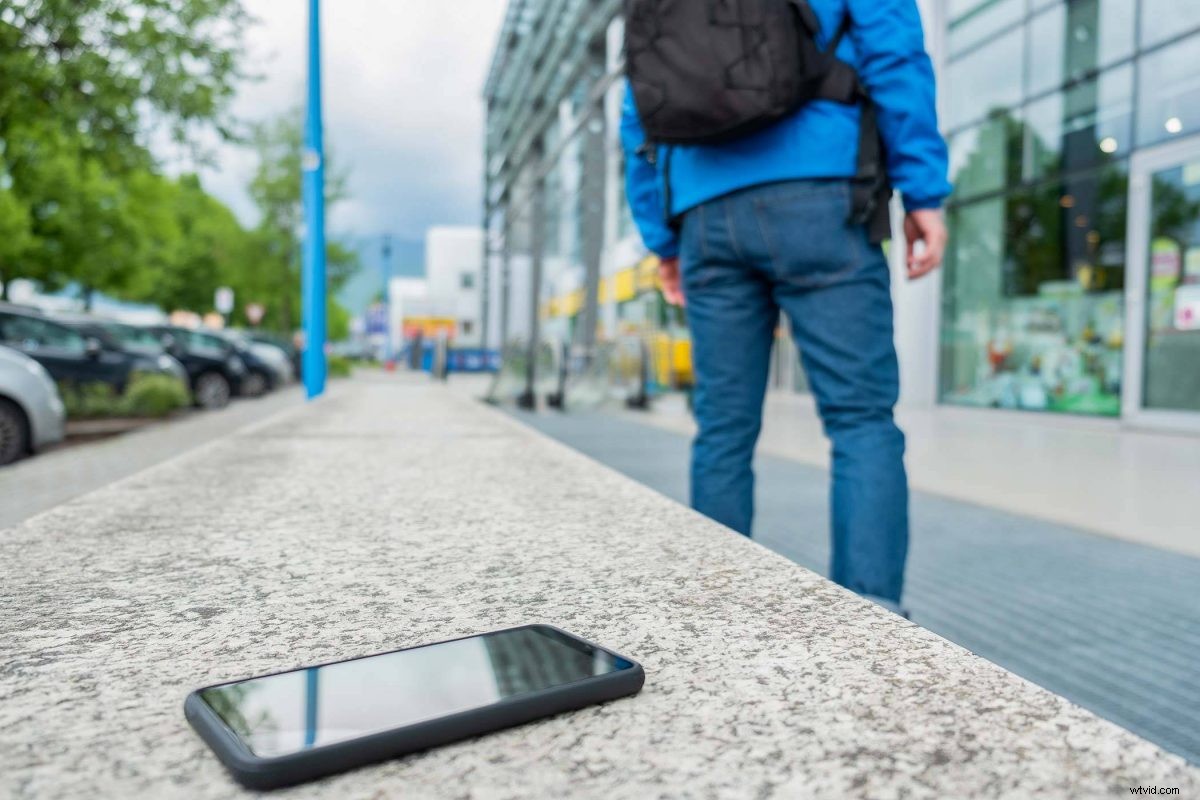
That sinking feeling when you realize your phone isn’t where you thought it was is the worst. Losing your smartphone can happen to anyone, but you can avoid a complete disaster of a lost phone if you’re prepared.
The first thing to do when you realize your phone is actually missing is not to panic!
Android Users: Use “Find My Device”
If you have an android phone, the easiest way to find your phone is by using the Find My Device feature that has been built into your phone thanks to Google Play. Most phones and devices running Android 2.3 or newer have this feature.
You can use it in the app or through a browser window. When you open the app or search in a browser, you’ll see all of your devices listed at the top. Just click on your device and you can see where it was last “seen”.
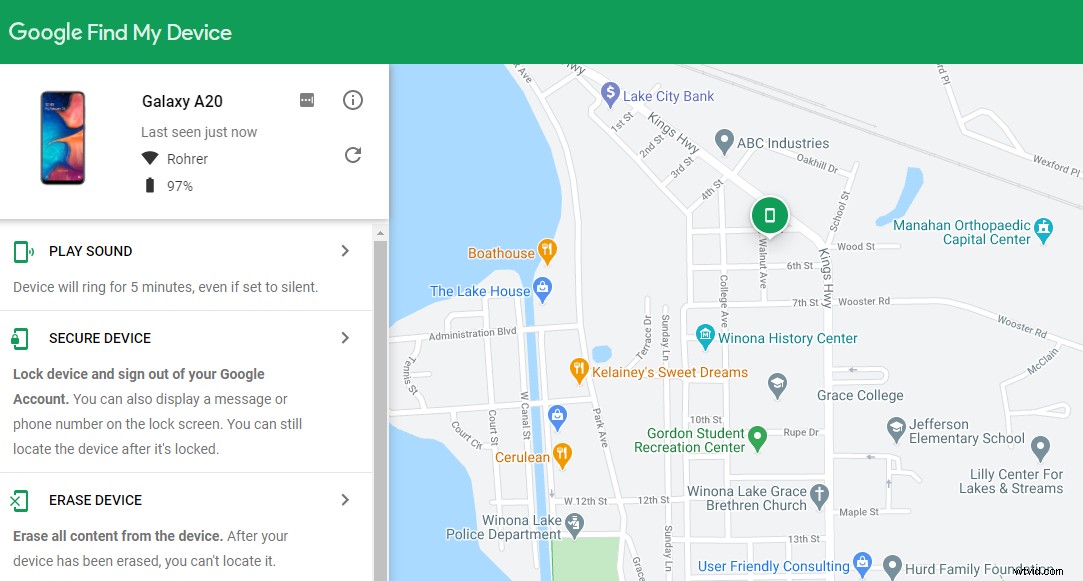
This will also give you the option to make your phone ring, lock down your device, or erase all content from your device. Remember, if you choose to erase the content from your phone, you won’t be able to locate it using Find My Device again.
iPhone Users: Use “Find My iPhone”
Apple makes it easy to locate your lost iPhone by pre-installing the Find My iPhone app on every iOS device. It works similarly to the Android Find My Device feature and displays your missing iPhone on a map so you can easily find it. You can also access it using your browser.
You’ll have the option to play a sound on your iPhone, mark it as “Lost”, erase your iPhone, or send a message to your phone when it is in lost mode.
Find My iPhone can also locate lost iPods and iPads.
What To Do If Your Phone Has Been Stolen Or Lost
If you have tried finding your phone and realize it’s completely lost or has been stolen, just follow these steps.
Have Insurance?
If you have an insurance plan that covers the theft or loss of your smartphone, that’s obviously ideal.
Your first step is to call your mobile service provider to suspend your service and then report it as stolen or lost.
If you can, remotely wipe your device. If you aren’t sure how to do this, ask your mobile service provider.
Change your account passwords. It can be a pain, but it’s better than risking someone being able to access your accounts and data through your stolen device.
File your insurance claim to begin the replacement process. Many phone insurance providers offer next-day replacement, so be sure to ask about that when you file your claim.
If You Don’t Have Insurance
The steps here are similar to the ones you should take if you do have insurance. You still need to:
- Suspend your phone service and report your phone as lost or stolen to your mobile phone service provider.
- Remotely wipe your phone
- Change all of your account passwords to secure your account information
- Double check with your homeowners or renter’s insurance policy and make 100% sure that a replacement won’t be covered (sometimes it is!).
Get Peace Of Mind For Future Phones
If you’ve ever lost your phone, you can relate to the feeling of never wanting to go through that process again! Once you’ve replaced your phone, follow these steps to help protect your phone in case it gets stolen or lost again.
- Consider insuring your phone. We have a blog that breaks down the potential pros and cons of smartphone insurance, so start there!
- Secure your phone with a strong PIN, password that isn’t easily guessed, or use a biometric option like a fingerprint or facial recognition whenever possible.
- Make sure your phone is registered for remote tracking purposes if it isn’t a feature automatically built into the device.
- Set up a data backup so you don’t lose everything if you lose your phone again. Learn more about data backups and choose the right solution for you by reading our blog.
The Lab Is Here To Help
Whether you need help repairing your device or want suggestions about the best way to replace your lost device, we’re here to help! We even sell refurbished smartphones you can trust.
The Lab is located in the heart of downtown Warsaw at 120 E. Center Street, Suite A. We’re open until 5pm Monday-Friday and until 2pm on Saturday. We love walk-ins and are always here to help.