
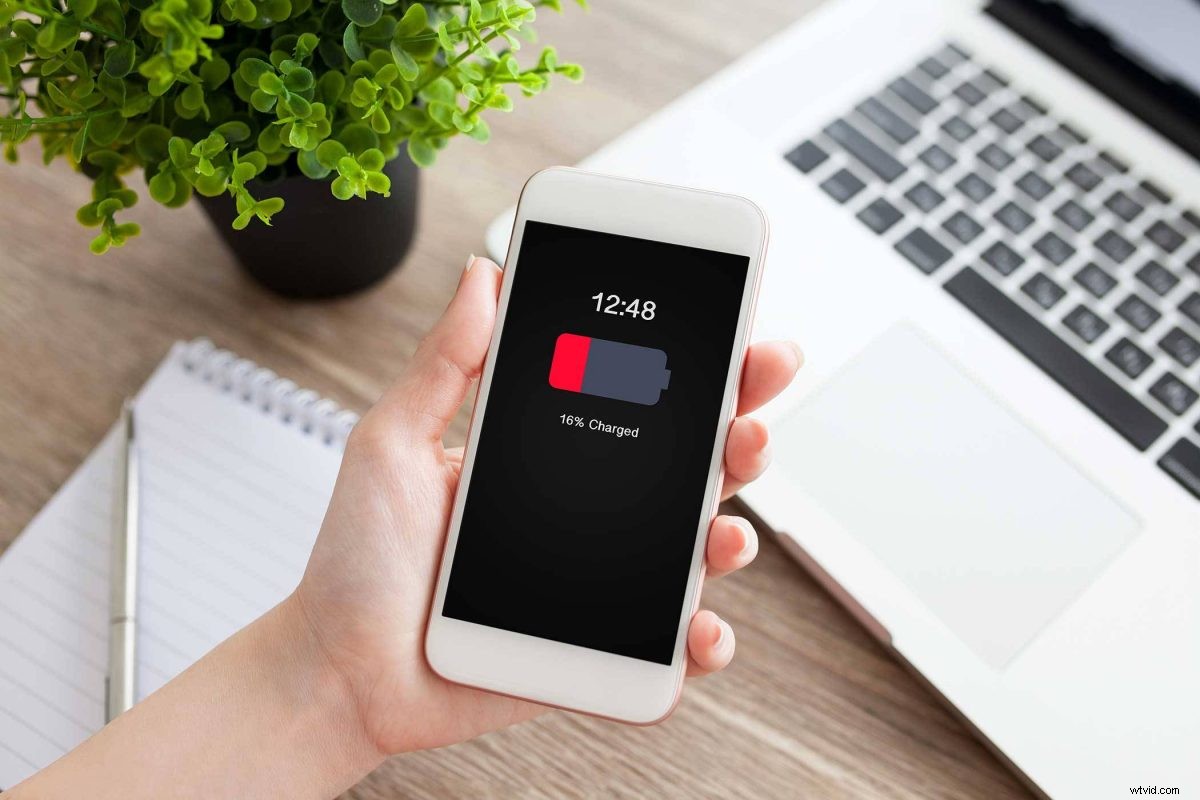
Did you know that the average cell phone battery only lasts two years? But just because your battery is slowing down or won’t hold a charge doesn’t mean you need a completely new phone.
You might be able to simply replace the battery and get another 2-3 years out of your phone!
Signs Your Battery Needs To Be Replaced
Your phone battery won’t usually just stop working with no warning. There are signs you can look for in order to plan for a replacement.
Sluggish Performance
You might start noticing that your phone is responding slower to taps or prompts. Do apps take longer to launch than they used to?
Increased Battery Drain
If your phone’s power isn’t lasting as long as it used to, that is a sign that your battery needs to be replaced. If you need to charge your phone more than once a day, it’s definitely time to bring it into The Lab.
Won’t Hold A Charge
Has your phone stopped powering up to 100% or shuts down unexpectedly? If this keeps happening, especially if it’s paired with your phone overheating, it’s a sign that your battery should be replaced.
Tips For iPhone Users
If you have an iPhone 6 or newer, you can use the Battery Health feature to check in on your battery.
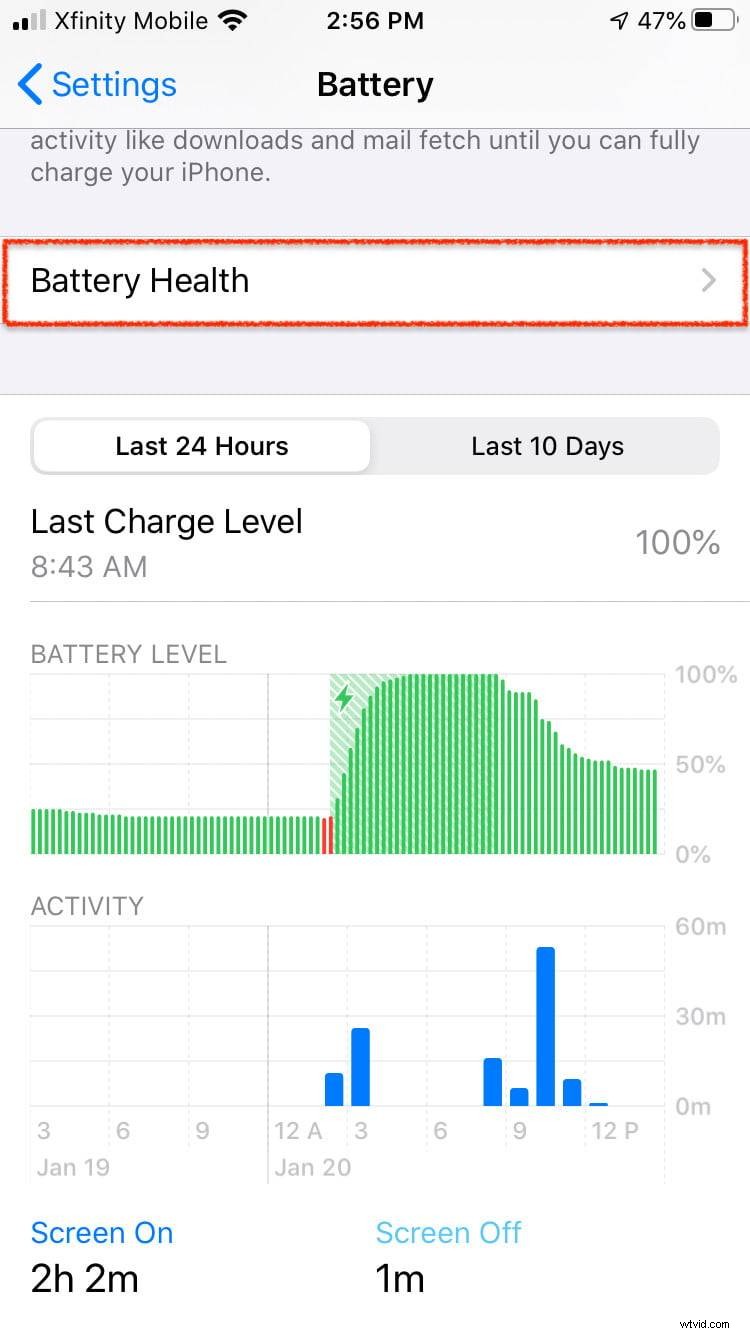
This iPhone feature gives you crucial information about your battery’s performance. “Maximum Capacity” shows you how well your battery is performing compared to when it was brand new.
While a slightly lower percentage is lower as your phone ages, it should still retain about 80% of the capacity at 300-500 charge cycles. If it starts dropping below 80%, it’s time for a battery replacement.
Tips For Android Phone Users
Most current Android phone models provide a battery usage setting similar to the iPhone. If your Android phone doesn’t offer that setting, try looking for a third-party app in the Google Play store that can help.
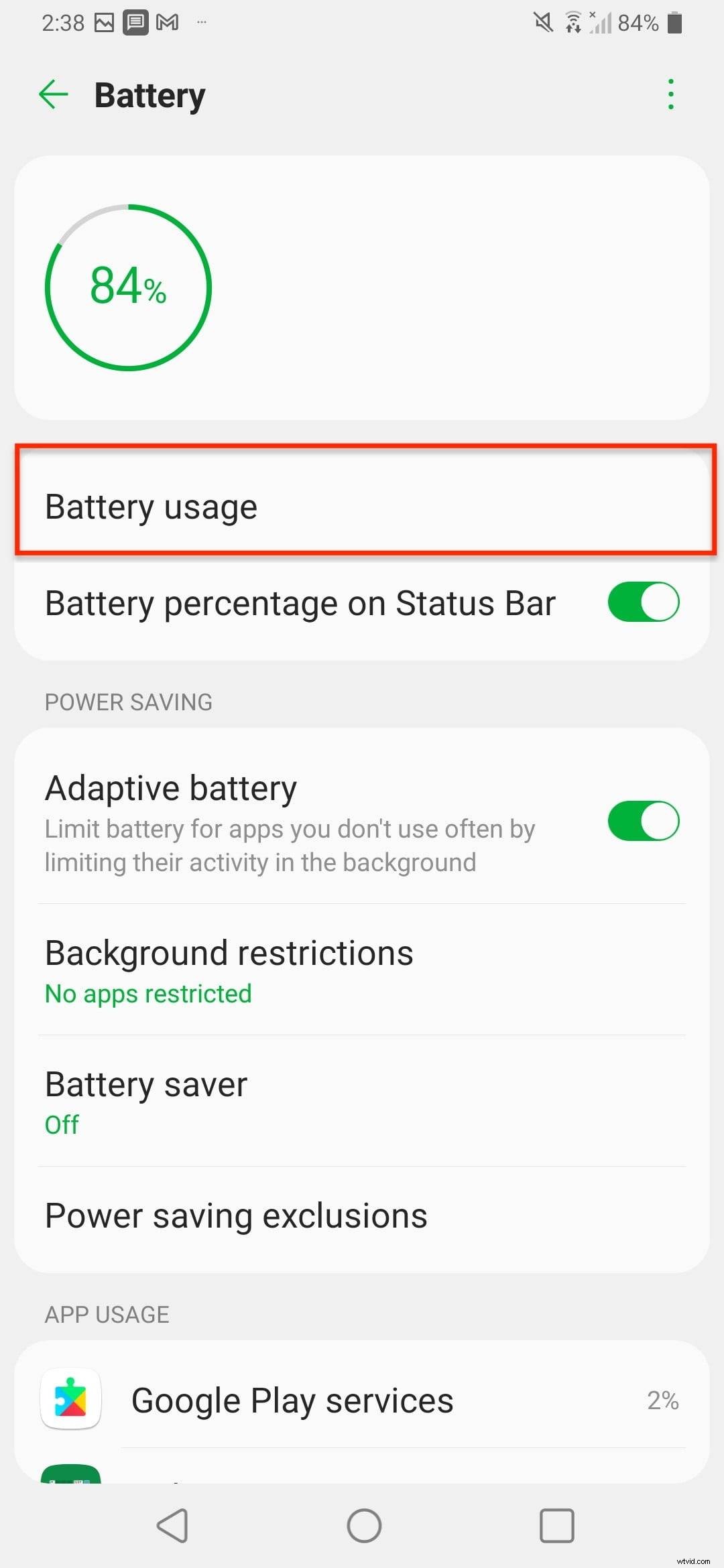
With Android devices, you still want to keep your phone’s battery at the 80% and above percentage the same way you would with an iPhone.
When It’s Time To Get A New Cell Phone Battery
If you have a new phone that you’re using the way a typical phone would be used, your battery should work at 80% and above for 2-3 years.
You can keep your battery lasting even longer by keeping it protected from extreme cold and heat and charging it appropriately.
Replacing cell phone batteries is one of the most common repairs we do at The Lab. Replacing the battery in your smartphone is often much cheaper than recycling it and purchasing a new device.
Check out the estimated battery replacement costs on our Phone Repair page and bring your phone into The Lab today! Our expert repair technicians can get your battery replaced and your phone back in your hands fast.