
Music in Video Editing
When editing a video, we almost never go without music. Music is a very important element in film and video. It creates a mood and helps setting the editing pace.
Everyone has their proffered method. Some like to edit their video first and then look for a song that fits. Others will download their music first and then edit their shots to the beat or melody of the song.
Either way, I think we an all agree that music and video needs to work together. You don’t just slap any random song on your video edit.
Editing Music
As video editors, we can also edit our music. Not in detail, as we don’t have access to the different tracks, but we can slice it up. Every song has bars, a repetitive melody that repeats itself. Each bar has a fixed length of several seconds.
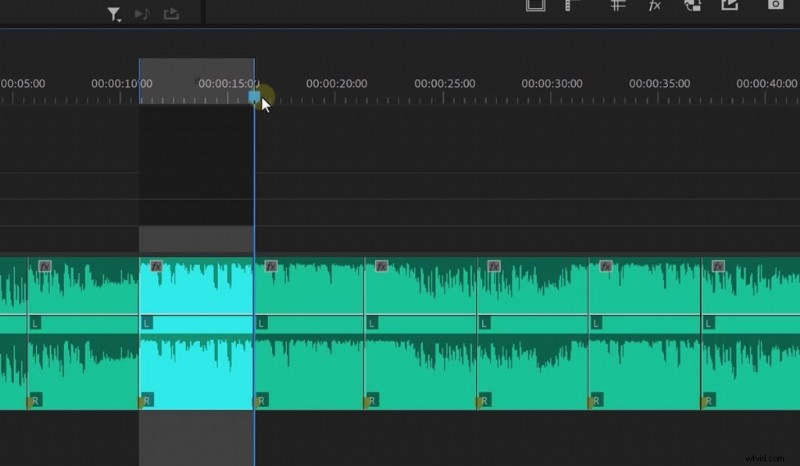
When slicing your music in those blocks, you can rearrange, remove or duplicate them. You’ll notice that your song will always work. So, you could place the more intense music parts where you need it in your edit. Essentially, you adapt your song to your edit to make it fit better.
On top of that we can also equalize or add a reverb to some bars. This creates a whole new dynamic, which the original song didn’t have before.
SOUNDRAW
And then there’s SOUNDRAW, the sponsor of this video. It’s a plugin for Adobe Premiere Pro and After Effects. The A.I. will generate a song for you, based on several inputs. After that you can edit the songs by swapping instruments, mixing the volume and even choosing the transitions between each bar.
I can highly recommend to check it out; visit soundraw.io!