
This review is all about using a digital camera for a purpose it was never intended for.
Since taking on a new Mac with Snow Leopard operating system I sadly found that my marvellous image/text scanner does not work due to a lack of a suitable driver.
Now, since taking on Prizmo for Mac I can scan documents as well as perform OCR to file away the editable texts.
Then I found other but possibly less useful functions tucked away in Prizmo: curvature and perspective correction.
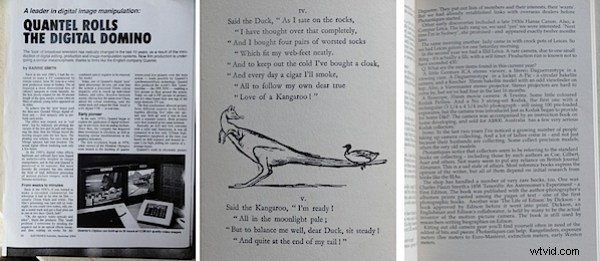
Let’s start with the OCR function. I made three handheld shots with my trusty Sony compact digicam, saved as JPEGs: one of a photocopied magazine article; a page from an early book of comic poetry; and finally, a page of tightly packed from a book of mine on collectable cameras.
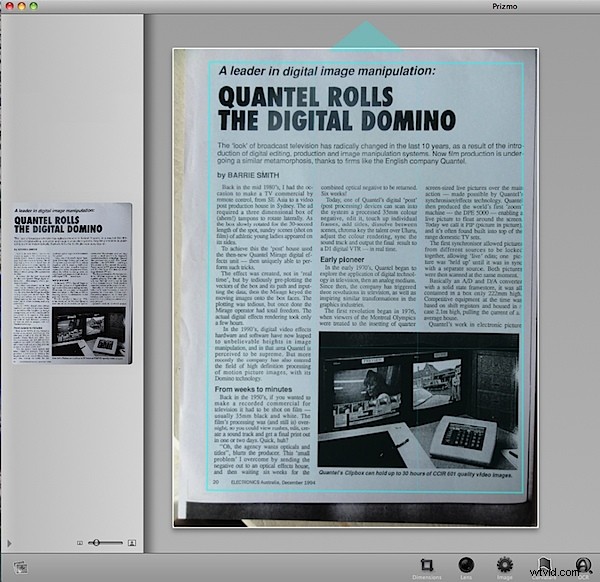
The photocopy image was imported into Prizmo. First task was to locate the grid corners, the area in which the desired text was located; so I tapped the button Full Grid … this can square up an image that may be off level.
At this point I tapped the OCR button; by moving the cursor across the page I could preview the recognised text; following this I saved the OCR scan and could do this as a PDF file or as rich text or regular text.
If you’re running the demo version you can assess Prizmo’s capabilities in OCR and view its ability to recognise text — but the demo does not let you save it. Natch!
The result was that I had a text file that was 99 per cent perfect, falling down only where there were line breaks. Spelling? 100 per cent correct!
You may need to work with pages that are less than white in colour or ones that have text in colour. The app’s controls allow you to correct brightness and contrast in the document image or even to reduce its bit depth.
Now to the books
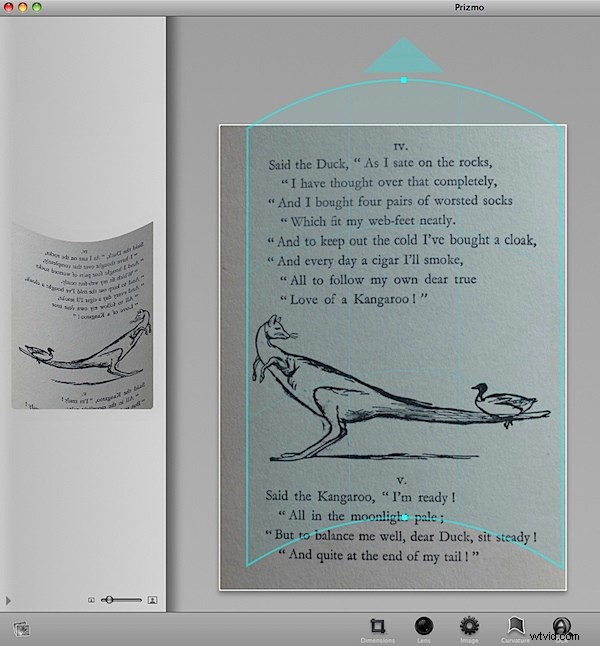
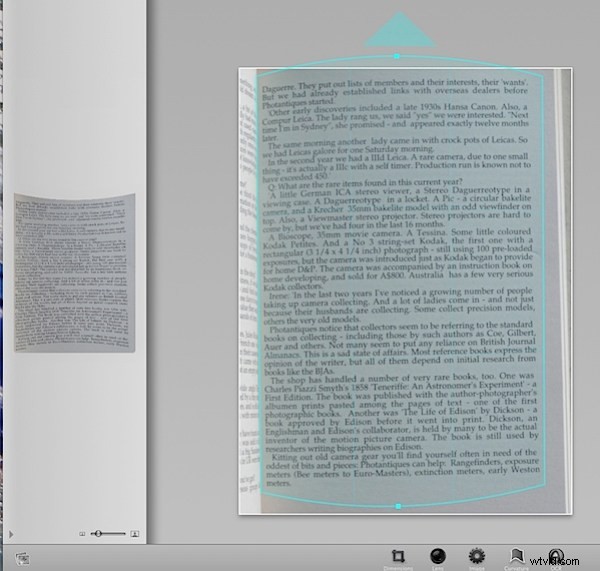
The comic poetry book image showed some curvature from the book not being photographed completely flat. No probs! Any bends were corrected in Prizmo.
The other book page was a bit more challenging but, by squaring it up and adjusting brightness I managed to make an OCR scan that gave me 99 per cent correct, readable text.
Curves etc
The app is handy for squaring up images but frankly is little better than Photoshop’s tools. But if you ain’t got Photoshop….
Comment
I found that correcting the squareness was the main element in achieving successful OCR.
The app is a little erratic in its behaviour: sometimes an image would load upside down and then, on occasions, the preview would appear upside down or sideways on the preview screen.
To assess its OCR talents I ran the text images through a dedicated OCR Program — ABBYY FineReader 5 Sprint Plus — and found that on most images Prizmo performed better. Nuff said!
System: PowerPC or Intel Mac with OSX 10.5.8 Leopard or later.
Get it at www.creaceed.com/prizmo/