
Online video cutters are a convenient solution for trimming and editing footage without installing software. With countless options available, choosing the right tool can feel overwhelming. The key to making a confident decision lies in two essential criteria: browser compatibility and platform authenticity. Ensuring the tool runs smoothly across major browsers (Chrome, Firefox, Safari, Edge) and that it safeguards your uploads with secure, reputable servers will protect both your time and data.
Because these services run entirely in the browser, you can start editing immediately—no downloads, no installations, no hidden fees. In the sections below, we’ve identified the best free online video cutters for large files, split between mobile‑friendly options and desktop‑centric solutions. Each recommendation is based on real user feedback, feature breadth, and ease of use.
5 Online Video Cutters for Phone Browsers
These tools are optimized for mobile browsers, allowing you to edit on the go.
5. YouTube Studio
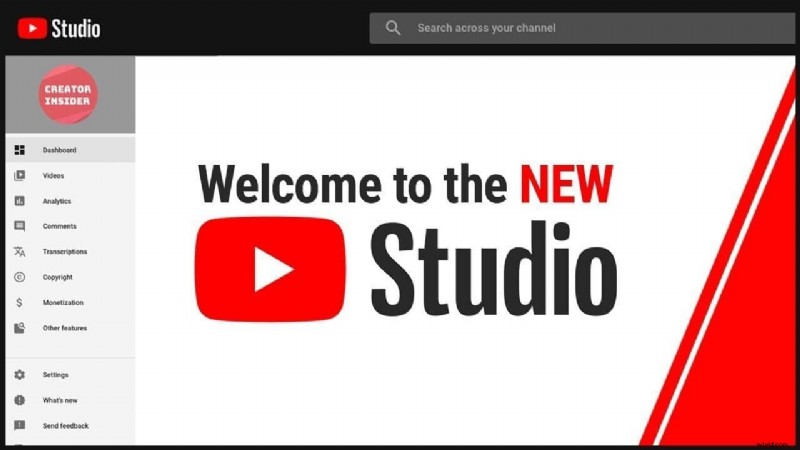
Formerly known as YouTube Video Editor, YouTube Studio lets you trim, merge, and upload videos directly to your channel with a single click. It supports all common formats, offers fast processing, and includes basic trimming tools—ideal for quick edits.
4. Online Video Cutter
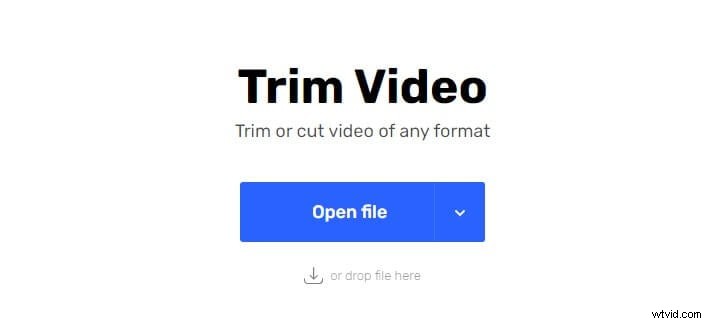
This web‑based cutter allows you to crop, rotate, and export clips in your chosen quality. Simply visit the site, upload your file or paste a URL, and perform the edits. Note that larger files may take longer to load.
3. WeVideo
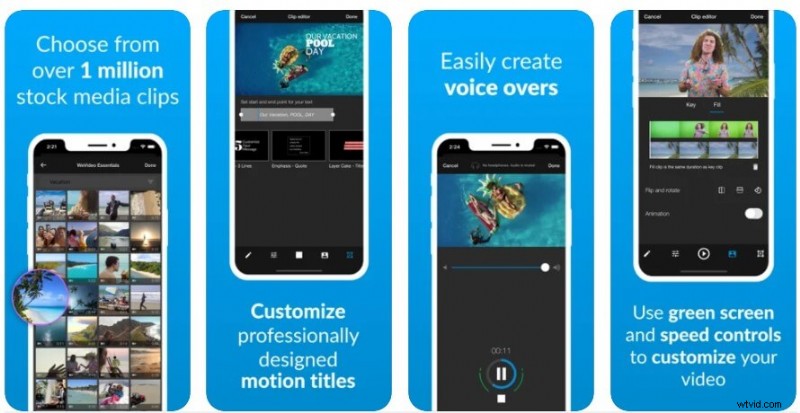
WeVideo offers both a mobile app (Apple Store, Google Play) and a web interface. The editor supports split, trim, and rotate functions across HD formats, and adds advanced features such as green‑screen and animated titles. Export options are tailored for iPhone, iPad, and Android devices.
2. Video Tool Box
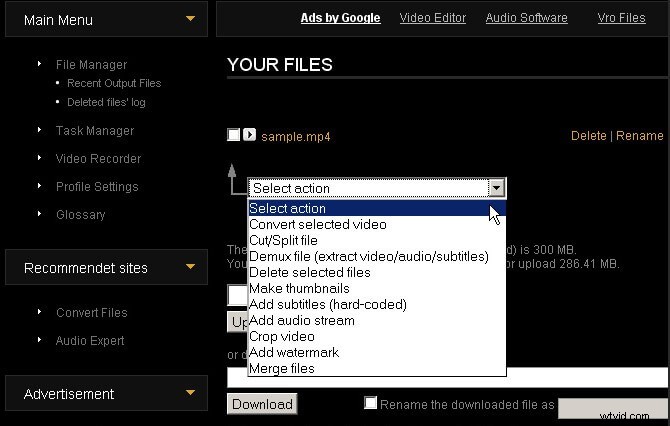
With simple and advanced modes, Video Tool Box lets you cut, merge, and crop videos. It supports a wide array of formats—including MKV, AVI, MP4, and more—though file uploads are capped at 600 MB.
1. Biteable
Biteable focuses on quick, template‑driven editing. You can cut clips frame‑by‑frame, add transitions, and import directly from YouTube. While it lacks a timeline preview, it excels at producing polished, ready‑to‑share videos.
Instant Editing & Sharing
Instantly record, edit and share every beautiful moment in life.
Install Filmora for Mobile (formerly FilmoraGo) Now!
5 Online Video Cutters for Laptop & Desktop Browsers
These solutions run on Windows or macOS browsers and are designed to handle large files efficiently.
5. Movavi
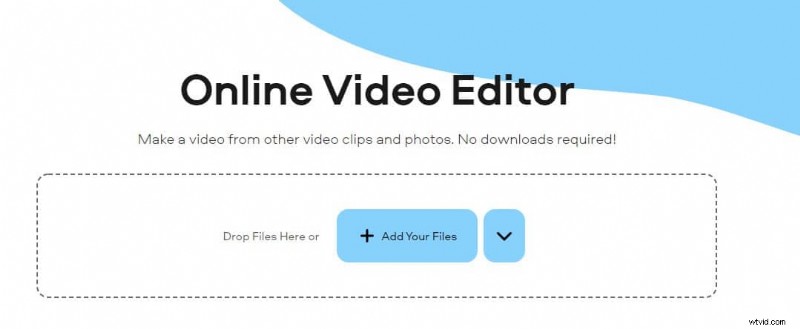
Movavi’s online cutter supports long videos in VOB, AVI, MP4, MPEG, and more. It features a precise scrubber, custom drawing tools, and HD‑quality exports without compression loss.
4. Clipchamp
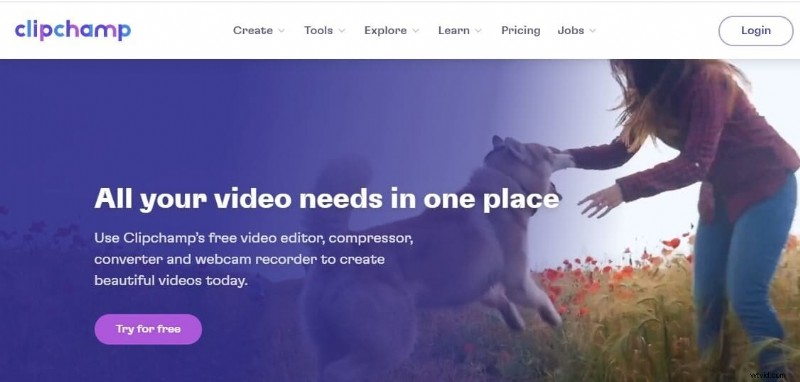
Clipchamp blends power with simplicity. It accepts all audio, video, and image formats, lets you add animated transitions, and imports media from your PC, camcorders, or mobile devices.
3. Animoto
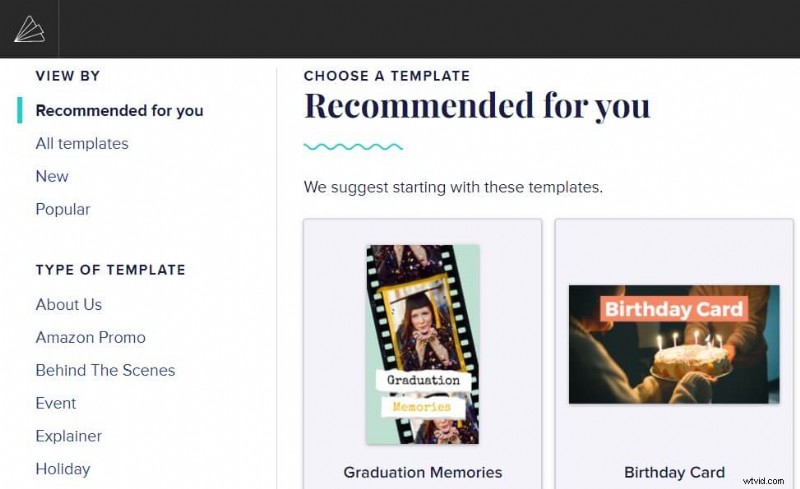
Animoto offers a free web editor that extracts clips of any length. In addition to cutting, it provides playback controls, volume adjustments, and other editing utilities.
2. Magisto
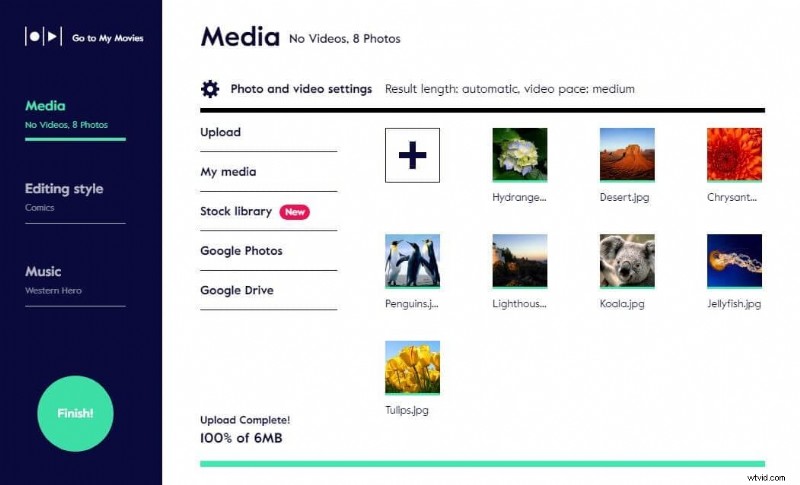
Magisto’s cutter handles formats like 3GP, MPG, ASF, RM, WMV, VOB, and FLV. It lets you trim out commercials, adjust output settings (size, bitrate, framerate), and rearrange clips without ad interruptions.
1. Kawping
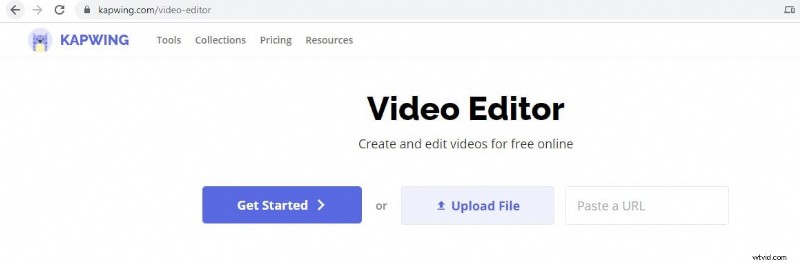
Kawping is a fully browser‑based tool that lets you cut, join, and capture frames effortlessly. Features include inline editing, subtitle generation, transitions, music overlay, text, and special effects—ideal for creating eye‑catching videos.
Conclusion
For users who need more than just basic cutting—such as advanced effects, scene detection, or batch processing—Filmora for Mobile offers a powerful yet user‑friendly suite. It supports cropping, splitting, trimming, rotating, and a host of creative tools like green‑screen, overlays, and music. The automatic Scene Detection feature automatically identifies logical cuts with a single click, saving time and effort.
Download Filmora for Mobile for free and explore its robust editing capabilities today.