
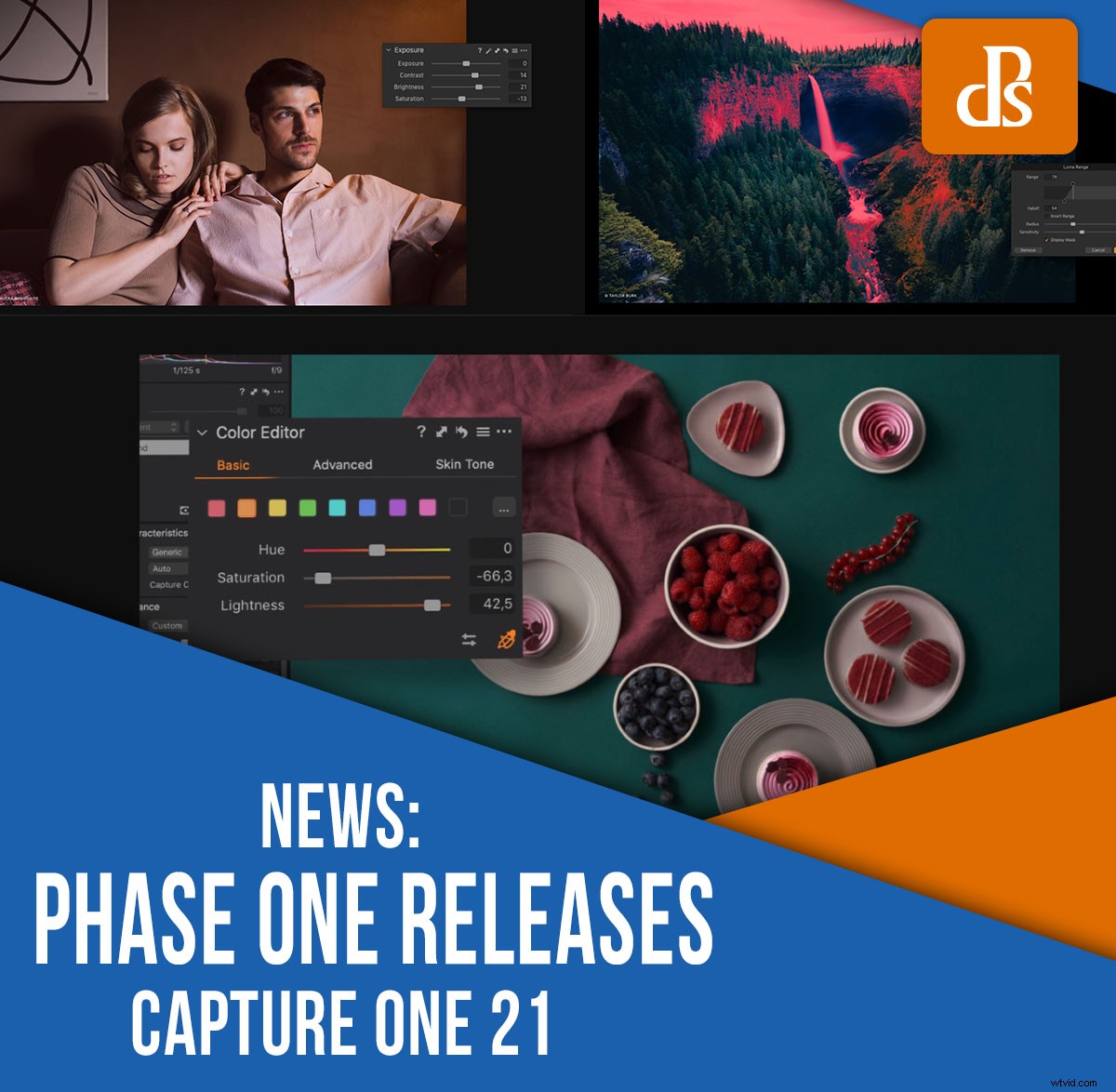
Just last week, Phase One launched the latest version of their Capture One software:
Capture One 21, which offers several powerful new features, plus all the tools that made the post-processing program so compelling in the first place.
While Capture One is often pitched as a Lightroom alternative, it’s known among photographers as the “advanced” all-in-one photo editor, geared toward serious hobbyists and professionals looking for extensive editing capabilities in a single package.
In other words:
Compared to Lightroom, Capture One is more difficult to learn – but also the better program, once you get the hang of it. In nearly every area, Capture One (including Capture One 21) matches Lightroom edit for edit. But the program also outperforms Lightroom in a few key ways, which is why more and more serious photographers have been making the conversion to Capture One.
So what does Capture One 21 offer?
First, the new features:
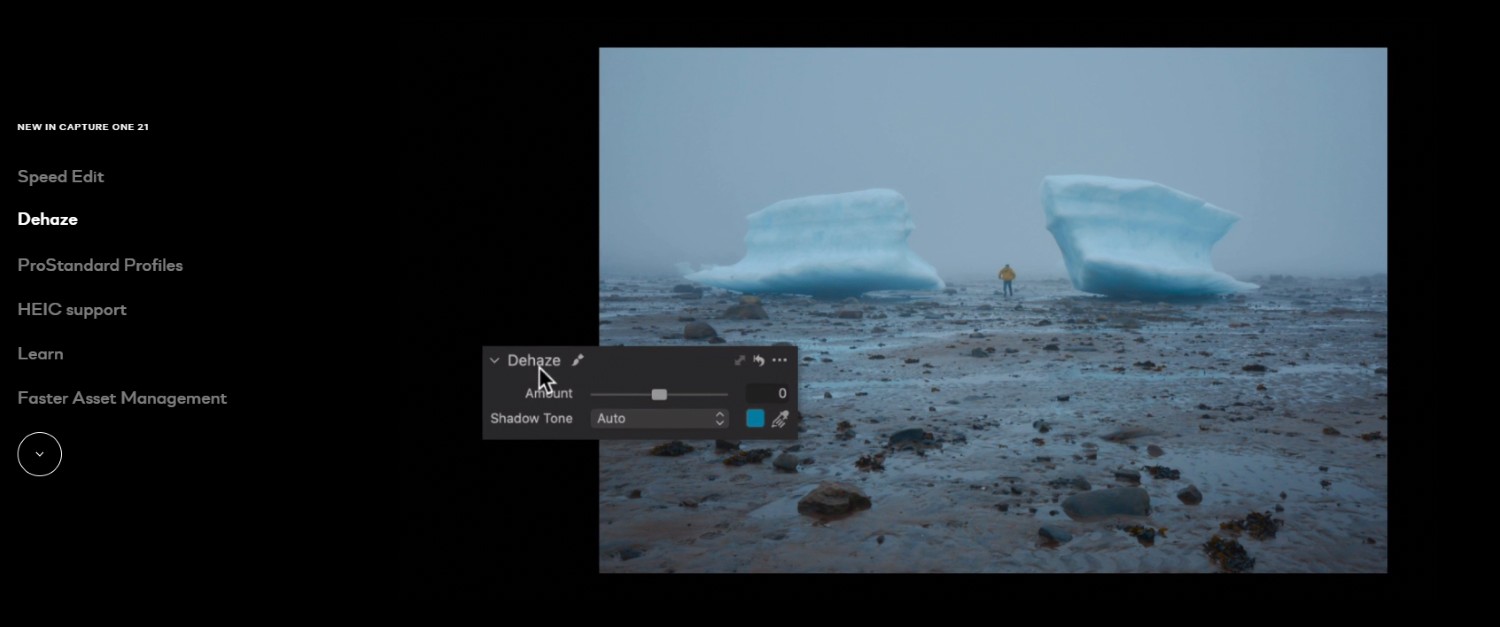
Capture One 21 now boasts a Dehaze slider, which removes haze from your photos for a crisp, contrasty look.
You also get improved color profiles for certain cameras, including Sony’s high-end mirrorless models, plus a handful of Nikon and Canon DSLRs and MILCs.
Phase One has also promised performance upgrades, claiming that with Capture One 21 it’ll be “faster than ever to search and browse photos.” There’s also a brand-new “Speed Edit” feature, which lets you quickly edit images without using sliders; instead, you can make changes with a few hotkeys and the scroll wheel.
Additional new features include Capture One’s support of 8-bit HEIC files, so you can edit your HEIC smartphone photos directly in Capture One, and a set of integrated tips and tutorials for mastering Capture One 21 as quickly as possible.
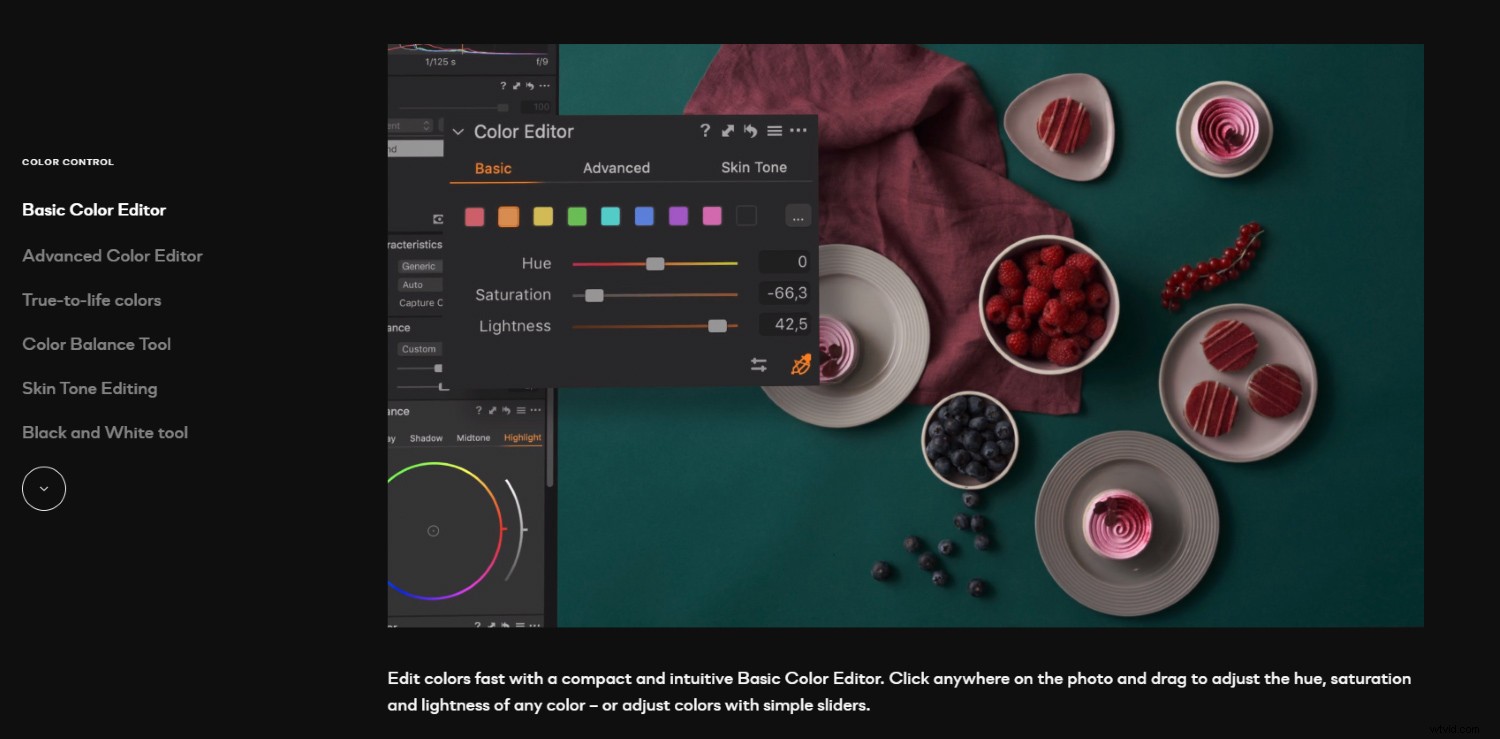
Of course, Capture One 21 also packs its usual standout features. First, there’s the class-leading color tools, which allow you to take your photos to the next level with selective color adjustments and precise color grading.
Then there’s the powerful digital asset management capabilities, which allow for both session-based and catalog-based organization, plus keywording, comprehensive export options, and seamless Photoshop integration.
Finally, there’s a suite of powerful adjustment tools, including layers, luminosity masking, levels, curves, and more.
For advanced photographers looking for a comprehensive alternative to Lightroom, Capture One 21 is the way to go. You can grab it here starting at $129 USD for a one-time license, or you can purchase a subscription starting at $9.99 USD per month. Alternatively, you can download a 30-day free trial right here.
Now over to you:
Have you tried Capture One software? Are you a fan? And which do you prefer, Capture One or Adobe Lightroom? Share your thoughts in the comments!