
In today’s digital landscape, captivating video content is essential for capturing audience attention and driving engagement. Below are five highly regarded tools that cater to creators of all skill levels, from beginners to seasoned professionals.
In this article
- Renderforest
- Videoscribe
- Adobe Premiere Pro
- Vyond
- Filmora
1. Renderforest
Renderforest is a cloud‑based platform that empowers creators to design, edit, and publish videos across a wide spectrum—animations, intros, slideshows, music visualisations, and full‑scale productions. With a library of millions of templates and stock footage, it’s an ideal starting point for novices who lack editing experience.
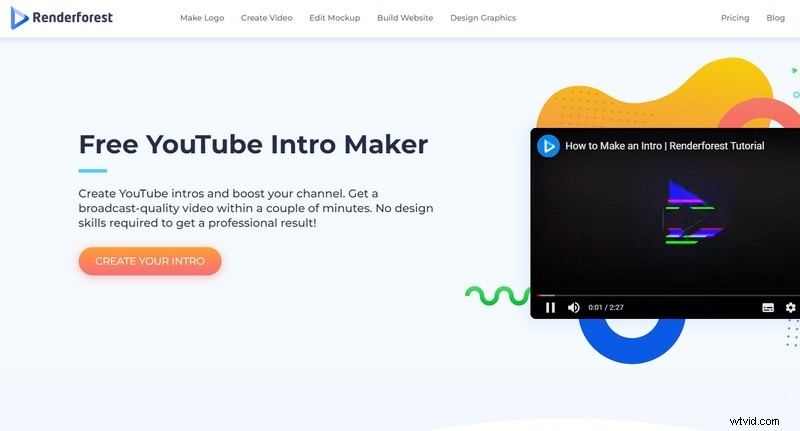
Users can upload assets from local drives, cloud storage, or any device, then customise projects using drag‑and‑drop tools. Renderforest offers both free and premium plans; the free tier includes a watermark and limited resolution, while the paid subscription unlocks high‑definition exports and watermark removal.
Operating systems: Web‑based – works on Windows, macOS, Linux, and mobile browsers.
Pros
- Intuitive, beginner‑friendly workflow
- Fast rendering times
Cons
- Watermark and feature limitations on the free plan
Access: www.renderforest.com
2. Videoscribe
Videoscribe specializes in whiteboard animation, enabling creators to craft engaging explainer, marketing, and educational videos. Its drag‑and‑drop interface supports a vast selection of templates, voice‑over tracks, animations, music, and stock images.
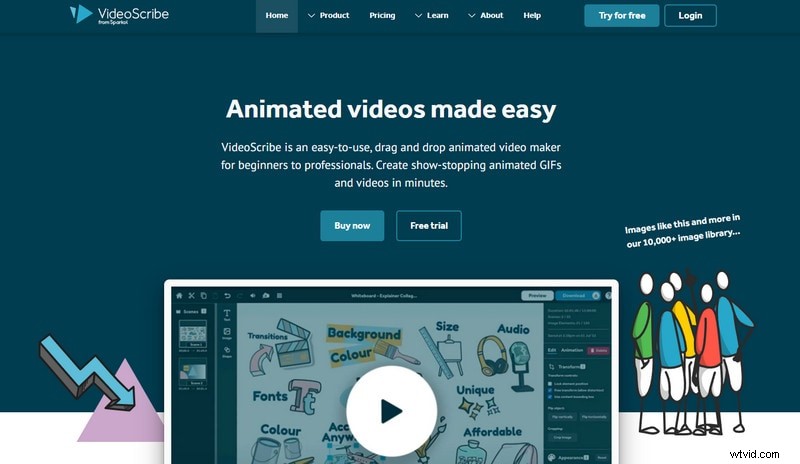
After a 7‑day free trial, users can subscribe to unlock full access. The software accepts a wide range of file formats for import, making it versatile for diverse content needs.
Pros
- Unlimited usage during the trial period
Cons
- Trial duration is short
- Account creation required before starting a project
Access: www.videoscribe.com
3. Adobe Premiere Pro
Adobe Premiere Pro is a professional‑grade editor renowned for its robust feature set, including precision trimming, background removal, subtitle integration, and advanced colour grading. While it has a steeper learning curve, its organized interface makes it approachable for experienced editors.
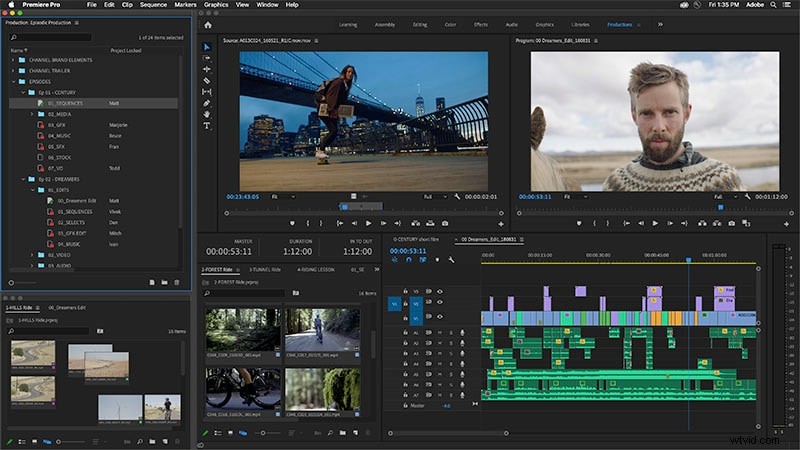
Premiere Pro offers a 7‑day free trial, after which a subscription is required. The trial requires user details and can be cancelled before the trial expires.
Pros
- Well‑structured, feature‑rich interface
Cons
- Trial period may feel short for deep projects
Access: www.adobe.com/products/premiere.html
4. Vyond
Vyond is a cloud‑based animation platform that delivers polished, character‑driven videos. Its drag‑and‑drop toolkit includes props, text boxes, music tracks, pre‑animated characters, and sound effects, with an industry‑leading lip‑sync feature that brings scenes to life.
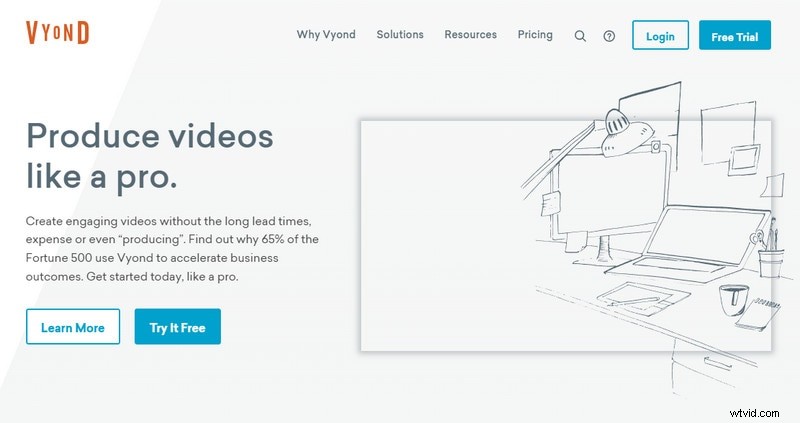
Vyond offers three visual styles—Contemporary, Business‑Friendly, and Whiteboard—and provides both free and paid tiers. The free version includes a watermark and limited export options.
Pros
- Vibrant animations with automatic lip‑sync
- Extensive template library
Cons
- Key features gated behind a paid plan
- Free version displays a watermark
- Free trial limited to 14 days and no downloadable exports
Access: https://www.vyond.com/
5. Filmora
Filmora offers an approachable editing experience with a drag‑and‑drop interface and powerful tools such as Picture‑in‑Picture, green‑screen, split‑screen, AI Portrait, Auto Reframe, and screen recording. Its extensive library of visual effects, transitions, and stock footage ensures creators can produce high‑quality videos without a steep learning curve.
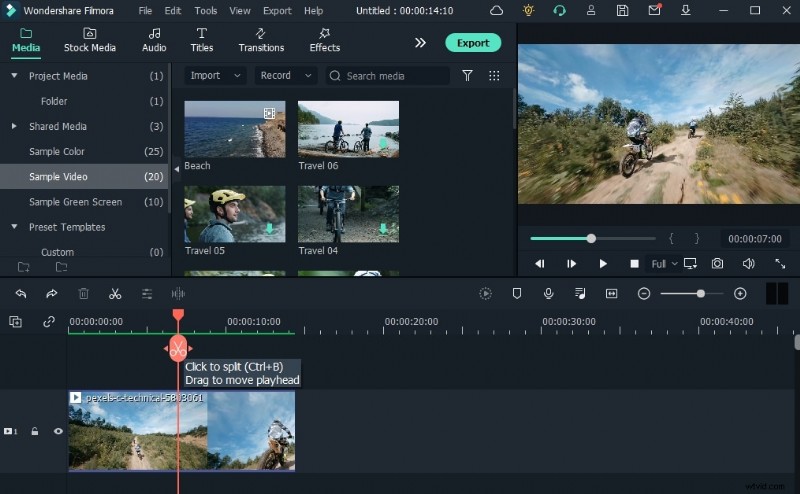
Filmora provides a free version with watermark and reduced output quality, while the paid license unlocks full resolution and all features. It is available across desktop and mobile platforms.
Pros
- Comprehensive toolset that simplifies video creation
Cons
- Advanced features restricted to the paid version
Other noteworthy editors include:
Choosing the right tool hinges on usability and your creative goals. A smooth, intuitive interface often translates into higher productivity and better final results. Explore the options above and find the platform that best aligns with your vision.