
Introduction: Master free access to OpenAI’s DALL‑E 3 in 2026 with our updated, step‑by‑step guide. Whether you’re creating AI art for marketing, storytelling, or video production, this tutorial shows how to harness the newest image‑generation model and seamlessly integrate it into Filmora’s editing workflow.
Part 1. Using DALL‑E 3 Through ChatGPT
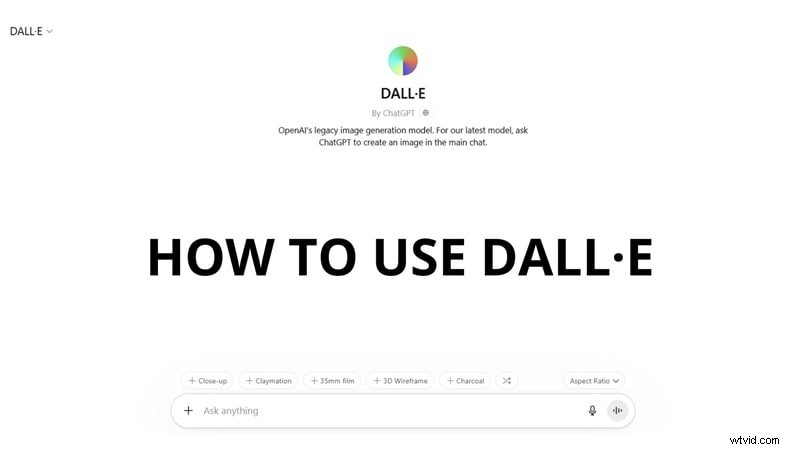
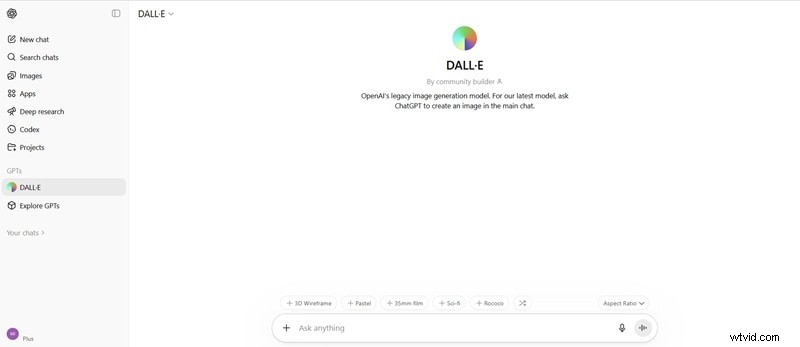
DALL‑E 3 is fully integrated into ChatGPT’s image‑generation subsystem, which now defaults to GPT‑4o and GPT‑Image 1.5. To access the legacy “DALL‑E” entry point, launch the dedicated DALL‑E GPT chat, which provides a unified interface for all OpenAI image models.
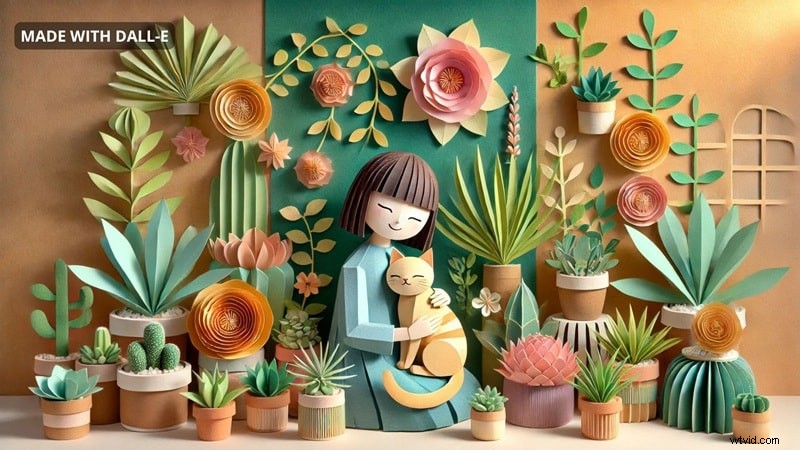
Generating Images for Free in ChatGPT
1. Open the DALL‑E GPT chat from the ChatGPT sidebar.
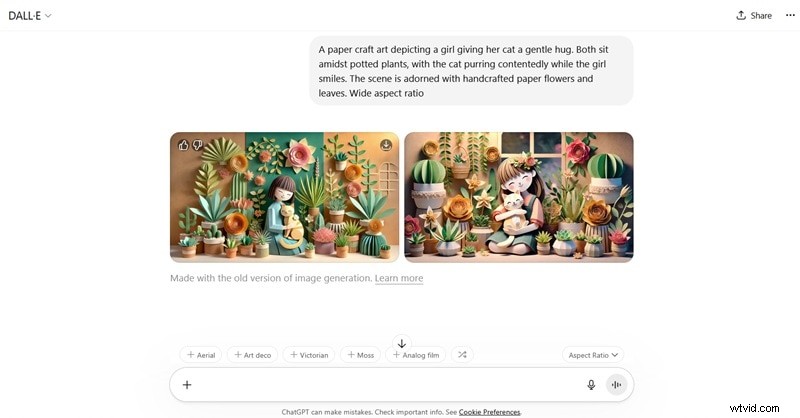
2. In the prompt box, describe your desired image. Before sending, choose a style and aspect ratio that match your project’s needs.
3. Press Enter to generate. Once the image appears, click the download icon to save it locally.
Note: OpenAI discontinued DALL‑E 2 in early 2024; DALL‑E 3 is the sole available model and delivers superior results across the board.
Part 2. Accessing DALL‑E 3 via Bing AI & ChatGPT
For users who prefer a web‑based interface, Bing AI’s Image Creator offers DALL‑E 3 alongside GPT‑4o and MAI‑Image‑1. This free service is ideal for quick iterations.
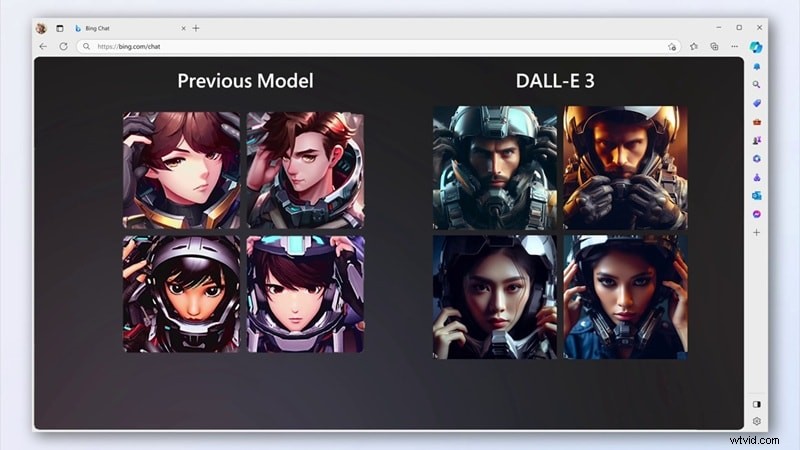
Step‑by‑Step Workflow
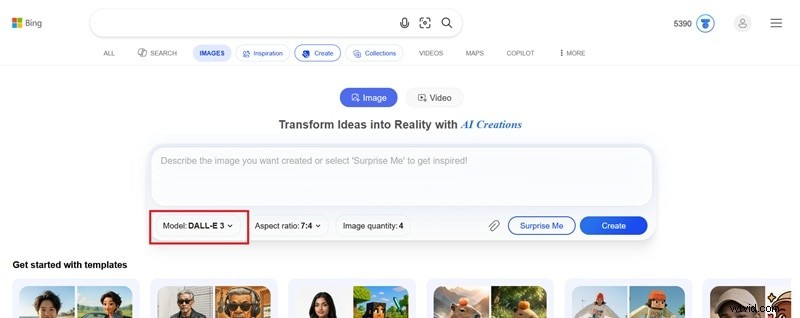
1. Open Bing AI Image Creator.
2. Select “DALL‑E 3” from the model dropdown.
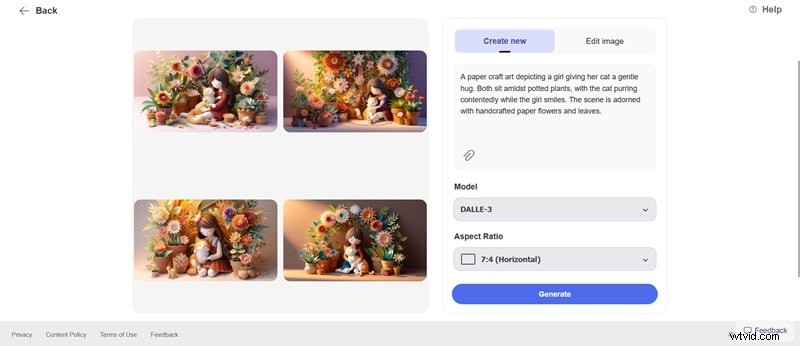
3. Enter a detailed prompt and set the desired aspect ratio.
4. Click Create to generate multiple variations. Choose the best fit and download.
Part 3. Advanced Prompt Engineering for DALL‑E 3
Success with DALL‑E 3 hinges on the clarity of your prompt. Below are proven techniques from the OpenAI community.
1. Structured Prompt Framework
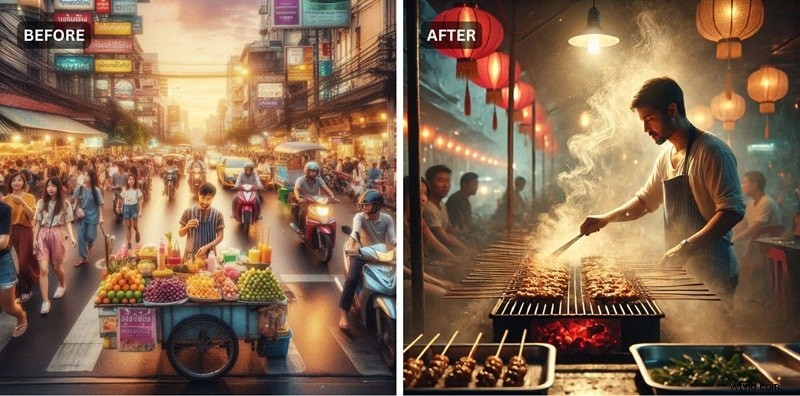
Use the formula: [Subject] + [Environment] + [Art Style] + [Mood] + [Lighting] + [Camera Angle]. Example: “A street food vendor at a night market in Bangkok, surrounded by hanging lanterns and steam rising from the grill. Photorealistic, warm golden light, eye‑level shot, shallow depth of field.”
2. Balanced Detail
Adjectives refine output, but avoid overload. One richly detailed scene beats two competing ideas clashing in a single prompt.
3. Effective Lighting & Camera Terms
- Cinematic lighting: high contrast, directional shadows
- Golden hour: warm, low‑angle sunlight with long shadows
- Soft diffused light: even exposure, no hard shadows
- Rembrandt lighting: one side lit, the other in shadow
- Neon glow: artificial colored light for urban or sci‑fi scenes
- Studio lighting: clean, even, neutral background
Camera phrases such as wide establishing shot, tight close‑up, overhead view, shallow depth of field, or low angle help guide composition.
Part 4. Integrating DALL‑E 3 Images into Video Production
Video creators need fresh visuals beyond stock libraries. DALL‑E 3 can generate custom backgrounds, thumbnails, storyboards, and animated assets in minutes.
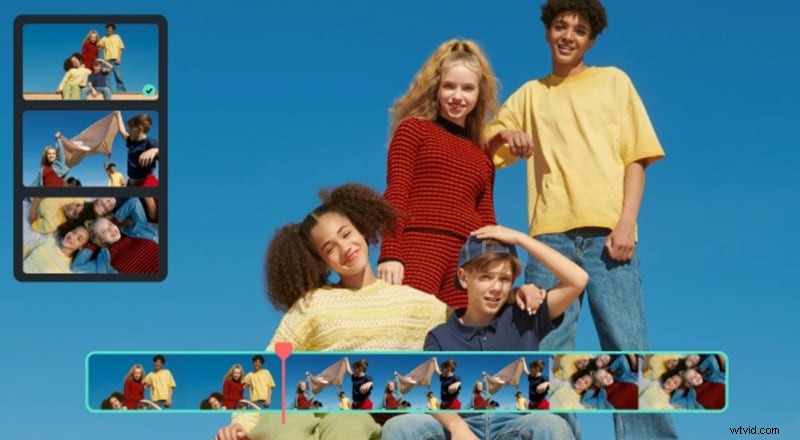
Replace Video Backgrounds
When a specific backdrop is unavailable, generate it with DALL‑E 3 and place it behind your footage using Filmora’s background‑removal tools.
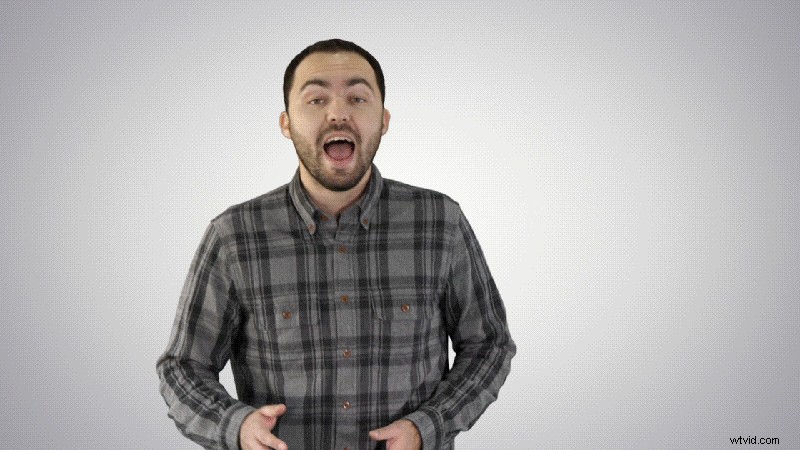
Choose from:
- Green Screen (Chroma Key) – ideal for solid‑color shoots.
- AI Portrait – one‑click removal for non‑complex backgrounds.
- AI Smart Cutout – manual control for intricate edges and fine details.
Create Video Thumbnails
Generate unique thumbnails that capture your brand’s personality. Import the image into Filmora, overlay text, adjust colors, or use the AI Thumbnail Generator for automated suggestions.
Animate Still Images
Turn static DALL‑E outputs into engaging short clips with Filmora’s AI Image‑to‑Video feature. Animated AI imagery often drives higher engagement on social platforms.

Part 5. Limitations and Copyright Guidance for DALL‑E 3
Current Technical Constraints
- Photorealism – Results can appear artificial, especially with faces or natural scenes.
- Word Interpretation – The model defaults to common visual associations (e.g., “dog” → golden retriever). Be precise.
- Readable Text – Text within images is unreliable; add typography in post‑production.
- No Memory Across Sessions – Re‑generating a character yields different appearances each time.
Legal & Usage Notes
- Ownership – Images created via ChatGPT or DALL‑E GPT are owned by the user; commercial use is permitted.
- Copyrightability – Pure AI‑generated images lack legal copyright protection; reuse is possible without recourse.
- Art Style References – Generating in an artist’s style may raise ethical or legal concerns; use with caution.
Content Restrictions
- Real public figures in false contexts
- Any sexual or explicit material
- Graphic violence or content sexualizing minors
- Disinformation‑related imagery
Violations trigger automatic refusal across all platforms (ChatGPT, Bing AI, API).
Part 6. When to Use DALL‑E 3
Use DALL‑E 3 when:
- Concept Art & Mood Boards – Rapid visualization of color palettes and scene setups.
- Social Media Graphics – Quick thumbnails, story posts, and unique visuals.
- Storyboarding – Rough frames for planning; accept limited character consistency.
For photorealistic projects, consider alternatives such as Nano Banana 2 or Nano Banana Pro available within Filmora’s AI Image Generator.
Conclusion
OpenAI’s DALL‑E 3 offers a powerful, free solution for generating custom images. By mastering prompt engineering, platform workflows, and Filmora integration, creators can elevate their visual content with minimal cost and effort.

FAQs
Does DALL‑E 3 add a watermark to generated images?
No visible watermark is added on images created via Bing AI or ChatGPT.
What is the difference between DALL‑E 3 and GPT‑Image 1.5?
GPT‑Image 1.5 (released December 2025) offers more photorealistic results, reliable text rendering, and consistent character identity compared to DALL‑E 3.
Is DALL‑E 3 still the default model in ChatGPT?
Since March 2025, ChatGPT defaults to GPT‑4o and GPT‑Image 1.5; DALL‑E 3 is accessed via the dedicated GPT interface.