
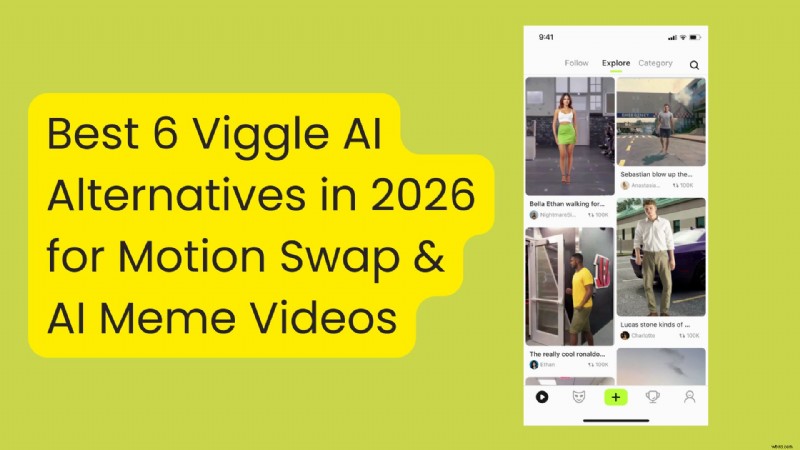
Viggle AI has become a go‑to tool for creators who want to transform a single photo into a lively video clip. By leveraging motion capture and transfer, it can quickly animate a still image into a meme‑ready clip that is ready for TikTok, Instagram Reels, or YouTube Shorts.
Before you dive in, it’s helpful to understand where Viggle AI shines, where it falls short, and which alternatives might better fit your creative workflow. In this review, we compare six of the most popular AI video generators that can serve as Viggle AI substitutes in 2026.
Part 1. Why You Might Need a Viggle AI Alternative
Viggle AI excels at delivering quick, template‑driven motion swaps, but many users encounter limitations that can hinder their production pipeline:
- Limited customization – While templates are fast, advanced controls such as precise camera angles, timing adjustments, or consistent style across multiple clips are often constrained.
- Motion artifacts – Jitter, face drift, or awkward hand movements can appear, especially when the source photo isn’t clean or the chosen motion is complex.
- Template dependency – The tool performs best when you supply a motion reference that matches your intent; generating fully original scenes from text prompts is less straightforward.
- Free‑plan throttling – Daily limits and watermarking on the free tier can slow production for creators who publish frequently.
Below we highlight six alternatives that address these pain points, offering more control, higher quality, or faster workflows.
Our Top 3 Picks for Viggle AI Alternatives
1. Wondershare Filmora
Filmora is a full‑featured video editor that integrates AI tools such as Image to Video and Video Element Editing. It lets you animate stills, refine the output, and apply professional editing techniques all within a single timeline interface.
Download: https://filmora.wondershare.com/
2. Kling AI
Focused on cinematic realism, Kling AI offers text‑to‑video and image‑to‑video modes, a rich effects library, and up to 1080p output. It’s ideal for creators who want high‑detail motion without sacrificing speed.
View details: https://kling.ai/
3. Runway
Runway is a web‑based platform that emphasizes creative control. With tools like Motion Brush, Advanced Camera Controls, and workflow automation, it supports sophisticated editing for those who need more than a template.
View details: https://runwayml.com/
How We Tested These Tools
To ensure an objective comparison, we ran identical short prompts across each platform, covering realistic, stylized, and meme‑style outputs. Each tool was evaluated on:
- Motion stability and subject consistency
- Artifacts and visual glitches
- Generation time and retry reliability
- Export quality and social‑ready output
- Pricing clarity and watermark presence
Part 2. Top 6 AI Video Meme Generators Like Viggle
The alternatives range from cinematic generators to quick meme‑style tools. Below is a snapshot of each tool’s key strengths.
Viggle AI Alternatives Comparison Chart
| Tools | Best For | Standout Features | Pricing | Platform |
| Wondershare Filmora | Generate AI clips inside a timeline editor | Image‑to‑Video, Video Element Editing, Auto Caption, AI Reframe, full timeline editing | Free version; subscription and perpetual license | Windows, macOS, iOS, Android |
| Kling AI | Cinematic, realistic motion and higher detail | Text & Image‑to‑Video, Multi‑Element edits, Effects Library | Free to download; credit packs from $9.79 | Web, Android, iOS |
| Runway | Advanced AI video workflow and creative control | Text/Image‑to‑Video, Camera & Director controls, Workflows | Free plan with paid tiers to increase credit | Web, iOS |
| Pika | Short, creative clips with fun effects | Text & Image‑to‑Video, Pikaswaps, Pikaffects & Pikadditions | Free (125 credits); paid plans from $15/mo | Web, iOS |
| Pollo AI | One place to try multiple AI video modes | Multi‑model hub, templates, text & image video | Offer free credits; paid plans from $10/mo | Web, iOS, Android. |
| PixVerse | Viral effects and fast AI video outputs | Text & Image‑to‑Video, Video extension, keyframe control | Free plan; paid plans from $10/mo | Web, Android |
|
Show More Show Less |
1. Wondershare Filmora

Filmora blends AI automation with a comprehensive editing suite. Its Image to Video feature turns a single photo into a polished clip, while the timeline editor lets you fine‑tune motion, add captions, and apply transitions—all without leaving the platform.
Key features:
- Image to Video – Smooth motion, detailed rendering, and support for text prompts.
- Video Element Editing – Add, replace, or delete stickers, text, and graphics post‑generation.
- Auto Reframe & Auto Caption – Automatically adjust aspect ratios and generate subtitles.
- Full Timeline Editing – Cut, trim, and layer clips like any professional editor.
Best for creators who need a one‑stop solution for AI generation and final polish—ideal for TikTok, Reels, and Shorts.
Pros
- Higher visual detail than many template‑only tools.
- Robust editing tools reduce post‑processing time.
- Auto tools streamline social‑ready output.
Cons
- AI features consume credits; a paid plan is required for watermark‑free exports.
Pricing: Free tier available; subscription and perpetual license options start at $69.99 per year.
Ratings: 4.7/5 on App Store, 4.6/5 on Google Play, 4.4/5 on G2.
Platforms: Windows, macOS, iOS, Android.
Popular AI Video Templates in Filmora 🎥✨
Explore ready‑made templates on Filmora mobile or desktop and turn ideas into videos with just a few taps.

2. Kling AI
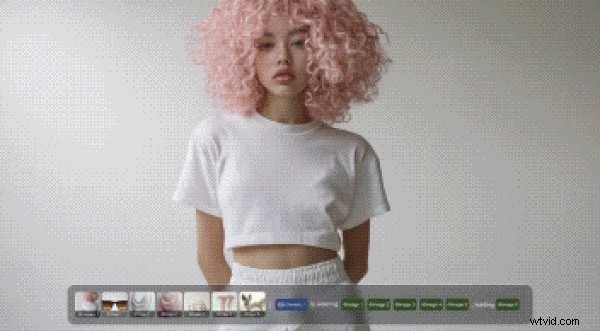
Kling AI focuses on cinematic quality. It supports both text‑to‑video and image‑to‑video, delivering up to 1080p output and up to three minutes of continuous footage.
Key features:
- High‑resolution output (1080p) and extended duration.
- Multi‑element editing—swap, add, or remove objects in the generated clip.
- Integrated text‑to‑image and image‑to‑image tools for pre‑generation asset creation.
- Extensive effects library for adding cinematic flair.
Best for creators who need realistic motion and sharp detail, such as short films or polished marketing videos.
Pros
- High‑quality output and flexible editing.
- Multiple model options tailored to different styles.
Cons
- Free queue can be slow; heavy trial‑and‑error may consume credits quickly.
Pricing: Free download; credit packs start at $9.79 for 100 units.
Ratings: 4.7/5 on Google Play, 4.7/5 on App Store.
Platforms: Web, Android, iOS.
3. Runway

Runway offers a web‑based AI studio that goes beyond simple templates. With a suite of control tools—Motion Brush, Advanced Camera Controls, and Director Mode—users can shape motion precisely.
Key features:
- Text and Image to Video generation.
- Control tools for camera movement, motion brushing, and more.
- Apps and workflows that chain multiple steps for advanced projects.
- Prompt‑based editing for fine‑tuning existing clips.
Best for creators who want an all‑in‑one platform with deep creative control.
Pros
- Strong control features enable custom motion.
- Workflow automation allows complex multi‑step projects.
Cons
- Limited templates; learning curve for advanced tools.
- Free plan adds watermarks.
Pricing: 125 free credits; paid plans start at $15/month.
Ratings: 4.5/5 on App Store, 4/5 on G2.
Platforms: Web, iOS.
4. Pika
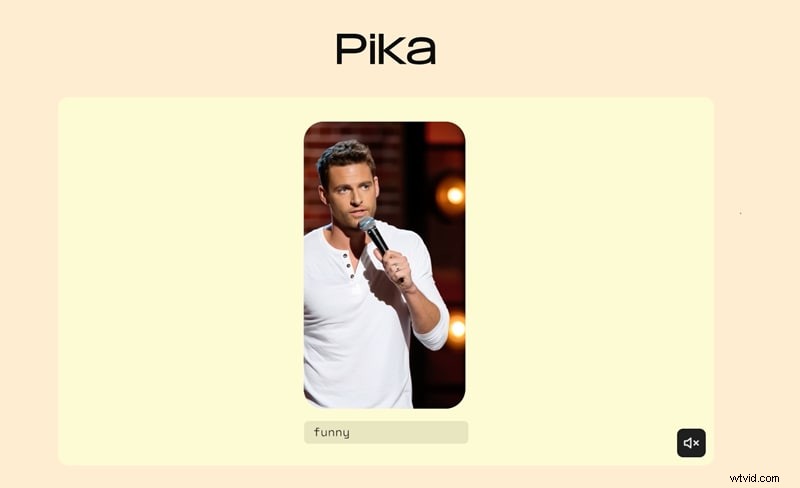
Pika is tailored for fast, meme‑style clips. Its Pikaswaps and Pikaffects modes let users remix existing footage or add playful overlays.
Key features:
- Text‑to‑Video and Image‑to‑Video in various resolutions.
- Pikaswaps and Pikadditions for swap‑style transformations.
- Pikaffects and Pikatwists for viral effects.
- Web‑based workflow with auto‑synchronization to audio.
Best for quick, trend‑driven content creators.
Pros
- Free credits to test the service.
- Clear pricing per feature.
Cons
- Inconsistent face edges in swap mode.
- Watermark on free exports.
Pricing: Free plan offers 80 monthly credits; paid plans start at $10/month.
Ratings: 4.4/5 on App Store, 4.2/5 on Google Play.
Platforms: Web, iOS.
5. Pollo AI
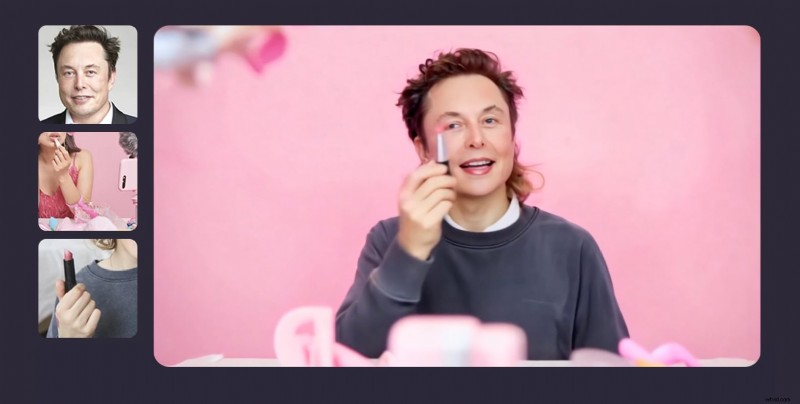
Pollo AI consolidates multiple video models and viral templates into a single app. Its motion‑mimic feature ensures consistent character action across clips.
Key features:
- Motion mimic and reference‑based generation.
- Multi‑model hub for style and quality switching.
- Viral effects and templates for quick trends.
- Text‑to‑Video and Image‑to‑Video generators.
- AI Shorts and prompt‑based editing.
Best for creators who want to experiment with various models without switching platforms.
Pros
- One‑app workflow; easy model switching.
- Strong trend‑driven features.
Cons
- Credit system can be confusing.
- Free exports include watermarks.
Pricing: Free plan available; paid plans start at $10/month (Lite) or $25/month (Pro).
Ratings: 4.5/5 on App Store, 4.4/5 on Google Play.
Platforms: Web, iOS, Android.
6. PixVerse
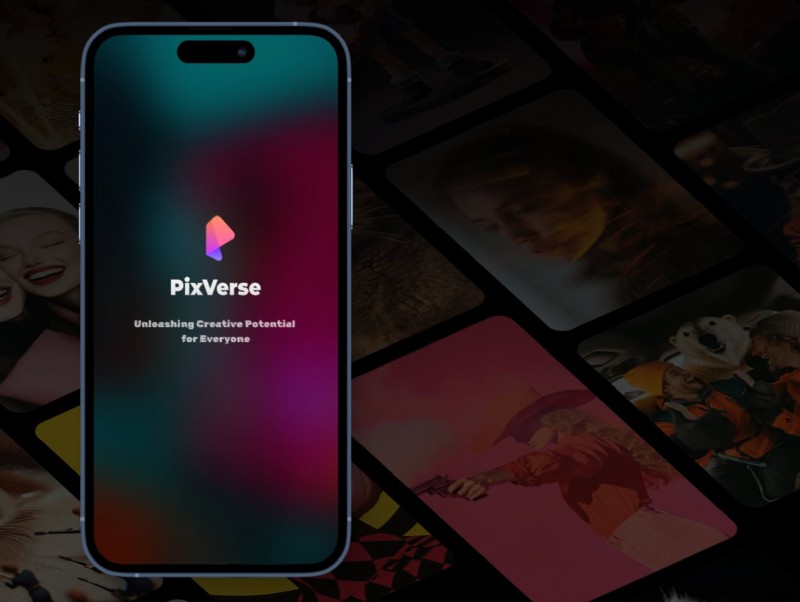
PixVerse focuses on viral templates and fast generation. It offers keyframe control and video extension to maintain continuity across longer clips.
Key features:
- Text‑to‑Video and Image‑to‑Video modes.
- Video Extension for longer scenes.
- Keyframe control for improved stability.
- Fusion Mode to combine up to three images into one clip.
- Trending effects and templates.
Best for quick, trend‑driven videos that need to be ready for social media.
Pros
- Abundant viral effects and templates.
- Keyframe and extension tools give better control.
- Text prompts can modify existing AI outputs.
Cons
- Occasional performance glitches.
- Free users limited to 540p resolution.
Pricing: Free credits for new users; paid plans start at $10/month.
Ratings: 4.3/5 on G2.
Platforms: Web, Android.
Part 3. How to Choose the Right Viggle AI Alternative
Match your creative goals with the tool that best fits your workflow:
Motion‑Swap Memes with Templates
Filmora, Pika, and PixVerse excel at quick, template‑based meme generation. They provide ready‑made dance, comedy, and trending templates that require minimal setup.
Realistic, Cinematic Video
For high‑fidelity motion, Kling AI, Runway, and Pollo AI offer cinematic outputs with detailed motion and customizable camera controls.
Convenience and Editing Speed
Filmora’s integrated AI and timeline editor make it the fastest path from concept to final cut, especially for short‑form platforms like TikTok and Shorts.
Conclusion
While Viggle AI delivers instant, template‑driven motion swaps, the best results often come from choosing the right alternative for your style. Each tool in our list offers unique strengths—whether it’s Filmora’s all‑in‑one workflow, Kling AI’s cinematic realism, or Pika’s viral‑ready effects. For most creators, Filmora strikes the optimal balance of speed, quality, and post‑production flexibility. Evaluate your priorities and try the free tiers to find the perfect match for your next project.