
Avidemux is an open-source and cross platform video editing tool which enables users to edit and linearly organize the video projects. Users can also apply audio and video effects to the media. But sometimes you may come across Avidemux no sound issue after exporting the project, which is really annoying. Want to find a solution? Just read on this article.
If Avidemux has no sound, in most cases this is simply because you didn’t enable the sound yet, because Avidemux’s audio output is set to “DUMMY”by default. To fix it, click on the Tools heading, and select its "Preferences" and then switch to the “Audio”tab. Then change "Audio output" to "WIN32" or whatever suits your OS from the "Audio Device" menu box. Finally click the “OK” button. Now you should hear sound. If you still couldn't hear the sound, then something might be wrong with the codec.
In fact, there are various fantastic video editing tools than Avidemux which gives you more editing possibilities without such kind of problem. Here I introduce Wondershare Filmora- an easy-to-use yet powerful video editing program which is fully compatible with AVI, DV, DIF, NUT, H261, H264, MOV, MPG, MPEG, VOB and more video and audio formats. Now let's see some key features of Video Editor.


Key Features of Wondershare Filmora (originally Wondershare Video Editor)
1. Easy-to-use video editor
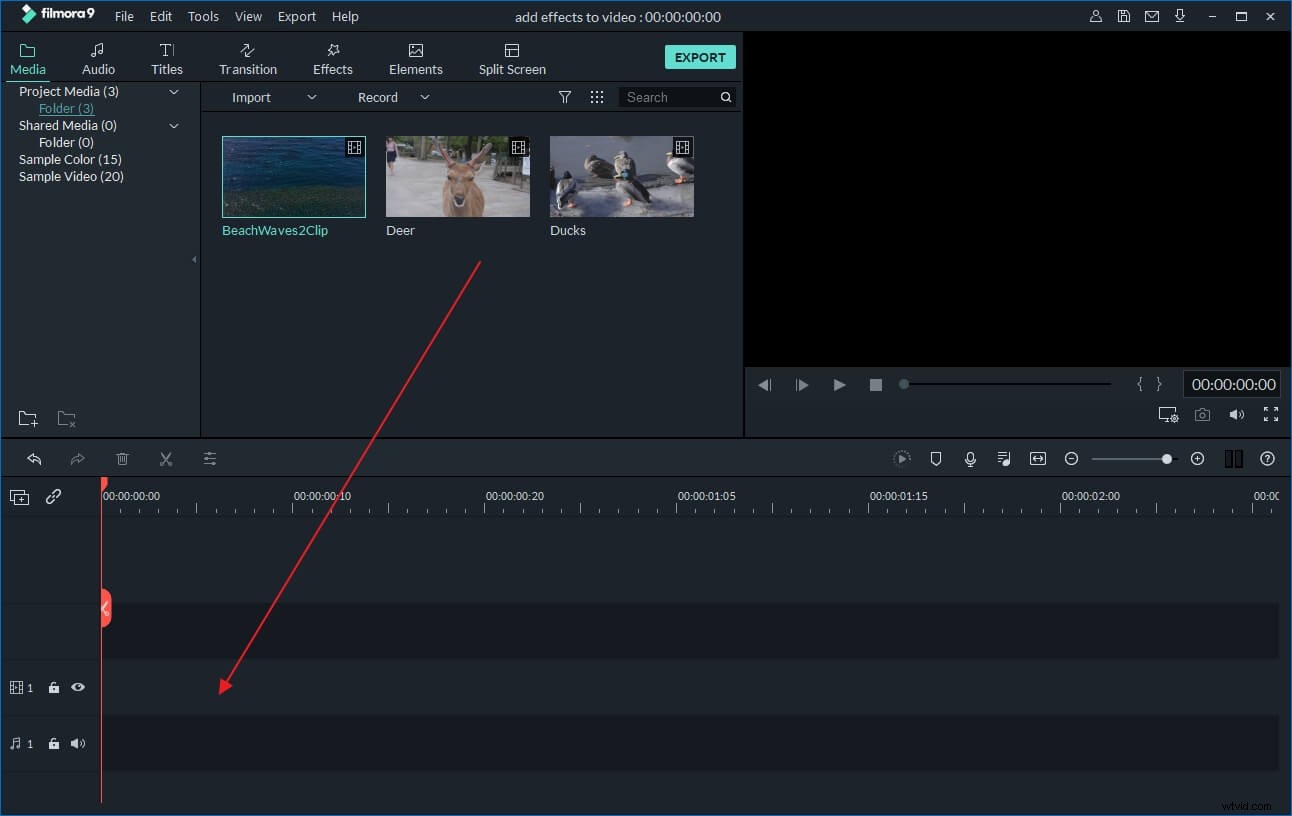
Whatever your level of expertise, Wondershare Filmora (originally Wondershare Video Editor) helps you easily and quickly edit your video and audio files. Just import your file and use a simple drag and drop method to edit your video before adding special effects and applying transitions- you don't have to convert the original video files.
2. Add fantastic effects as you like
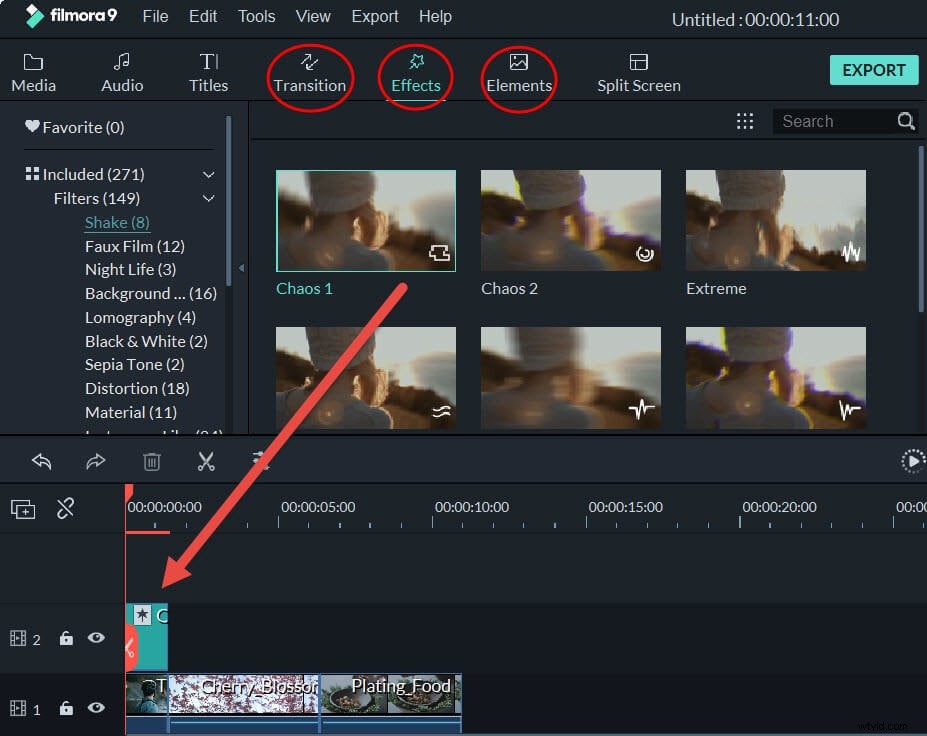
Designed to be intuitive, Wondershare Filmora (originally Wondershare Video Editor) is a fully featured video editing program for creating wonderful videos in minutes. It features Timeline-based editing, so you can just move the slider bar or the duration adjustment bar to the right location you want, and then do video trimming, cutting, splitting with ease. What’s more, it also offers 300+ transitions, titles and effects that make your videos look even more polished and artful.
 .
.
3.Edit the audio
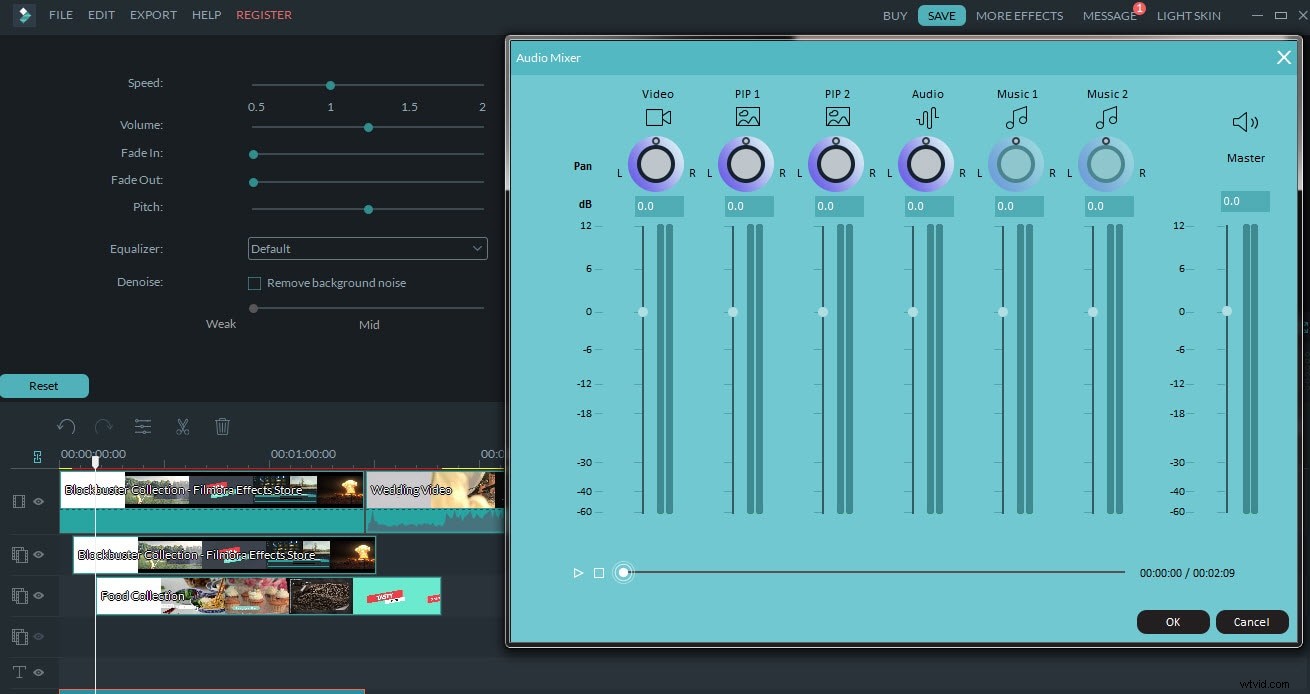
In Filmora, you can edit your audio files easily. You can detach and delete the original audio file from the video, and then add your own voice over or music to the video. Besides, you can change the speed, volume or pitch of the audio in the audio editing panel and remove the background noise with one click.You can also enhance the audio performance by using built-in Audio Equalizer and Audio Mixer.
4. Share your prefect works with the whole world
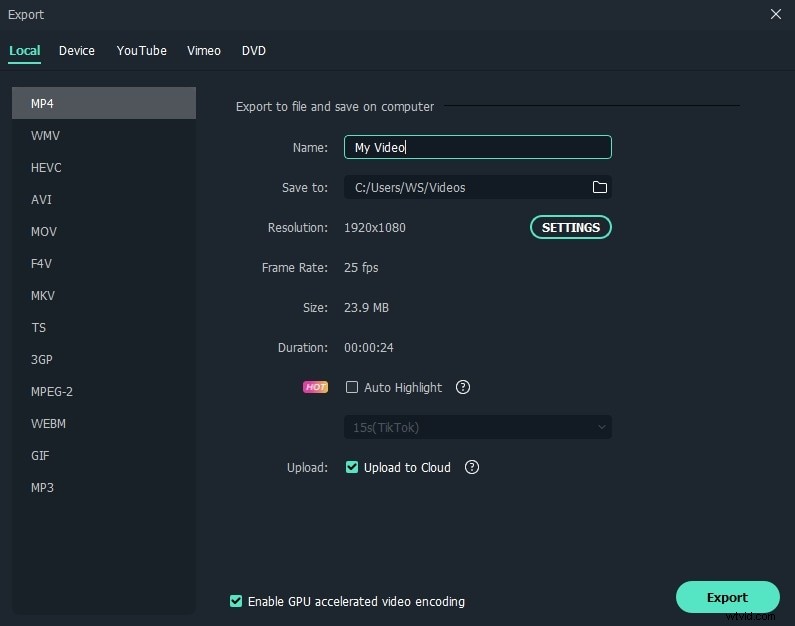
After making your new creations, share it with friends and family instantly. Upload your shows directly to YouTube and Facebook, burn to DVD and watch on your TV or save to PSP, iPod, iPhone or 3GP mobile phone - all your choice!
Free download this video editing software: