Ezvid is a simple and fast video maker for Windows users to create and share videos directly to YouTube. Designed for both professional and amateur users, it can help you create amazing slideshows and home movies in minutes instead of hours.
If you get used to Ezvid, and just moved to a Mac, you might wonder if Ezvid also comes with a Mac version. Unfortunately, Ezvid does not support Mac and as a result, you have to find a video program that is similar to Ezivd. If this is your case, give Wondershare Filmora (originally Wondershare Video Editor) for Mac a try. It can function as a powerful Ezivd for Mac by users of all ages.
Check the video tutorial about how to edit videos on Mac first.
1. Intuitive interface and precise video editing
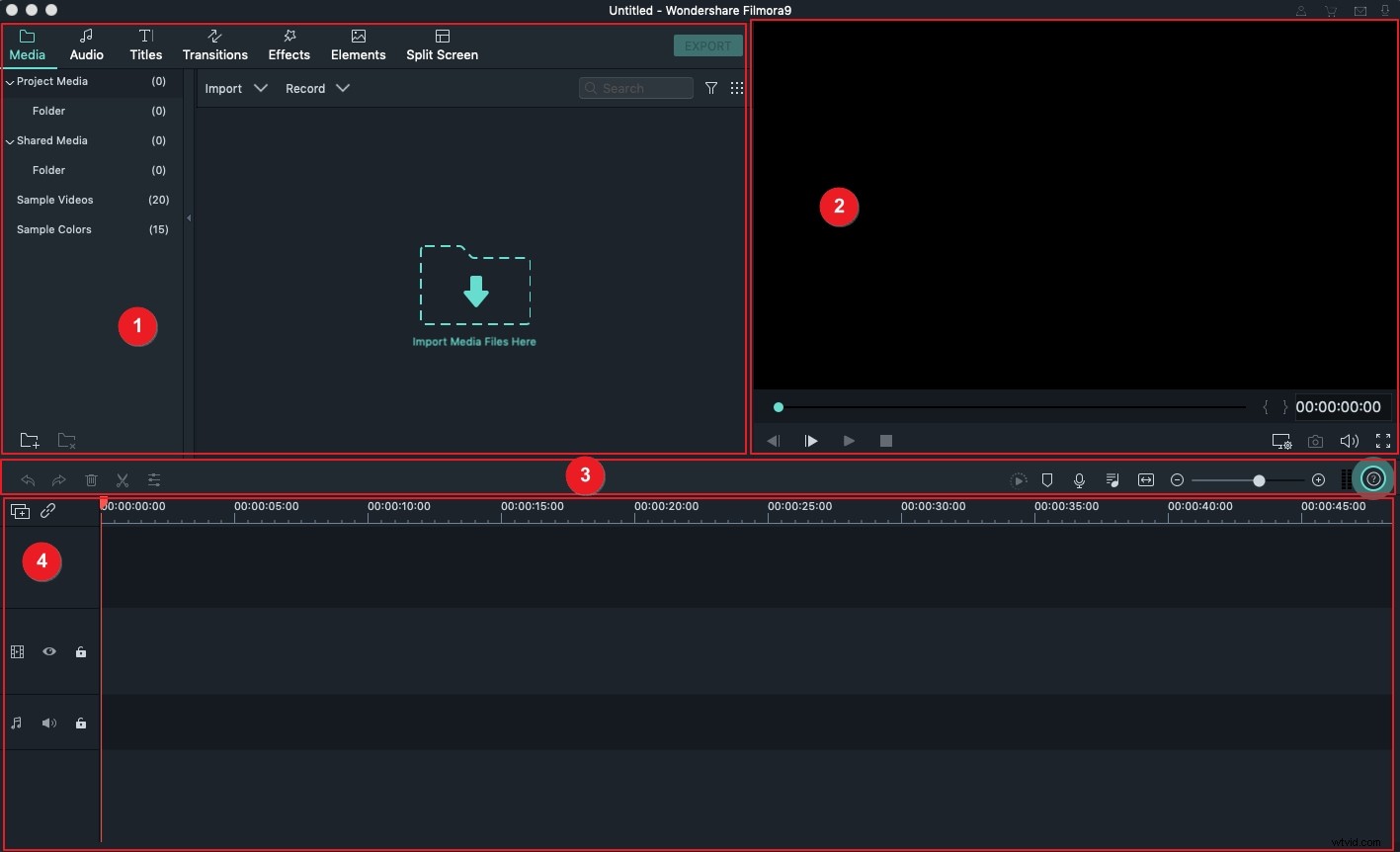
Wondershare Filmora is a photo video maker for Mac features a stylish interface and handy editing tools.
It provides a media browser for you to import all your local video, audio, or still images conveniently. Only by drag-and-drop, you can arrange and organize the videos for easy editing.
All video editing is based on Timeline, which lets you edit the video & audio comfortably. Also, it provides a side-by-side previewing window. What you see is what you get.
2. Enhance your video instantly in Mac
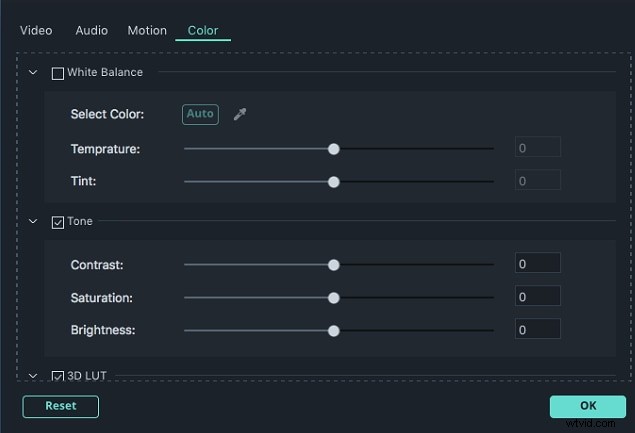
Besides all common editing tools like crop, rotate, trim, split, add voiceover and background music, Ezivd for Mac also enables you to touch up videos by an extensive list of fabulous video edits.
For example, you can apply Mosaic to hide personal or copyrighted info, create a close-up to stand out from the crowd, adjust the playing speed like 2x faster to make fun. Let alone picking up your favorite effects from rich transitions, visual filters, intros/credits, texts, sounds, and more.
3. Share the finished video with the worldwide
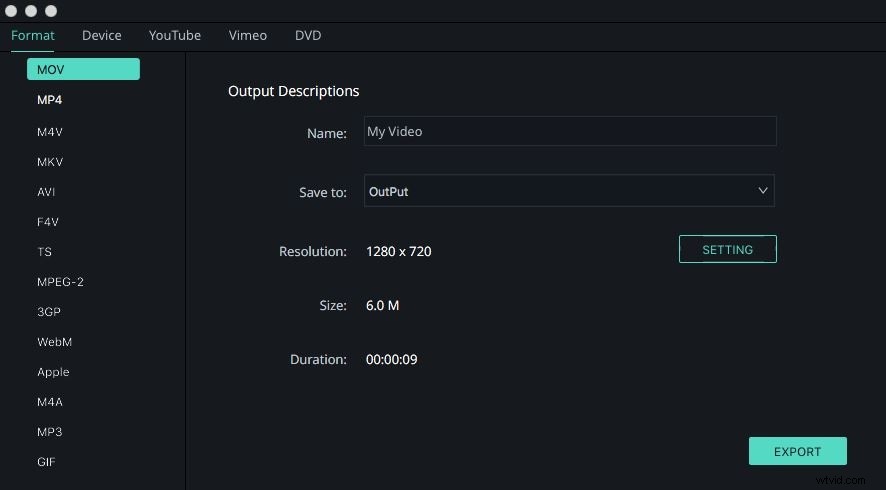
When you finish video editing, there are a variety of options available to export your creation. Like Ezvid, you can easily upload your masterpiece to YouTube directly from this Ezvid alternative, as well as a message to Facebook and Twitter. Or save it on the computer in all SD and HD formats like AVI, WMV, MOV, MKV, and so on.
More often, you’ll choose to play on portable devices like iPad, iPhone, Samsung Galaxy SIII, etc. Even burning DVD or DVD folders is included in this software for permanent preservation.