
Over five years since its release, is Final Cut Pro X finally more of a viable video editing option?
I, like many of you, switched to Premiere at the release of FCPX. I had been using Final Cut for a few years at that point. Then FCPX came around and had too many quirks and missing features. I tried it out for a month or so but I, like many others, abandoned ship and went to Premiere.
Then, within this last year, it seems like Apple has brought FCPX back from the dead, especially with the latest 10.3 release. I’ve casually spent the last few months reading a lot of articles and seeing videos of the improvements. Through all of this, I’ve been considering hopping back on the FCP bandwagon.
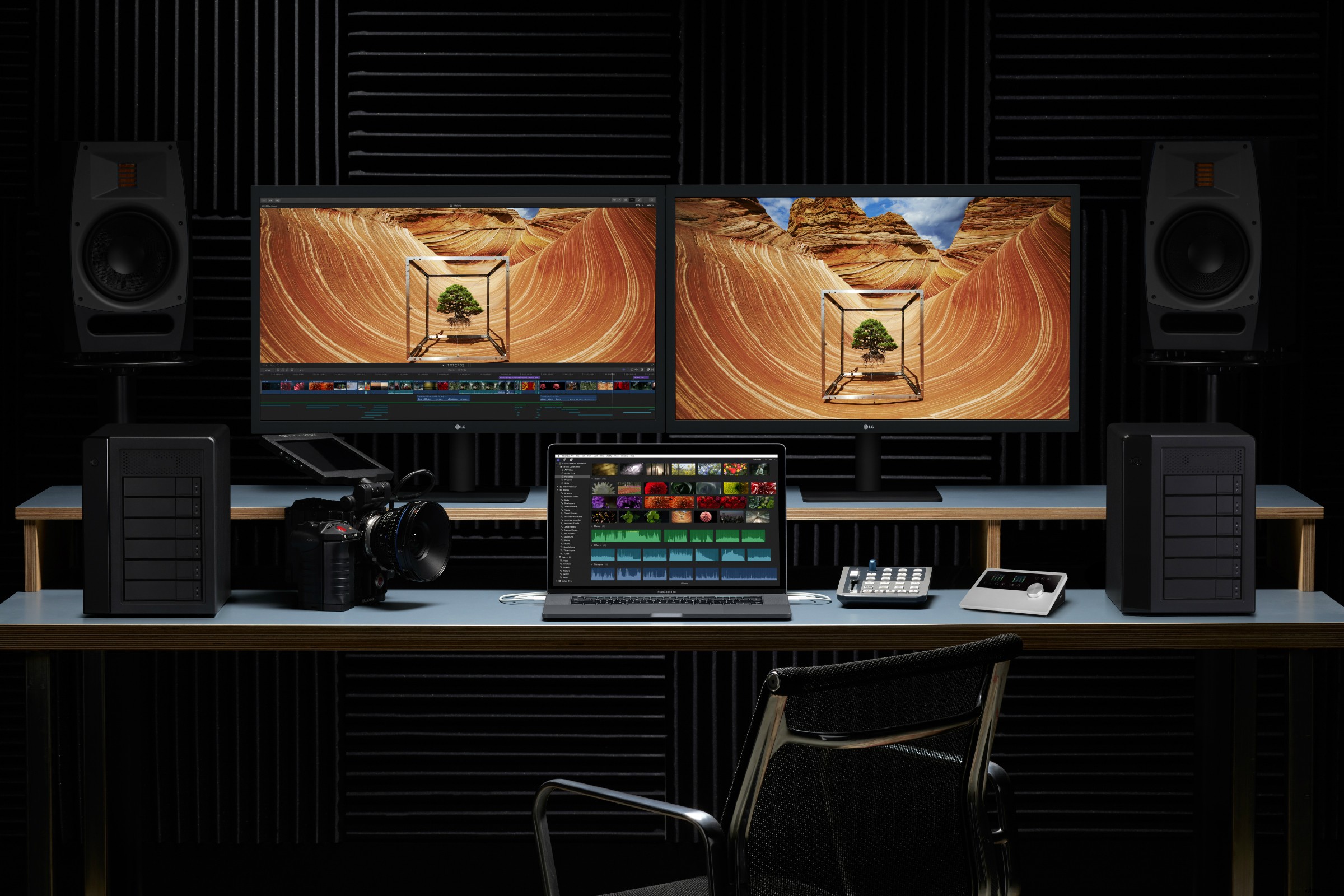
You can read a fantastic article about all of the latest updates here. I’ll walk you through a few of my main points and reasons for considering a switch.
The Reviews
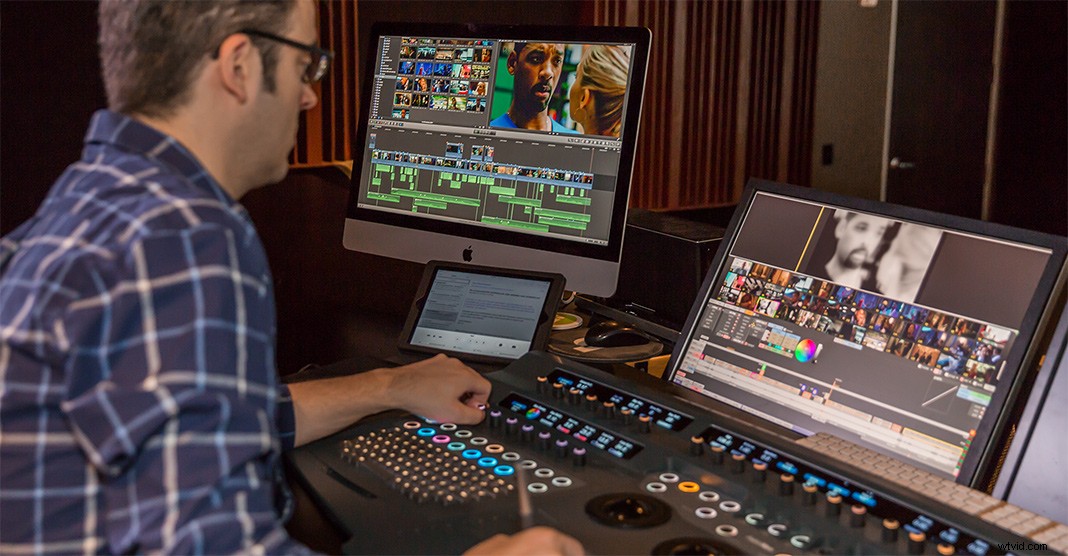
I’ve read multiple articles and watched a lot videos within the last year of editors who are praising FCPX. One of those articles is a feature on Apple’s website about the film Focus and how it was edited using FCPX. This was the first article and “review” I read that really started to jump out at me. If a major Hollywood film was cut using FCPX, then it will definitely work for my needs. Regarding the NLE, writer/director Glenn Ficarra said:
The Performance
One reoccurring theme I see in all of these articles is the fact that FCPX is simply faster than any other editor on the Mac. They attribute this speed to the fact that the hardware and software are built to speak to each other extremely well. This, in return, makes the NLE faster and much more efficient. For example, the video above (via Jonathan Morrison) details the speed at which FCPX can export. The video showcases a four-minute 4K video exported from a MacBook vs. a four-minute 4K video exported from Premiere on a specced-out PC.
The Latest Update
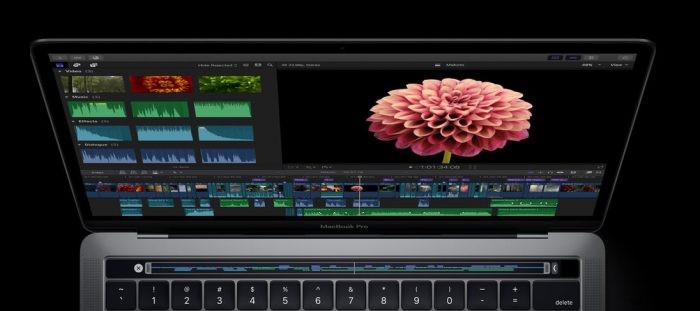
In a recent Huffington Post article, pro editor Thomas Grove Carter from London’s Trim Editing weighed in on the new MacBook Pro and the FCPX combination. Here’s what he had to say:
Making the Switch
Simply put, FCPX sounds like it is simply just faster than its competitors. For me, it’s starting to sound like if you’re editing on a Mac, cutting on FCPX is an obvious choice for efficiency. When editing, I like to be able to do so quickly and smoothly. Although, switching back will involve a learning curve, it seems like it will save time in the long run.
Take your time, do your research. I think it’s time I give FCPX another chance. I’ll be posting my review about switching in the coming months.
What are your thoughts on this matter? Did you leave FCPX or did you stick with it? Share your experiences in the comments below.