
Best Final Cut Pro alternatives for PC
Mac is still one of the best systems you’re going to get for high-end graphics but some of the newer Windows and even Linux based systems come pretty close. Therefore, for everyone out there wanting a Windows equivalent for the program, we’ve put together some of the top packages that have pretty much the same features as Final Cut Pro does.
Clideo
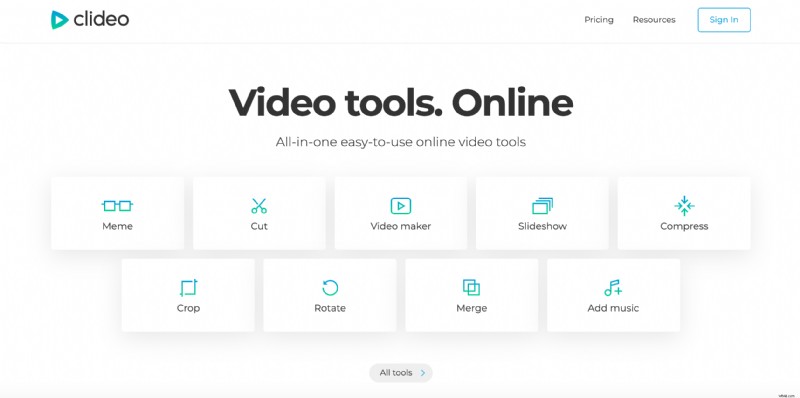
Clideo is a handy service that contains a host of useful tools. It’s user-friendly and really easy-to-use, plus it’s secure, readily available online and can be accessed from wherever you are. If you need to make quick changes to your video, Clideo’s tools bunch is an ideal option for you.
Advantages
- The tool supports all the popular web browsers.
- It comes loaded with video editing tools including Video Joiner, Meme Maker, Video Speed Editor, etc.
- Your files aren’t stored on the system, they’re deleted after downloading.
- You can use it for free.
- It allows you to convert video before saving.
Disadvantages
- The free version has a limiting maximum file size of 500 MB but you can increase it by subscribing.
Avidemux
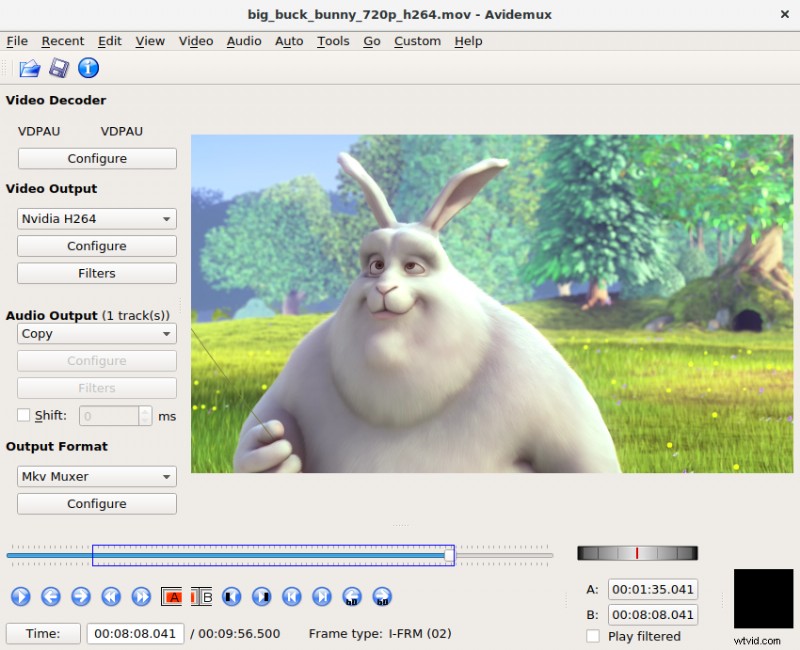
If you’re looking for a video editing software to learn how to edit, then this is the software for you. It’s easy to learn some great basic video editing features.
Advantages
- Simple even for beginners.
- Avidemux has a manual and help documents.
- It contains basic editing functions.
- It’s also open-source.
Disadvantages
- It’s limited in its functionality, that’s why the app may be not enough for more experienced users.
Vegas Pro
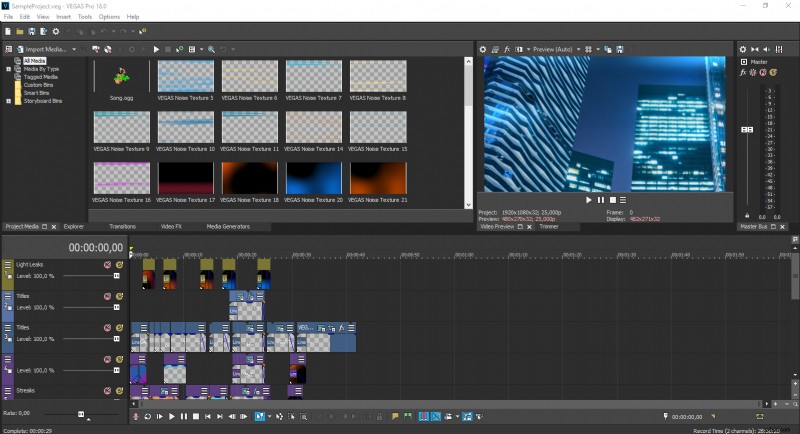
Vegas Pro has a lot of the same advanced features as Final Cut Pro. It allows editing of videos without compromising the quality. This is what you need when editing high-quality videos.
Advantages
- Vegas Pro offers easy editing of videos without compromising their quality.
- The software has a powerful feature for automatic generation of subtitles.
- There’s a handy motion tracking tool.
- One of its top features is its video stabilization.
- It has a user-friendly menu and system interface.
Disadvantages
- It may be a bit advanced for beginners.
Free Video Joiner
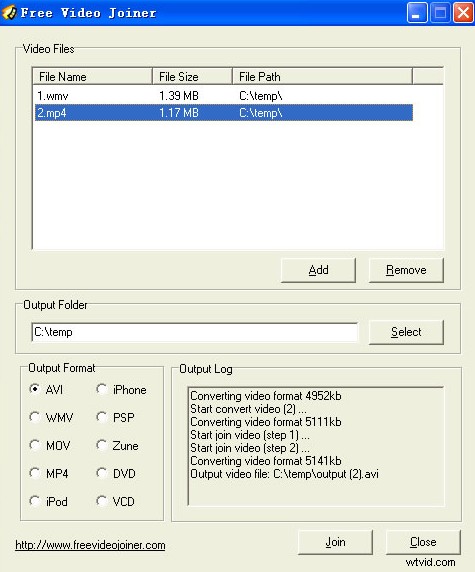
As the name of the program implies it’s a free editing software that comes with some very useful joining and merging features. It also has an extremely easy user interface that makes it appropriate for beginners.
Advantages
- Supports most Windows systems and web browsers.
- Easy to use system with a simple user-interface.
- Free Video Joiner is very informative and written in a style any user can understand.
- Supports most of the popular video formats.
Disadvantages
- It doesn’t have any other features except joining, converting and merging videos.
VirtualDub
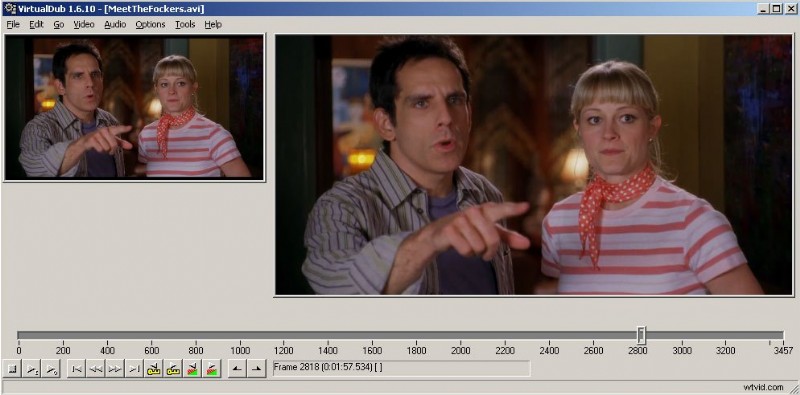
VirtualDub is a free application that has various filters, video color enhancements, fragment editing, etc. It’s not the most feature packed of the video editors, but it’ll give you some of the features afforded by Final Cut Pro.
Advantages
- VirualDub can be used on the Windows Operating System platform.
- It has some very nice video editing features including that enhancing video color, adding audio, filters, adjusting frame rate, etc.
- VirtualDub gives a possibility to edit selected parts of a video.
- The software is really easy to use with a great user-interface.
- It allows converting video to various video formats.
Disadvantages
- Lacking in video editing features.
- More experienced users may find it limiting.
Cyberlink PowerDirector 16
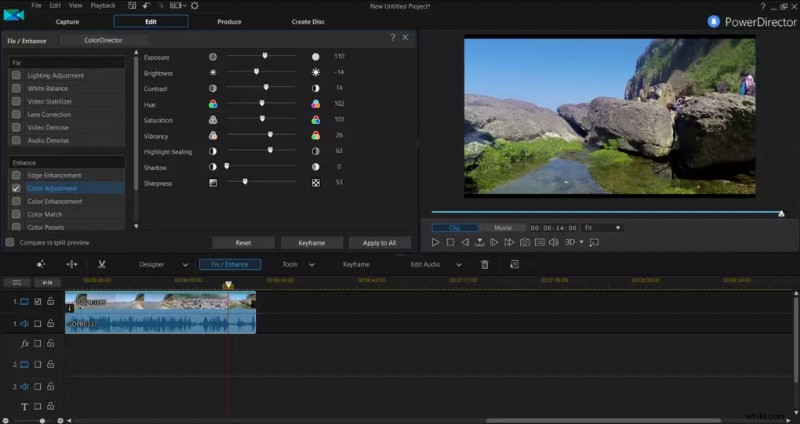
The software isn’t free but it does have a 30-day limited trial version that is going to embed a watermark on any of the videos you edit.
Advantages
- Supports most Windows version and web browsers.
- It has a multi-language support.
- Cyberlink PowerDirector has some powerful editing tools that Final Cut Pro has.
- The user-interface is nicely laid out and easy to follow.
Disadvantages
- The free trial has limited usage.