
Last updated on 24th November 2023
Sharing videos on Instagram is a powerful way to spark conversation with your audience. In fact, Instagram video posts receive twice the engagement of other post types.
While the process of sharing a YouTube video on Instagram can seem a bit circuitous, it’s entirely achievable with the right steps.
Preparing Your YouTube Video for Instagram
First, you need the raw video file on your mobile device. Although there are tools that can download YouTube videos, you should only use them if you have the creator’s permission; downloading copyrighted content without consent is a legal grey area.
Once the video is saved to your camera roll, it must be resized and optimized for Instagram’s format. Video editing apps such as InShot, Splice, or Instasize let you trim the length, adjust the canvas size, and apply filters or effects to make the clip truly Instagram‑ready.
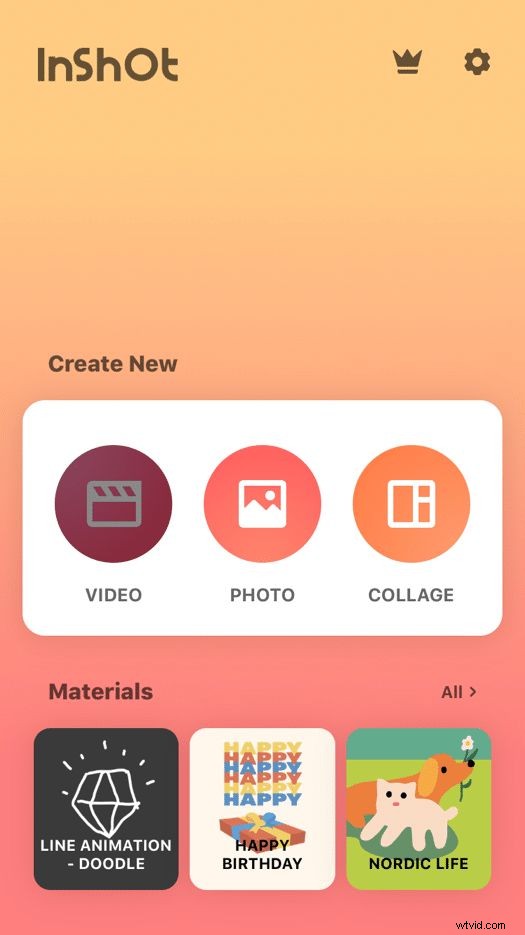
With the edited version complete, you’re ready for the final upload.
Uploading to Instagram as a Post, Reel, or Story
1. Open Instagram and tap the “+” button. Locate the edited video in your camera roll and tap “Next.” You’ll be prompted to choose whether the video will appear as a Post, Reel, or Story.
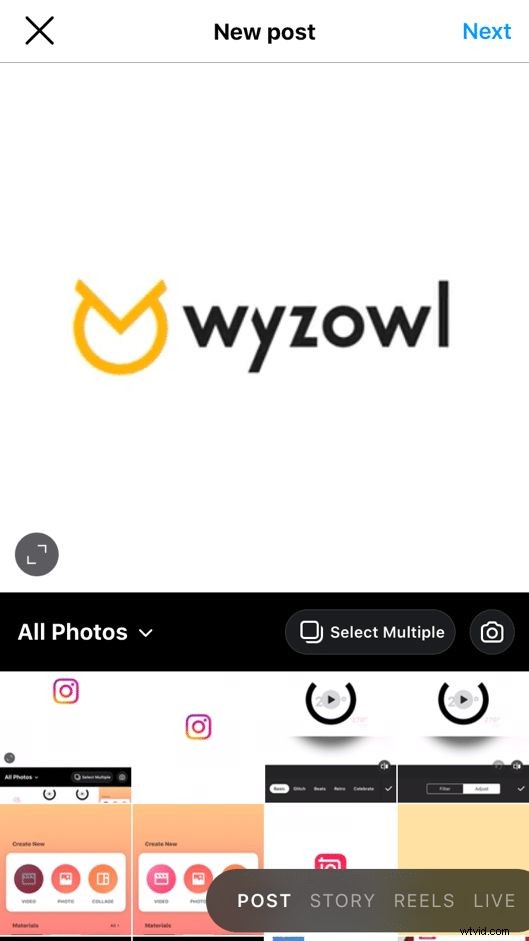
2. Apply any last‑minute filters or edits, then tap “Next” again.
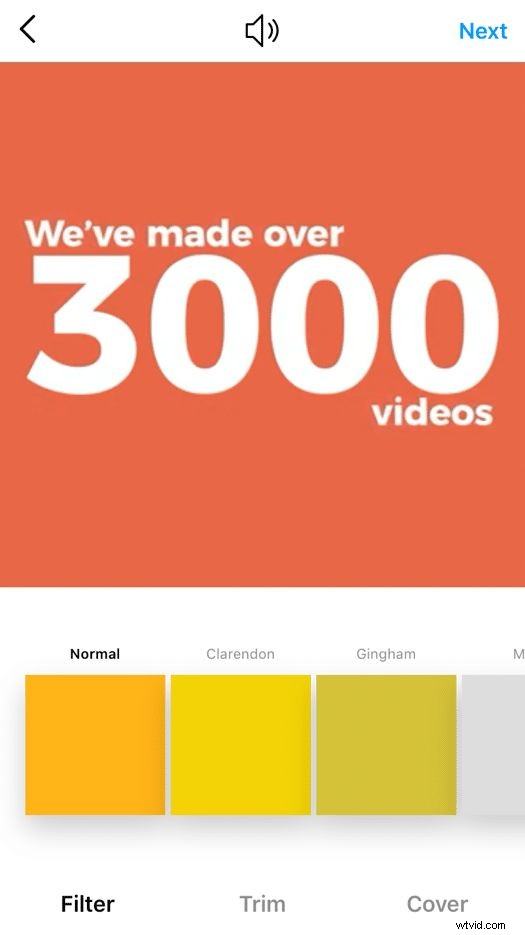
3. For Posts and Reels, add a compelling caption and relevant hashtags to extend reach. Remember that Stories disappear after 24 hours and are limited to 15‑second clips.
4. Tap “Share” and your video is now live on Instagram.
Quick Recap
- Download the YouTube video to your mobile device (with permission).
- Use an editing app to crop to Instagram’s aspect ratio, trim the length, and add filters.
- Upload the finished clip to Instagram as a Post, Reel, or Story.
By following these steps repeatedly, the workflow will become smoother and faster.
Why Cross‑Promote YouTube on Instagram?
- Expand Reach: Instagram exposure can introduce your YouTube content to new followers.
- Tap Mobile‑First Audiences: Instagram’s user base is largely mobile, complementing YouTube’s desktop viewership.
- Leverage Distinct Algorithms: Presenting the same content on both platforms increases visibility across different recommendation engines.
- Drive Traffic: Short, engaging snippets can entice Instagram users to watch the full video on YouTube.
- Offer Quick Consumption: Instagram’s fast‑paced format lets users digest key moments in seconds.
Overall, the benefits include higher viewership, diversified audience segments, and the ability to tailor each platform’s strengths to your content strategy.
Good luck creating cross‑platform gold!
While you’re here, explore more of our YouTube resources:
• YouTube channel banner size – 2024 guide
• Best YouTube thumbnail fonts – our top 7 picks
• YouTube Video Creation Service – our YouTube video homepage

Hassan is Marketing Manager at Wyzowl. He is an expert in video marketing, video software, promotion & analytics.