
Creating fresh videos repeatedly can drain time and budget. Leveraging the content you already own is a smarter, cost‑effective strategy. Drawing on more than a decade of experience at Wyzowl, we’ve identified 35 powerful methods to refresh, recycle, and reuse your videos across every platform.
1. Convert an Explainer into a Video Ad
Explainers and ads share the same goal: introduce your brand to an audience. The difference lies mainly in placement and call‑to‑action (CTA). A short tweak—changing the end CTA to drive traffic to your site—can turn a single video into a compelling ad.
Our service includes rendering dual versions with distinct CTAs at no extra cost when you initiate a project.
2. Turn Customer Testimonials into Video Ads
Social proof matters. Studies show 88% of consumers trust user reviews as much as personal recommendations. Rather than hiding testimonials on a landing page, repurpose them as short, impactful ads. Dropbox, for instance, used 20‑second testimonial clips in a high‑volume ad campaign.
3. Post on Social Media for Organic Reach
Sharing existing videos on LinkedIn, Facebook, or Instagram with a fresh CTA can reach new audiences at zero cost. While organic reach is challenging, engaging content coupled with thoughtful copy can still generate meaningful engagement.
4. Create Teasers and Cut‑downs
Segmenting longer videos into concise teasers or trailers helps build anticipation for product launches or brand relaunches. When we relaunched our brand in 2019, we cut a full‑length video into a 15‑second teaser that sparked interest before the main reveal.
5. Shorten into Pre‑Rolls
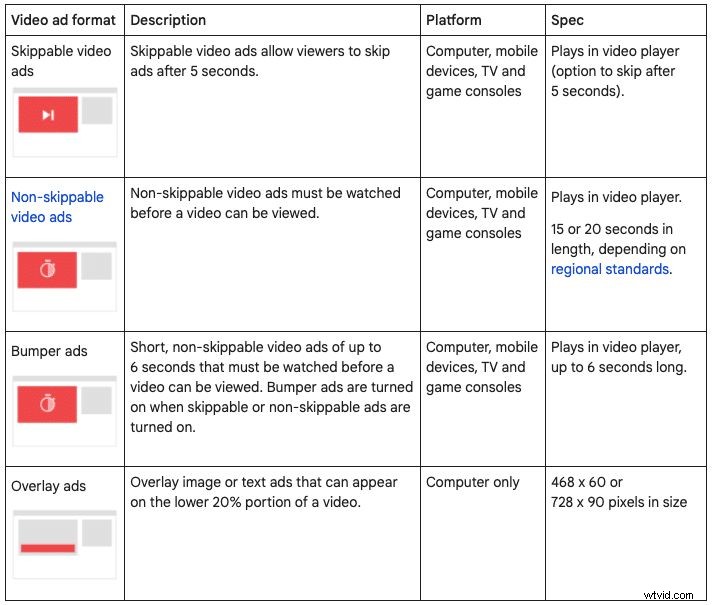
Short segments—15‑20 seconds for non‑skippable YouTube ads, 6 seconds for bumper ads—are ideal for pre‑roll placements. They combine repurposing with targeted distribution.
6. Animated Graphics and GIFs
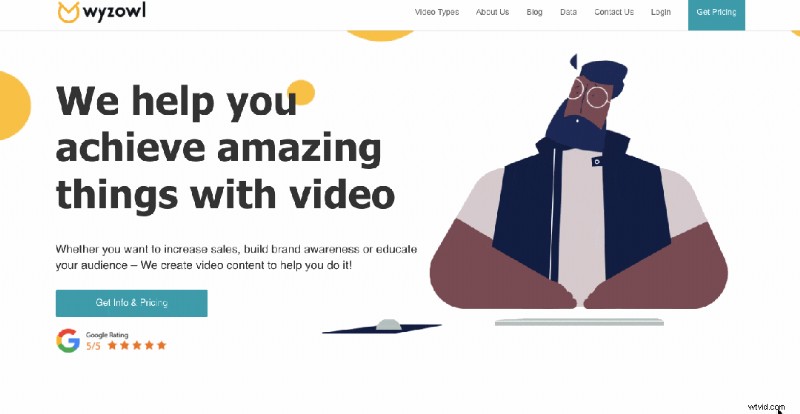
Every animated video comprises a series of graphics. Extracting key frames into GIFs adds motion to your website or serves as micro‑interactions. Simple tools like LICEcap or professional animators can generate high‑quality GIFs.
7. Static Web Graphics
Repurpose the artwork from animated videos into static images for banners, sidebars, or call‑to‑action buttons. Faith in Nature leveraged assets from their "What Would Nature Say?" campaign to create a vibrant, cohesive web experience.
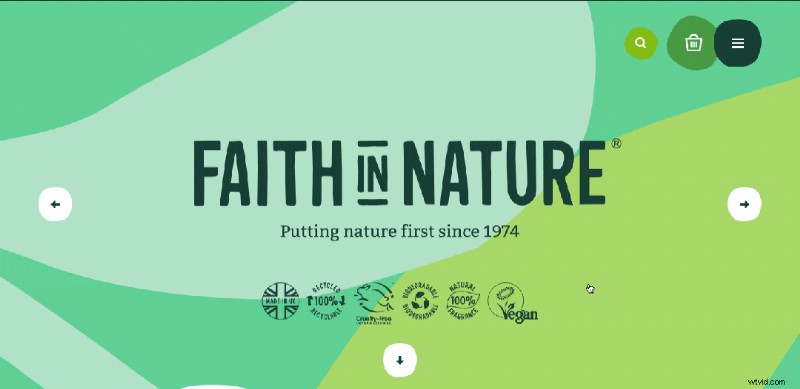
When you purchase a Wyzowl video, you own all source files, allowing you to create matching graphics at no extra cost.
8. Infographics
Transform video footage into a long, illustrated infographic that narrates your brand story or product benefits. Infographics have high longevity and linkability, as seen in our "Power of Visual Communication" piece.

9. Turn It Into a Podcast
Long‑form video—webinars, pitches—can be stripped to audio for podcast distribution. From 2018 to 2021, podcast listenership grew 29.5%. Platforms like Apple Podcasts, Spotify, and SoundCloud reach millions.
10. Social Media Posts
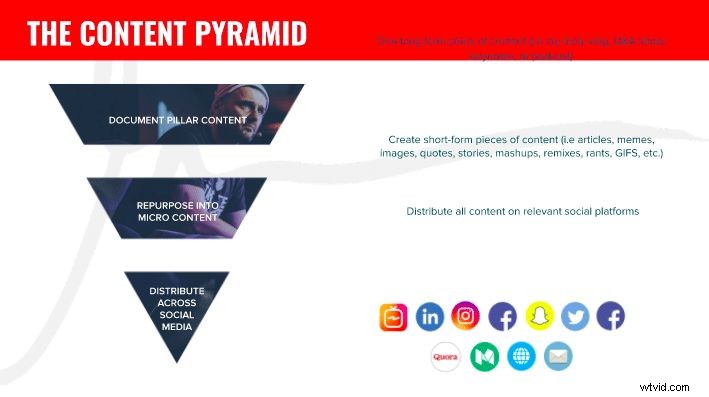
Gary Vaynerchuk’s "Content Pyramid" illustrates turning long‑form pillar content into micro‑content. Break a single video into bite‑sized clips, captions, or GIFs and publish across channels to maintain a robust posting calendar.
11. Elevate Your About Page
Condense your brand story into a 1‑2 minute video. Pair it with updated copy that reflects the video's narrative for a clearer, more engaging About section.
12. One‑off Email Sharing
Embed a short video in a dedicated email to explain your product or service. This simple addition can unlock new understanding among recipients without extra production effort.
13. Incorporate into Nurture Sequences
Automated email workflows benefit from short video embeds. Research shows 73% of prospects prefer watching a brief video over reading text or viewing an infographic.
14. Tailor for Events
Display looping video on a booth monitor or stage backdrop to capture attention at trade shows or presentations, freeing your team to engage directly with visitors.
15. SlideShare Presentations
Convert a video into a slide‑by‑slide deck for SlideShare.net. Remove music and voice‑over, add captions, and you have discoverable, high‑authority content.
16. Enhance Sales and Investor Decks
Incorporate snippets or visuals from your videos into pitch decks to add color and credibility to otherwise text‑heavy slides.
17. Blog Posts
Transcribe video content into written posts. Not only does this repurpose the material, but it also makes your topic SEO‑friendly and discoverable by search engines.
18. Webinars
Re‑package a slide deck into an interactive webinar. Use platforms like Zoom or GoToWebinar, promote via social, email, and paid channels, and capture leads.
- Webinar Marketing: Your Secret Weapon
- Webinar Marketing: How to Plan & Promote a Webinar
- 12 Lessons We Learned From Our First Attempt at Webinar Marketing
19. Instruction Manuals vs. Instructional Videos
Convert instructional videos into step‑by‑step manuals using screenshots, and vice versa. IKEA’s transition from paper manuals to assembly videos illustrates this duality.

20. Landing Page Videos
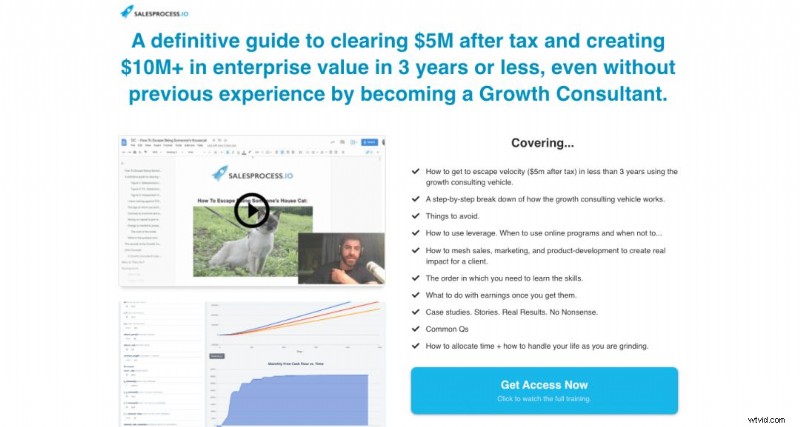
Videos enhance landing pages by delivering concise, persuasive messaging. The "video sales letter" format, exemplified by Salesprocess.io, boosts conversions when paired with clear copy and a strong CTA.
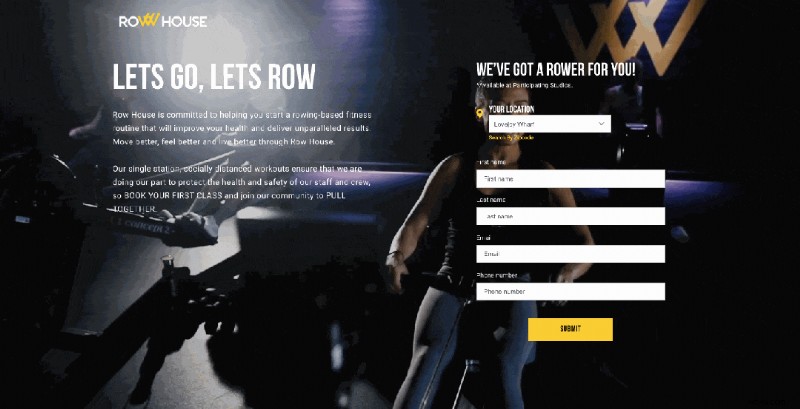
Alternatively, autoplay background videos like Row House’s example add visual interest to static pages.
21. Training Courses
Educational videos can form modular courses, building authority and generating revenue. The U.S. e‑learning market is projected to grow by $12.81 B in the coming years.
Platforms such as Udemy, Teachable, and Podia simplify course creation and monetization.
22. Testimonial Quote Images
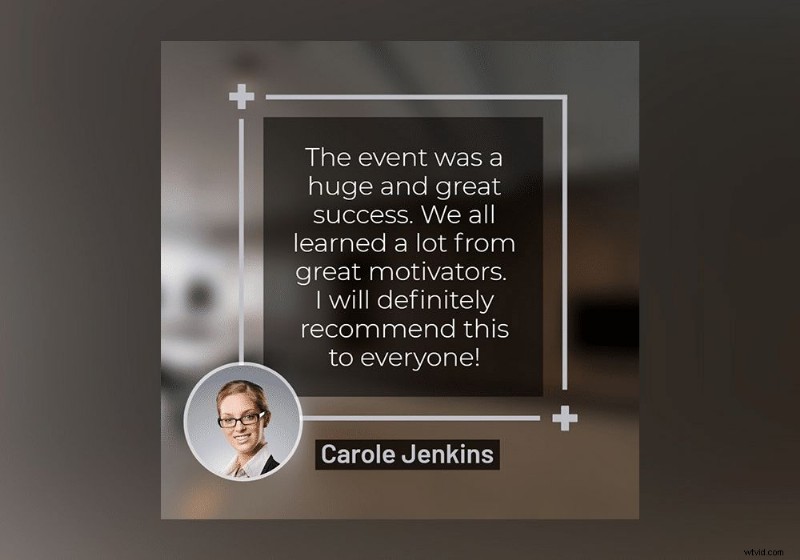
Transcribe standout lines from testimonial videos and turn them into static or animated quote graphics. Use them in ads, print collateral, or website sections to amplify social proof.
23. Interactive Video
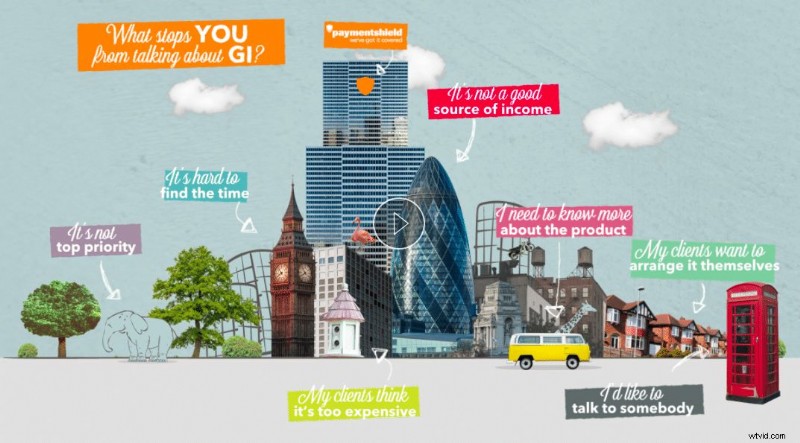
Interactive, non‑linear video lets viewers click through chapters or sections, creating a gamified experience. PaymentShield used a menu of objection‑overcoming clips to guide prospects to the right message.
24. Shoppable Video
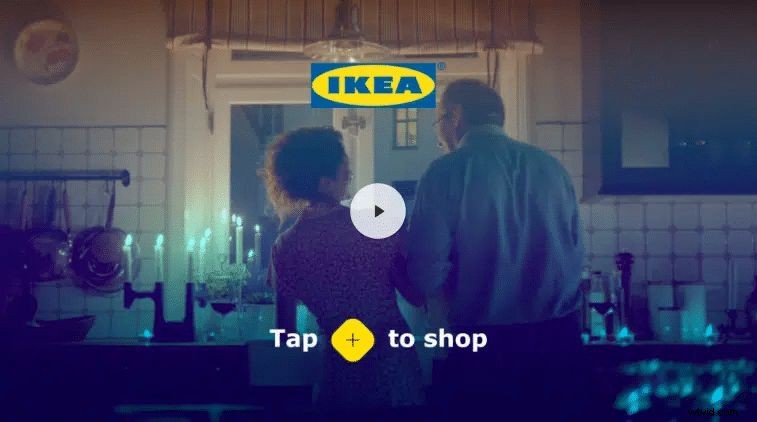
Shoppable video embeds product details directly into playback, enabling instant purchase decisions. IKEA’s product‑highlight pop‑ups exemplify this format, reducing friction from decision to purchase.
25. Customer Support Guides / Knowledge Base
Aggregate instructional videos into a searchable knowledge base. Embed video tutorials alongside written guidance and screenshots for a comprehensive support hub.
26. App Store / Google Play Video
App stores demand specific video specs, but the impact is clear: engaging preview videos improve download and retention rates. A 15‑second gameplay clip can replace tedious text explanations.
27. Sales Video
A polished video intro can differentiate a pitch. Break the video into slide‑by‑slide segments to serve as dynamic visual aids during investor or client presentations.
28. Compilations (Super Videos)
Aggregate multiple short clips—such as 10 customer testimonials—into a single longer video that showcases collective feedback or highlights key moments.
29. YouTube Playlists
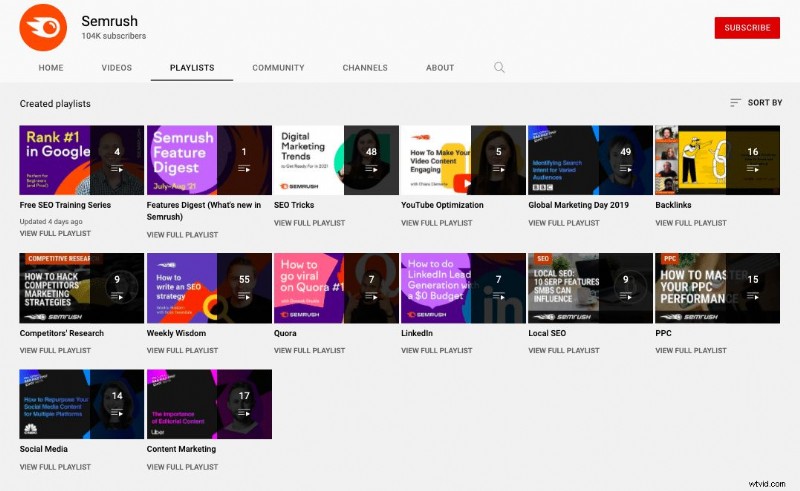
YouTube is a search engine in its own right. Organizing content into themed playlists—like Semrush’s clear, branded collections—encourages binge‑watching, boosts engagement, and improves discoverability.
30. Crowdfunding
Video is critical for fundraising success. Kickstarter reports a 50% higher success rate for projects with a video; Indiegogo notes a four‑fold increase in funds raised when a pitch video is included.
Repurpose an introductory video into a crowdfunding pitch to energize potential backers.
31. Bloopers and Behind‑the‑Scenes
Humorous outtakes humanize your brand and foster relatability. Many blooper reels garner millions of views, adding a lighter touch to your content mix.
32. TL;DW (Too Long; Didn’t Watch)
Trim lengthy videos into concise, high‑impact clips that capture the core message—ideal for audiences with short attention spans.
33. Instagram Stories → Highlights
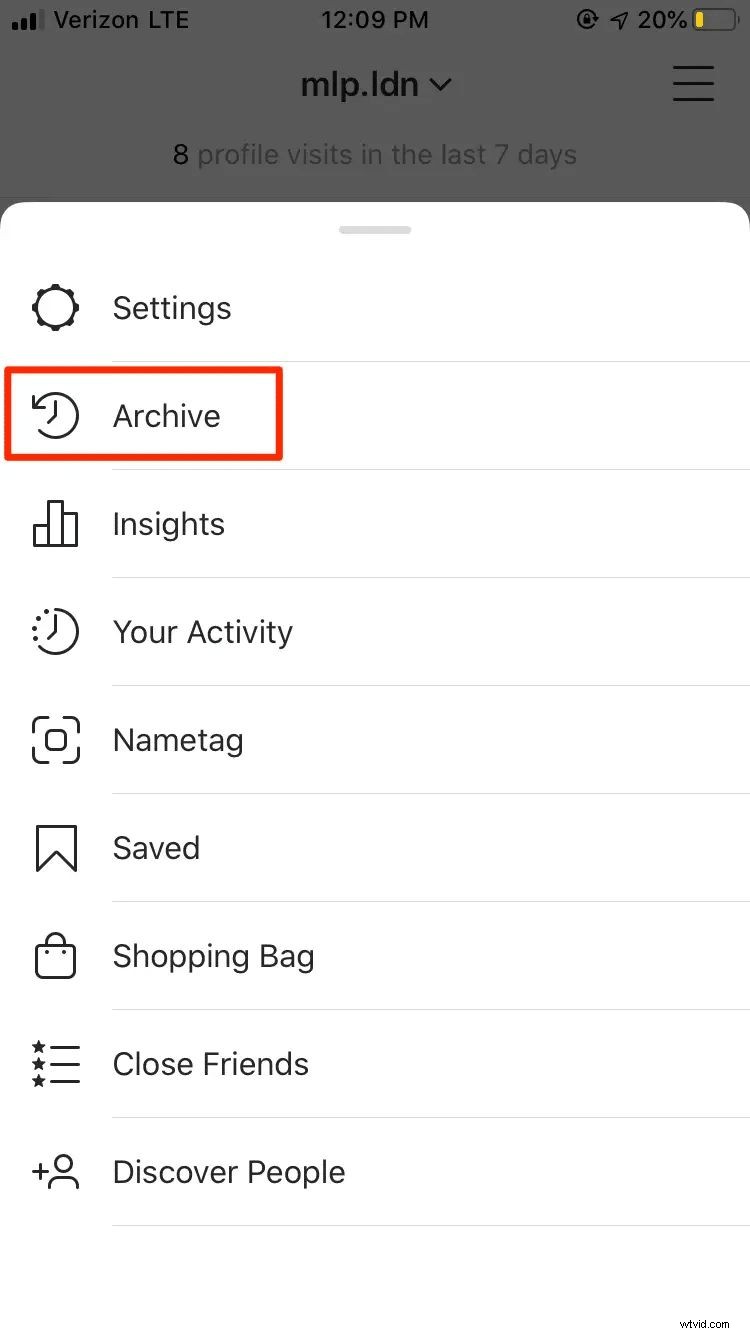
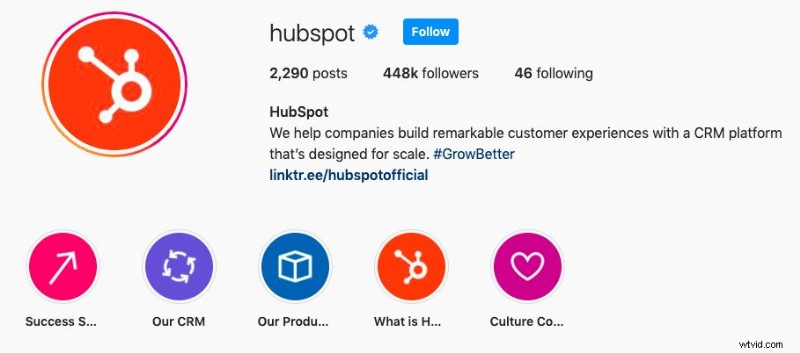
Archive stories, select key moments, and compile them into highlights. These can cover annual reviews, recruitment, events, or customer testimonials.
- Your year in focus
- Employee branding/recruitment
- Events you’ve attended
- Customer testimonials/stories.
34. Logo Intros and Outros
Extract the opening and closing animation from your video and apply it across all content—videos, website graphics, or social posts—for a consistent, polished look.



35. Image / Graphic Carousels
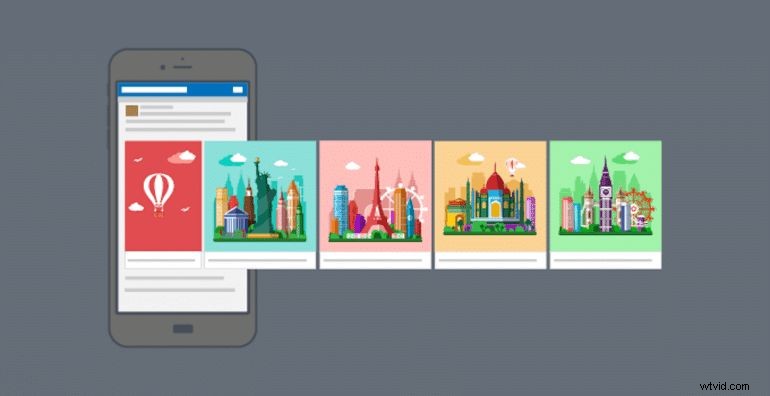
Carousels allow sequential storytelling across platforms like Facebook, Instagram, and your website. Use screenshots or frames from an explainer video to create a compelling narrative in a swipeable format.
Thank You for Reading
We hope this guide inspires you to treat each piece of video content as a seed that can grow across multiple channels. With thoughtful repurposing, your initial investment expands its reach and impact—without additional creative overhead.