
A compelling YouTube banner is the first impression your channel makes on visitors. It signals that your channel is well‑maintained, authentic, and worth the viewer’s time.
Numerous tools claim to help you create stunning channel art, but not all deliver on their promises. Below is our expert assessment of the five best free banner makers for 2026.
5 Best YouTube Banner Makers – Expert Review
Canva
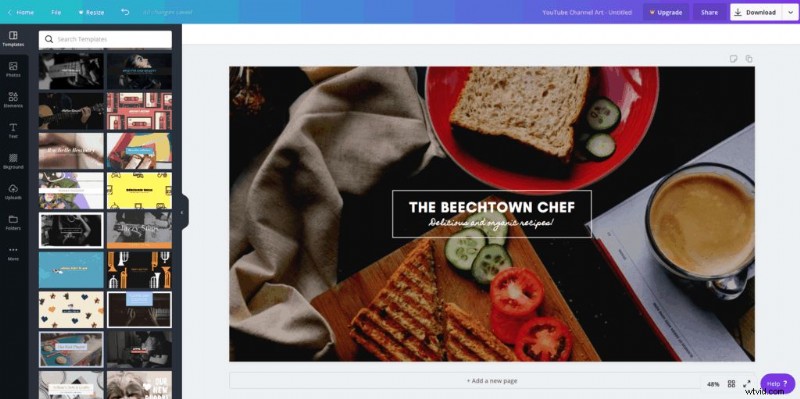
Canva remains the go‑to platform for quick, high‑quality designs. Its drag‑and‑drop interface, combined with a vast library of free colours, fonts, illustrations, images, and templates, lets you craft a banner in just four simple steps. You can also upload your own assets or browse premium options if you’re ready to upgrade.
The main limitation is that some images and design elements require a paid subscription. Choose from the free version, Canva Pro for small teams, or Canva Enterprise for larger organisations.
Read our full Canva review for deeper insights.
Pros:
• Simple, intuitive drag‑and‑drop interface
• Extensive library of free colours, fonts, illustrations, and templates
• Option to upload personal images or access premium assets
Cons:
• Certain images and assets are paid
• Collaboration features are limited in the free tier
Use Canva for FREE: Sign up for a free account or start a trial of Pro. Go to Canva >>
Visme
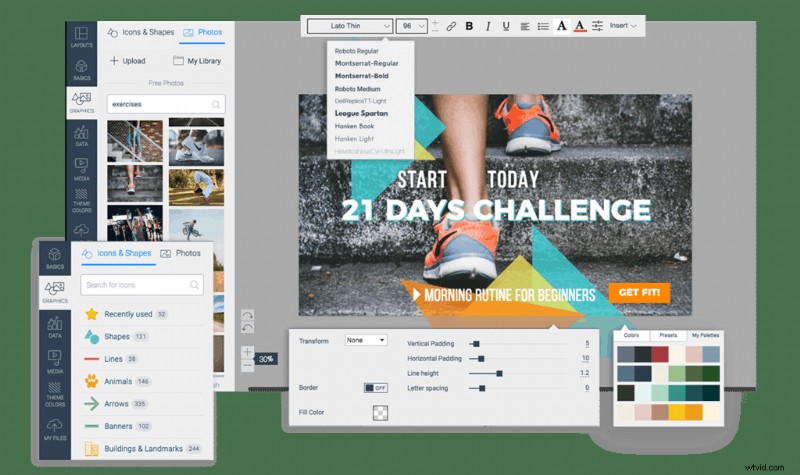
Visme offers a comprehensive suite of design tools, including 50+ free templates, hundreds of fonts, and a bank of free images, filters, frames, vector icons, and customizable shapes. It also lets you upload brand fonts, colours, and other design elements—but only if you have a paid brand kit.
While the free plan is generous, some advanced customization options and brand kit uploads are locked behind a paid subscription.
Pros:
• Wide selection of free templates and fonts
• Rich library of images, filters, frames, icons, and shapes
• Upload brand assets with a paid plan
Cons:
• Limited customization in the free version
• Brand kit uploads require payment
Use Visme for FREE: Start with the free plan or try a paid plan. Go to Visme >>
Snappa
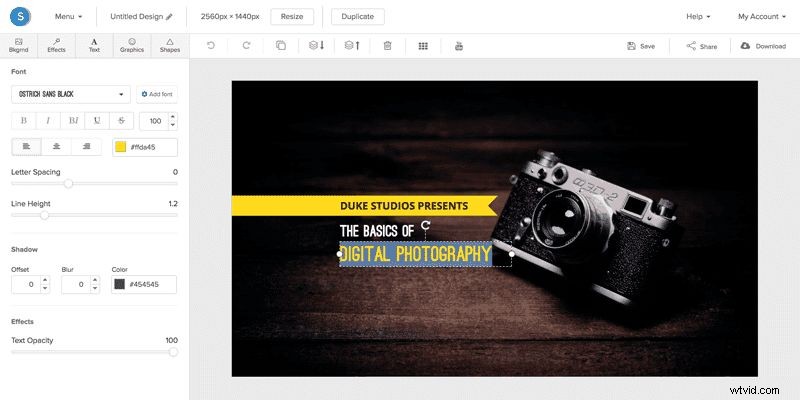
Snappa excels at simplicity and versatility. With over a million high‑resolution stock images, 200+ typefaces, and auto‑resize features, you can create a banner that looks great on YouTube and any other platform.
The free version grants full access to core features, but limits you to five downloads and shares. Upgrading to a paid plan unlocks unlimited exports and team collaboration.
Pros:
• User‑friendly with a large stock library and templates
• Automatic image resizing included in the free tier
• 200+ fonts to personalise your design
Cons:
• Free plan capped at 5 downloads/shares
• Collaboration options unclear in the free version
Use Snappa for FREE: Sign up for the free plan or try the Pro trial. Go to Snappa >>
Creatopy (formerly Bannersnack)
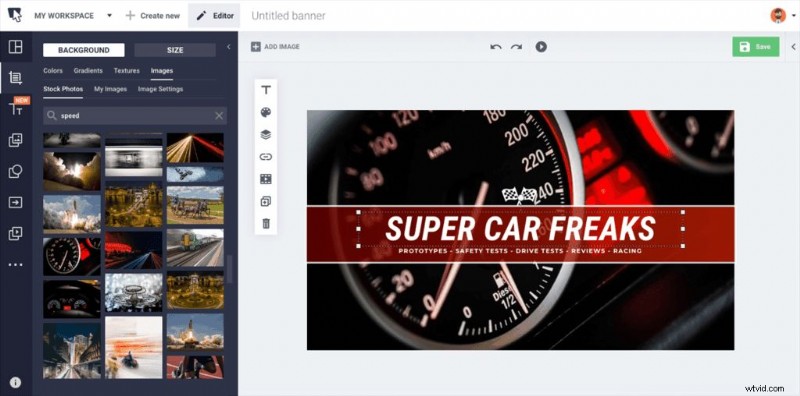
Creatopy is a user‑friendly banner maker that delivers pre‑built templates and built‑in assets such as text presets, fonts, and clipart. While you can use your own fonts, elements do not carry over between projects, requiring manual duplication for multi‑banner workflows.
The free tier allows up to 10 designs. To create more, you’ll need a paid plan tailored for individuals or teams.
Pros:
• Intuitive interface with pre‑built templates and assets
• Custom fonts supported
• Free plan available
Cons:
• Design elements are not reusable across banners
• Limited to 10 designs in the free version
Venngage
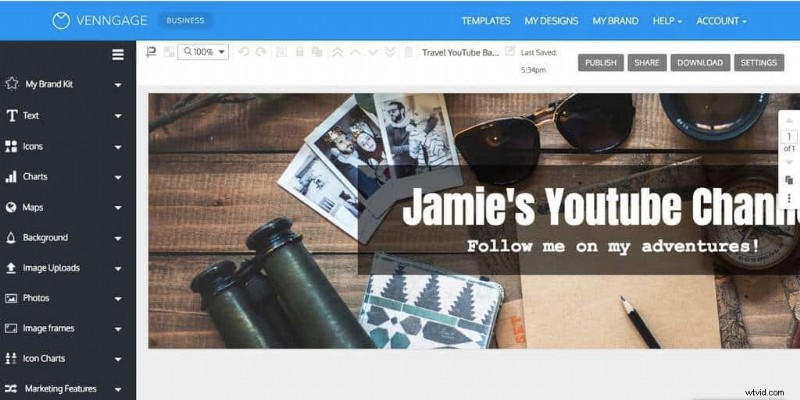
Venngage combines an easy‑to‑use editor with a robust library of stock photos, illustrations, and icons. You can start from scratch or tweak a template to match your brand.
Export options are slightly restrictive: only PDF and PNG are available, with no JPG download. Both free and paid plans exist, with the latter offering more advanced features for individuals and businesses.
Pros:
• Simple start‑from‑scratch or template options
• Extensive stock library
• Add personal images, logos, and elements
Cons:
• Limited export formats (no JPG)
• Collaboration details not specified
For a deeper dive, check out our Venngage review.
YouTube Channel Art – Pro Tips
Even the best banner maker can’t replace solid design principles. Use the following expert tips to ensure your channel art stands out.
Maintain Brand Consistency
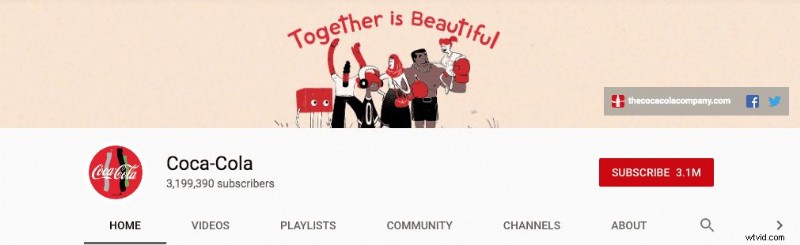
Brands like Coca‑Cola consistently use their signature colours—red, not blue—across all touchpoints. Stick to your brand palette to create instant recognition across platforms.
Keep Your Channel Theme Consistent
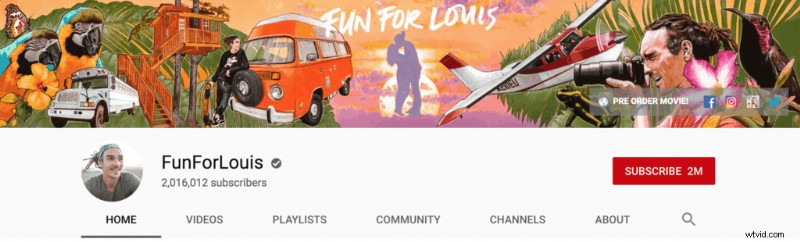
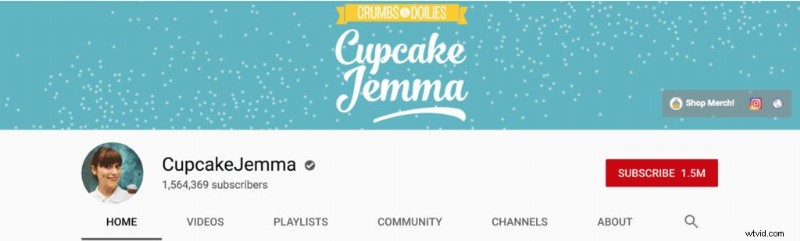
Channel themes should echo across all content, from thumbnails to banners. For instance, a travel channel’s banner should hint at wanderlust through imagery and tone.
Add a Memorable Tagline
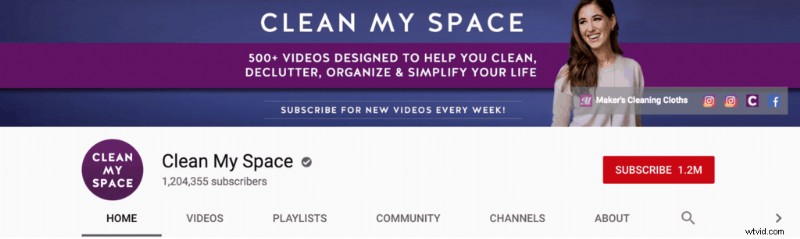
A concise slogan placed near the top or bottom of your banner reinforces what your channel offers and leaves a lasting impression.
Simplify Your Design
Cluttered banners dilute impact. A minimalist layout highlights your logo and tagline, ensuring clarity even on mobile where space is limited.
Place Key Elements in the Safe Zone
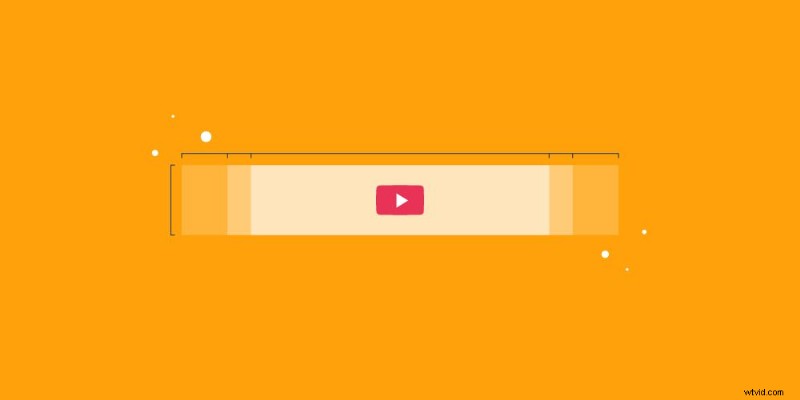
The central safe area is where your logo, headline, and tagline should reside to avoid cropping across devices.
Use High‑Resolution Images
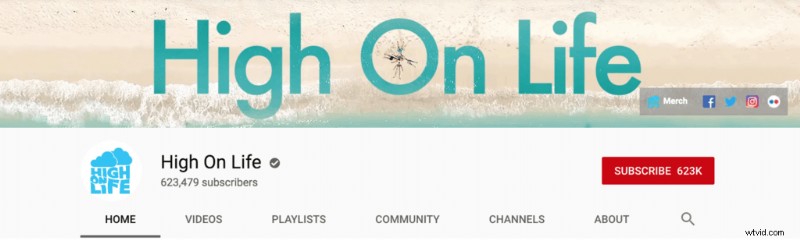
Pixelated visuals undermine credibility. Sources like Unsplash offer crisp, high‑quality stock photos suitable for large‑screen displays.
Choose Appropriate Font Size and Style
Mobile viewers need bold, readable text. Match font style to your brand personality—rounded fonts convey warmth; angular fonts suggest strength.
Respect Recommended Dimensions
Wrong dimensions can distort your banner. Refer to YouTube’s official guidelines for optimal size and aspect ratio.
Our Top Pick: Snappa
After weighing all options, Snappa emerges as the top choice. Its intuitive interface, vast template library, and robust free features empower creators to design standout banners without hidden paywalls.
Discover more in our in‑depth Snappa review.
Closing Thoughts
A well‑designed banner not only attracts viewers but also conveys your channel’s personality and value proposition. The tools highlighted here enable you to produce professional‑looking art quickly and efficiently.
Need help getting verified on YouTube or want to diversify with playlists? Check out our verification guide and playlist strategy guide.

Adam is Head of Content at Wyzowl. He leads a talented, fearless team of writers and is passionate about video, growth marketing, brand storytelling, and enjoys speaking in the third person.