
Video has become the most persuasive medium for brands, and CapCut offers a free, all‑in‑one solution that’s both powerful and user‑friendly.
In this review we cover:
- What CapCut is and why it’s popular
- Who can benefit from the app
- Key features, including AI tools and asset libraries
- Pros, cons, and pricing
- Customer support and overall experience
TL;DR
CapCut is a free, mobile‑first video editor that provides an extensive library of templates, assets, and AI tools—ideal for marketers, creators, and small businesses.
Pros
- Completely free for core functionality
- Intuitive, mobile‑first interface
- Built‑in music and sound‑effect library
Cons
- Standard export includes a watermark unless you publish directly to TikTok
- Designed primarily for short, vertical videos; desktop experience is limited
Rating

What is CapCut?
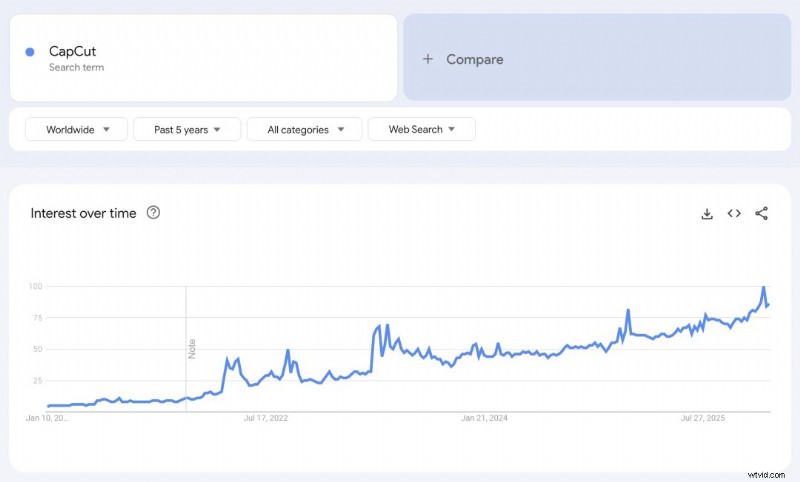
Launched in 2020 by ByteDance, the parent company of TikTok, CapCut has surged in popularity—especially as short‑form video dominates social media. Google Trends shows a steady rise in search interest since 2022, confirming its growing user base.
Who is CapCut for?
CapCut is built for anyone who wants to produce engaging videos—from students and hobbyists to small‑business owners and social‑media influencers. On first launch, the app asks a few questions to tailor templates and workflows to your needs.
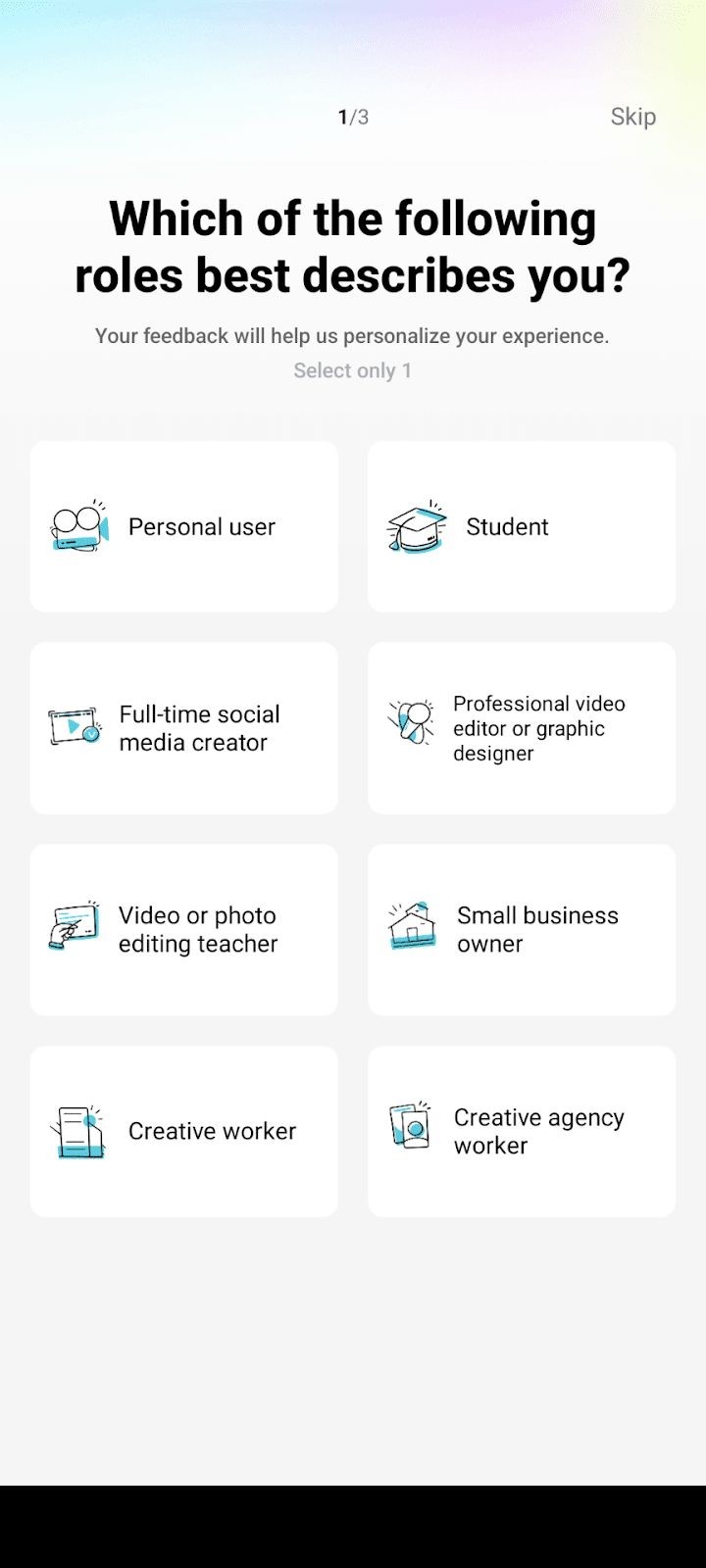
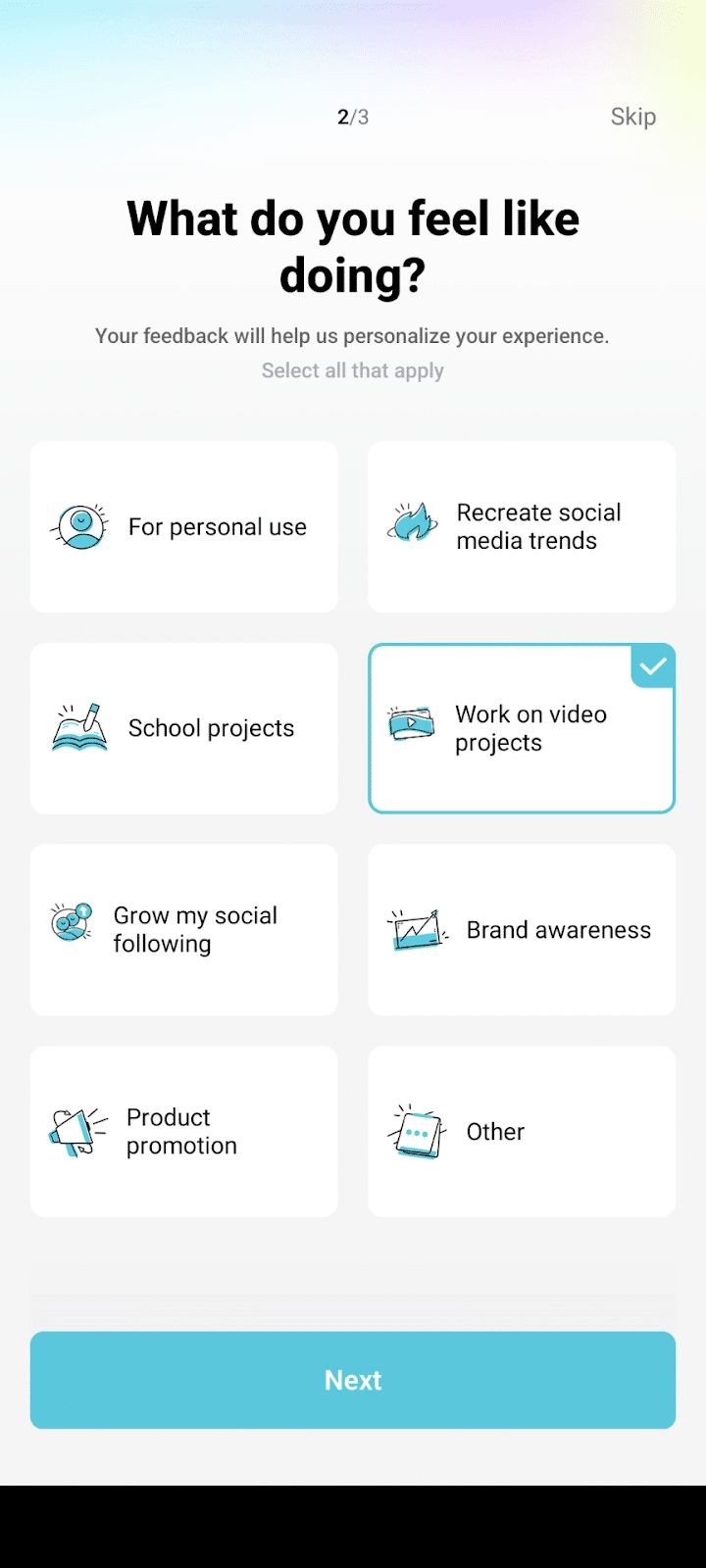
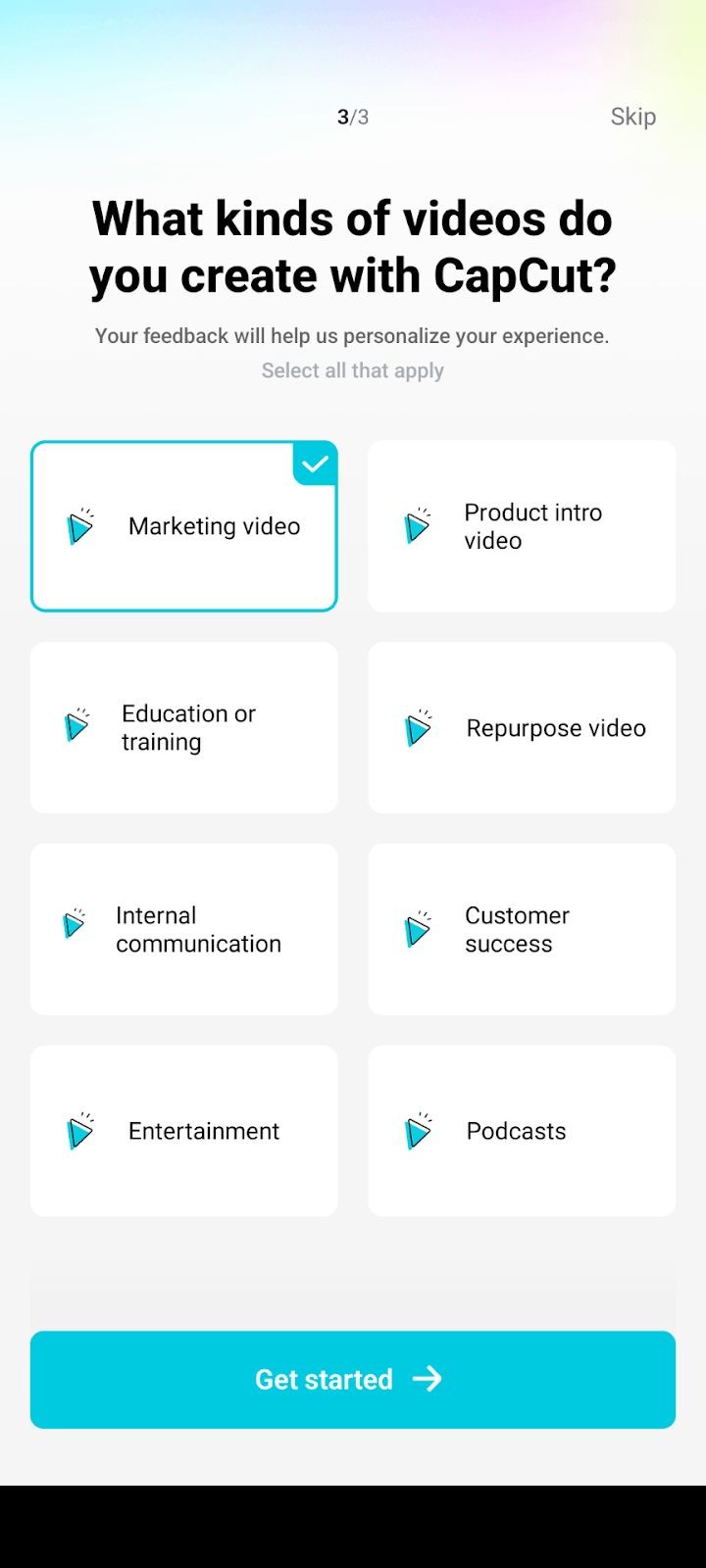
For this review we selected Small Business Owner > Work on Video Projects > Marketing Video as a typical use case.
Key Features
1. Ready‑made Templates
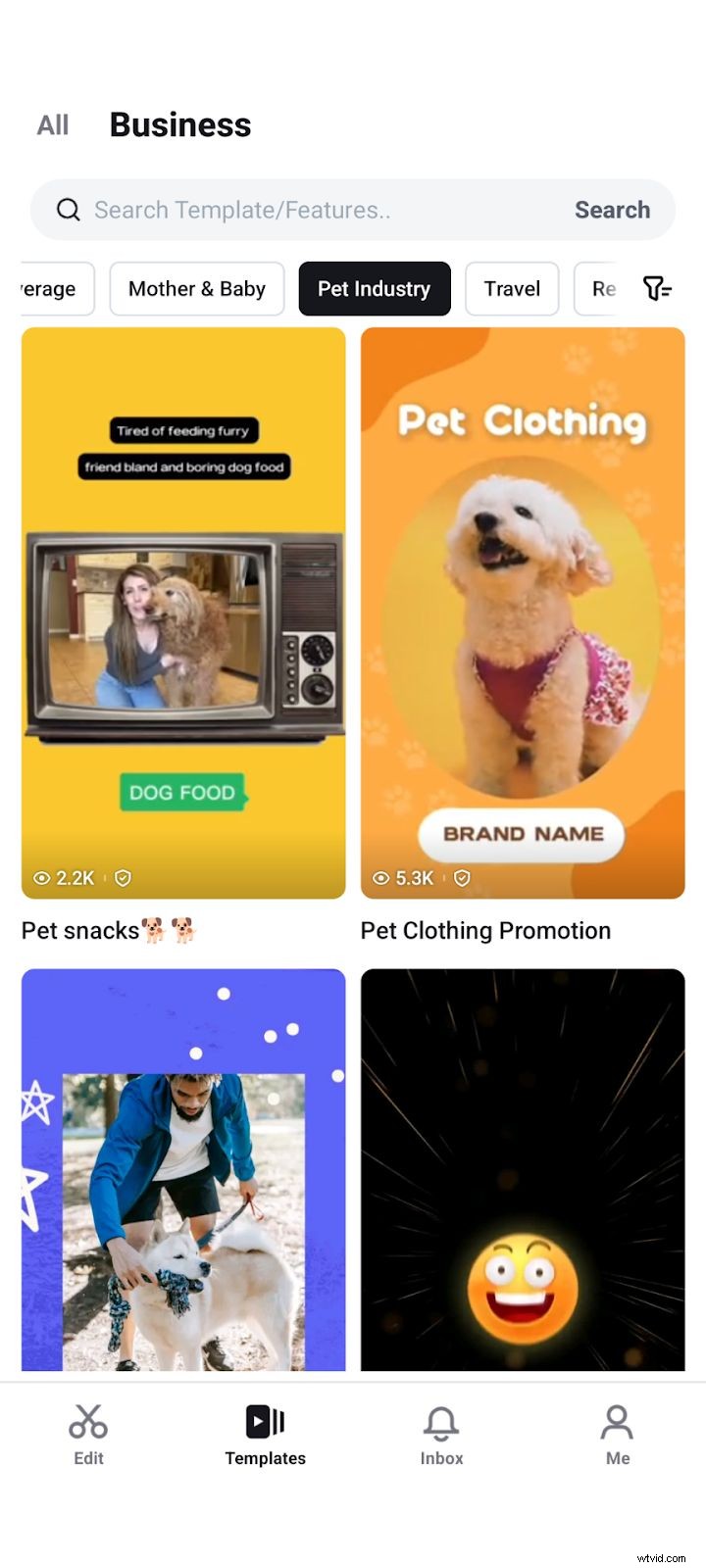
After answering a quick setup questionnaire, CapCut presents a curated selection of industry‑specific templates—perfect for users who lack editing expertise or time. According to the 2024 Video Marketing Report, lack of time is the #1 barrier to video adoption.
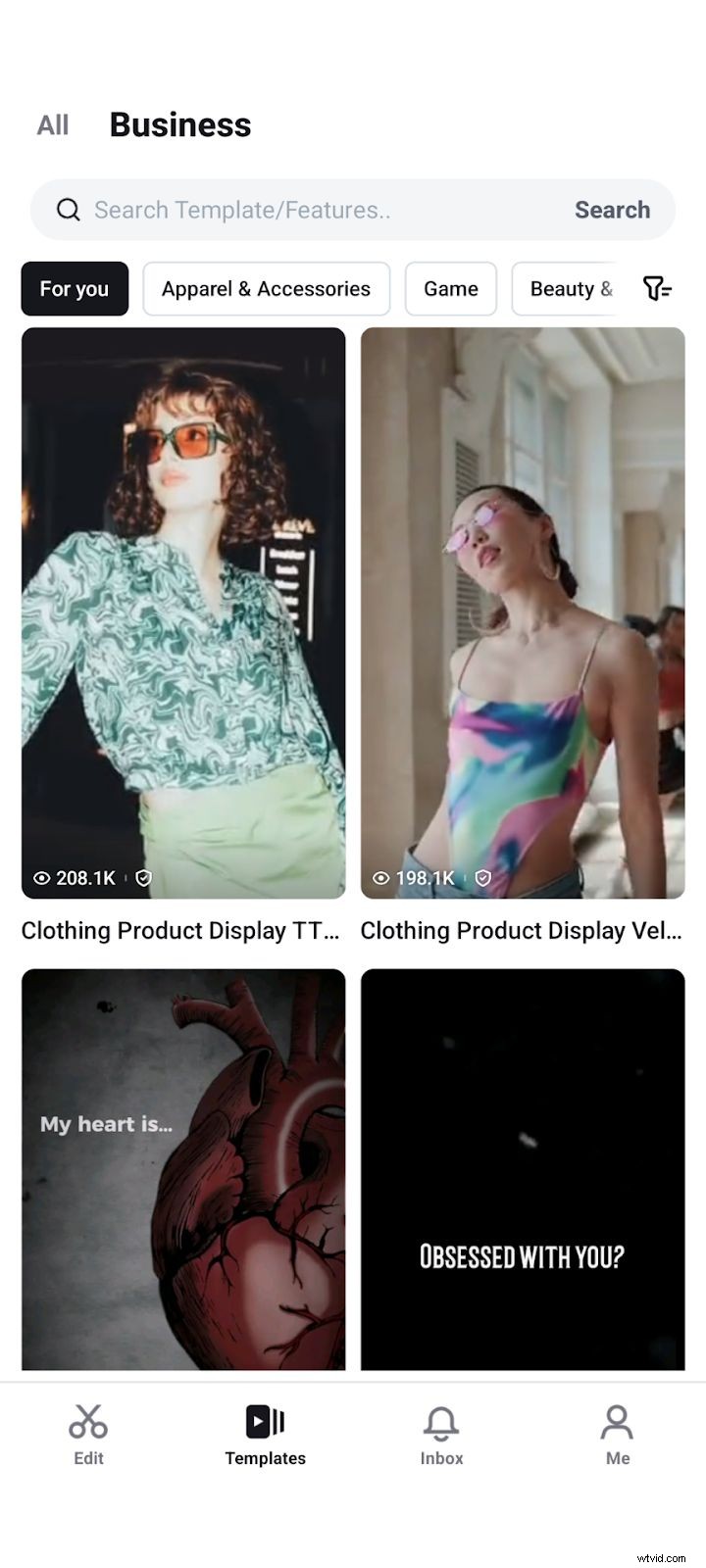
You can swipe to switch between templates and then import footage from your camera roll. Once added, the text, music, and transitions are ready to use.

2. Asset Libraries
CapCut includes a vast collection of royalty‑free audio and stock video clips. Search by genre, mood, or specific artist to find the perfect soundtrack.
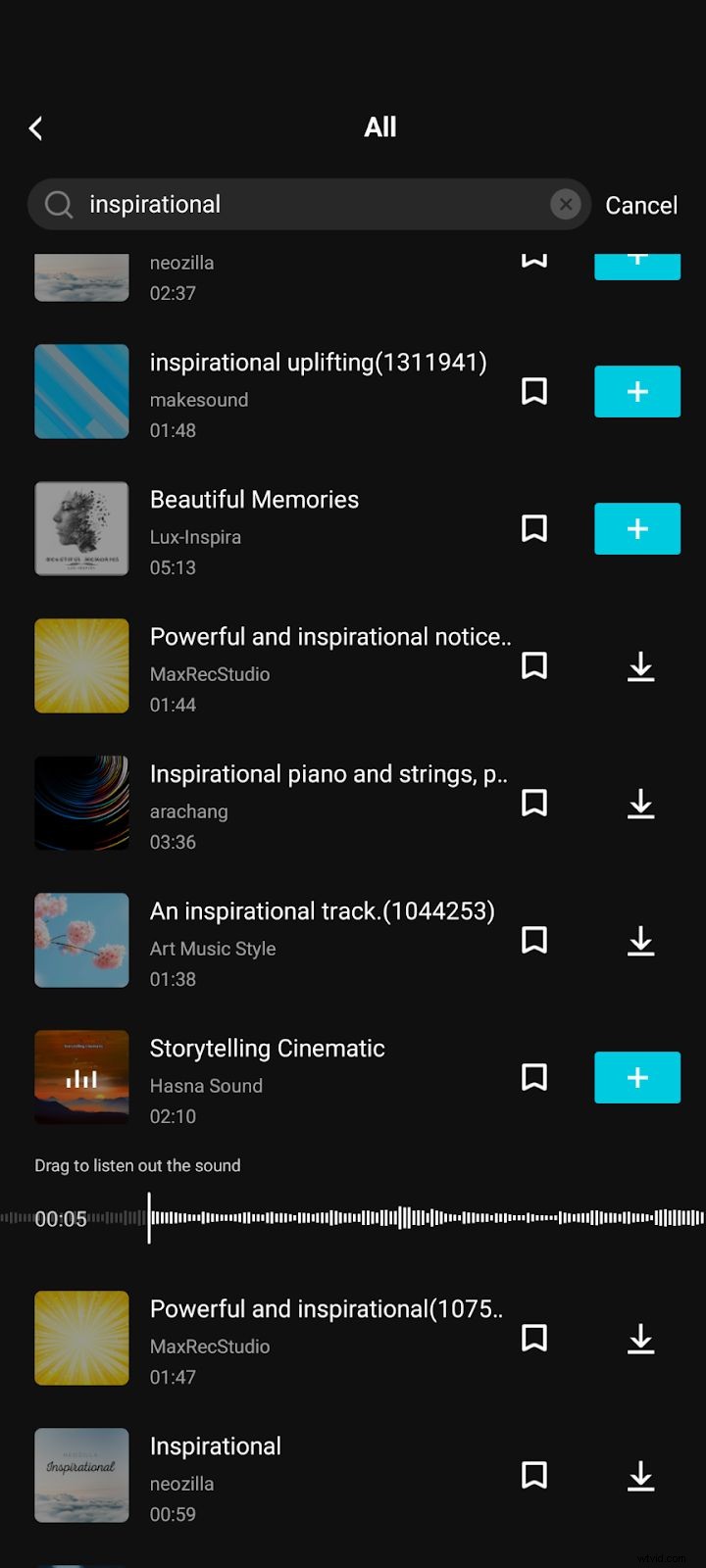
If you’re short on original footage, the stock library provides high‑quality clips that can be dropped directly into your project.
3. AI‑Powered Tools
CapCut’s AI features let you generate scripts, mock‑up product visuals, and even create short videos from text in seconds. After entering brief product details, you can:
- Generate multiple script options
- Choose a favorite and let CapCut auto‑create a storyboard
- Export the finished video in under a minute
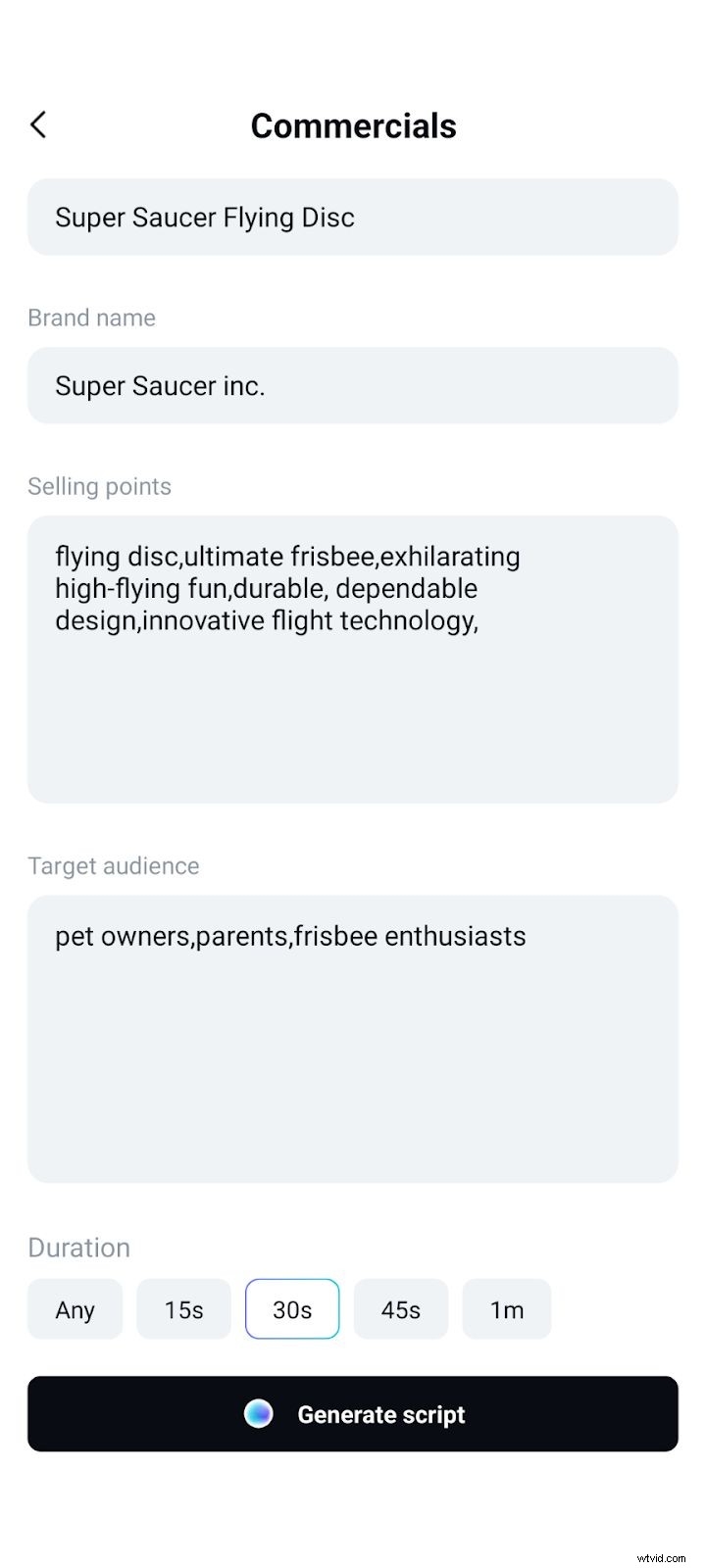
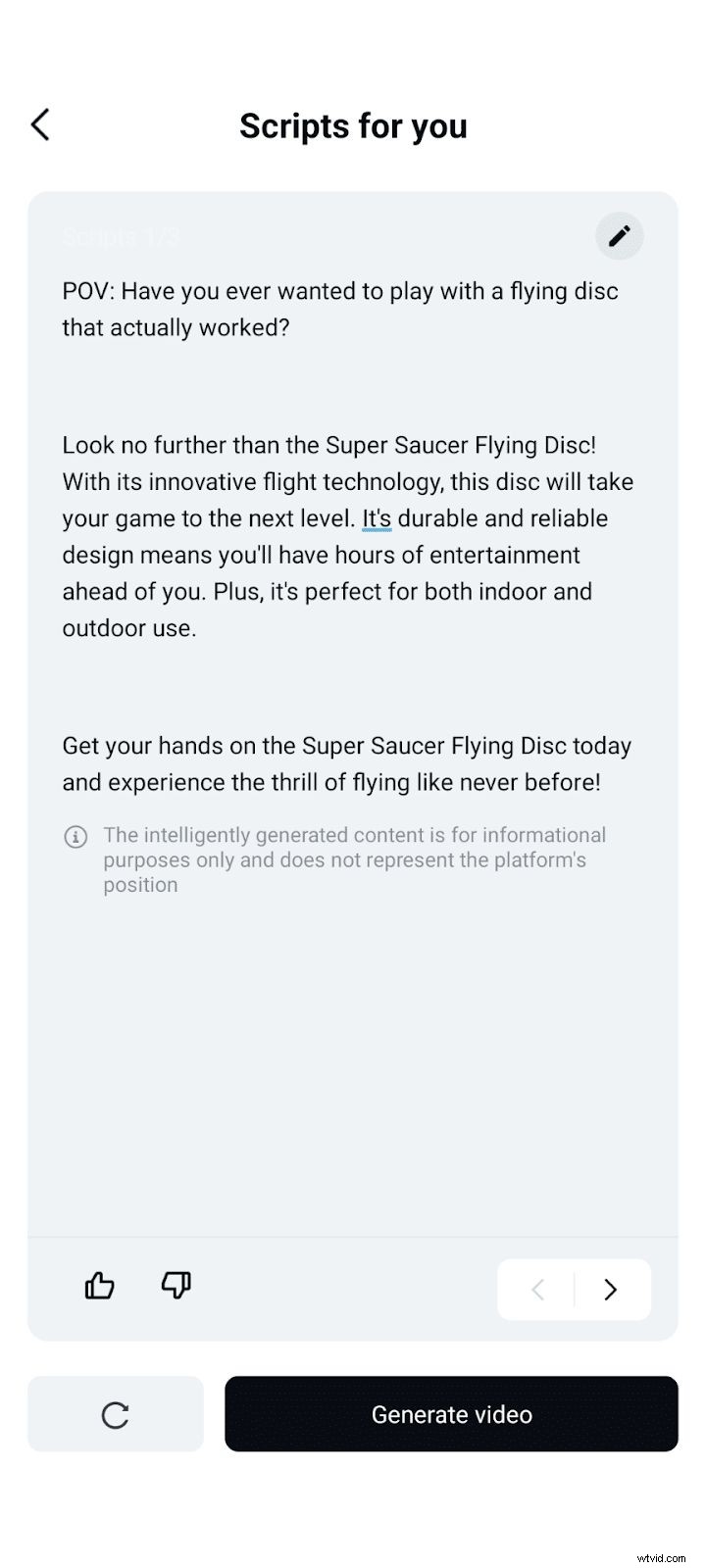
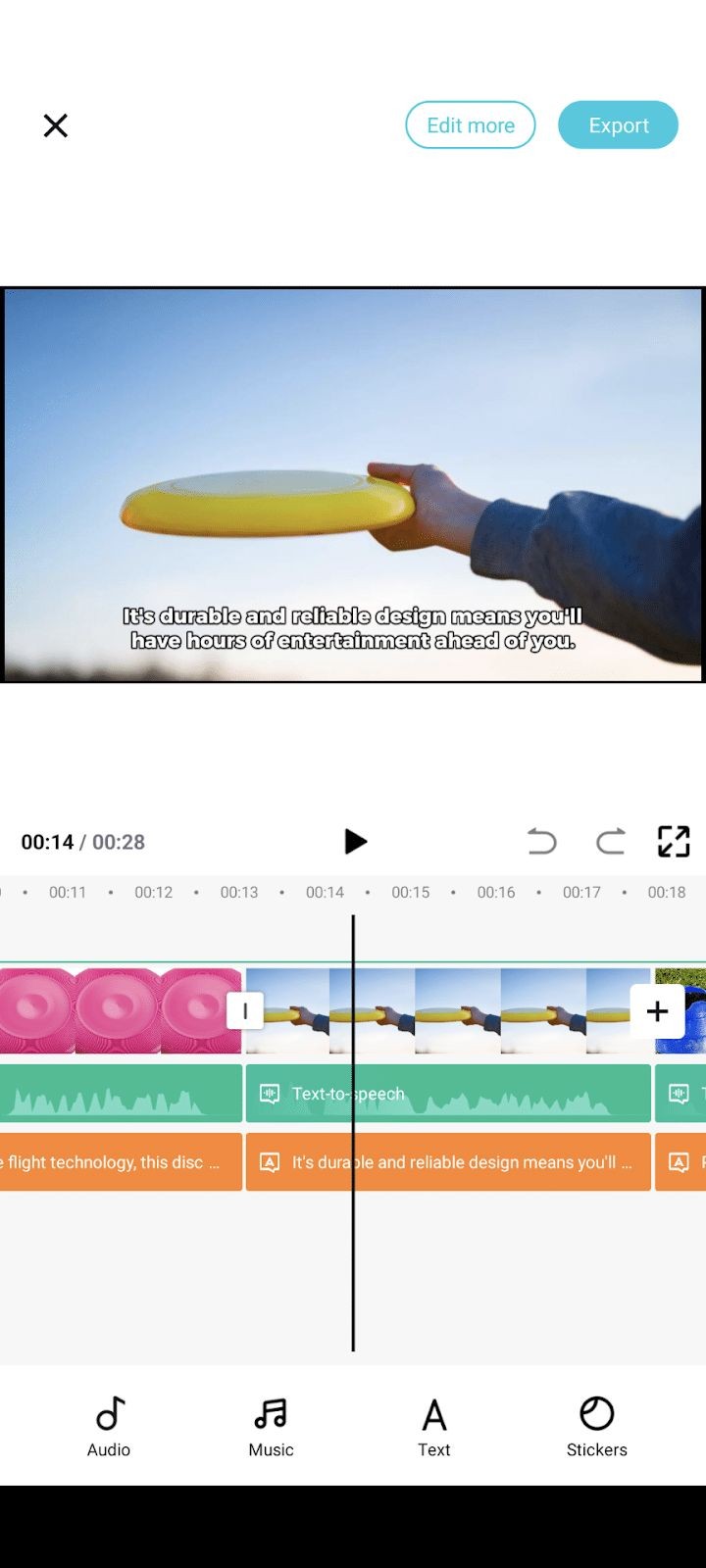
While the AI voice‑over may sound slightly robotic, the tool’s speed and ease of use make it a valuable asset for quick content creation.
Pros & Cons Revisited
Pros
- Free core experience—you can produce high‑quality videos without paying.
- User‑friendly—the touch‑based interface is approachable for novices yet powerful for pros.
- Integrated media library—no need to search elsewhere for music or sound effects.
Cons
- Watermark—standard exports include a watermark unless you publish directly to TikTok.
- Mobile‑centric design—desktop support exists but lacks the depth of the mobile app.
Pricing
CapCut’s basic features are free. For additional premium assets—exclusive music, advanced animations, and higher‑resolution exports—CapCut Pro is available at $9.99 per month.
Customer Support
Support is accessible via a help button in the top right of the app, offering FAQs and a ticket system. While adequate, it falls short of the real‑time chat found in some competitors.

Final Verdict
CapCut delivers a robust, zero‑cost video editing experience that’s especially suited for marketing videos, social‑media clips, and quick content production. If you’re looking for a free, AI‑enhanced editor that’s easy to learn, CapCut is a solid choice.
We’ve also reviewed other editors such as Wondershare Filmora and HitFilm Pro—see those articles if you’re considering alternatives.

Author: Samantha, Copy Team Manager at Wyzowl, has written over 1,000 scripts and hundreds of articles on video marketing, ensuring this review is grounded in real experience.