
Failed to recall the name of a movie and just remember the actors’ names or plot? So how to find the name of a movie you can't remember? There are 4 practical ways that help you find the movie you can’t remember the name of. Read this post to learn more details.
The title of a movie is on the tip of your tongue, but you just can’t think of it. It’s really annoying, right? Want to know how to find the name of a movie you can’t remember? You can ask your friends by telling the plot of a movie or use a movie finder website. In this post, I pick out 4 best movie finder websites to help you find the movie quickly and easily, which saves you a lot of time and trouble. Need to make a movie montage? MiniTool MovieMaker is a good helper.
4 Best Movie Finders to Find the Name of a Movie
- What Is My Movie
- Internet Movie Browser
- SUBZIN
- Filmfind
What Is My Movie
What Is My Movie is a powerful movie search engine supported by Valossa AI. You can search for a movie based on a scene, plot, exact movie quotes (using quotations marks), genres, actors, directors and an incomplete title. This movie finder also lets you find a movie by saying things like “show me parody films” “romantic sci-fi movie”.
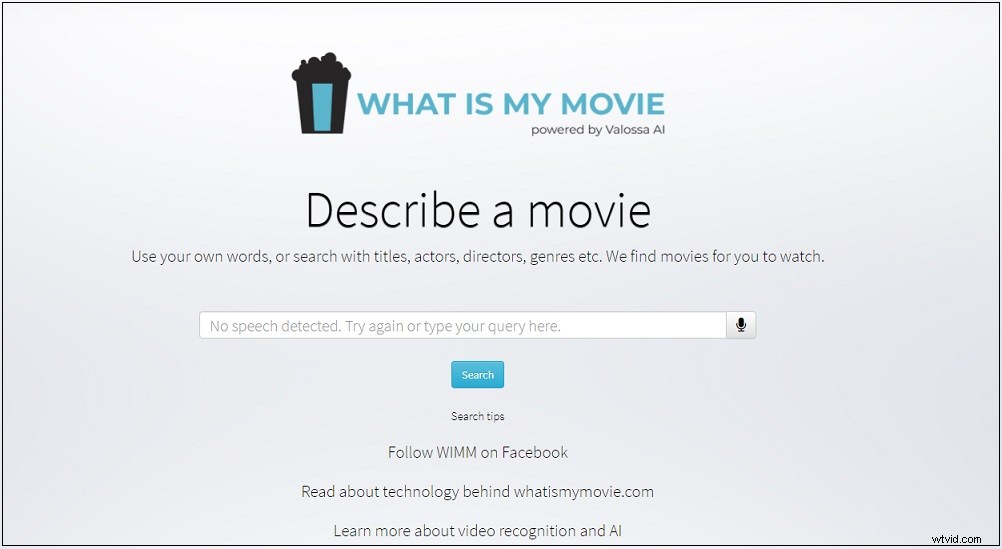
Here’s how to find a movie you can't remember the name of with What Is My Movie.
Go to What Is My Movie website. Then type the actor name, the keywords or the quotes “May the force be with you.” you remember and search for it. All the matching results will listed here. You can browse them by General matches, Title base matches, Actor based matches, Director based matches, Traditional search and you will find the movie you’re looking for.
Internet Movie Browser
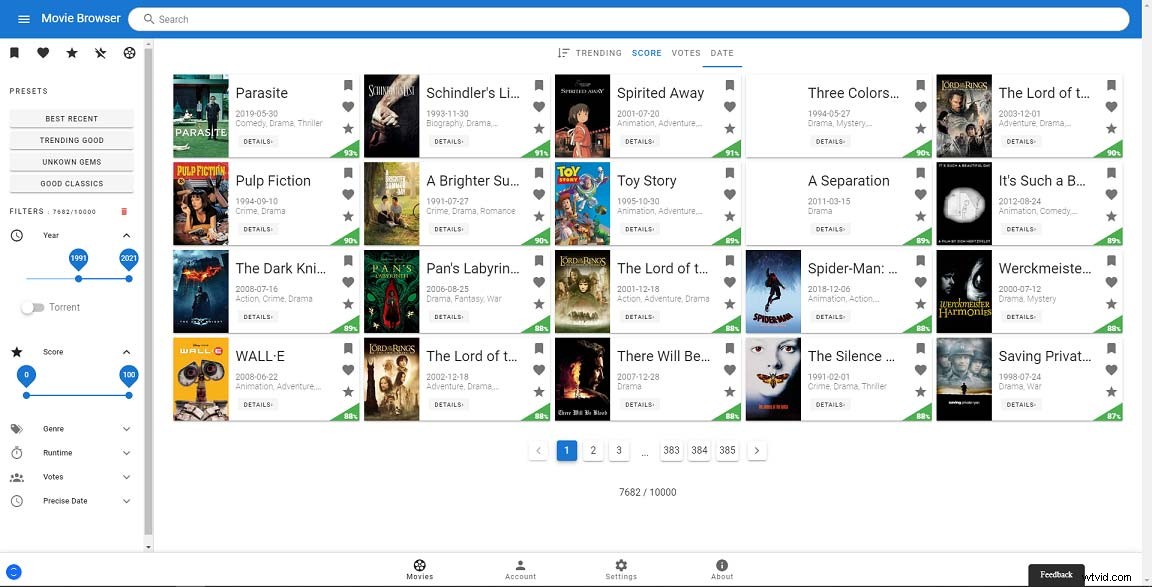
Internet Movie Browser, a movie database, is a website that gathers all information about a movie from 1960 – 2021. You can search for a movie by Title, Actor and filter the results by Year, Score, Genre, Runtime, Votes, and Precise Date.
Besides, once you know the movie name, you can click the torrent site to get the movie torrent.
SUBZIN
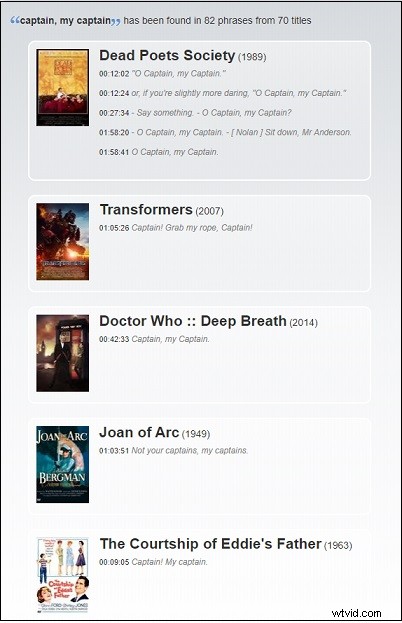
If you want to search for a movie by movie quotes, here strongly recommend SUBZIN. It’s a movie quotes search engine. You can find the movie by entering the movie quotes. For example, you can enter the quotes like “Captain, my Captain”. It will take a few seconds to execute the searching process. Then movies including “Captain, my Captain” will show in the matching results.
Filmfind
Different from other movie finders, Filmfind is a popular forgotten movie Q&A site. You can raise a question of what is this movie and describe the plot and scene. The wait for others to answer your query.
Conclusion
Now, you’ve learned about how to find the name of a movie you can’t remember in 4 proven ways. I hope these movie finders will help you find the unknown movie!