
If you want to combine your audio files into one, you can use an audio combiner. To quickly finish the audio combination, this post picks out the 4 best audio combiners (Need to combine video files? Give MiniTool MovieMaker a try).
An audio combiner is designed to join different audio files into a single piece. This post shares the 4 best audio combiners with those who need to combine audio files into a single track.
Here’s a List of 4 Best Audio Combiners
- Audacity
- Clideo
- 123 Apps
- Online Converter
#1. Audacity
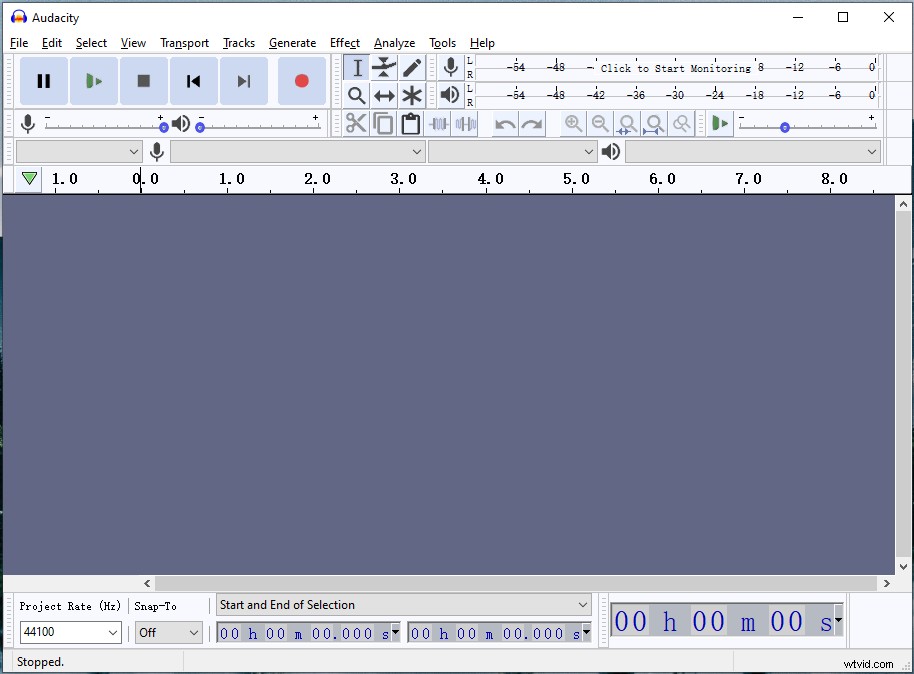
Audacity is a free and open-source program for combining audio files. This audio combiner can help you merge audio files in different formats including WAV, AIFF, MP3, FLAC, OGG, and AU. Besides, it’s an audio editor that allows you to split audio, remove vocals from a song, reduce noise in audio, convert audio files and record audio from computer.
Here’s a quick guide.
- Launch Audacity after completing the installation.
- Click on File > Open to import the first audio track.
- Then go to File ad select the Import > Audio to add the second audio track.
- Then click on the Time Shit Tool or press the F5 key.
- Then move the second tack to the right and place it at the end of the first track.
- Click File > Export and select the wanted audio format to save the audio file.
#2. Clideo
Another audio combiner is Clideo. It’s free and web-based, working in any popular browser. It can merge audio files in MP3, WMA, OGG, WAV, and other formats. Clideo also comes with other features like audio cutter, video merger, video resizer, video compressor, video reverser, etc.
This audio file combiner lets you import audio files from the local, URL, Google Drive, and Dropbox.
Here’s how to combine audio files.
- Go to the Clideo website and click on All tools.
- Scroll down this page, find the Merge Audio option, and tap on it.
- Click Choose files to upload audio files from the computer.
- After importing the audio files that you want to combine, click the Merge button to start merging audio files.
- Download the audio file after the process is done.
#3. 123 Apps
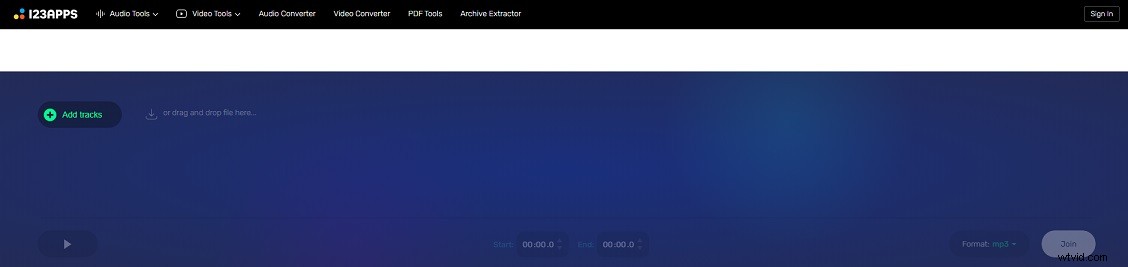
123 Apps is an all-in-one tool that can be used to edit videos and audio files. Besides combining audio files, you can edit audio like trim audio, change audio speed, reverse audio, and more.
Follow these steps to combine audio files.
- Visit the 123 Apps website.
- Click on Audio Joiner in the Audio Tools
- Click the Add tracks button and load the target audio files.
- Then click on Join after uploading the audio files.
- In the end, click Download to save the combined file.
#4. Online Converter
Want to combine audio files online? Online Converter is a good option. This audio file combiner can be used to join audio files and cut the wanted parts of audio tracks free online. The input audio formats are WAV, WMA, MP3, OGG, FLAC, etc. There is no sign-up requirement!
Here’s a step-by-step guide.
- Go to Online Converter.
- Click on Audio Converter > Merge Audio.
- Click Choose File to add the audio files that you’d like to merge.
- Hit the Merge button and save the combined file.
Conclusion
All the audio combiners are free to use. Now, you can choose an audio combiner and use it to combine audio files!