
How to Build a Water Reflection Animation in Filmora
Water reflection has become the top visual trend on TikTok, Instagram Reels, and YouTube Shorts in 2025. A well‑executed mirror effect can increase engagement by up to 300% and make your video stand out in crowded feeds.
What You’ll Need
- A computer running Windows or macOS
- Your original video footage
- The Filmora video editor (free download available)
Step‑by‑Step Tutorial
- Download & Install Filmora – Visit the Filmora website, click “Free Download”, accept the terms, and install the program.
- Choose a Title Style – In Filmora, go to the Titles tab, search for “Basic 6”, drag it onto the timeline, and customize the font (e.g., Uni Sans Light) and text content.
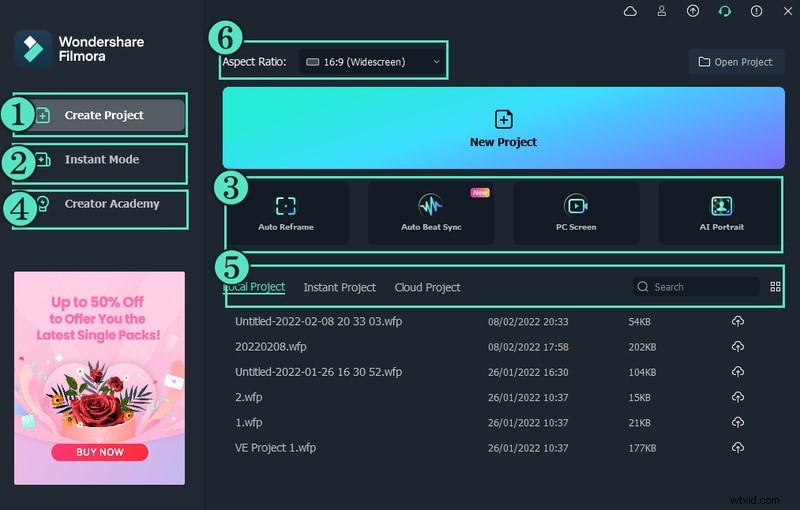
- Capture a Snapshot – Take a screenshot of the edited title, import the image, and place it on the timeline above a new Sample Color layer set to green.
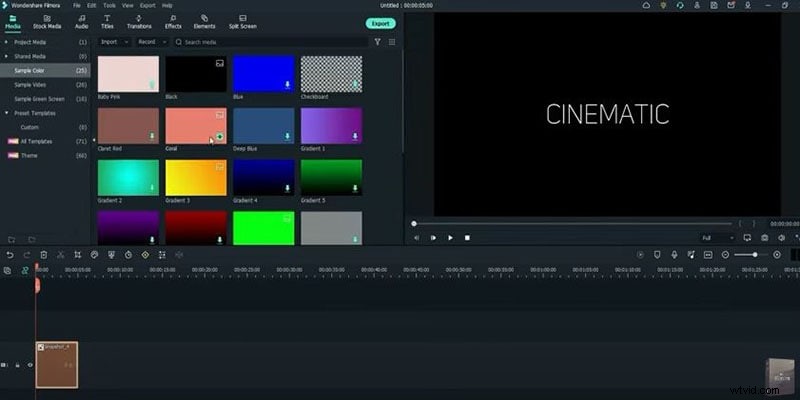
- Apply Crop & Animation – Add the Crop effect to the green layer. In its properties, set Top = 50. Then, under Animation → Customize, set Y‑Axis = -60 at the start and +60 at the end.
- Flip the Snapshot – Select the snapshot layer, open Properties → Image → Transform, and flip it horizontally to create the mirror image.
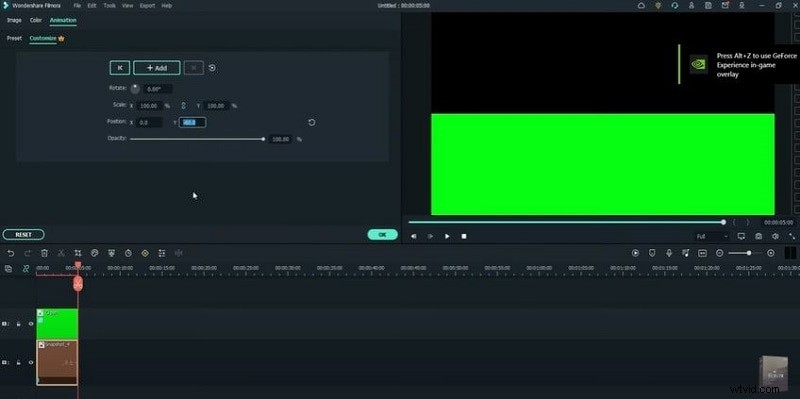
- Layer the Green Color – Re‑add the green Sample Color above the flipped snapshot, apply another Crop effect (Bottom = 50), and animate its Y‑Axis from +60 to -60.
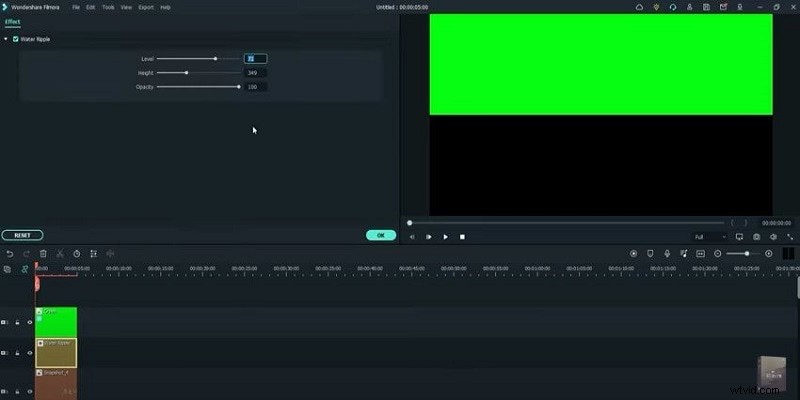
- Insert Water Ripple – Drag the Water Ripple effect onto the middle layer. In its settings, set Level = 40 and Height = 200.
- Combine with Original Footage – Import your original video. Place it on the second layer, change its Blending Mode to Screen, and enable Chroma Key. Lock the layer.
- Layer the Mirror Video – Place the water reflection video on the third layer, set its Blending Mode to Screen, enable Chroma Key, and lock it. Align the reflected text with the original.
- Fine‑Tune & Export – Set the third layer’s Opacity to 60%, preview the result, and export in MP4 format.
Throughout the process, you’ll see that the key techniques—green‑screen replacement, precise cropping, and animated mirroring—work together to create a realistic water reflection that captivates viewers.
Free Templates & Resources
Download our ready‑made templates to jumpstart your project. Get the free templates now.
Quick Tips
- Use a clean green background to simplify chroma keying.
- Apply subtle transitions between layers for smoother visual flow.
- Filmora offers a variety of background packs—social, business, sports—perfect for different content styles.
Next Steps
Apply these techniques to your own TikTok or Instagram Reels and watch your engagement soar.