When an iPhone Outperformed a $5,000 Camera Rig
During the pickup shoot for "Closing Walls" last year, the primary camera battery died—no backup, a restless crew, and a client demanding a quick turnaround. I grabbed an iPhone 12 Pro, clipped it onto a budget stabilizer, and kept filming. The edit revealed no perceptible difference.
This incident reshaped my perspective on gear. iPhones aren’t flawless, but with the right accessories they become a viable tool for most creators—especially for travel documentaries, run‑and‑gun footage, or any scenario where a large cinema rig would steal attention.
Here’s what I learned shooting everything from short films to product demos on my iPhone and which gear actually delivers.
The Problem: iPhones Are Great Cameras Trapped in Tiny Bodies
The iPhone 13 Pro and newer models capture stunning video—4K ProRes, sensor‑shift stabilization, and cinematic mode with rack focus. The iPhone 15 Pro even records Log for professional color grading.
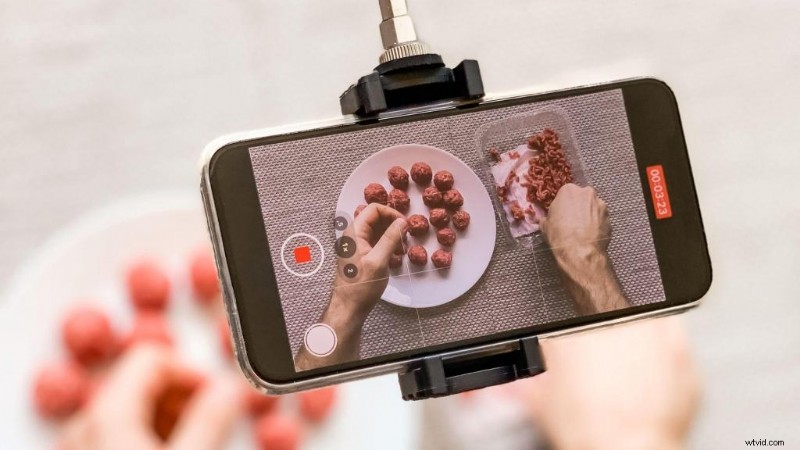
Yet, holding it steady for more than 30 seconds, recording clean audio in wind, or mounting lights and mics can be frustrating. The phone’s ergonomics and mounting options were designed for scrolling Instagram, not filmmaking.
Why Phone Filmmaking Falters (It’s Not the Phone)
Many blame the phone when footage looks amateur: handheld in poor light, built‑in mic picking up wind, etc. The truth is, smartphones aren’t built to be cameras. They lack XLR inputs, cold shoes, tripod threads, ND filter mounts, and a proper mounting system.
Professional iPhone films—think “Tangerine” shot on an iPhone 5S—use cages, external mics, gimbals, pro apps, and lighting. The phone is the sensor; everything else is added.
I learned this on "The Camping Discovery" when a nighttime dialogue scene recorded with just the phone yielded noisy images, blown highlights, and unusable audio that required ADR. That experience taught me the phone is powerful, but it needs support.
The Solution: Build a Real Rig Around Your Phone
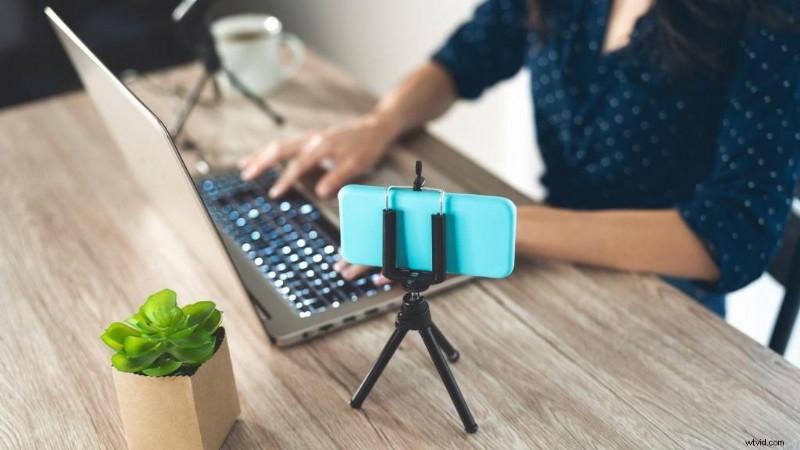
You don’t need a multi‑thousand‑dollar setup—just the key components that transform a pocket camera into a professional tool. Think of the phone as the sensor and the rig as the body.
Here’s what truly matters, distilled from dozens of projects:
1. Camera Cages & Rigs (Start Here)
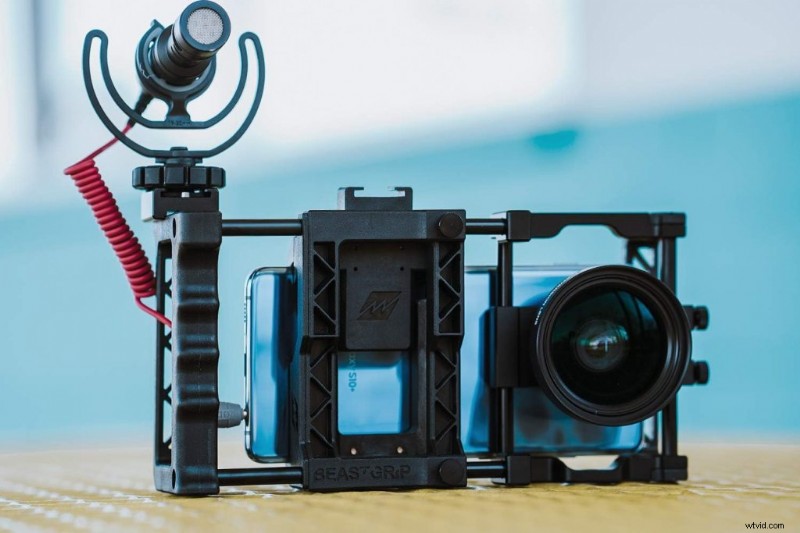
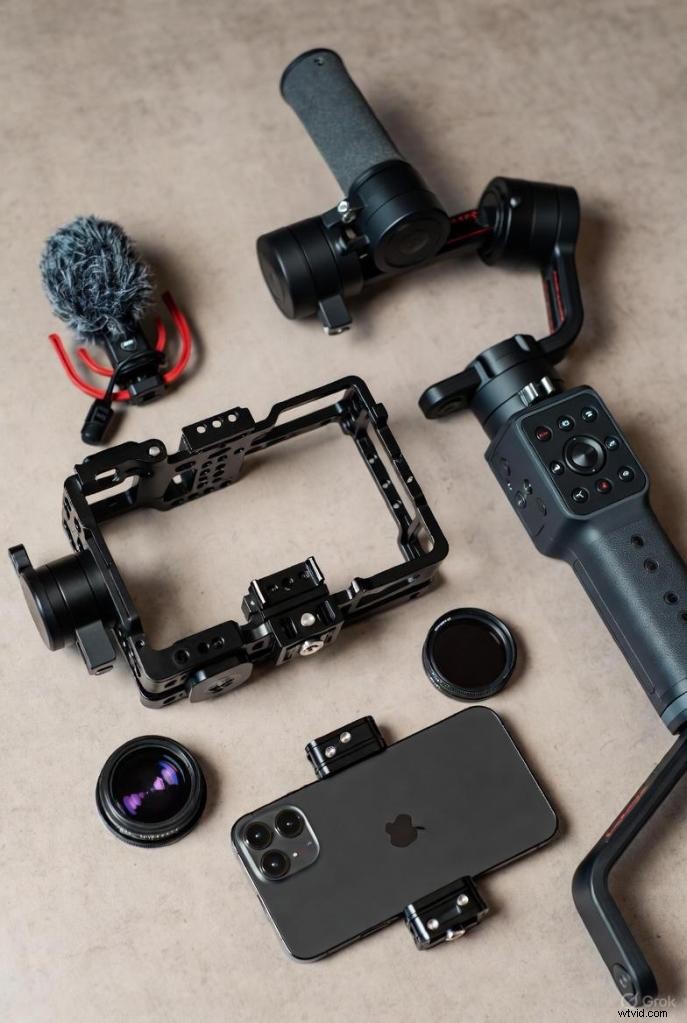
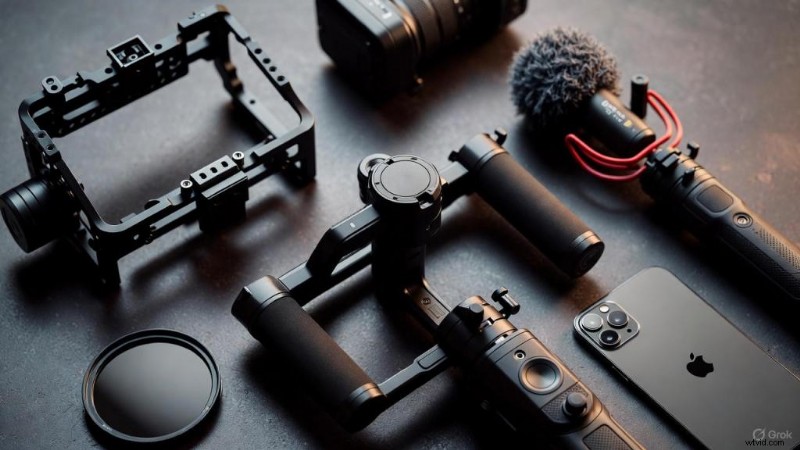
A cage provides a tripod mount, cold‑shoe slots, and a secure grip. I rely on the Beastgrip Pro for serious work—it’s rugged and supports everything from shotgun mics to LED panels. The SmallRig cages are equally sturdy and more compact.
For lightweight setups, the iOgrapher case works well, especially on iPads. Pocket‑sized options like the Shoulderpod S2 or Movo PR‑3 offer rotating grips with tripod threads—simple, inexpensive, and effective.
When filming product demos, the Beastgrip rig makes my iPhone 12 Pro look like a professional camera, and clients respond accordingly.
2. Gimbals & Stabilization (Only If You Move)
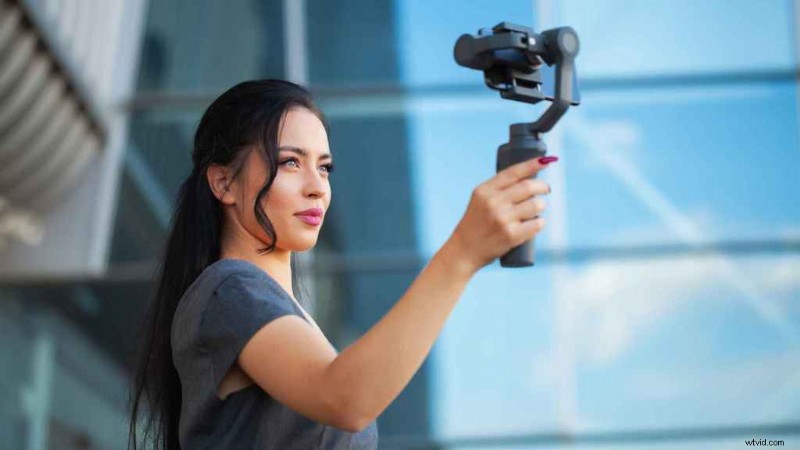
Static shots benefit from a tripod; gimbals are reserved for tracking, walk‑and‑talk, and handheld movement. The DJI Osmo Mobile 6 remains the gold standard—compact, reliable, and with a built‑in extension rod.
The DJI OM 8 adds subject tracking and smoother motion. However, the sensor‑shift stabilization on iPhone 12 Pro Max and newer models often eliminates the need for a gimbal in casual handheld work.
I keep a JOBY MPod Mini in my bag—a versatile mini tripod that doubles as a handgrip. It’s not as smooth as a gimbal but is highly portable.
3. External Microphones (Non‑Negotiable)
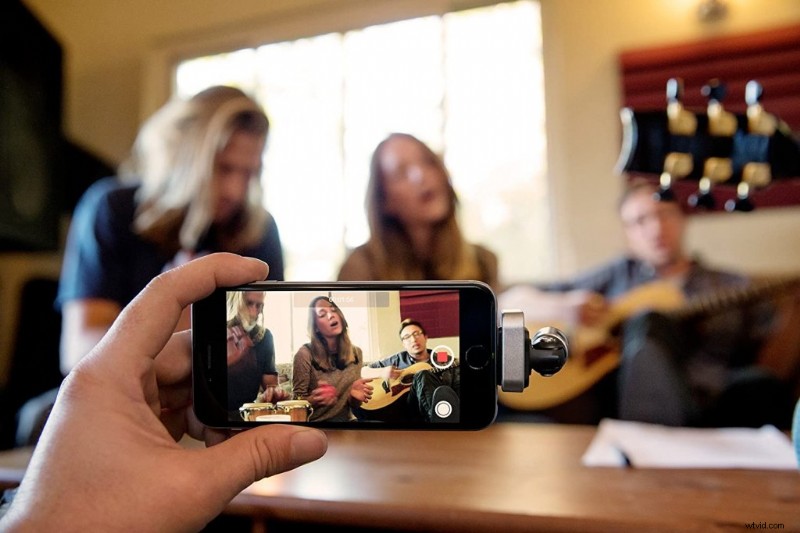
The built‑in mic is fine for social media but falls short for quality audio. Wind, handling noise, and distance are all problematic.
A lavalier mic is essential for interviews. The Rode SmartLav+ offers broadcast‑grade sound and plugs directly into the phone (with a Lightning adapter for newer models). For budget builds, the Boya BY‑M1 delivers surprisingly good audio for just $20.
Wireless mics, like the Hollyland Lark M2, clip onto the subject and transmit clean audio—ideal for travel content. Shotgun mics require a TRS‑to‑TRRS adapter, but a good lav or wireless mic solves 90% of audio issues.
Heads up: All current iPhones lack a headphone jack, so keep a Lightning‑to‑TRRS adapter in your kit.
4. ND Filters & Lenses (For a Cinematic Look)
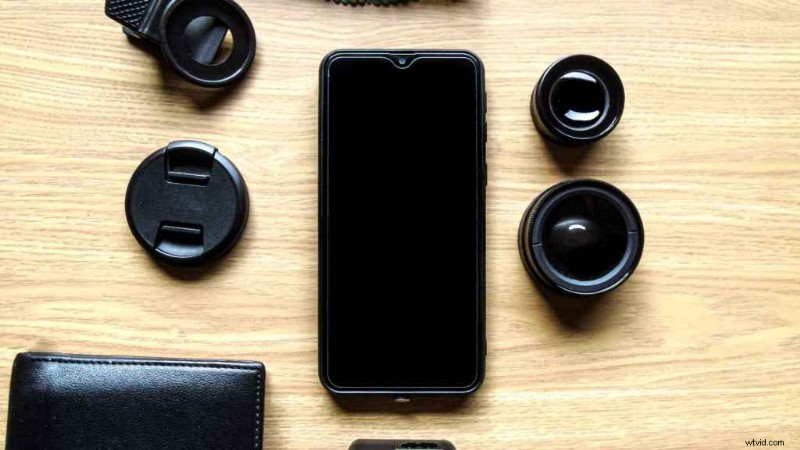
The iPhone’s lens is fixed, but ND filters act like sunglasses, allowing you to shoot wide open in daylight for cinematic motion blur.
Freewell and Tiffen offer screw‑on ND filters that mount to cages or clip‑on adapters—essential for outdoor shooting at 24fps with a 180‑degree shutter.
Lenses from Moment provide high‑quality wide‑angle, telephoto, anamorphic, and fisheye options. They’re pricier but sharp. Sandmarc offers a more affordable alternative. Wide‑angle lenses are especially useful in tight spaces and help mask handheld shake.
I used a Moment anamorphic lens on "Elsa" for a 2.39:1 widescreen look with horizontal lens flares—cool, though not essential.
5. Lighting (Small Lights, Big Difference)
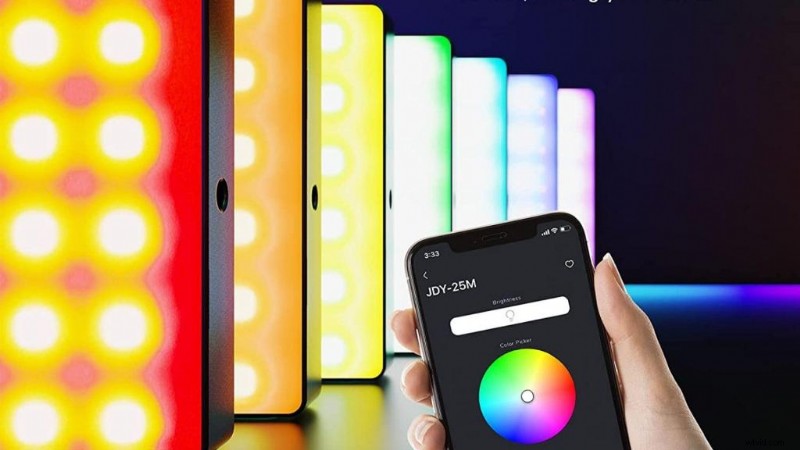
Phone cameras struggle in low light, producing noise and softness. Small LED lights are invaluable for fill light and close‑ups.
The Aputure AL‑MC RGBWW is compact, RGB‑capable, and mounts on a cold shoe. The Godox CB60B is a bi‑color panel for more serious setups, and the Pixel Liber RGB Pocket Video Light is budget‑friendly and magnetic.
In "Married & Isolated," I shot an entire nighttime dialogue scene with just two Aputure MC lights—one key, one backlight. It worked.
6. External Storage (For ProRes Shooters)
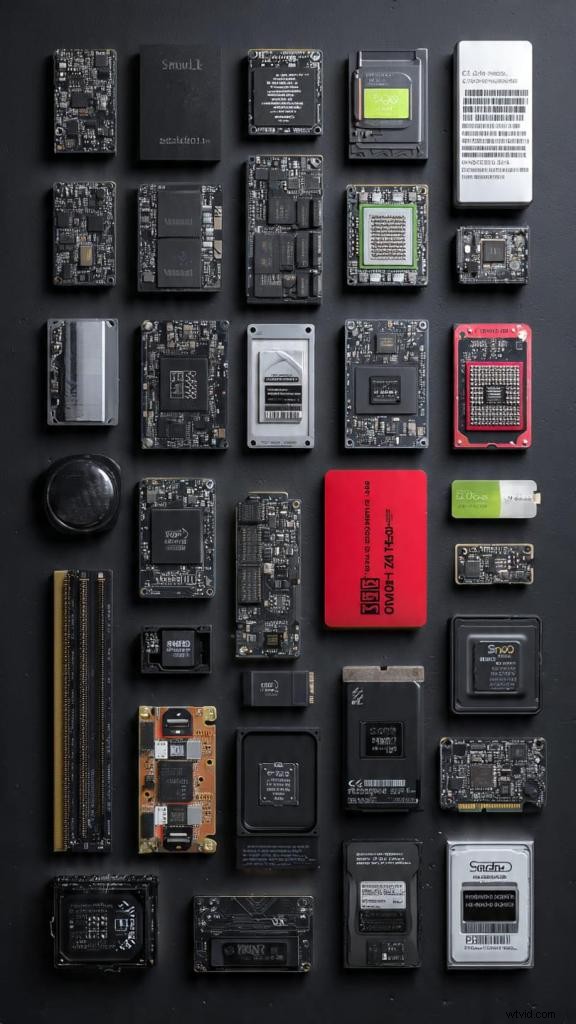
ProRes on iPhone 15 Pro or newer burns internal storage quickly. External SSDs like Crucial X10 or SanDisk Portable SSDs connect via USB‑C, allowing direct recording to external drives.
This may be overkill for most creators, but for client delivery or maximum editing flexibility, ProRes is worth it.
7. Grips, Tripods, & Control (The Boring Essentials)
A Bluetooth shutter grip offers stability and remote control. Lightweight tripods like the Manfrotto PIXI or JOBY GorillaPod are essential for static shots.
For handheld work, a cage with a side handle reduces hand fatigue and improves steadiness.
I keep an Anker portable battery pack in my bag for all‑day shoots or time‑lapses. iPhones drain fast in 4K, so a spare power source is crucial.
How to Build Your iPhone Rig: Step‑by‑Step
Start small and scale as needed. Here’s a practical build guide:
Beginner Setup ($100–$200)
- Cage or grip: Shoulderpod S2 or Movo PR‑3 (~$30–$50)
- Lav mic: Boya BY‑M1 (~$20)
- Tripod: JOBY MPod Mini (~$20)
- Lightning adapter: ~$10
This configuration handles 80% of content creation: steady shots, clean audio, and versatile portability.
Intermediate Setup ($300–$500)
- Cage: Beastgrip Pro or SmallRig (~$100–$150)
- Wireless mic: Hollyland Lark M2 (~$150)
- Gimbal: DJI Osmo Mobile 5/6 (~$150)
- LED light: Aputure MC (~$90)
With this kit, you can capture smooth tracking shots, record distant audio cleanly, and light subjects properly.
Advanced Setup ($700+)
- Pro cage: SmallRig or iOgrapher Pro (~$150–$300)
- High‑end mic: Rode Wireless GO II (~$300)
- Lenses: Moment wide‑angle + anamorphic (~$300)
- ND filters: Freewell Variable ND (~$100)
- Bi‑color LED panel: Godox CB60B (~$200)
- External SSD: Crucial X10 (~$120)
This setup rivals traditional cinema rigs, enabling broadcast‑quality production on the go.
Apps That Truly Matter
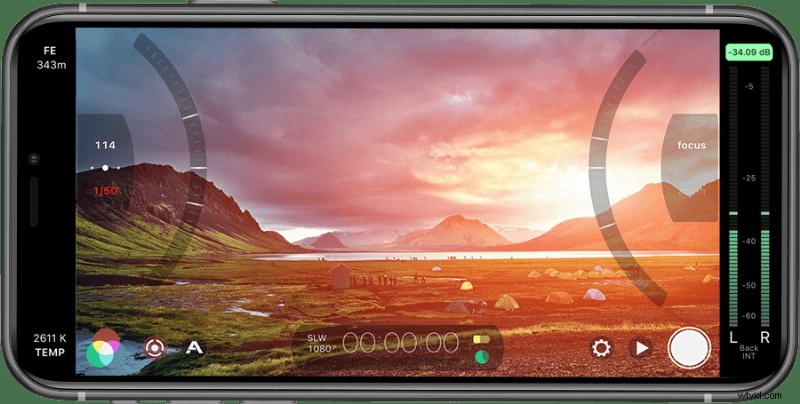
Hardware is only half the equation. The right app unlocks manual controls, Log profiles, and professional features.
Best Pro Apps for iPhone Videography
1. Blackmagic Camera (Free) – Full manual control, Log recording, and a clean interface. Supports 4K 60fps and direct recording to external SSDs on iPhone 15 Pro.
2. Final Cut Camera (Free) – Apple’s pro camera app with intuitive controls and multicam support. Seamlessly syncs with Final Cut Pro.
3. Kino (subscription) – Advanced color profiles, waveform monitoring, and precise shutter, ISO, and focus control. Favored by mobile cinematographers.
4. FiLMiC Pro ($15) – The OG pro app. Manual focus pulling, Log profiles, custom frame rates, and zebra stripes for exposure. “Tangerine” was shot with it.
5. Native Camera App (Free) – Apple’s built‑in app now supports Cinematic Mode, ProRes, and 24fps—stable, intuitive, and zero learning curve.
Best Editing Apps
- LumaFusion ($30) – Professional multi‑track editing on iPhone/iPad. 6 tracks, keyframing, color grading, and extensive export options.
- VN Video Editor (Free) – Powerful, free, and easy for quick edits and social content.
- Adobe Premiere Rush (Free/Subscription) – Cross‑platform editing with cloud sync.
- iMovie (Free) – Simple, fast for basic cuts.
For serious work, I shoot on iPhone and edit on my Mac with Adobe Premiere Pro. On the road, LumaFusion on an iPad Pro is the go‑to.
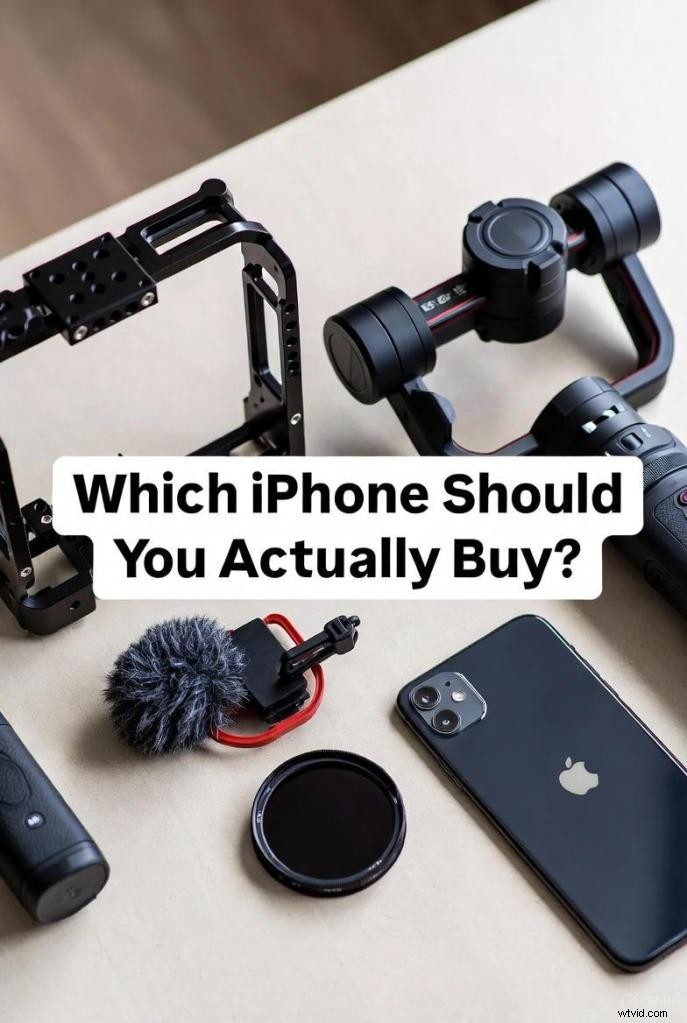
Which iPhone Should You Actually Buy?
All current iPhones shoot excellent video; the question is which features you truly need.
Best iPhones for Videography (2025)
iPhone 16 Pro / 16 Pro Max – Triple‑lens system, ProRes, Log, 4K Cinematic Mode, USB‑C for external SSDs. The top choice for mobile filmmakers.
iPhone 15 Pro / 15 Pro Max – Still outstanding. ProRes, Log, USB‑C, and Action Mode for stabilization. Slightly cheaper than the 16 Pro.
iPhone 13 Pro / 13 Pro Max – Great value, especially used or refurbished. Cinematic Mode (1080p only), sensor‑shift stabilization, and three lenses.
iPhone SE (Budget Pick) – Single rear camera, 4K 60fps, extended dynamic range, stereo audio. The most affordable option; lacks advanced features but delivers solid 4K.
Best iPads for Editing
iPad Pro (11″ or 12.9″) – Dual cameras, 4K video, continuous autofocus, optical stabilization, up to 1TB storage. Editing on the 12.9″ screen with LumaFusion is a dream.
iPad Air – 4K 60fps recording, 1080p 240fps slow motion, improved stabilization. No headphone jack (adapter required). Excellent price‑performance.
Standard iPad – Affordable, up to 256GB, headphone jack. Shoots 1080p video—adequate for editing.
Used/Refurbished iPhones: The Smart Move
Refurbished phones save money and reduce e‑waste—an iPhone accounts for ~80% of its lifetime carbon footprint. My refurbished iPhone 12 Pro Max performs like new.
Plus, you can repurpose the old phone as a B‑cam, crash cam, or wireless lav recorder—sync audio in post for a “poor man’s radio mic.”
People Also Ask (Answered)
What’s the best iPhone for videography?
iPhone 16 Pro or 15 Pro. They offer ProRes, Log, three lenses, and USB‑C for external SSDs. The 13 Pro is still excellent and more affordable when used.
What phone is best for filmmaking?
iPhone Pro models (13/14/15/16) are the industry standard. They support manual controls via apps like Blackmagic Camera, Log profiles, and ProRes. Samsung Galaxy S24 Ultra is solid too, but the iPhone ecosystem is more mature.
What is the secret iPhone everyone should know?
24fps recording is possible with most pro apps (Blackmagic, FiLMiC Pro, Kino). Also, Cinematic Mode on iPhone 13 Pro and newer simulates shallow depth‑of‑field and allows rack focus after shooting.
What is the best app to record video on iPhone?
Blackmagic Camera (free) for full manual control and Log. Final Cut Camera (free) for Apple users. FiLMiC Pro ($15) for precise focus pulling. The native Camera app is also excellent for quick ProRes and Cinematic shots.
What You Actually Need (And What You Don’t)
You need:
- Camera cage or grip with tripod mount
- External microphone (lav or wireless)
- Stabilization (tripod, gimbal, or solid technique)
- Pro camera app with manual controls
- ND filters for outdoor shooting
You don’t need:
- The latest iPhone (older Pro models suffice)
- Anamorphic lenses (cool but not essential)
- External storage (unless shooting ProRes)
- A gimbal (if you have good in‑camera stabilization)
The gap between amateur and professional iPhone footage isn’t the phone—it’s the accessories, apps, and disciplined workflow.
Final Thought
My iPhone will never replace a cinema camera for large‑scale projects, but for travel docs, behind‑the‑scenes content, product demos, quick turnarounds, or situations where a big rig is conspicuous, it’s the ideal tool.
The secret lies in how you support the phone, not in the phone itself.
Now go shoot something.