
These days, it doesn’t need to cost an arm and leg to access helpful software. That’s why we’ve compiled a list of our favorite free video editing software in 2021! This list includes downloadable software as well as online software so that you have tons of choice. Perfect for both beginners and those with video editing experience, these pieces of software are the best out there. Don’t forget to let us know if we’ve missed out your favorite free video editor in the comments!
Best Free Video Editing Software: Our Top Picks
Lightworks
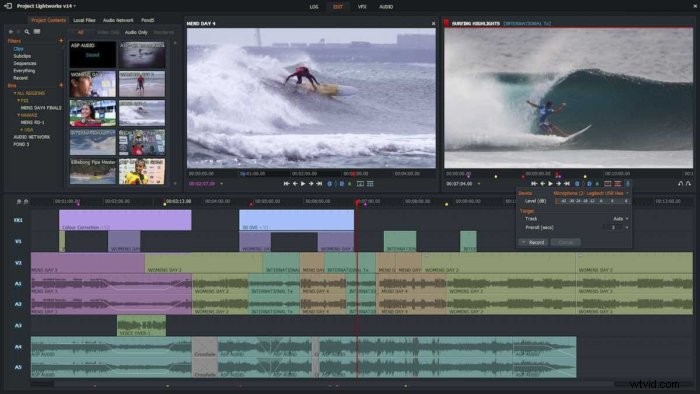
Lightworks is a true standout piece of free video editing software! With Lightworks, you can access high-end features that are normally only available with expensive packages. Using these, you can create amazing videos without spending a penny. Lightworks works on Windows, Mac & Linux devices, and you can upgrade to Lightworks Pro to access even more features at any time.
Standout Features
Non-linear editor, multi-track video, ability to render and import footage in the background, preview video effects in real-time. Custom keyboard shortcuts, various layout variations and more!
Kapwing
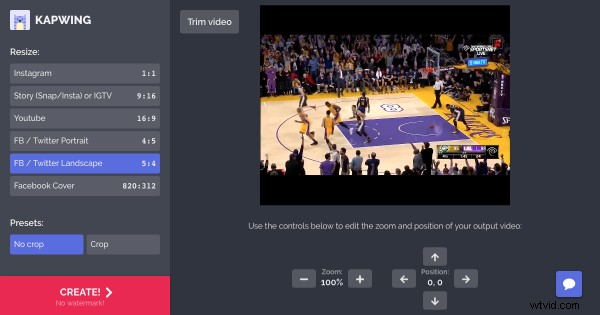
Kapwing is super easy to use, and totally free! You can add layers of images, video and audio and import media easily. It also runs completely in your internet browser, meaning your work is automatically saved to the cloud and you can work from any device. Kapwing is great for both beginner video makers and those with some experience, and the software is simple and user-friendly.
Standout Features
You can upload, edit and share files with a team, collaborate in real-time, and use Kapwing’s built-in library of stock footage. There is also no ads and most importantly, no watermarks! There are also Pro Options if you want to access even more.
Shotcut
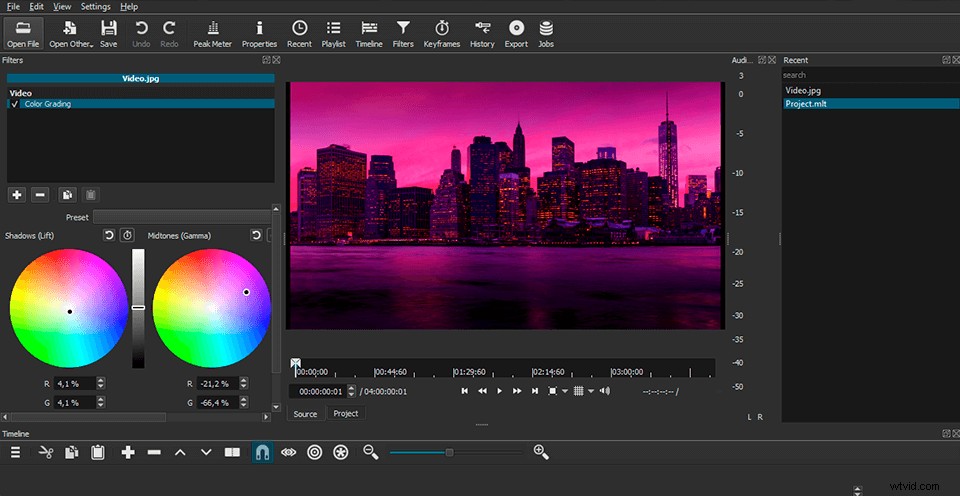
Shotcut‘s interface may look a little odd but it is definitely one of the best free video editors out there. It has a slightly steeper learning curve than some other free editors but the results are definitely worth sticking around for!
Shotcut works with Windows, Mac & Linux.
Standout Features
Adding modules to configure your display, dragging media files to import, filters you can apply to audio and video content, top effects and more.
Hitfilm Express
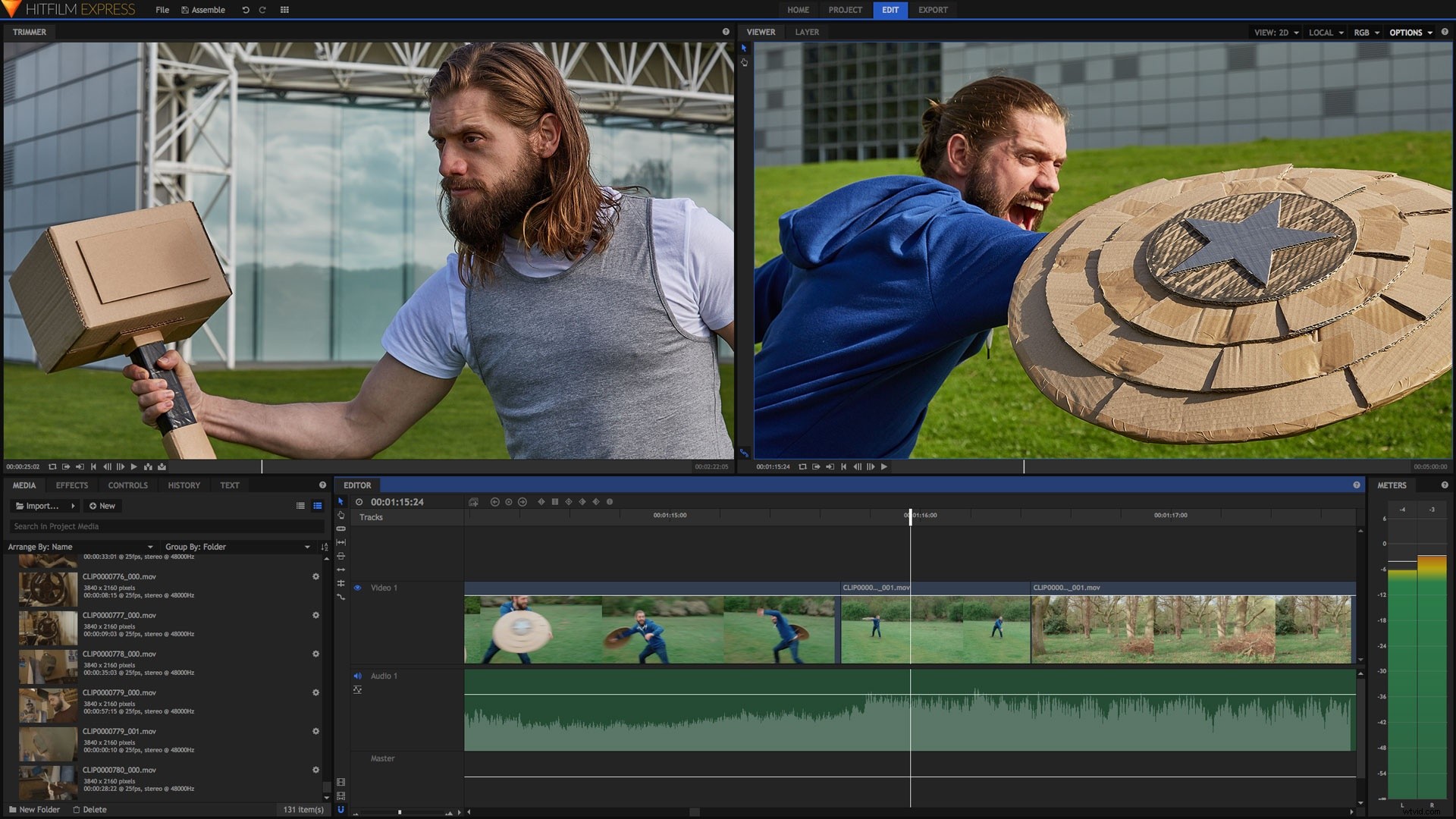
Similarly to Lightworks, Hitfilm Express aims to make a professional editing experience available to everybody. If you’ve ever worked with an advanced video editor before, Hitfilm would be great for you. First time users or amateur video editors may find it a little confusing, but it’s worth the time!
Hitfilm Express runs on Windows and Mac.
Standout Features
Adjust color balance, trim clips, export in different formats, green screen chroma keys, custom video masks and 3D composition tools.
Veed
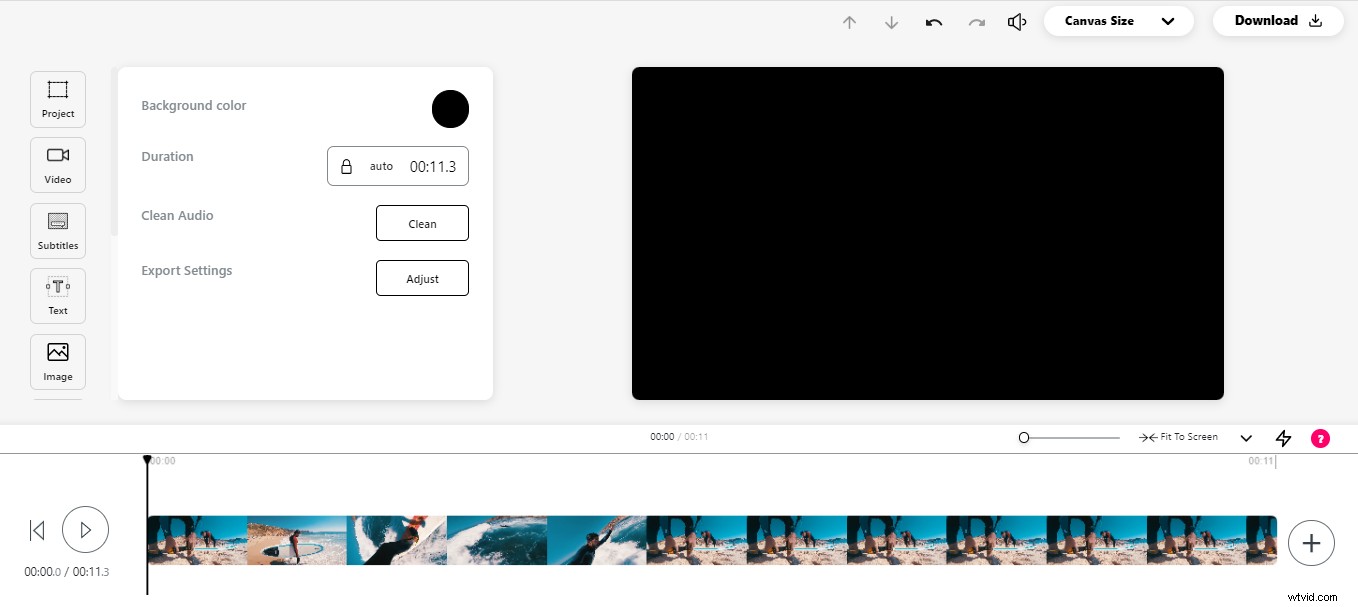
Veed is an up and coming start-up company based In London with a secret weapon! Their tool is web-based, simple to use and incredibly powerful. Unlike some other video editors, Veed is easy to navigate, has tons of features and doesn’t require installation. Notable features include their podcast to video feature, which allows you to convert your videos for other platforms. You can also invite a team to collaborate together on Veed’s platform, which is super handy for joint projects!
To access extra features and upgrade, Veed offer Basic and Pro plans ranging from $12-$30 (monthly cost).
Standout Features
Subtitles, captions, video compression, audio overlay, auto-transcribe, progress bars, podcast to video converter feature, team collaboration options and helpful free tutorials!
Movie Maker Online
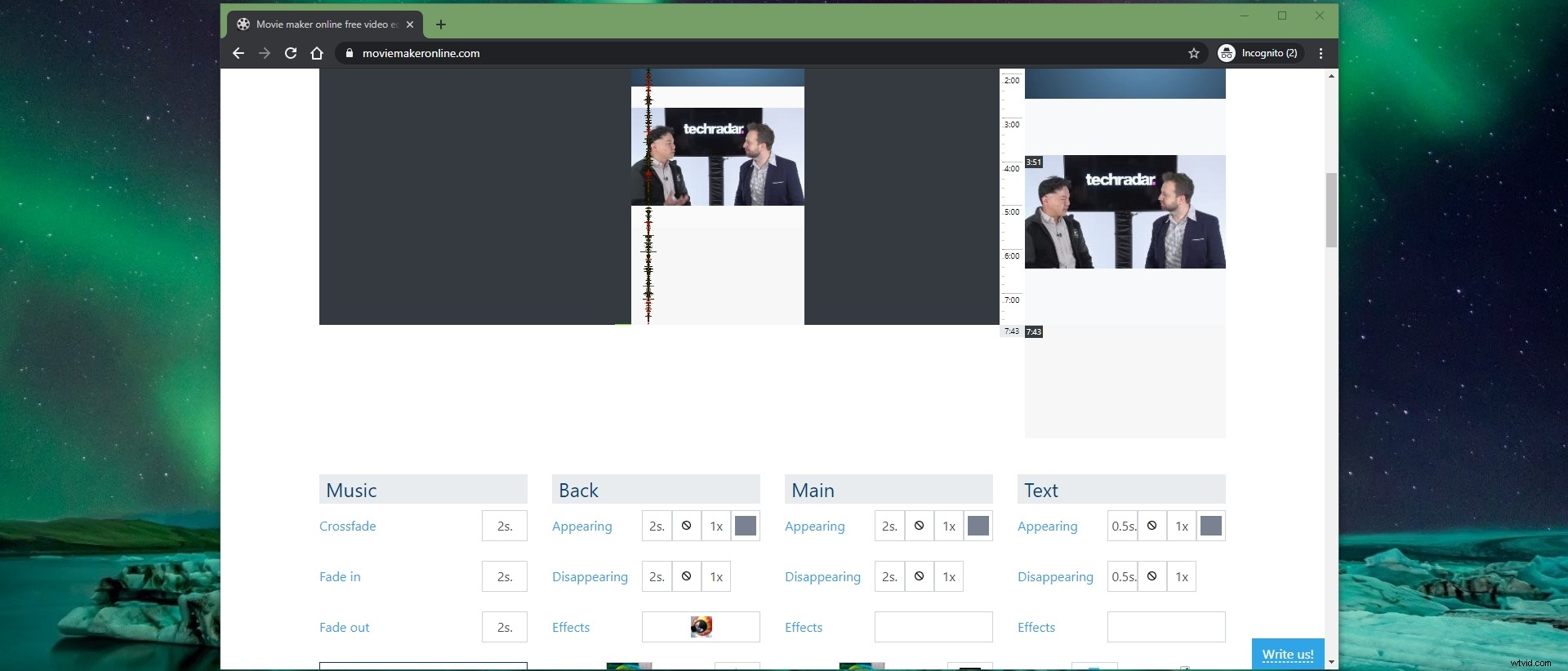
If you’re looking for a simple online video editor that runs in your browser, this one’s for you. Whatever age your hardware or computer is, Movie Maker Online can be accessed and used to make quick, quality videos. Movie Maker Online is super easy to use and doesn’t require installation, either!
Standout Features / Bonuses
Filters, transition effects and ability to crop. There’s also no worries about content storage, less reliance on computer specs, and it can be accessed from any desktop device. It also includes an archive of royalty free images to use.