
You’ve got solid video, clean audio, and the perfect color grade. So don’t blow your edit with uninteresting transitions.
Snappy transitions are all the rage these days, so I thought I’d show you my five favorites, which you can use without any additional plugins in Premiere Pro.
However, the number one thing to realize here is that transitions can enhance your project, but they cannot save your story. Don’t rely only on fancy editing techniques to tell your story; instead, think of how they can merge two scenes or shots in a manner that improves your story rather than standing it for it.
My number one rule with shooting is to keep my transitions in mind. Your transitions should complement your project, not detract from it.
So let’s take a look.
Flicker Cut
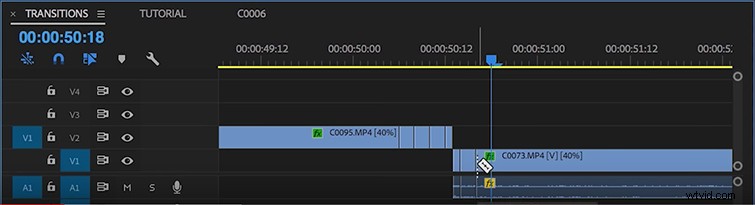
My first transition is the flicker cut. It’s easy to pull off, and it creates a strobe effect that ends your first shot and begins your second.
My method is to take the last second of my first clip and cut out every other frame. After you’ve made your first section of cuts, follow this process for the first second of your following clip.
Light Leak
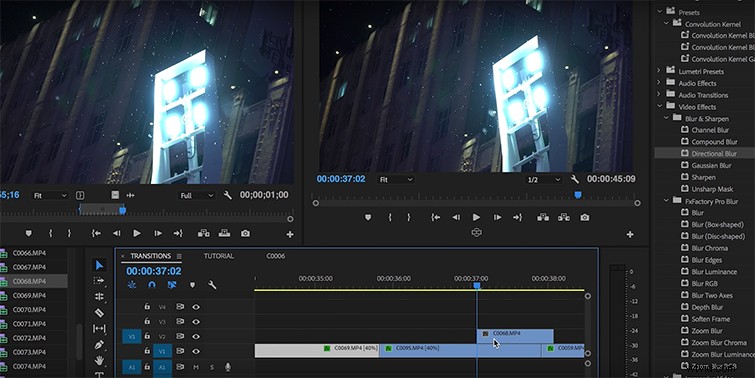
Light leaks are a great way to not only transition between two shots but also build atmosphere. All you need to do is apply a light leak overlay above your two transitioning shots.
Whip Pan
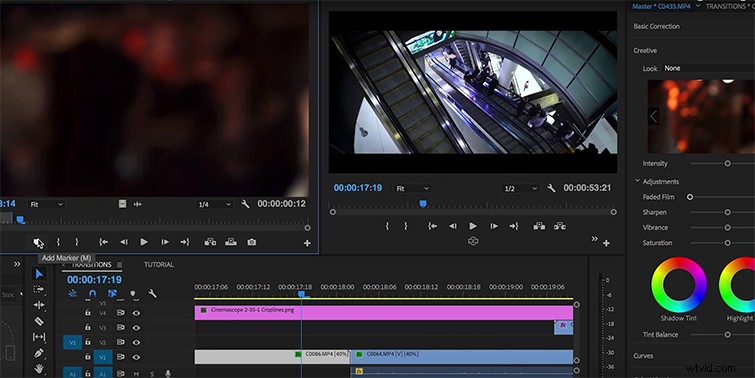
The whip pan is by far one of my favorite transitions and, like the flicker cut, is really easy to use. All you need is a short, blurry clip wherein the camera has moved quickly in one direction. You then splice 12 – 24 frames of that clip between two others.
Parallel Imagery
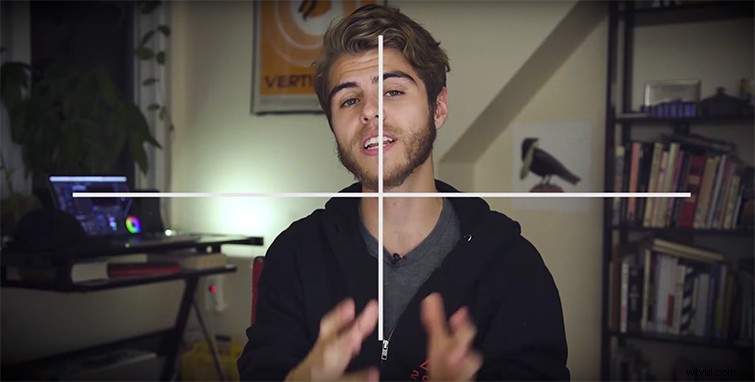
You can use this technique when editing between two shots with similar imagery or framing. This works very well with fast-paced sequences because your audience isn’t scanning the screen for information.
Time Ramp
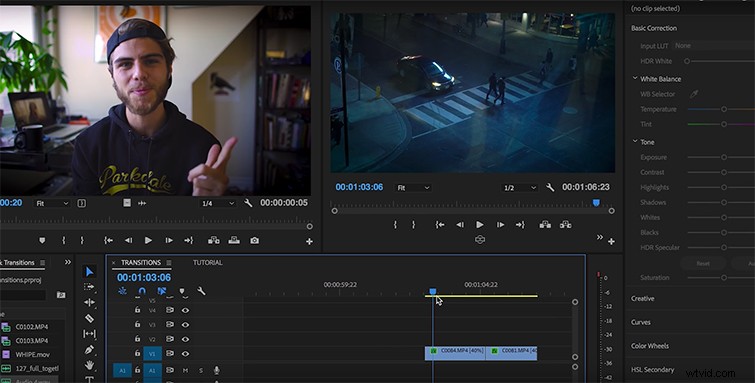
Time-ramping transitions are a huge hit right now, and (you guessed it) are also super easy to use.
Step 1: Take the last second of your first clip and speed it up to 200%.
Step 2: Take the first second of your second clip and speed it up 200%.
Done.
And there you have it. Give these transitions a try on your next project, and see what they can do to support your story.