
We’ve all got our frame rate habits, but all film and video projects are different, so one size does not fit all. Here are a few elements to consider.
I’m not the only shooter who instinctively sets their frame rate to 120 fps when arriving at an epic location. It’s easy. It’s beautiful. It’s . . . lazy?
After being an avid user of that frame rate for over a year, I’ve changed my approach, diversified my selections, and found new beauty in limiting myself to other frame rates like 24, 60, and . . . get ready for it . . . 950.
Here’s why I began diversifying.
The first and most important reason has to do with shutter speed. As most of you know, when shifting your camera settings to a higher frame rate, you have to crank your shutter speed to double the frame rate. So, 60 fps = 1/120 shutter. 120fps = 1/250 Shutter. You get the picture.
The problem occurs when you play back your slow-mo frame rate at regular speed — also known as 24fps(or 23.976). Setting your shutter speed that high eliminates natural motion blur when played back at a non-native frame rate (i.e., 24fps instead of 60fps). The camera produces a shuttery-looking image. This style works for some genres, but for most, it just stands out. This action-packed “shuttery” flavor gives calm, relaxing videos a quick, energetic pace, eliminating that natural and relatable emotion.
So, check out the video for my two cents on frame rates.
24FPS at 1/50 Shutter
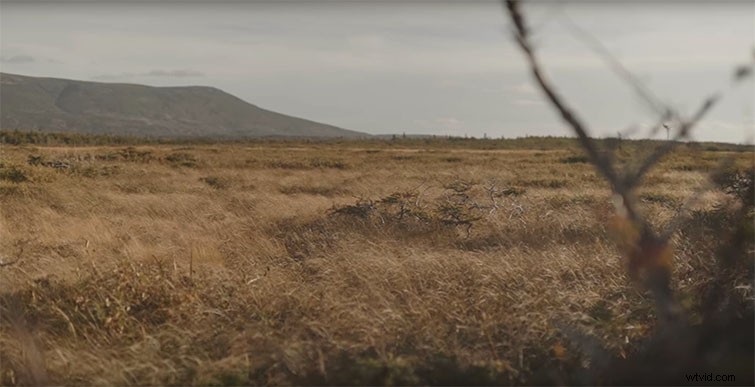
24fps (aka 23.976) will get you the most real, most immersive emotion compared to every other frame rate. Your audience can relate to the characters because they don’t feel detached from the story.
60fps at 1/120

Use it when necessary. If you’re limited on time and need to capture a ton of coverage, this is a total lifesaver. 60fps also translates to smoother images and more dramatic emotion. I also use this as a back-pocket, go-to hack to make boring events look cool.
120 at 1/240
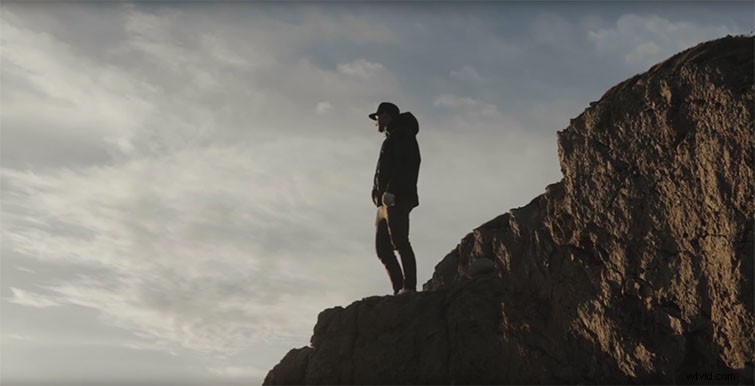
Finally the super-slow motions. These are great for capturing silky, dreamy sequences. They apply an almost fantastical element to your movies — ones that build atmosphere and fill in the gaps of the story. 120, 250, and 950fps are all very valuable for capturing action-packed moments with significant movement like explosions, backflips, waterfalls, or . . . BMX cyclists. But remember, it’s hard to tell a compelling narrative when everything is moving at a crazy slow rate.
Find a beautiful balance by diversifying your frame rates and selecting what you need, when you need it.
Interested in the tracks we used to make this video?
- “Thrilling Signs” by Cymatix
- “Frying Pan” by Flash Fluharty
- “Neon” by Hartley
- “TypeWriter” by Wolves