
Shooting a live event? Cover all your bases, and maximize your workflow with these practical approaches to film or video production.
Shooting events can be stressful, especially when you’re not entirely sure how much coverage you need to capture. How many wide shots of a wedding do you need? How many close-ups of the tablecloth are necessary? There’s a lot going on — and only one of you to capture it all.
If you’re gearing up for a shoot, and this is stressing you out, have no fear: I’ve created a go-to guide that can help you capture all the coverage you need to make a solid edit.
Keep in mind that amount of action per event will really determine how much you shoot. If it’s a pretty active event, you might want to repeat the shot list every 15 to 40 minutes. If it’s a basic event and things are slow, I recommend filming per location or every few hours. That being said, use your judgment and try to gauge the fluctuation of how things are flowing.
Every shoot is different. The big thing you want to capture is the feeling of the event. Ask yourself How does it feel? What is energy? What looks interesting and unique?
Wide/ Establishing Shots
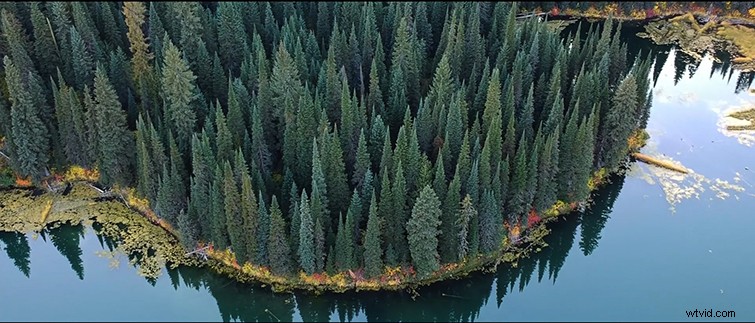
These are great for entering and exiting a scene. I recommend getting at least 1-5 solid wides.
Wide/Medium
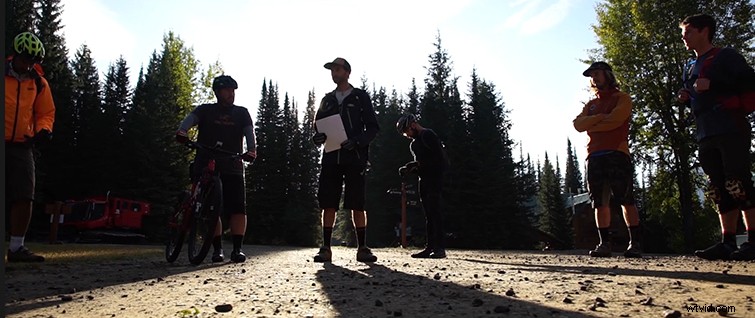
Try to get a good 3-4 wide/medium shots in the can. An example of this type of coverage would be people interacting or participating in an activity.
Close Ups/Moments
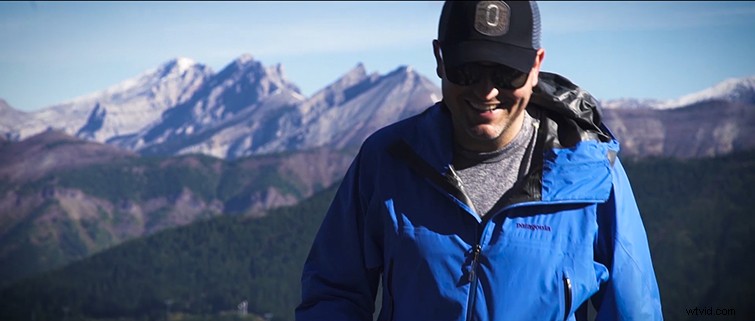
In my eyes, expressions and reactions are important elements to capture at an event. My rule of thumb is usually 15-25 reactions per scene, setup, or location.
Close Up/Macro Detail Shots
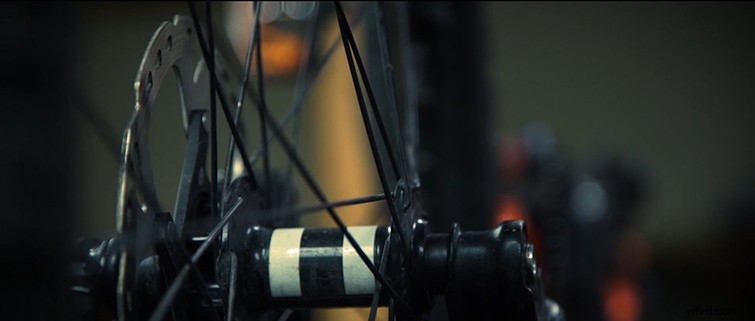
DETAILS! Details are essential for making a great event or recap video. You want to film the small details that the organizers fought so hard to bring together. I usually gather 15 per scene, setup, or location.
For each of these categories, be sure to capture the right moment before moving on to the next shot. There’s no point in gathering all of this coverage if none of it works in the edit.
The main thing is to follow your gut and use this guide as an outline. All shoots are different, and so is the coverage you’ll get. This method has helped me immensely, and now I just rely on it as a rule of thumb when filming any sort of event or recap video.