
Do you have a video clip, but it doesn’t have any accompanying audio? In this challenge, we explore how you can create your own foley effects.
Matching audio to your footage can sometimes be a real challenge, but it’s also a lot of fun. Once you get the hang of it, you can improve the production value of almost any project. No more scouring the internet for the sound of a pan banging against a wall or a crackling fire — just learn how to create these sounds yourself.
So here at PremiumBeat HQ, Chuck Crosswhite and I decided to have a little filmmaker challenge to see who could create the best foley for three different clips we downloaded from Shutterstock.
Here’s how it turned out.
Set Up A Good Station For Your Foley
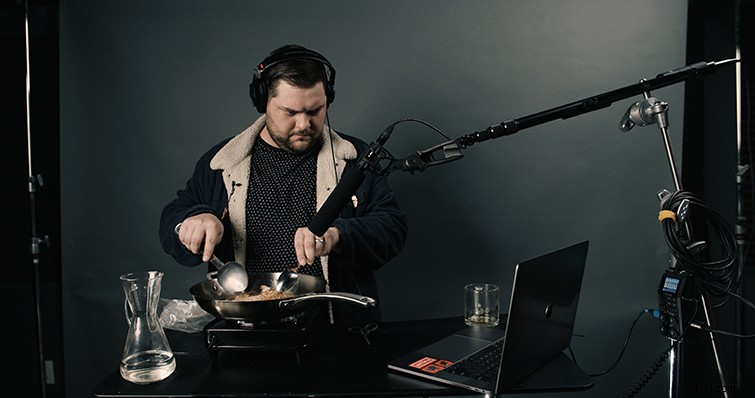
The best way to record good foley is to set up a good work station to capture it. First, find a very quiet area in your house, office, or studio. Try and stay away from walls (unless they’re soundproofed), so you can avoid echo. In our studio, we used a standing desk and a C-stand boom holder to create our foley station.
When you’re recording foley, keep your headphones on so you can monitor your results. Sometimes, you’ll have to record really hot to pick up smaller sounds that you want to amplify later. With good headphones, you’ll be able to detect those smaller sounds that might make or break the overall sound design.
Sometimes, the Wrong Item Is The Right Item
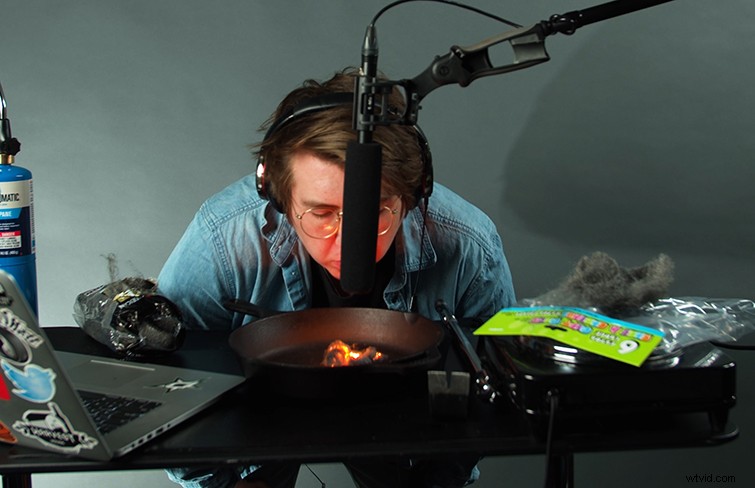
One of the coolest things about recording foley is that there is no video involved. That means that the object for which you’re recording sound doesn’t have to be diegetic or practical — it only has to sound like the object you’re trying to replicate. One example that we came across is trying to replicate fire.
Since it would be sort of dangerous to stick a boom pole into a raging fire, you have to recreate the sound somehow. To get a good raging fire soundscape, I decided to layer a few different sounds together to get my desired audio track. I burned some steel wool and blew some air onto it to get a good “raging fire” sound effect, and then I paired that with crinkling cellophane to replicate crackling wood.
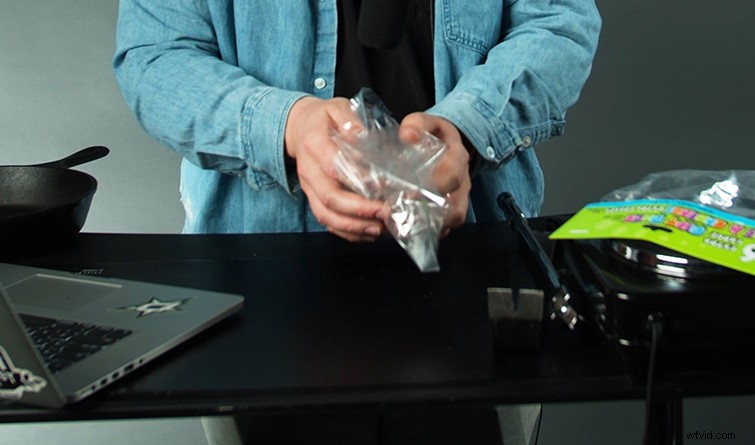
So it’s really not about the item you use — just the sound it produces. Test out different objects and see what sounds they make. If you think it can replicate well, give it a shot in your foley studio. Remember, you can always manipulate the audio in post to enhance your track.
Don’t Be Afraid to Get Out of the Studio
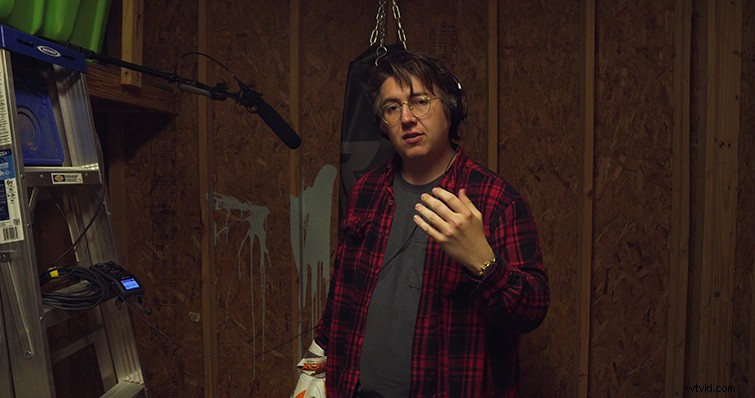
One of the rules in our competition was to not leave the studio to record anything. But, a professor taught me long ago that one of the first rules of filmmaking is that there are no rules (Sorry, Chuck, I wanted to win). So to record my punching foley, I went to an actual punching bag in my brother’s backyard shed. To me, there’s nothing that truly replicates the bassy hits and taught chain sounds of a real boxing bag. Just record it as clearly as possible, and then once you bring it into post, you can add or remove reverb to make it fit the environment in your clip.
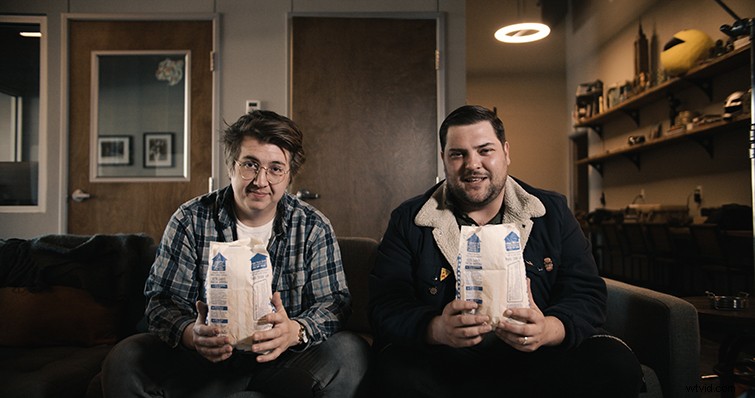
Recording outside is also a great way to record atmospheres and room tone for projects. If your clip is in a cafe, you can just bring a microphone into your local coffee shop and record the ambient sounds that fill the space — people talking, cups hitting the table, etc.
So, Who Won the Challenge?
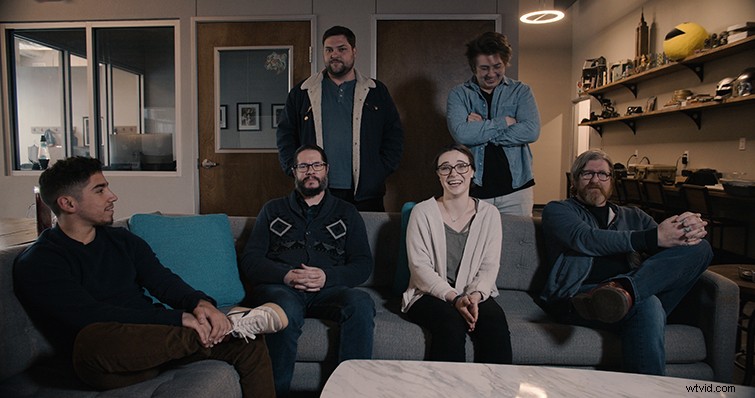
Well, you’re just going to have to watch the video to find out. We let our coworkers judge us, so you can bet they were fair and balanced when it came to deciding who won (I would assume). Let us know on twitter @PremiumBeat who you think should hold the crown of best foley artist in the office!
And if you’re in a hurry, or just want some extra soundscapes to go with your foley, have some on us.
Download free cinematic atmospheres.
Interested in the tracks we used to make this video?
- “Great Player” by Ricky Bombino
- “Lo Fi Beach Dawn” by Trending Music
- “Then and Now” by FASSounds
- “Liberate” by Immersive Music