
Whether you’re a newcomer or a seasoned creator, drafting a YouTube script can feel daunting. As volume rises, maintaining clarity and viewer engagement becomes even more critical.
Artificial Intelligence can lighten the load, offering faster and often more creative solutions. While AI shouldn’t replace your voice, it can handle a significant portion of the work, leaving you free to polish and personalize.
Below, we examine when AI‑powered script generators can truly make a difference. If you’ve tried them before and felt underwhelmed, you’re not alone—different tools serve different needs.
Here’s what the community consistently reports:
- ChatGPT – Versatile and adaptable for a wide range of scripts.
- Jasper – Optimized for SEO‑friendly video content.
- Claude – Excellent at structuring YouTube scripts with AV details.
Each platform’s unique strengths can dramatically influence your channel’s quality. Selecting the right tool is essential.
Let’s dive into what each offers and how you can leverage their features for maximum impact.
Table of contents
- What is a YouTube script?
- Why use AI for writing YouTube video scripts
- Best AI tools for writing a YouTube script
- Tips for writing better YouTube scripts
- Frequently asked questions
- Conclusion
What is a YouTube script?
Many creators wonder why a script is necessary at all. For casual vlogs or gaming footage, filming on the fly may suffice. However, informational videos—those that require research and clear presentation—benefit immensely from a solid script. It prevents wandering, reduces repetition, and keeps viewers focused.
Remember the three C’s: Clear, Concise, and Compelling. Mastering these will elevate your storytelling.
Before drafting, consider these essential sections:
- Hook – A punchy action or question that grabs attention.
- Intro – Warm greeting, presenter introduction, and video overview.
- Body – Structured points that develop the main topic.
- High Point – The climactic moment: insight, twist, or takeaway.
- Call‑to‑Action (CTA) – Encourage likes, comments, subscriptions, or product use.
- Outro – Farewell and teaser for future content.
This framework suits scripts meant for direct reading, but you can adjust it for audio‑visual scripts, which also detail music cues, visuals, and camera directions—essentially a storyboard that guides editing.
Why use AI for writing YouTube video scripts
Using AI isn’t mandatory, but it offers tangible advantages: speed, fresh idea generation, and instant audience‑centric analysis. An AI can spot potential engagement bottlenecks and suggest tweaks that align with viewer preferences.
To evaluate AI efficacy, we tested three leading tools on a 10‑minute infotainment script titled “Why are oranges orange?” and measured quality, usability, AV formatting, and cost.
-
ChatGPT
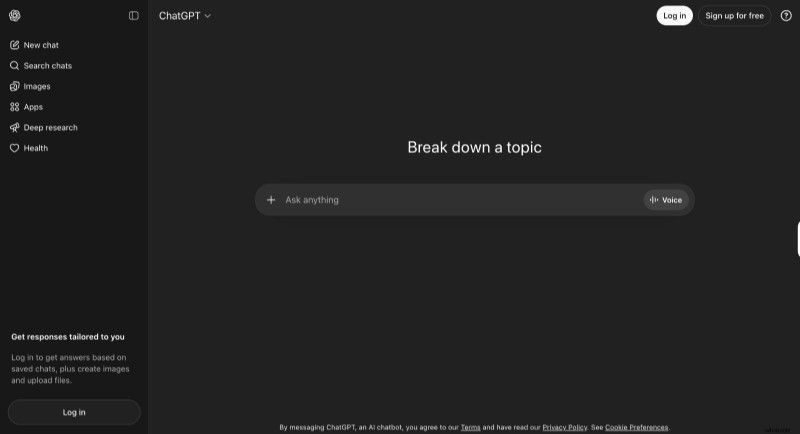
Script quality: Excellent. Provides timestamps, scientific facts, a final CTA, and optional humor. Supports style‑specific requests.
Ease of use: Simple sign‑in; type a prompt and receive instant output.
AV formatting: Includes tone suggestions, pauses, visual cues, and presentation guidelines.
Pricing: Free tier; $25/mo for a Business plan that unlocks unlimited content and data protection.
-
Jasper
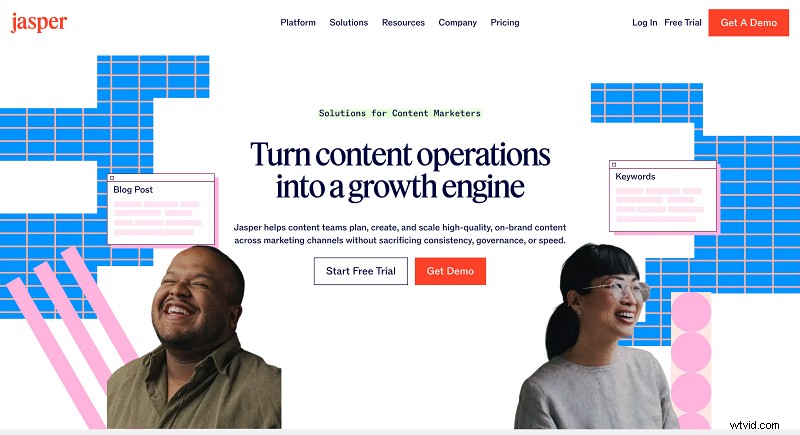
Script quality: Strong. Generates dialogue and scene transitions. Early drafts may feel a bit stiff without examples.
Ease of use: Requires account creation and plan selection; thereafter straightforward prompt‑based interaction.
AV formatting: Comparable to ChatGPT but presented in a more formal layout.
Pricing: Free 7‑day trial; Pro plans range $59–$69/month; custom business options available.
-
Claude
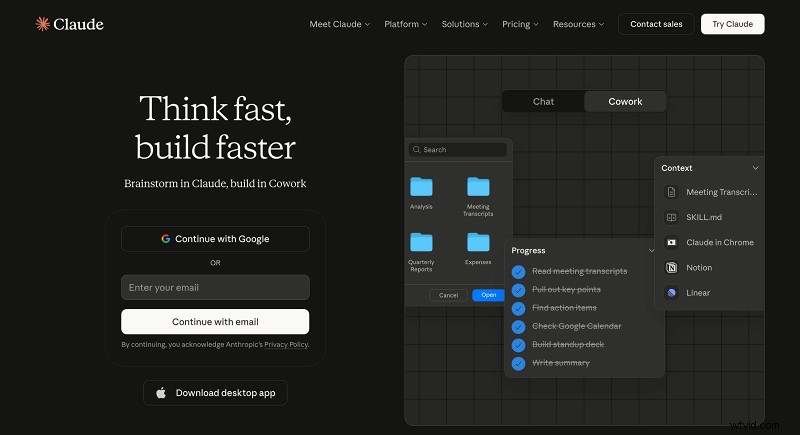
Script quality: Outstanding. Delivers meticulous structure and even suggests thumbnail ideas spontaneously.
Ease of use: Sign‑in required; generation may take a little longer.
AV formatting: Offers visual, audio tone, pacing, and delivery cues; format highlights each element distinctly.
Pricing: Free tier; €18+ for unlimited projects and Chrome integration.
Tips for writing better YouTube scripts
While AI can draft the bulk, the final polish depends on you. Consider these strategies when integrating AI output:
- Specify key details – Your role, target age group, expertise level, etc., in the prompt to tailor tone.
- Include visual intent – Describe on‑camera actions and suggested footage to enrich the script.
- Reinforce the core message – Repeat the main theme where appropriate without redundancy.
- Iterate beyond the first output – Ask for structure first, then flesh out points before humanizing the final draft.
- Leverage existing content – Feed prior videos to AI for style emulation, speeding up editing.
- Brainstorm creative angles – Use AI to generate novel presentation ideas, especially for saturated topics.
- Practice conciseness – Trim excess, keep a brisk tempo, and remove unnecessary pauses.
Frequently asked questions
How to write a good script for YouTube?
Draft a bullet‑point outline manually or with an AI. For AV scripts, add camera positions, b‑roll cues, audio notes, and music choices. Test multiple versions with peers to gauge effectiveness.
How long is a 10‑minute YouTube script?
Typically 1,300–1,500 words, assuming an average speaking pace. Longer scripts allow more visual content; write more, cut later.
What are the three C’s in script writing?
Clarity ensures your points are understood; Conciseness respects viewer time and boosts watch‑time; Compelling delivery (hook, pacing, examples) keeps viewers from clicking away.
How much does a YouTube script writer earn?
Rates vary from $50 per script to $40,000–$80,000 annually for in‑house writers on large channels, depending on length, complexity, research, and channel size.
Bring stories to life
Create engaging videos effortlessly with our all‑in‑one video editing tool.
Conclusion
Writing a YouTube script—whether manually or with AI—demands effort. AI can accelerate the process, but choosing the right tool is key. For versatility, try ChatGPT; for SEO‑friendly scripts, Jasper; for detailed AV formatting, Claude. All offer free tiers, so experiment to find the best fit for your channel.