
AI‑powered video editors have become ubiquitous, each claiming to be the smartest, fastest, and most creative solution available. Comparing them, however, can be daunting: features differ, pricing structures vary, and what works for one creator may not suit another.
To simplify your decision, this guide first breaks down tools by their standout features, then matches them to common use cases—brand storytelling, marketing, training, and content creation. We also review pricing tiers and output options so you can evaluate the full 2026 landscape.
Feature‑Based Comparison of Top AI Video Editors
| Tool | Signature Feature | Ideal For |
|---|---|---|
| Renderforest | Customizable AI templates with brand kit integration | Brand storytelling for SMBs and freelancers |
| Canva Pro | Brand kit auto‑application across templates | Marketing teams enforcing brand consistency |
| Lumen5 | Blog‑to‑video automation with brand presets | Content marketers converting articles into videos |
| Synthesia | AI avatars and multilingual voiceovers | Corporate training and explainer videos |
| Kapwing | Auto‑caption and subtitle generation | Small businesses and educators needing quick accessibility |
| Filmora | Timeline editor with AI‑driven scene detection | Vloggers and content creators wanting intuitive control |
| Magisto | Automated transitions synced to music | Digital marketers creating promotional clips |
| DaVinci Resolve | Professional offline editing with AI color matching | Nonprofits and pro editors working offline |
| Camtasia | Screen recording with training modules | Educators and trainers delivering tutorials |
| Runway | AI masking and generative editing | Creative teams simplifying complex edits |
| Wisecut | Auto jump‑cuts and pause removal | Solo creators and YouTubers needing fast cuts |
| WeVideo Business | Multi‑user access and team libraries | SMB marketing teams collaborating on projects |
| Flixier | Real‑time timeline collaboration | Distributed teams needing instant feedback |
| Avid Media Composer Ent. | Enterprise role‑based collaboration | Large studios and broadcasters |
Feature Spotlight: Customizable Templates & Brand Kits
Renderforest
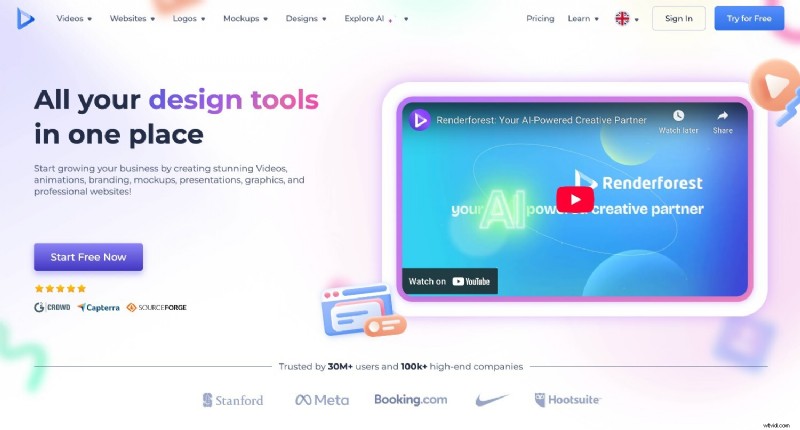
Renderforest offers a vast library of professionally designed video templates that adapt to your script and brand assets. AI‑powered animations, built‑in voiceovers, and multilingual translation streamline the creation of polished videos—ideal for SMBs and freelancers who need brand‑consistent content without a design team.
Pricing: Free plan with limited exports; paid plans start at $9.99/month.
Canva Pro
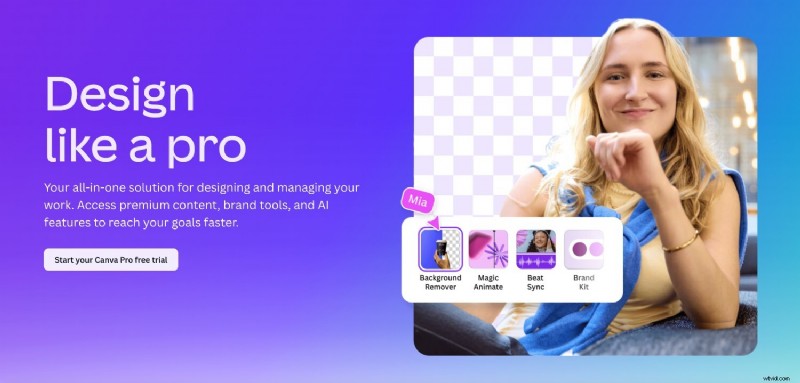
Canva Pro lets you upload logos, fonts, and color palettes, then automatically applies them across all video templates. This ensures every project adheres to brand guidelines, saving time on manual adjustments.
Pricing: Free plan available; Pro starts at $14.99/month.
Lumen5
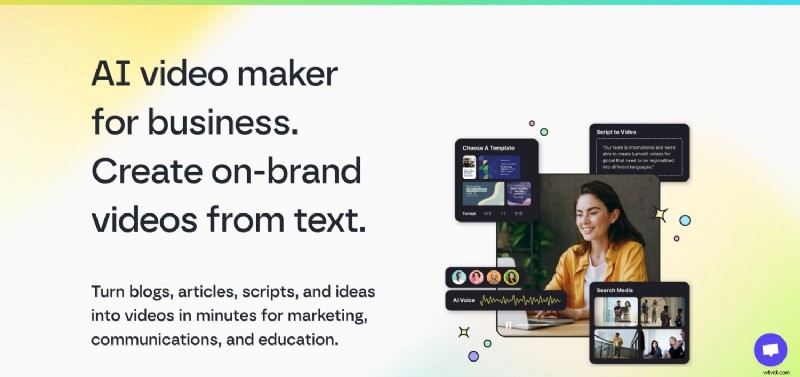
Lumen5 transforms blog posts and marketing copy into engaging videos, while preserving your brand identity through customizable templates. The platform is especially valuable for content marketers looking to repurpose written assets.
Pricing: Plans begin at $19/month.
Feature Spotlight: Built‑in Voiceovers & Captions
Synthesia
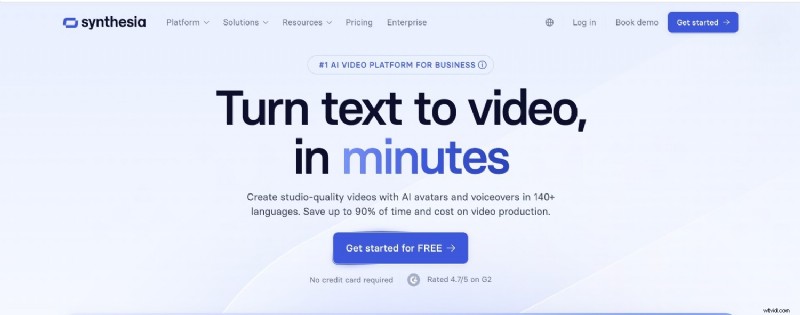
With lifelike AI avatars and over 120 voice options, Synthesia eliminates the need for live recording. Automatic captioning enhances accessibility and ensures content is clear across languages.
Pricing: Subscriptions start at $30/month.
Kapwing
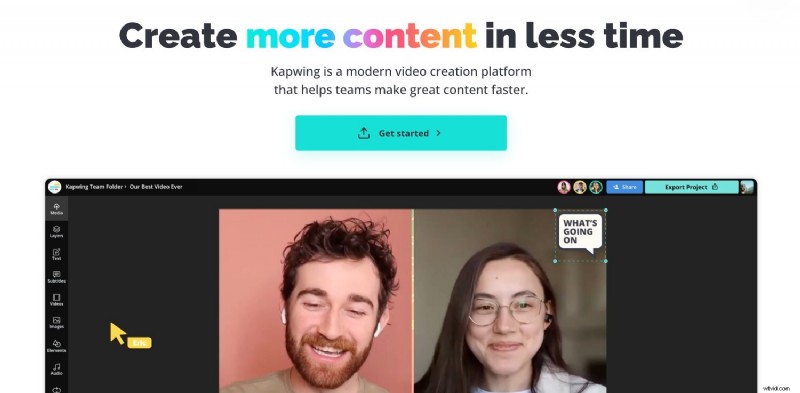
Kapwing automatically generates captions, subtitles, and offers AI voice cloning. This makes it a go‑to tool for small businesses and educators who need quick, accessible videos.
Pricing: Free plan; Pro starts at $16/month.
Filmora
Filmora blends a familiar timeline editor with AI scene detection and smart transitions. It’s a favorite among vloggers who want creative control without exhaustive manual editing.
Pricing: One‑time license or subscription from $49.99/year.
Magisto
Magisto’s AI auto‑transitions sync footage to music, producing polished promotional videos in minutes—perfect for marketers needing rapid content.
Pricing: Plans start at $9.99/month.
DaVinci Resolve
DaVinci Resolve offers an industry‑grade offline editor with AI tools like smart color matching and speech‑to‑text. It’s ideal for professionals and nonprofits working with limited bandwidth.
Pricing: Free version; Studio edition costs a one‑time $295.
Camtasia
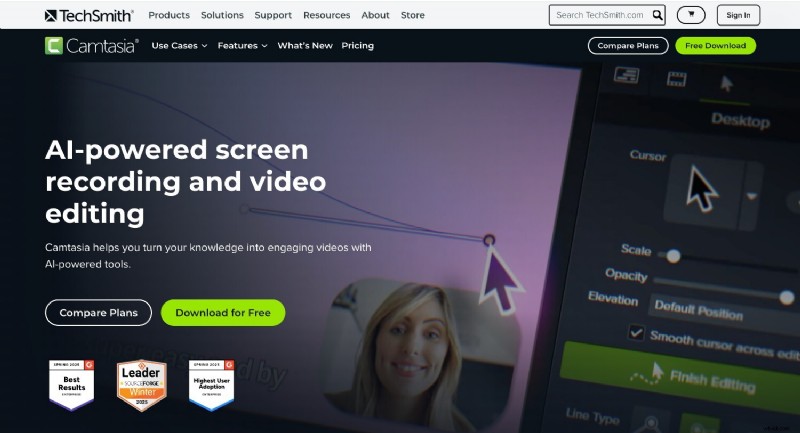
Camtasia excels in screen recording and annotation, making it a top choice for educators and trainers who need robust offline editing.
Pricing: One‑time license for $299.
Runway
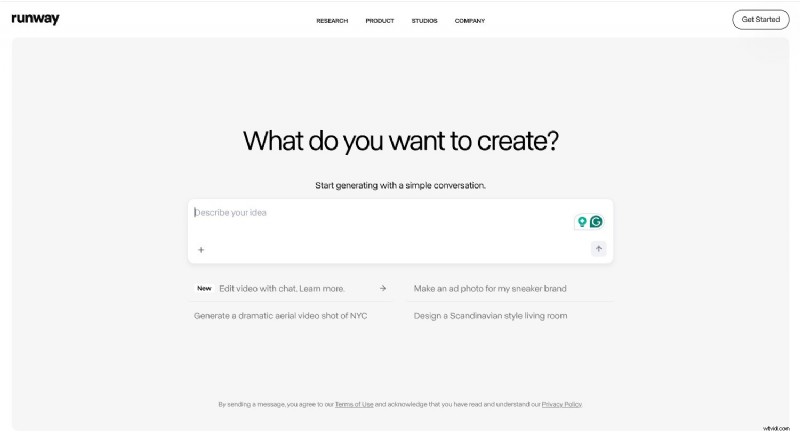
Runway’s AI masking, background removal, and motion tracking allow complex edits in minutes, ideal for creative teams seeking rapid, high‑quality results.
Pricing: Subscriptions start at $12/month.
Wisecut
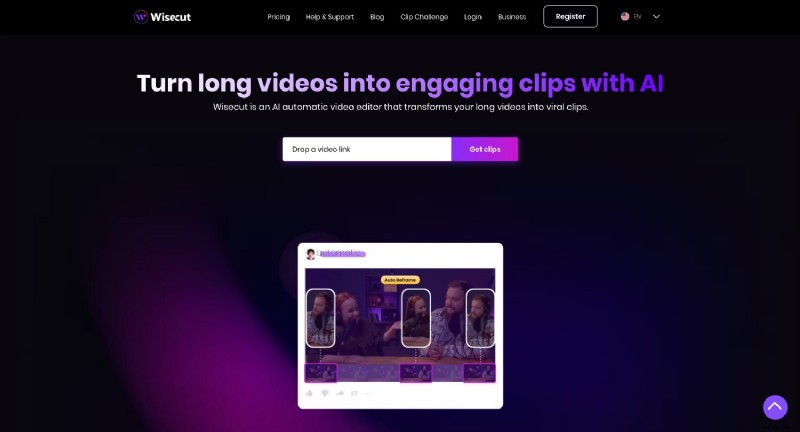
Wisecut automatically removes pauses, adds captions, and integrates background music—making it perfect for vloggers and solo creators who want fast, polished cuts.
Pricing: Free plan; Pro starts at $10/month.
Enterprise‑Ready AI Video Editors
WeVideo Business
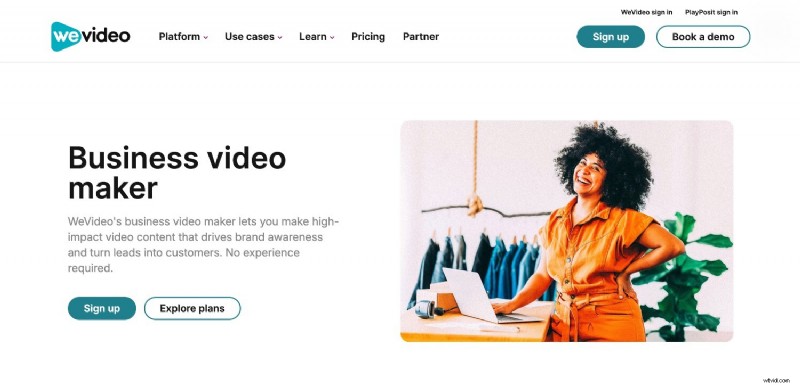
WeVideo Business provides cloud‑based workspaces, shared media libraries, and real‑time multi‑user editing—streamlining collaboration for marketing teams and distributed groups.
Pricing: Starts at $19.99/month per user.
Flixier
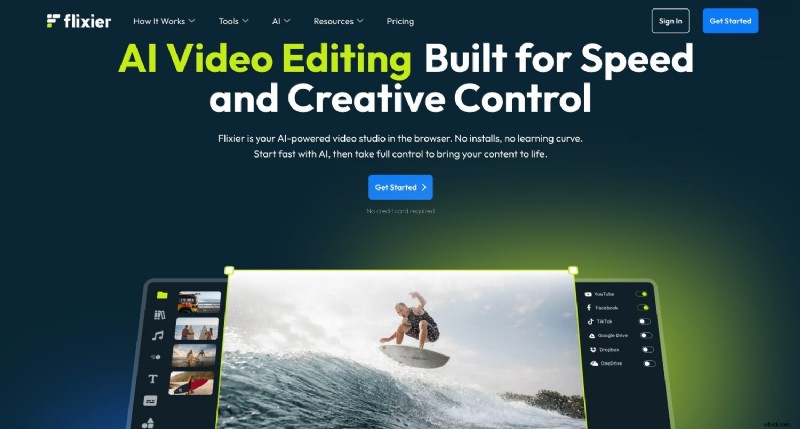
Flixier’s browser‑based editor supports real‑time timeline collaboration and cloud rendering, accelerating project turnaround for distributed teams.
Pricing: Base plan at $14/month.
Avid Media Composer | Enterprise
Avid offers role‑based permissions, shared projects, and enterprise‑grade security—ideal for large studios and broadcasters handling complex workflows.
Pricing: Enterprise pricing on request.
Choosing the Right Tool by Use Case
Brand Storytelling
Renderforest and Lumen5 simplify the creation of emotionally resonant videos. Renderforest’s animated templates and voiceover options make product launches and brand reveals fast and on‑brand. Lumen5’s blog‑to‑video workflow turns long‑form content into shareable stories.
Digital Marketing & Product Ads
Magisto’s AI‑driven editing delivers quick, music‑synchronized promotional clips. Canva Pro maintains brand consistency across campaigns, applying your kit across every template.
Training & Education
Camtasia’s screen‑capture and annotation tools excel at detailed tutorials. Synthesia’s AI avatars and multilingual voiceovers enable consistent, scalable training videos across languages.
Small Businesses & Nonprofits
Kapwing’s browser editor and automated captions allow rapid, budget‑friendly content creation. DaVinci Resolve offers Hollywood‑grade editing without cost, empowering nonprofits to produce cinematic videos.
Content Creators & Vloggers
Wisecut’s auto‑cut and caption features let creators post daily content swiftly. Filmora offers deeper creative control for polished, dynamic short‑form videos.
Pricing Snapshot (2026)
| Tool | Pricing* |
|---|---|
| Renderforest | Free plan + paid from $9.99/month |
| Canva Pro | Free plan + Pro from $14.99/month |
| Lumen5 | Starts at $19/month |
| Synthesia | From $30/month |
| Kapwing | Free plan + Pro from $16/month |
| Filmora | One‑time license or $49.99/yr |
| Magisto | From $9.99/month |
| DaVinci Resolve | Free version + Studio $295 once |
| Camtasia | One‑time license $299 |
| Runway | From $12/month |
| Wisecut | Free plan + Pro from $10/month |
| WeVideo Business | From $19.99/month per user |
| Flixier | From $14/month |
| Avid Media Composer Ent. | Enterprise pricing (quote only) |
Multi‑Format & Multilingual Support
Reaching diverse audiences requires adaptable exports and translation. Kapwing offers vertical, square, and widescreen outputs with auto‑subtitles. WeVideo Business extends this flexibility to teams, supporting multilingual captions and platform‑specific formats. Synthesia’s 120‑plus language library and AI voiceovers make it ideal for global training videos.
How to Pick the Right AI Video Editor
There is no one‑size‑fits‑all solution. The best tool aligns with your objectives, budget, and workflow. Whether you’re a solo creator, a small team, or a large enterprise, the right AI editor will reduce production time and keep you focused on delivering high‑impact content.