
We took a behind-the-scenes look into the workflow of one documentary filmmaker’s quest to avoid unconscious bias in her work.
In this Adobe featurette on award-winning documentary filmmaker Robin Hauser, we not only get a peek inside the editing workflow of a talented and diverse team, we also get insights into the ever-present challenge of avoiding unconscious bias.
Hauser, who had previous documentary success with CODE: Debugging the Gender Gap, takes us through her editing workflow on bias — her latest documentary, which is fresh off its world premiere at the Bentonville Film Festival.
What Is Unconscious Bias?
If you’ve ever taken a documentary film class — either as a film student or in a film appreciation role — you’ll quickly learn that good documentaries are about issues. Not only do they inform, they also create a conversation, ideally building a dialogue that resonates with audiences well after the screening. Hauser’s bias does not simply explain away the issue of “unconscious bias” as social stereotypes about certain groups of people that individuals form outside their own conscious awareness. Both the filmmaker and the audience explore the issue.
Build Your Editing Team
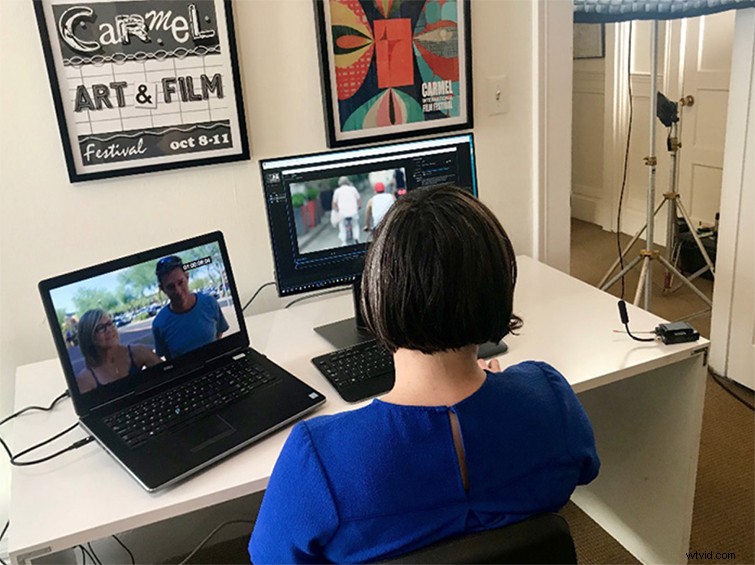
For bias, Hauser reunited herself with editor Christie Herring from her previous film Code: Debugging the Gender Gap. As with most documentaries, this project meant the duo had to go through thousands of hours of footage to build out their narrative. It’s important to not only have a good workflow but also a solid relationship between director and editor. For Hauser and Herring, tackling a nuanced subject like unconscious bias meant that they needed good communication to check each other and keep their narrative on target.
Moving from Mac to PC
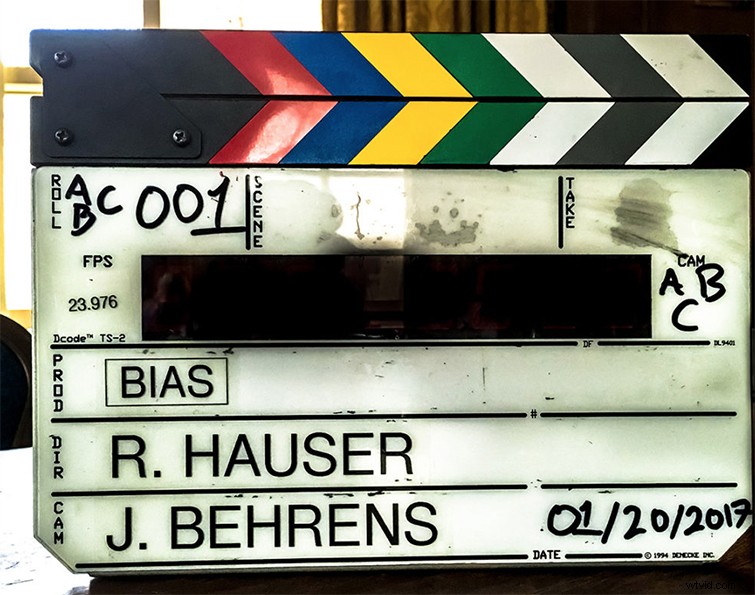
While Hauser and her team had previously worked in a Mac ecosystem, they decided to move to a PC-based workflow on Dell workstations for bias. One big issue for all documentary filmmakers and editors moving forward digitally is the decision to work with proxies and transcoded media — as is the case for many Mac workflows — or to use more powerful workstations to edit footage organically in native 4K resolution.
Share Edits in Real Time
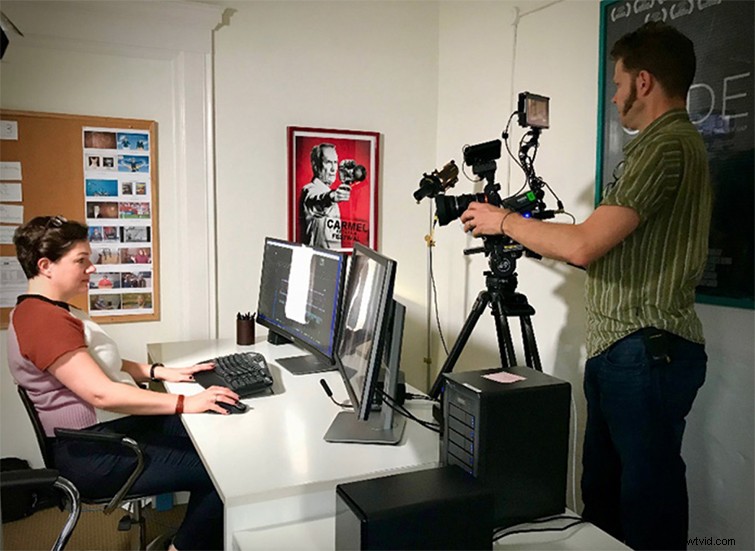
When Hauser and Herring moved from a Mac-based workflow to PC, they also switched over to Premiere Pro — mostly for their preference for Team Projects as a way to share edits remotely and in real time. This allowed the duo to work while traveling and in a more digital office space where they could stay hyper-connected while shaping their documentary’s story and messaging.
All images via bias.