
Learn how you can master smartphone filmmaking with some tips and tricks from one of the most innovative filmmakers in the game.
Cover photo via Bleecker Street.
Smartphone filmmaking is no longer a gimmick. In fact, it’s entering the world of serious filmmaking now that Steven Soderbergh, lauded filmmaker and director of Logan Lucky, Traffic, and Magic Mike, has embraced the budding technology.
In a recent article in Inverse, Soderbergh offered up the following insights into smartphone filmmaking based on his experience shooting Unsane, a psychological horror thriller starring Claire Foy — which he shot entirely on an iPhone 7 Plus.
Get a Script and an iPhone and Start Shooting
Perhaps the biggest takeaway from the article is that smartphone filmmaking is an option any filmmaker can jump on at anytime. The filmmaking industry equalizes for everyone when all you need is a script, a smartphone, and some friends to help you out. Here are some great resources for jumping into to a script right away.
- 5 Important Tools Every Screenwriter Should Have
- 6 Free Scriptwriting Resources for Your Next Screenplay
- 5 Tips from the Pros for Adapting Books into Film Scripts
4K Resolution
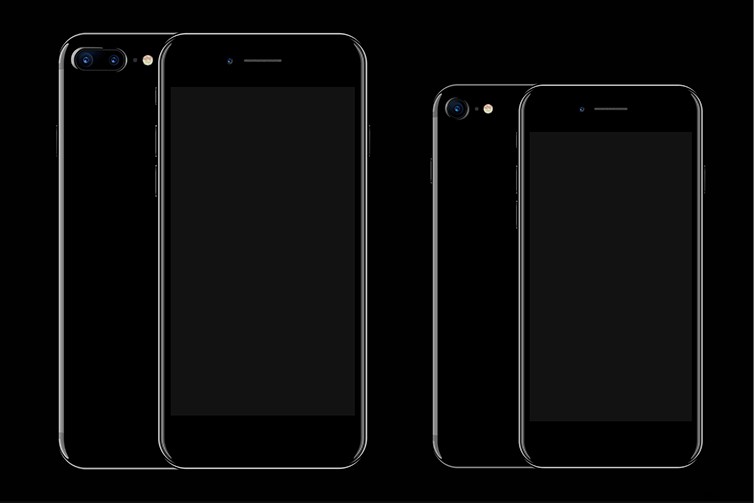
Image by inroad.
For Unsane, Soderbergh’s crew used three iPhone 7 Plus phones. The iPhone 7 Plus is notable for its built-in 12mp wide angle and telephoto cameras (more on lenses below) — while also recording video in true 4K at 30fps (1080p HD at 30fps and 60fps). With 4,000 pixels finally an option, the transition to the big screen becomes much more viable.
Attachable Lenses
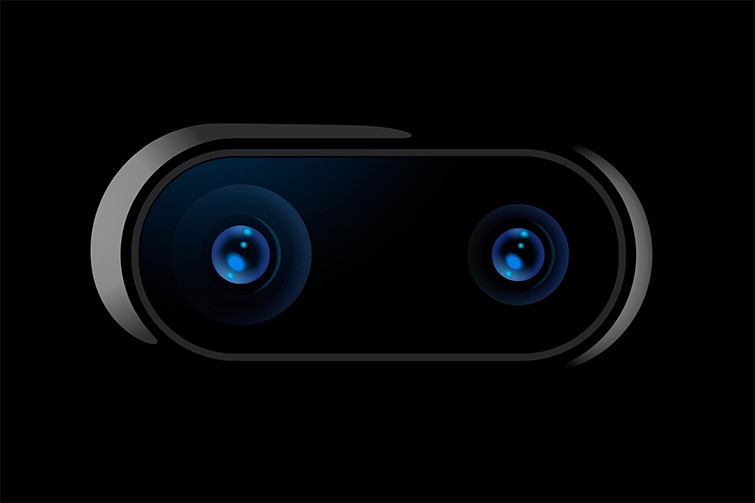
Image by inroad.
Along with the team’s iPhone 7 Plus cameras, the Unsane production also used attachable lenses for a greater array of shots than the standard built-in lens options (although they reportedly did use those as well). Unsane specifically used three Moment lenses for a range of wide to macro options: an 18mm lens, a 60mm lens, and a true fisheye.
Third-Party Apps

Soderbergh also found some good third-party iPhone apps for some unique looks and distortions — the most notable being FiLMiC Pro (which was also behind the 2015 iPhone-shot feature Tangerine). In addition to helping filmmakers shoot in LOG and flat gamma curve formats for more rich data content using the iPhone, FiLMic Pro specifically helped Soderbergh’s crew create some unique stylized distortions for key scenes in the film.
The crew also reportedly used the FiLMiC Remote app (which offers remote recording control from another phone or device) to capture some unique shots that involved placing the camera facedown in several creative locations.
Look to the Future

With Unsane already off to a hot start at the box office (on the heels of Tangerine’s rave reviews), smartphone filmmaking is clearly no longer a distant concept. It is the here and now. Soderbergh, to his credit, has been preaching for years that smartphone filmmaking is a “look to the future,” but with his surprisingly cheap and easy iPhone 7 Plus setup, it looks like that future is now.