
Adobe’s new NLE, released in the latest Creative Cloud update, is tailored for on-the-go content creators. Here’s what you need to know about it.
Everybody seems to be competing for the social-media-content-creator crowd these days. With mobile apps like iMovie and KineMaster dominating the mobile editing landscape, Adobe is trying to break into that field with their new app, Premiere Rush.
Advertised as an essential app for on-the-go creators, Rush is a simple NLE that you can access through your phone, tablet, or desktop that allows you to edit, colorize, and add graphics to your footage. It’s essentially Premiere Light, with some of the necessary tools to get out a quick edit without the elements that casual users tend to ignore. Here are some of the features that you should be excited about.
Dynamic Cloud Syncing
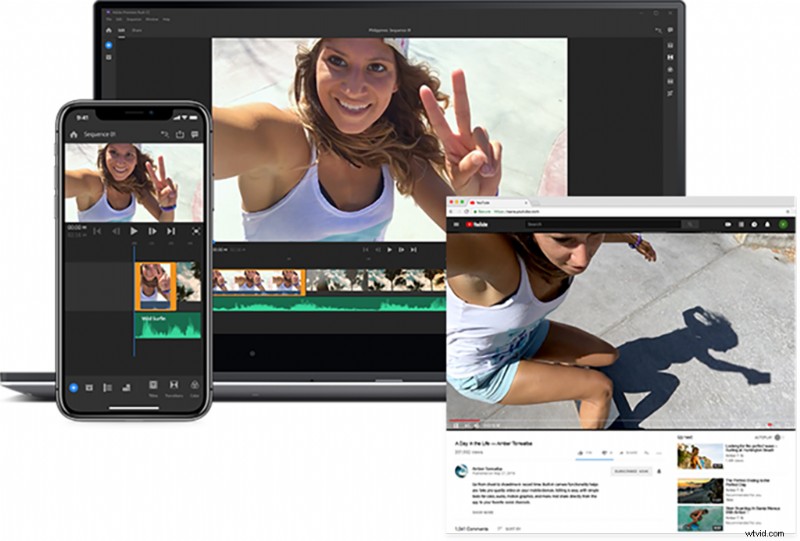
Probably the biggest feature of Rush is the automatic cloud syncing that loads your footage and edits to the Adobe cloud, allowing you to seamlessly close the app on your phone and open it up on your desktop without transferring footage. Once you open a project, the cloud picks up all of the information and saves it for you, no matter which device you want to edit on. This is a huge time saver, especially for the crowd that likes to edit on the go — no more dealing with transferring and bundling footage on hard drives. Just import and go.
In-App Camera Capabilities
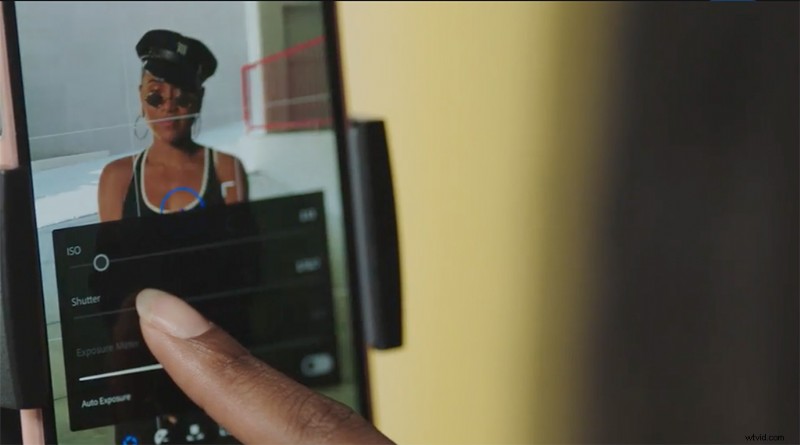
For those who shoot primarily on their phones, Rush includes an in-app camera that allows you to control the ISO and shutter of your phone’s physical camera. This is a great feature for those who do daily vlogs, for now you can shoot, edit, and export all in one app on your phone in a fraction of time.
Lumetri Color and Essential Graphics Support
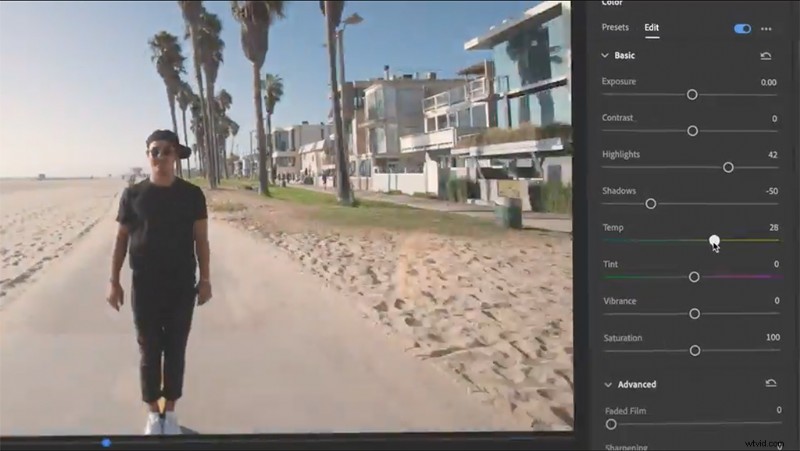
Once you’ve got all your footage in your Rush timeline, you might want to do a bit of color grading, or maybe do a graphics pass on your sequence. Luckily for you, Rush comes with a simplified version of the Essential Graphics and Lumetri Color suites. You’ll be able to do simple color correction, or add a filter from a built-in library. You can also add motion graphics from their library of customizable animations.
Social Exporting
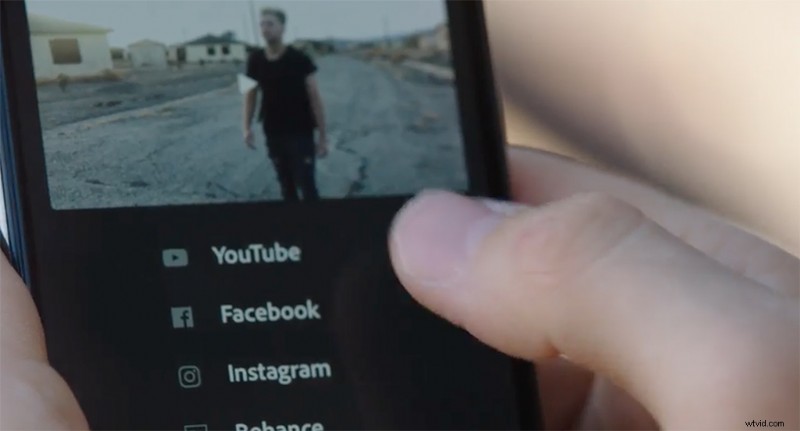
Since this app is built for social creators, it seems fitting to tailor export settings to all social channels. From what we’ve seen so far, you can upload your exports directly to social media avenues such as YouTube, Facebook, Instagram and IG stories, and SnapChat. This cuts out the hassle of exporting your video on your desktop, importing it to your phone, then uploading it to Instagram. With this workflow, you could edit the entire project on your Rush desktop app, open it up on your phone, then export directly.
Adobe Premiere Rush is available for download on iOS, Windows, and Mac currently. Android support will come sometime next year. Rush is included in Creative Cloud subscriptions, or you can buy a standalone plan for $9.99.
Cover image via san4ezz. Body images via Adobe.
Looking for more articles about the film and video production industry? Check these out.
- DroneBase Brings Hundreds of 4K Aerial Clips to Shutterstock’s Footage Collection
- NAB 2018: Rounding Up the Hits and Misses from This Year’s Trade Show
- 11 YouTube Channels Every Filmmaker Should Be Following
- 5 New VR Technologies Making the World a Better Place
- Industry Thoughts: When Can You Call Yourself a Filmmaker?