
Is English not your first language? Here’s how to change the default language preferences for all Adobe Creative Cloud apps.
People all over the world use the Adobe Creative Cloud, so users everywhere need to customize their experiences. In this quick tutorial, I’m going to show you how to change the language settings of Premiere Pro and After Effects to one of the 25+ languages that Adobe CC supports.
In this quick video tutorial, I’m going to show you how easy it is to change the default user language of all the Adobe Creative Cloud apps.
Let’s dive in.
Setting the Adobe CC Language in Mac OS 10.7+ and Windows 7+
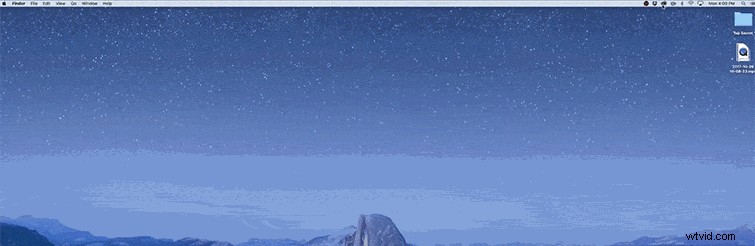
For those of you using the Adobe Creative Cloud on newer operating systems, odds are you already have the Adobe Creative Cloud desktop app installed. Look for the Creative Cloud icon in the Apple menu bar or Windows taskbar.
Step One: Click on the Creative Cloud icon
Simply click on the Creative Cloud icon in your operating system. If you do not see the icon, do the following:
- Windows: Start > Programs > Adobe Creative Cloud
- Mac OS: Go > Applications > Adobe Creative Cloud > Adobe Creative Cloud
Step Two: Click on the 3 vertical dots, Select Preferences
Open the Preferences panel by clicking on the three vertical dots and selecting Preferences.
Step Three: Open the Creative Cloud tab
Switch over from the General tab to the Creative Cloud tab.
Step Four: Open the App tab, Select the Language of your choice

In the Apps tab, you will see a dropdown menu for App Language. Click on the dropdown menu, and select the language of your choice.
Step Five: Download the Adobe CC Apps
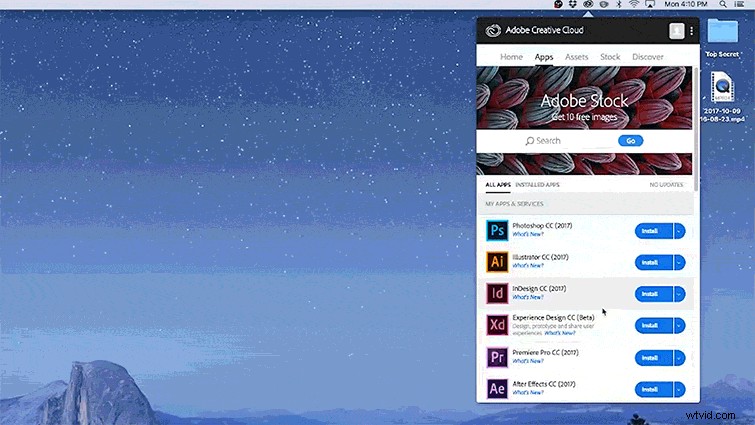
You will now need to re-download the Adobe Creative Cloud apps you need. Once downloaded, these new versions will be in the language of your choice.
If for some reason the language does not change, uninstall the Adobe CC apps, and then reinstall. That should take care of any issues.