
One of the most important aspects of video editing is compiling and organizing all the content at the beginning of the post-production process. An editor receives a jumbled mess from the filmmakers and pieces together the end result. Although this seems like a daunting task, many editors welcome the challenge.
Some of the biggest working names in the filmmaking industry have offered glimpses into their processes, revealing just how complicated editing can be. Let’s take a look at some of their editing timelines as well as some insight into how they work.
Mission Impossible 5: Rogue Nation
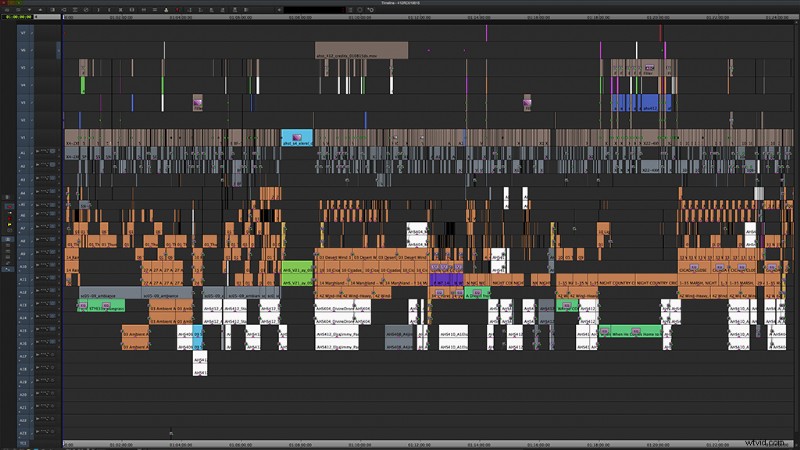
The editor behind the creative madness, Eddie Hamilton, has worked on such projects as Kingsman: The Secret Service and X-Men: First Class. Above, you can see the entirety of Mission Impossible 5: Rogue Nation. Using Avid Media Composer, Hamilton extolls the joys of working with Avid when dealing with massive file sizes and multiple bin uses. When discussing just how important frames and beats are with dialogue and conversation, Hamilton says the following about a particular scene involving Tom Cruise and Simon Pegg:
This bit of info also sheds light on the importance of test screenings and knowing your audience.
Game of Thrones Battle Scene
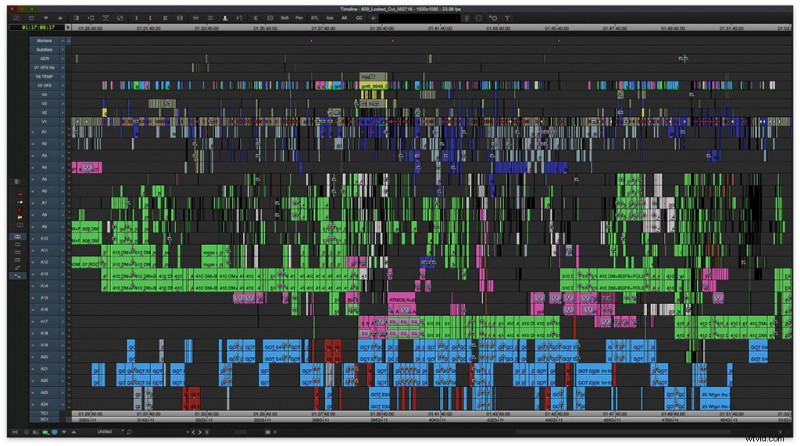
Clearly, a lot is going on here. The sequence is from the ninth episode of the sixth season of HBO’s Game of Thrones and was the centerpiece for the entire season. This one fifty-minute episode cost upward of 10 million dollars. As you can see, the editors had their hands full, given the enormous amount of footage and audio tracks. Like Hamilton, the editors also used Avid Media Composer. You can view a portion of the scene here.
78/52 (A Hitchcock Documentary)
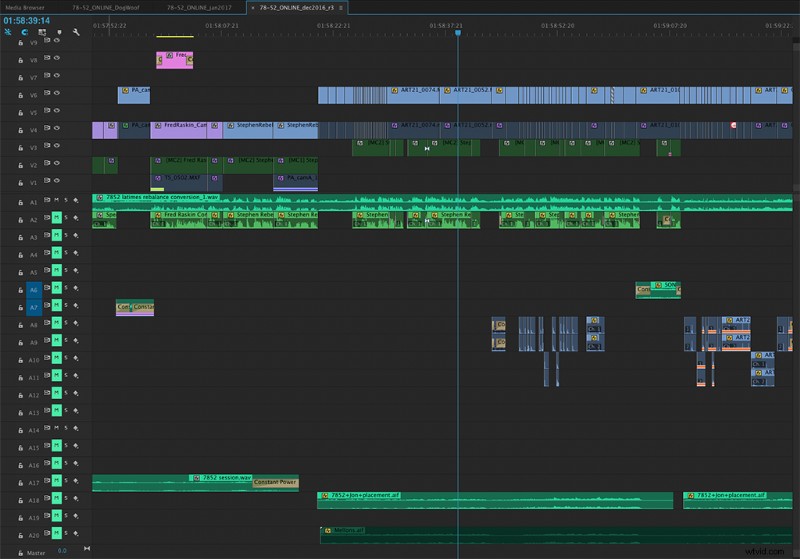
Steve Hullfish interviewed Chad Herschberger, the editor of the recent documentary on Alfred Hitchcock, about working with Adobe Premiere Pro and Adobe After Effects. Herschberger praises how well Adobe software allows users to move media back and forth between Premiere and After Effects while maintaining an orderly workload:
One of the key challenges of shooting a documentary is the excessive amount of information you must collect, and Herschberger seems to have more than met this challenge with Premiere and After Effects. The Art of the Cut Interview series from Pro Video Coalition is a must-read and continues to deliver engaging and enlightening interviews with some of the best working editors in the industry.
Deadpool
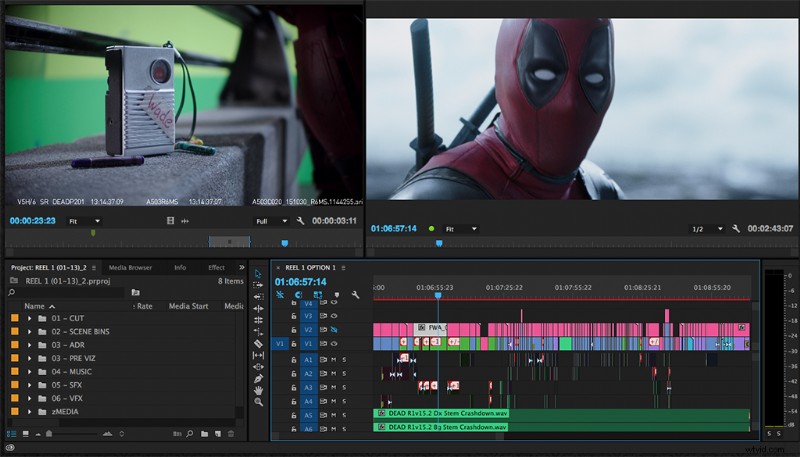
One of the biggest surprises to comic book and film lovers alike was the outstanding charm of Deadpool. Many factors contributed to the film’s success, among them the fast-paced editing and playful narrative. The editors worked with Premiere Pro, as you can see above, before the introduction of visual effects. This meant they had to edit many sequences early on so the visual effects houses could start working on the footage as quickly as possible.
Adobe sat down last year with Tim Miller, Julian Clarke, and the editorial team behind Hail, Caesar! to discuss working with Premiere Pro and how shooting digital has improved their editing processes.
Gravity
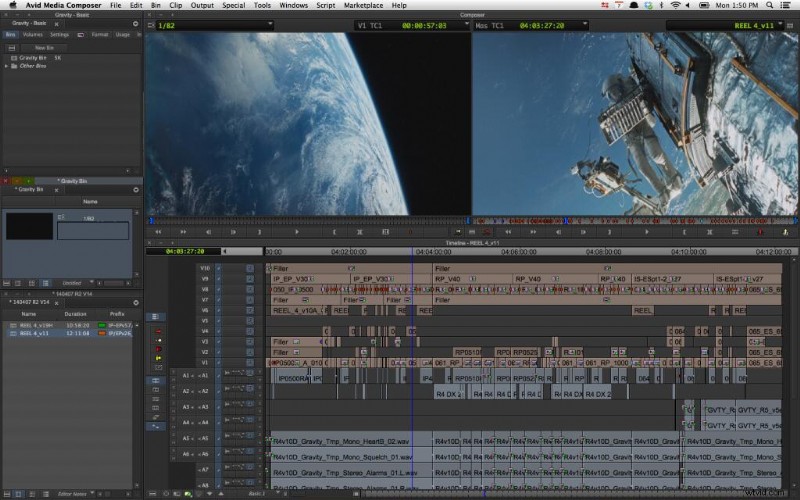
Many of the films you see in theaters today are products of Avid Media Composer. As the preceding examples demonstrate, editors and post-production teams will usually pick the software that works best for their workflow and the footage they’re working with. An epic masterpiece like Gravity required extensive visual effects work that the editor needed to add and organize, which you can see in the timeline above for the opening scene. So, even in a scene with “zero cuts,” an editor’s timeline can still be a jam-packed mess. (Side note: the editors behind the film, Alfonso Cuaron [also the director] and Mark Sanger, went on to win an Oscar for their work.)