
Linkedin offers a number of opportunities to professional videographers and filmmakers. Find out how to take full advantage of your profile.
Linkedin, to many, is perhaps the most useful yet least fun of the major social media networks. It’s useful because it can be a great resource to make connections, grow a professional network, and find new work opportunities. However, it can also be intimidating and not as user-friendly as Facebook or Twitter.
However, if you’re looking to maximize your social footprint and expand your personal brand for more and better opportunities, here are five useful tips to help you build out your Linkedin profile.
1. Show Your Work

If you’re a video professional (cinematographer, motion designer, or anything in between), it’s important to show off your work early and often. Linkedin, via recent updates, now offers several ways to do this.
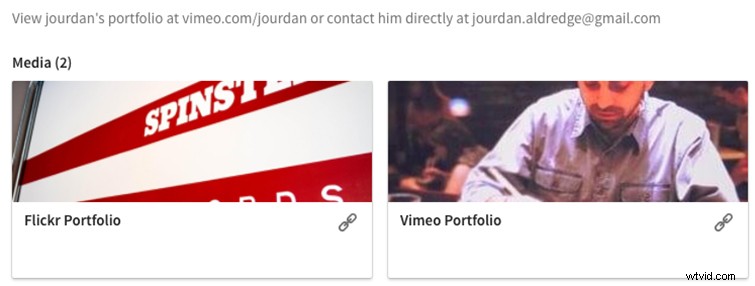
I’d recommend you feature a link to your professional portfolio page (whether it’s a sizzle reel on Vimeo or an entire webpage showcasing your work). While this still gets obscured by the “show more” in a browser and the Linkedin App, it will still appear with your personal information (see above).
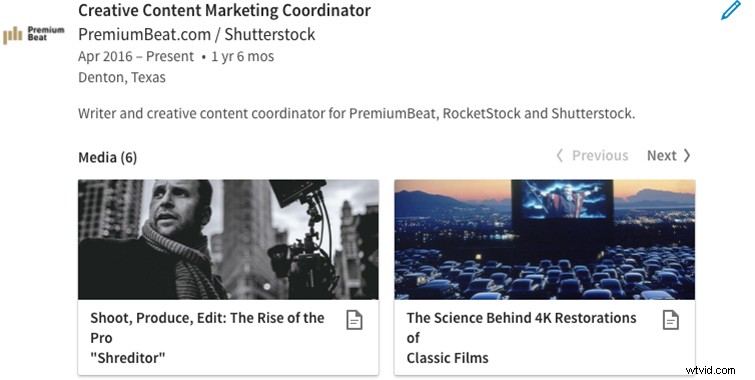
You can also now include links (or even uploads) of work samples under your jobs in the Experience section. These will show up with quality thumbnails (and an option to click through if it’s a link). I would highly recommend featuring samples throughout your Experience (more on why below).
2. Highlight Your Experience
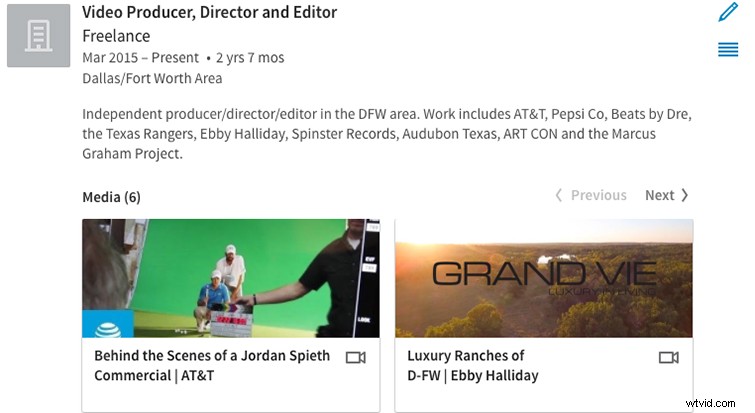
As with links and samples, your Experience section will be one of the first place employers or clients will look. Be sure to explain your role and job duties for each entry.
Pro-Tip for Freelancers: If you freelance full or part time, you can create a Freelance Experience entry that includes up-to-date samples of your most recent freelance work with instructions on how to contact you.
3. Get (and Give) References

References are another great way to validate your skills and expertise. In the Linkedin community, it’s common practice for people to exchange references. That is, if you want one from a colleague, you might want to offer writing one for them first in exchange.
Another trick I recommend is to write out references for others to submit (people do this with resumes all the time). It’s acceptable to write out a reference detailing your skills and achievements, then send it to your colleague and ask them to review, change, or touch it up — and submit it on your profile.
4. Be Upfront About Your Ideal Projects/Jobs

If you’re investing time and resources into your Linkedin profile, it’s probably because you’re looking for something. Whether that’s a new employment opportunity, more freelance work, or a better professional network, it’s important to take inventory of your intentions.
If you know exactly what you’d like to accomplish, there’s no reason you shouldn’t put that on your profile to let people know. Linkedin connects employers with employees; if you feed it what you’re looking for, it will work for you.
5. Don’t Bury Contact Info

Not everyone checks Linkedin every day, which is fine. There are a million other things you can do with your time, but as such, getting a message through the website or your app may mean a longer delay in contact than an email or a call. You can and should put your preferred contact info on your profile, preferably in your first summary section with suggested instructions on how to best contact you.