
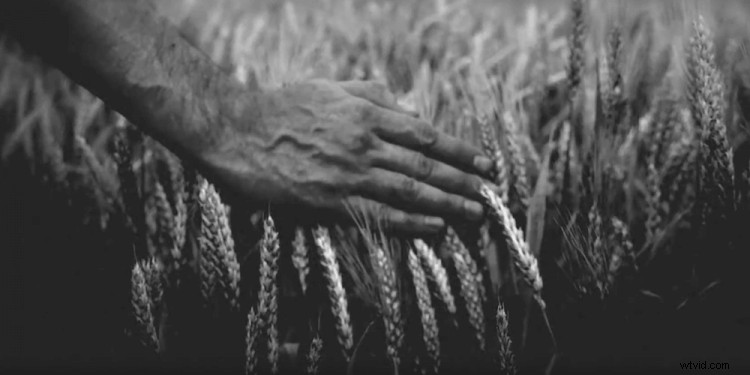
It’s not always appropriate to give your projects a vintage aesthetic in post, but when it is, the following tutorial (and some free downloadable assets) will help you do it right.
The tutorial comes from Yuval Aloni, who shares a few simple techniques that you can use to add a vintage look to any piece of footage you want. Check it out.
What I like most about this particular tutorial is that it breaks down the vintage video look into its individual elements and shows you how to recreate and tweak each one. It goes far beyond some cheesy preset look by actually showing you each part of what makes an image “vintage.” So instead of a preset you can barely customize, you can use the techniques in this tutorial to add precise amounts of film grain, subtle (or not-so-subtle) chromatic aberration, an organic vignette, and just enough softness to pull the harsh edges and detail out of a digital image. It’s insanely tweakable and customizable.
The best part is that Yuval actually put together a few nifty Premiere Pro presets that help you achieve all these different effects more quickly and efficiently than doing it all manually. To download all of these goodies, check out the links beneath Yuval’s YouTube video.
What are some of your favorite tools and methods for giving digital footage a vintage look? Share them down in the comments!