
Voice dictation—commonly called talk‑to‑type—transforms spoken language into editable text in real time. For video editors, this means faster subtitle creation, captioning, script drafting, and on‑screen annotations.
Instead of typing each line manually, editors can simply speak into their software, saving hours and reducing fatigue.
Table of Contents
- What is Voice Dictation in Video Editing?
- How Voice Dictation Enhances Editing Efficiency
- Popular Video Editing Software with Voice Dictation Features
- Using Talk‑to‑Type Across Video Formats
- Conclusion
Part 1. What is Voice Dictation in Video Editing?
Voice dictation, or talk‑to‑type, uses advanced speech‑recognition algorithms to transcribe spoken words into text instantly. In video production, this technology can be leveraged for:
- Subtitling
- Captioning
- Script Writing
- Annotations
By eliminating manual typing, editors can focus on creative decisions while the software handles the transcription.
Part 2. How Voice Dictation Enhances Video Editing Efficiency
The primary advantages of integrating speech‑to‑text into a workflow include:
- Speed: Real‑time transcription reduces subtitle and caption creation from hours to minutes.
- Accuracy: Modern AI models provide near‑perfect transcription, especially in clear audio environments.
- Collaboration: Spoken notes can be captured instantly for team feedback, avoiding miscommunication.
- Reduced Fatigue: Voice input lessens repetitive typing, allowing editors to maintain focus on visual storytelling.

Part 3. Popular Video Editing Software with Voice Dictation Features
Here are three leading editors that support built‑in speech‑to‑text, each offering unique strengths.
Wondershare Filmora
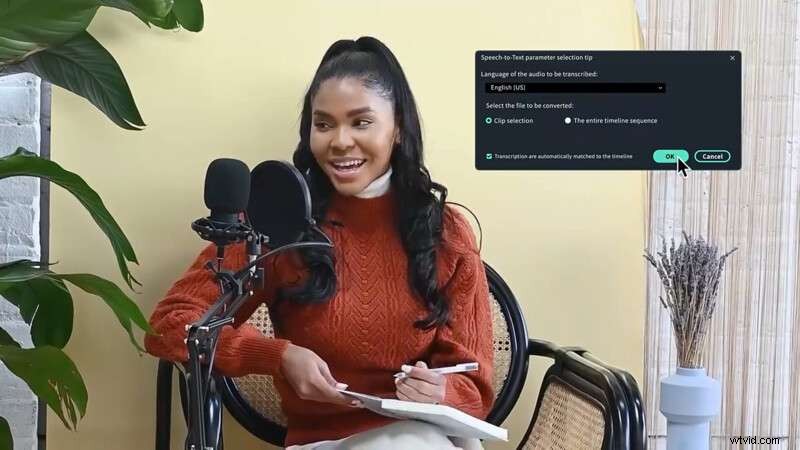
Filmora’s Speech‑to‑Text engine turns spoken audio into accurate captions and subtitles. Key features include:
- High‑accuracy auto‑transcription powered by AI.
- Support for 27 languages, including Arabic, Dutch, Korean, Italian, and Urdu.
- Export and import of SRT files with timeline integration.
- Customizable subtitle styles for branding consistency.
How to use:
- Add audio or video to the timeline.
- Navigate to Tools > Audio > Speech‑to‑Text (or right‑click the track).
- Choose the source language and enable auto‑sync.
- Click Generate and wait for the transcription to appear under Media > Project Media.
Adobe Premiere Pro
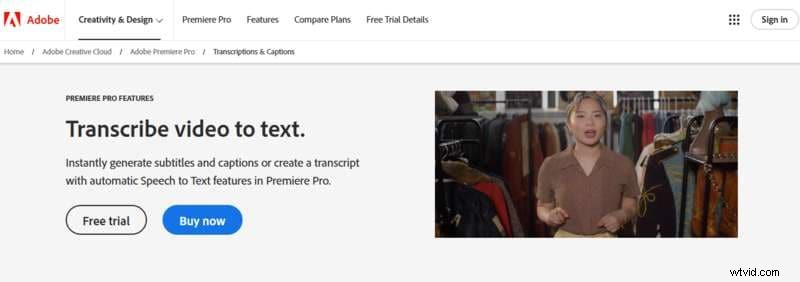
Premiere Pro’s Speech‑to‑Text provides seamless caption creation directly in the timeline. Highlights:
- 18‑language transcription support.
- Speaker identification for multi‑person scenes.
- Fully customizable caption styles.
- Adobe Sensei AI ensures high precision.
DaVinci Resolve (Studio)
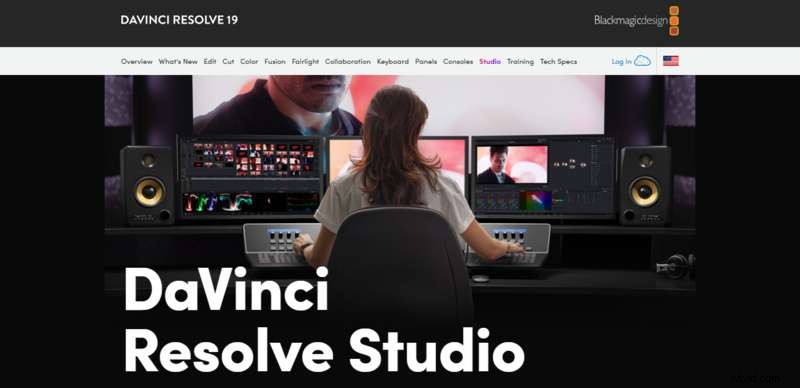
DaVinci Resolve’s Studio version offers AI‑driven transcription that integrates tightly with the editing timeline. Features:
- AI‑powered transcription for accuracy.
- Automatic subtitle generation.
Text markers for quick navigation.
Part 4. Using Talk‑to‑Type Across Video Formats
Voice dictation adapts to any content type:
- Tutorials: Quickly dictate step‑by‑step instructions into captions.
- Interviews/Documentaries: Auto‑transcribe conversations for accessibility.
- Vlogs & Podcasts: Add subtitles without interrupting the flow.
- Social Media & Marketing: Generate on‑screen text for TikTok, Instagram, or ads in seconds.
Conclusion
Integrating talk‑to‑type into your editing workflow delivers measurable gains in speed, accuracy, and creative focus. Whether you’re producing educational content, narrative films, or viral social clips, voice dictation turns spoken ideas into polished text effortlessly, reducing fatigue and boosting productivity.
Embrace this technology today and elevate the quality and efficiency of every project.