
In today’s digital landscape, high‑quality audio is essential for podcasts, videos, and online courses. Fortunately, advanced AI tools now make it possible to transform raw recordings into studio‑grade sound with just a few clicks.
Below we present the five most effective free AI voice enhancers available online, along with an expert‑recommended alternative for users who need more advanced features. Each tool is evaluated for ease of use, performance, and key functionalities, so you can choose the best fit for your workflow.
1. MyEdit
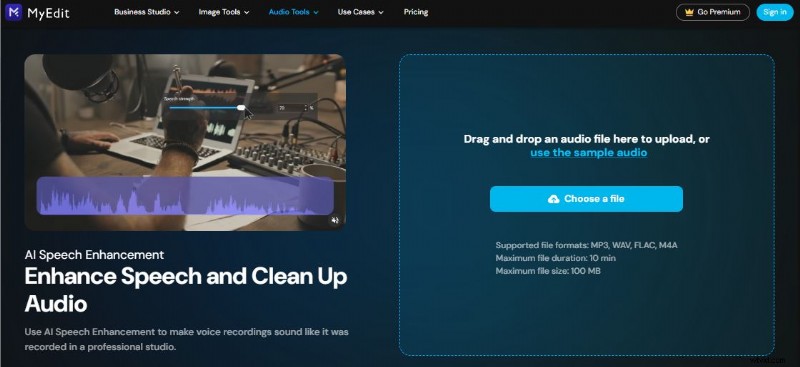
MyEdit is a web‑based platform that cleans and enhances audio recordings using machine‑learning algorithms. Creators of podcasts, YouTube videos, and voiceovers rely on it for quick, professional‑level output.
- Supports podcasts, narrations, voice‑overs, and more.
- Fast processing – results in minutes.
- Intuitive interface: upload → AI processing → download.
- Accurate noise reduction and clarity improvement.
- Completely free; no downloads or subscriptions required.
2. Simplified
Simplified focuses on eliminating background hiss, normalizing volume, and removing echo. It’s ideal for live recordings, Zoom meetings, and audiobooks.
- Auto‑volume normalisation.
- Echo cancellation.
- Customisable fade‑in/out and manual volume adjustments.
- Optimised for clarity and listener comfort.
3. Descript
Descript blends transcription, editing, and audio enhancement. Its "Studio Sound" feature boosts voiceovers and interviews with minimal effort.
- Reconstructs missing audio segments.
- Studio‑grade voiceover enhancement.
- All‑in‑one platform for editing and publishing.
- User‑friendly interface suitable for beginners.
4. Neural Love
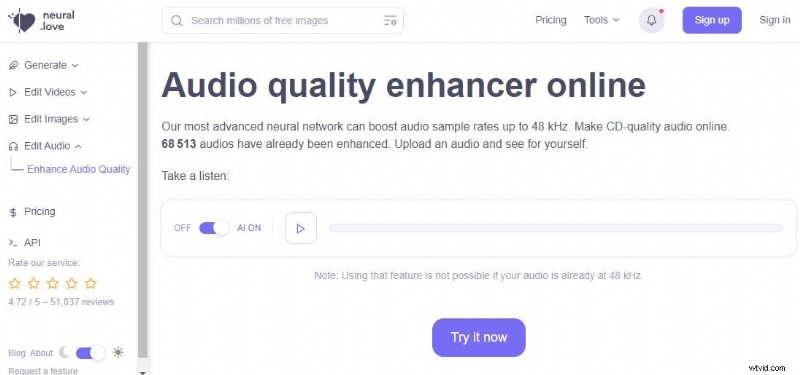
Neural Love delivers powerful noise removal and volume boosting up to 48 kHz. Its encrypted uploads ensure privacy.
- Easy click‑to‑enhance workflow.
- Background noise suppression.
- Volume amplification and pitch control.
- Secure file handling with encryption.
5. Podcastle
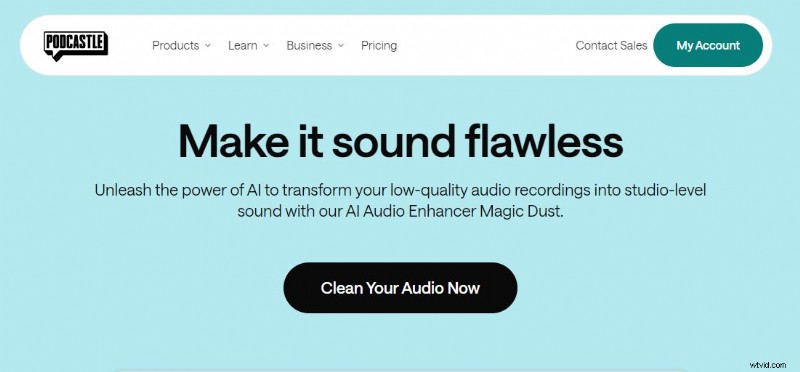
Podcastle is a comprehensive platform for recording, editing, and publishing podcasts. Its “Magic Dust” AI instantly polishes speech quality.
- Integrated recording and enhancement.
- Professional‑grade output.
- One‑click AI enhancement.
- Free tier with core features unlocked.
Wondershare Filmora: A Robust Alternative
While the above tools excel at audio cleaning, users who need video editing alongside audio enhancement may prefer Wondershare Filmora. This desktop application combines video editing, AI voice enhancement, and creative assets into a single workflow.

Key Features
- AI Voice Enhancer for automatic speech improvement.
- Advanced video editing suite with transitions, effects, and templates.
- Extensive library of stock media and creative resources.
- AI tools such as Smart Cutout, Text‑Based Editing, and Copywriting.
- Flexible export options: MP4, MOV, GIF, MP3, and more.
Quick Start Guide
- Download Filmora from the official website and install.
- Launch the app and create a new project.
- Import your audio or video files via the Media tab.
- Select a file on the timeline, click the Audio panel, and enable AI Voice Enhancer.
- Adjust Voice Clarity and Voice Beautification sliders as desired.
- Preview the result; export once satisfied.
Audio Enhancement Fundamentals
Understanding basic audio concepts helps you make the most of AI tools:
- Noise Profile – Identifies unwanted frequencies for removal.
- Equalizer – Balances tonal frequencies for natural sound.
- Compressor – Regulates dynamic range to maintain clarity.
Conclusion
Investing in quality audio can dramatically improve listener engagement and professional credibility. Whether you choose a dedicated AI enhancer like MyEdit or a comprehensive editor like Filmora, the right tool can elevate your content. Explore the options above and select the solution that best aligns with your creative goals.