
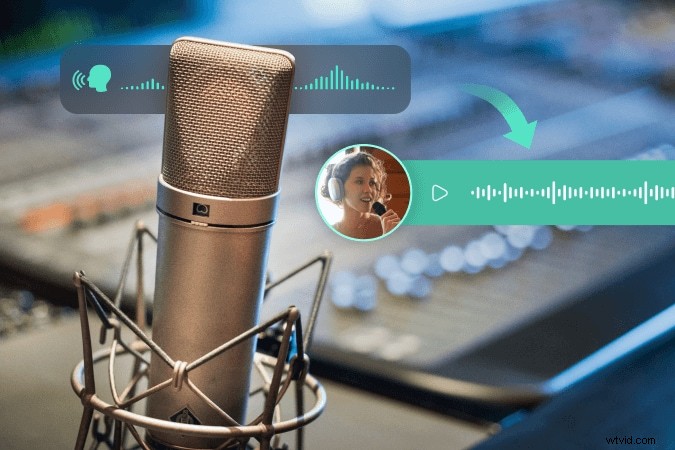
Are you spending hours fine‑tuning video narrations? With modern AI‑powered text‑to‑speech (TTS) converters, you can transform any written script into natural‑sounding speech in minutes—using your own voice or any voice model you prefer.
From podcasts to YouTube videos, AI‑driven TTS can help you create engaging content faster and reach a wider audience. In this article we’ll break down how TTS and voice cloning work, and walk you through turning your recordings into a reusable AI voice model.
How Text‑to‑Speech and Voice Cloning Work
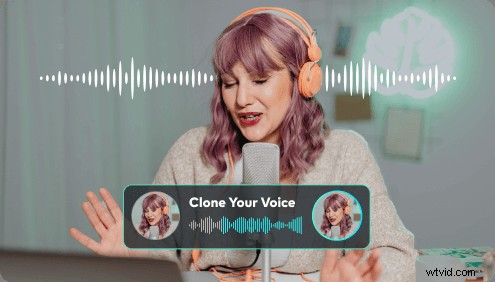
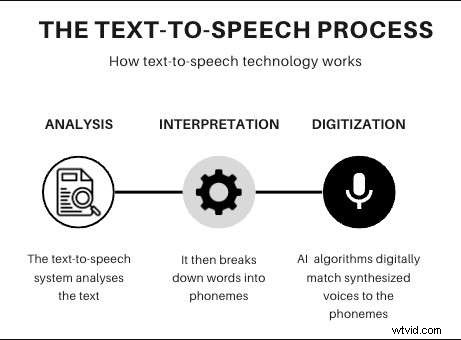
TTS converters rely on deep neural networks that analyze written text, break it into phonemes, and synthesize audio waveforms that sound natural and expressive. Voice cloning, on the other hand, creates a digital twin of a specific voice by training on a dataset of recorded speech. The resulting model captures the unique timbre, cadence, and emotional nuance of the original speaker.
Both technologies share the same core AI algorithms—text‑to‑audio and audio‑to‑text—allowing them to generate speech in multiple languages and adapt parameters such as volume, speed, and pitch.
With these tools you can customize the voice output to match any branding or creative need. The next sections explain how you can clone your own voice and use it for TTS.
Two Ways to Generate TTS With Your Voice
1. Voice Cloning – Record a short sample of your voice (typically under one minute) and let the AI learn the unique characteristics. The resulting model can then speak any text you provide.
2. Standard TTS – Use a pre‑existing voice model to convert text into speech. This method does not require a voice sample but offers less personalization.
While both approaches produce synthetic speech, voice cloning delivers a closer match to your natural voice, enhancing authenticity and audience connection.
Generate TTS in Multiple Languages
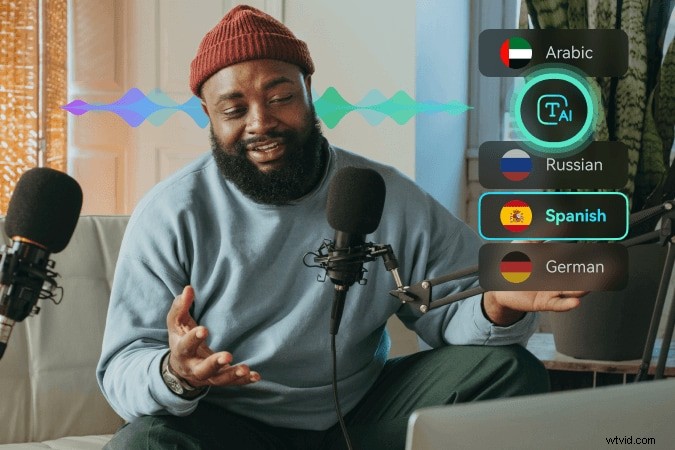
Language barriers are a major obstacle in global communication. Modern TTS platforms support over 30 languages, enabling real‑time translation and multilingual narration. By leveraging AI voice models, you can localize content for diverse audiences without hiring additional voice talent.
Step‑by‑Step: Create an AI Voice Model with Wondershare Filmora
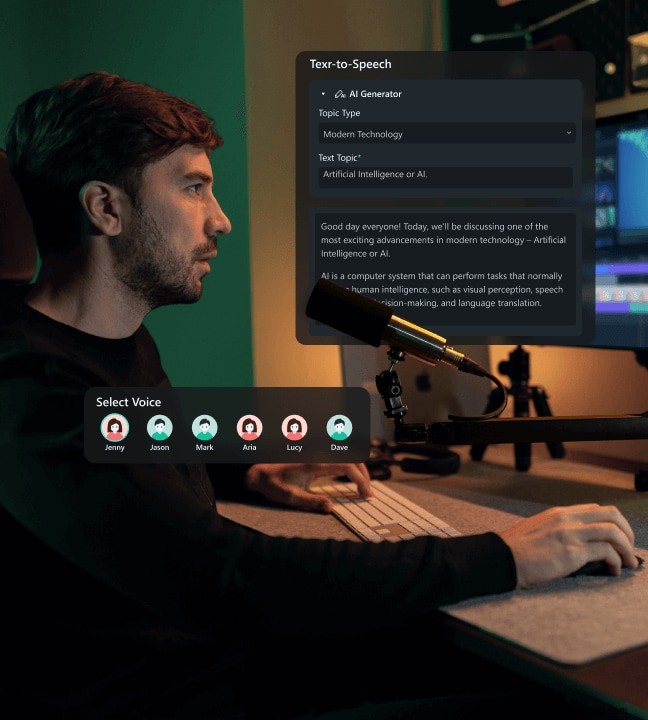
Wondershare Filmora is a comprehensive video editor that integrates AI copywriting, voice cloning, and TTS. Follow these steps to turn your recordings into an AI voice model and use it to generate narration.
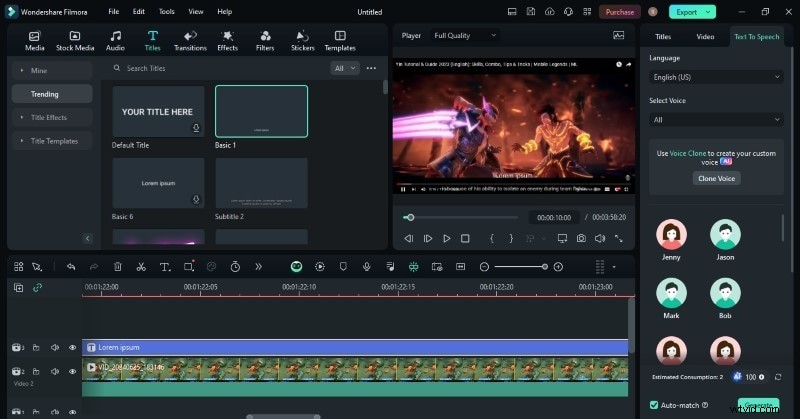
- Step 1: Launch Filmora and import your video. Drag the clip onto the timeline, then open the Titles tab.
- Step 2: Select a title preset, drag it onto the timeline, and click the title track to open the Properties panel.
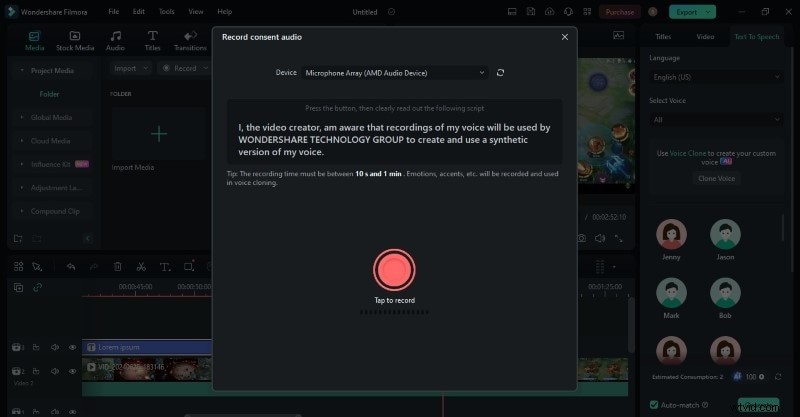
- Step 3: In the Text‑to‑Speech section, click Clone Voice. Connect your microphone, then tap “Record” and read the script you wish to clone. Keep the recording under one minute for optimal results.
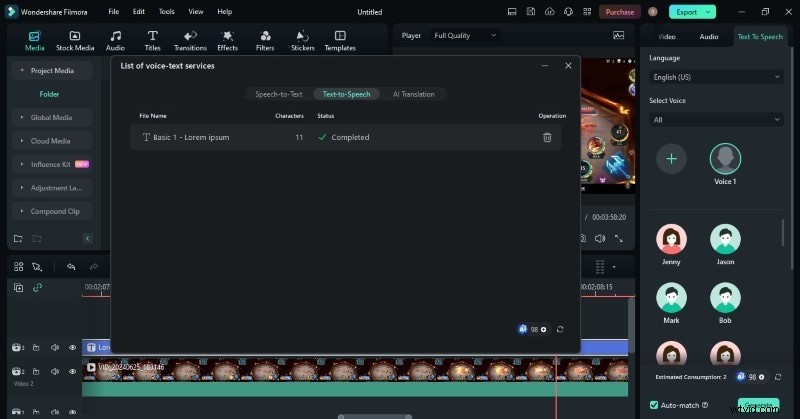
- Step 4: Once the model is created, choose it from the voice list, paste your script into the text box, and hit Generate. The AI will produce a voiceover that matches your original tone.
Conclusion
By harnessing AI‑driven TTS and voice cloning, you can convert any written content into a professional, personalized voiceover in minutes. Filmora’s all‑in‑one solution—combining voice generation, TTS, and AI copywriting—makes it straightforward to create multilingual, high‑quality audio for tutorials, podcasts, product demos, and more.
With Filmora, you’ll never need to spend endless hours recording or editing a voiceover again. Let the AI handle the heavy lifting so you can focus on delivering compelling stories.