
Every video’s background can influence its impact—whether it sets the mood, highlights branding, or simply adds visual interest. Crafting the perfect backdrop is often challenging, but the right video background editor can streamline the process.
A video background editor allows you to isolate and modify the background independently of the subject, eliminating the need for frame‑by‑frame work. Some tools are standalone, while others integrate into comprehensive editors like Adobe Premiere Pro.
What is a Video Background Editor?
These tools identify and manipulate background elements with precision. They offer a range of options—from simple green‑screen removal to advanced AI portrait techniques that work without a chroma key.
10 Best Video Background Editors & Removers
Below is a curated list of the top 10 editors, each with its own strengths. Whether you need a quick background swap or a full‑featured professional suite, there’s an option for every workflow.
Riverside
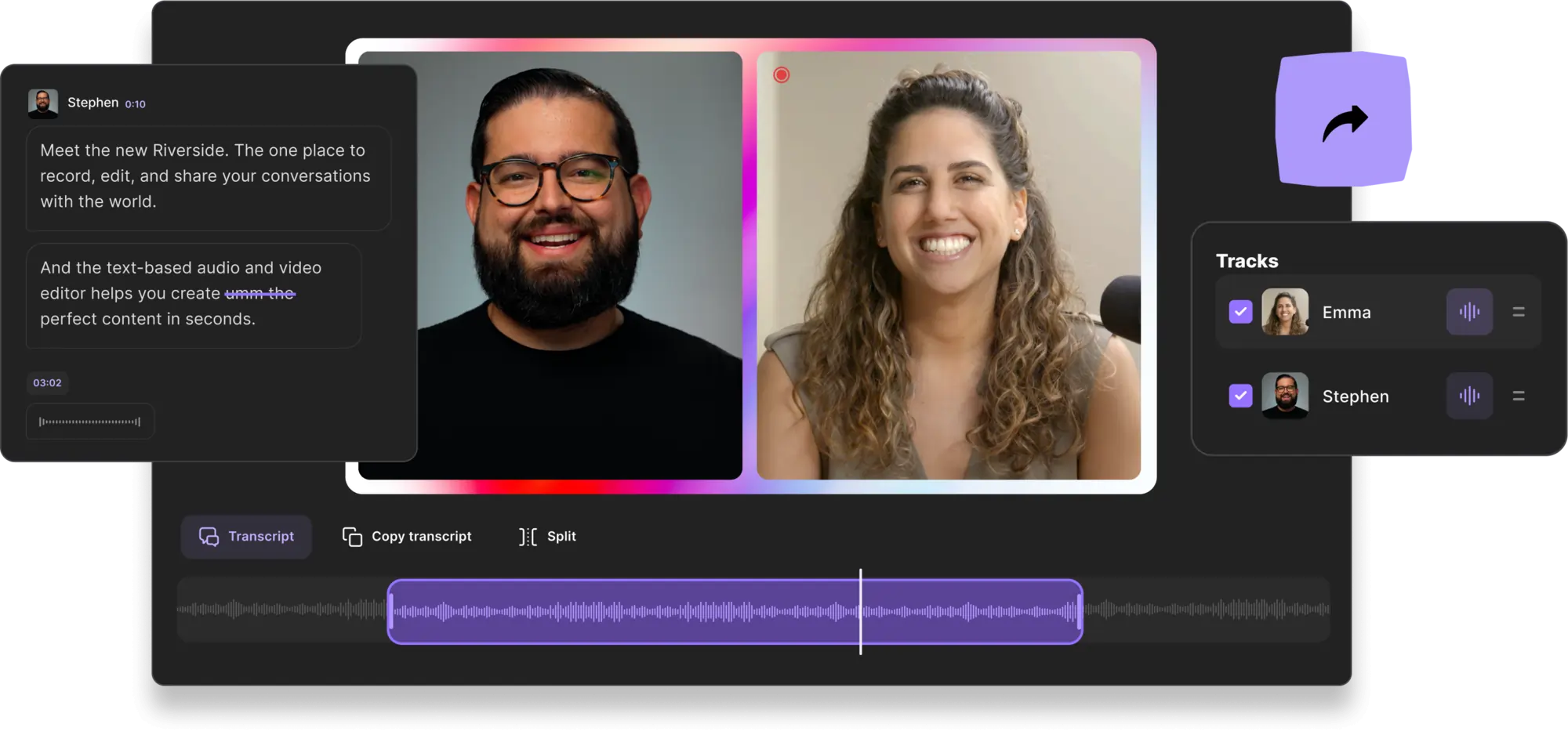
Price: Free; paid plans from $15/mo
Compatibility: PC, Mac
Riverside offers a seamless online platform for recording and editing. Capture studio‑quality 4K video with uncompressed 48kHz audio directly from your device, and use its automated tools for instant background adjustments.
- Custom graphics and pre‑set background library
- Logo overlay for branding
- AI speaker mode to spotlight the current speaker
- Text‑based editor for rapid changes via transcript
- Background noise removal and audio level normalisation
- Magic Clips to repurpose long‑form content into shareable shorts
Best for: Podcast creators and those who want quick layout changes with brand integration.
iMovie
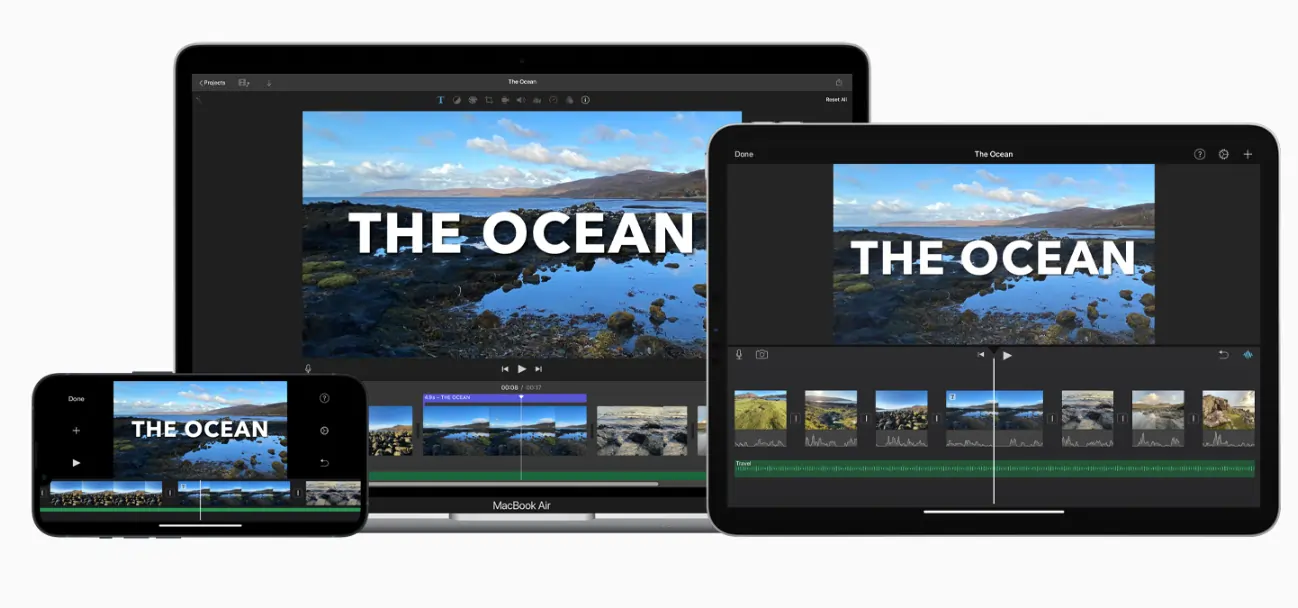
Price: Free
Compatibility: Mac, iOS
Apple’s free app delivers a straightforward green‑screen effect. Record against a green or blue backdrop, then superimpose any clip or image onto the background.
- Solid, gradient, and pattern backgrounds
- Customisable colour gradients and patterns
Best for: Mac users needing a simple, free background editor.
KineMaster
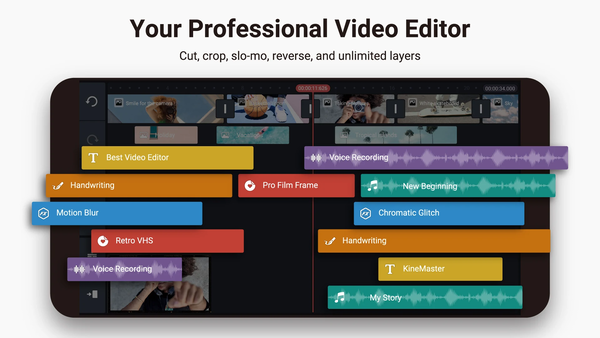
Price: Free; Premium from $9.99/mo
Compatibility: iOS, Android
KineMaster delivers a robust mobile editing suite, including chroma key for background removal and replacement.
- Automatic chroma key
- Background templates and royalty‑free media library
- Comprehensive video, sound, and transition effects
Best for: Mobile video creators who need a full‑featured background editor.
Filmora
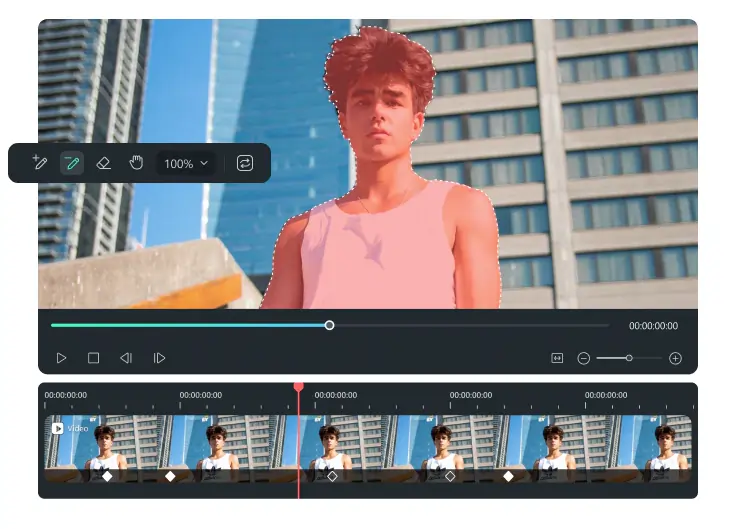
Price: Free; paid plans from $19.99/mo
Compatibility: PC, Mac
Filmora’s AI portrait tool offers one‑click background removal, even without a green screen, and allows you to replace or colour‑grade the backdrop.
- Advanced chroma key settings
- Video effects and templates
Best for: Editors seeking a quick, AI‑powered background remover.
Final Cut Pro
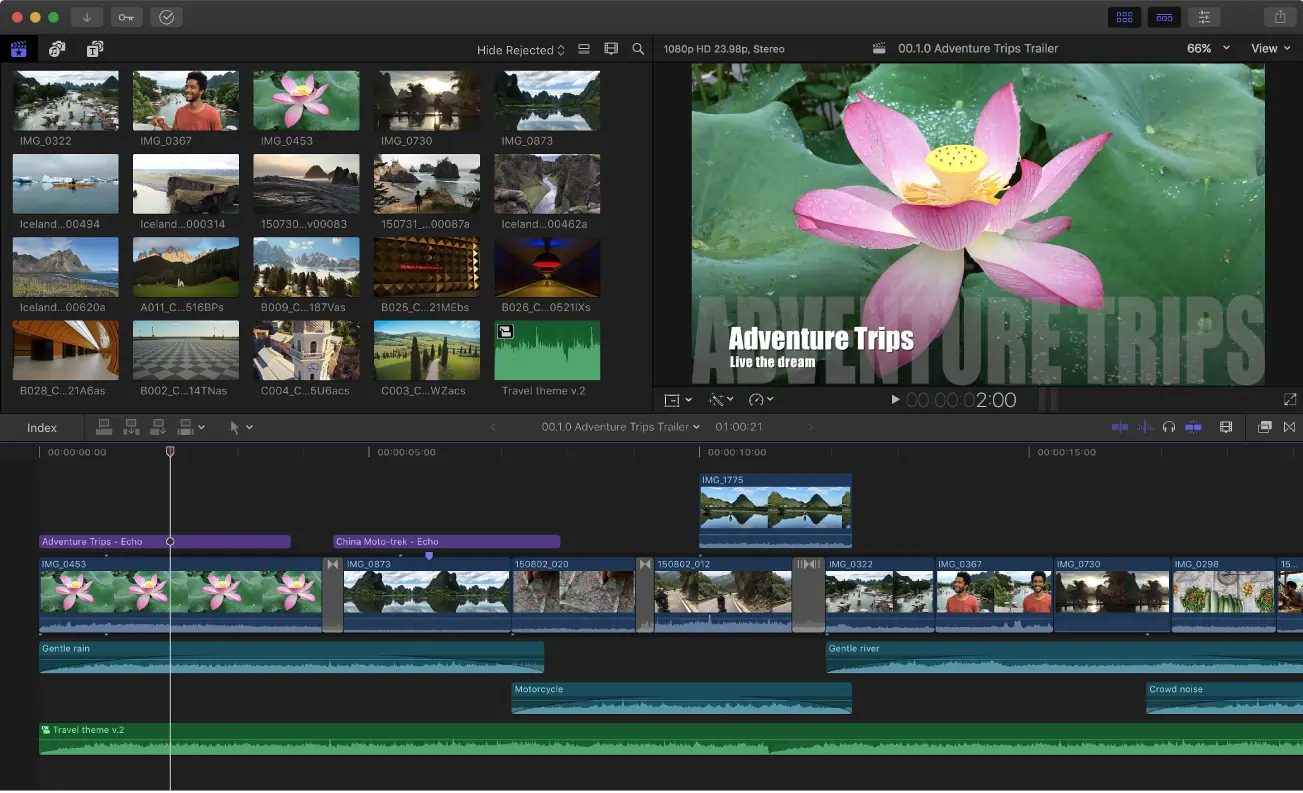
Price: $299.99
Compatibility: Mac
Pro‑grade editing comes with powerful keying, cropping, and colour‑grading tools to replace or refine backgrounds.
- Keying tool to set background to black
- Cropping and transform options for precise subject placement
- Advanced colour‑grading controls
Best for: Professional editors demanding high‑level background manipulation.
Kapwing
Price: Free; paid plans from $16/mo
Compatibility: PC, Mac
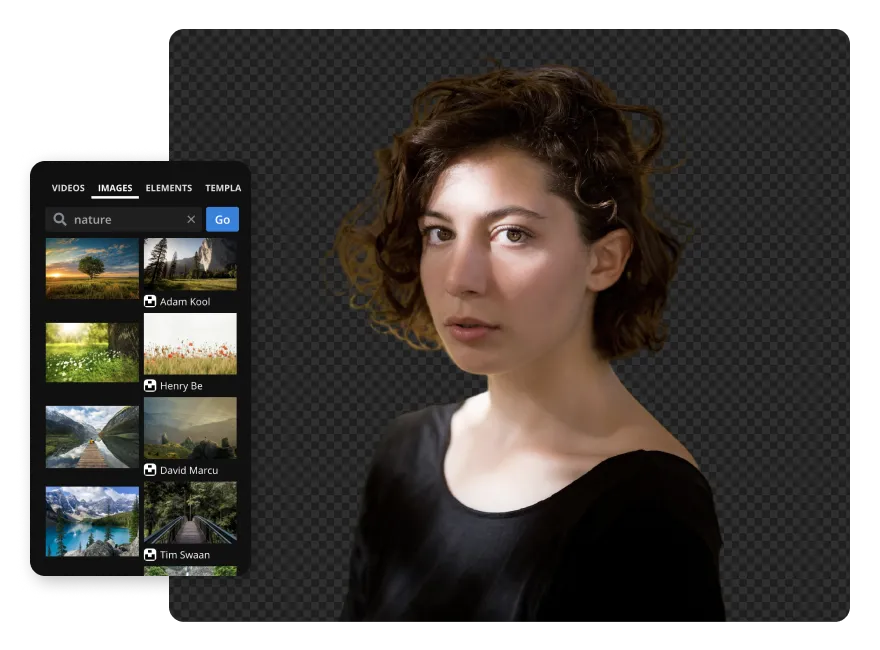
Kapwing’s online editor uses AI to detect and remove backgrounds, even without a green screen, and lets you overlay a new image or video.
- Preview of background removal areas
- Overlay capability for multi‑layer editing
Best for: Quick background replacement in a web‑based environment.
Movavi Video Editor

Price: Annual subscription $79.95
Compatibility: PC, Mac
Movavi offers a versatile editor with a dedicated Backgrounds tab for adding images or video backgrounds and picture‑in‑picture effects.
- Background library and duration control
- Customisable size and position of background elements
Best for: Comprehensive editing with background integration.
Unscreen
Price: Free; paid plans from $9/mo
Compatibility: PC, Mac
Unscreen removes backgrounds automatically, eliminating the need for a green screen. The free tier adds a watermark to exports.
- Automatic background analysis
- Unscreen Pro plugin for Adobe suite
Best for: Free background removal with minimal setup.
Cutout.pro
Price: Free; paid plans from $5/mo
Compatibility: PC, Mac
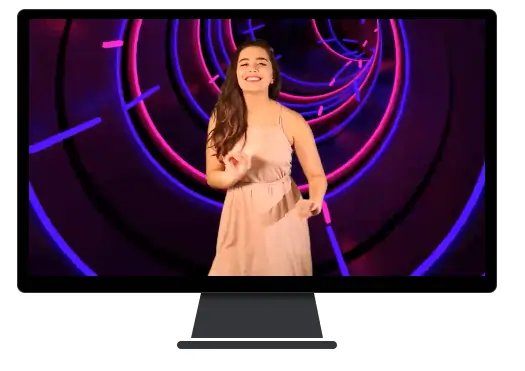
Cutout.pro provides instant background removal for videos and images, with optional colour palette and face‑cutout features.
- One‑click AI background removal
- Upload custom background images or videos
Best for: Quick, automatic background removal.
Flixier
Price: Free; paid plans from $14/mo
Compatibility: PC, Mac
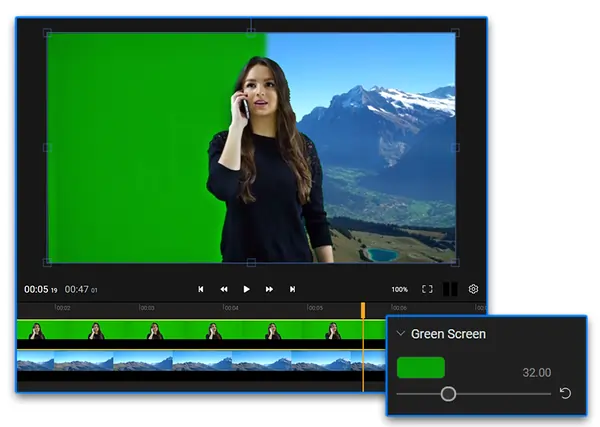
Flixier offers a lightweight online editor with a chroma‑key tool, ideal for simple green‑screen projects.
- Chroma key with adjustable sliders
- Fast export options
Best for: Online background removal without account creation.
Choosing the Right Video Background Editor
Selecting an editor depends on your workflow, experience, and feature needs. Consider:
Ease of Use
Beginner‑friendly tools like iMovie or Riverside reduce learning curves, while professional suites like Final Cut Pro offer advanced capabilities at the cost of complexity.
Features
Look for background templates, transition options, captioning, and colour‑grading tools that align with your creative vision.
Media Libraries
If you lack custom graphics, many editors include built‑in libraries of images and patterns to expedite your project.
Seamless Background Editing Workflow
- Import your footage into the chosen editor.
- Use the background removal tool to isolate the subject.
- Replace the background with an image, video, or template.
- Fine‑tune colour, brightness, and contrast to match the scene.
- Apply any desired overlays, logos, or branding elements.
- Export the finished video in your preferred format.
FAQs
How do I change a background in a video editor?
Upload the clip, use the keying or AI tool to separate the background, delete it, and insert your chosen image or video. With green‑screen footage, you can simply layer the new background beneath the subject.
What is the best video background editor?
No single tool fits every need. Evaluate your budget, platform, and desired feature set. Riverside, iMovie, and Filmora are popular starting points, but professional editors may prefer Final Cut Pro or Premiere Pro.
How can I add a background image to a video?
Record with a green screen and replace it with your image, or remove an existing background using a remover before adding a new one.
How to edit a background without a green screen?
Utilise AI‑driven background removal tools in editors like Filmora, Kapwing, or Unscreen. After the background is cleared, insert your desired backdrop from the media library or an external file.