
Mac laptops are the industry standard for content creators, and selecting the right editing tool is essential to turning raw footage into polished productions. Whether you’re a hobbyist, a social‑media influencer, or a seasoned filmmaker, the right software will empower your creative vision and streamline your workflow.
Is Video Editing Built into macOS?
Apple includes iMovie on all modern Macs, offering a beginner‑friendly interface for trimming, adding transitions, and applying basic effects. While iMovie is excellent for quick projects, professional creators often look beyond the default to more robust solutions such as Final Cut Pro or Adobe Premiere Pro. For users who prefer browser‑based editing, platforms like Riverside provide a full suite of tools without any downloads.
Choosing the Right Editor for Your Mac
Selecting the perfect video editor hinges on several key factors:
Skill Level
- Beginners benefit from intuitive interfaces that reduce the learning curve.
- Advanced users require deep feature sets and streamlined workflows.
Toolset Requirements
Identify the specific features you’ll need: color grading, multicam support, audio restoration, or 3D effects. For short social‑media clips, a lightweight editor with essential tools may suffice, whereas documentaries and feature films demand comprehensive toolsets.
Budget Considerations
Free options like iMovie or DaVinci Resolve offer surprisingly powerful capabilities. Paid plans or one‑time purchases provide additional features, longer-term support, and higher export resolutions. Subscription models can be economical for short‑term projects, while perpetual licenses may be preferable for long‑term use.
Top 10 Video Editing Software for Macs in 2026
iMovie
Price: Free
Skill Level: Beginner
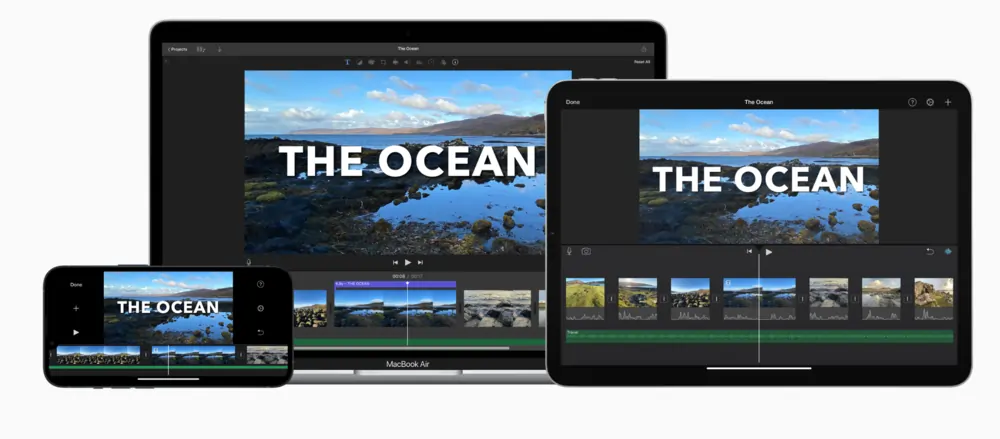
iMovie delivers a solid foundation for quick edits, offering tools such as trimming, splitting, and 20 storyboard templates. Its Magic Movie feature auto‑generates polished videos from selected clips. While it lacks advanced color grading and multicam features, it remains a reliable starter kit for macOS users.
- Magic Movie auto‑editing
- Trimming, splitting, and more
- 20 storyboard templates
- Direct social‑media sharing
- Picture‑in‑picture and split‑screen effects
Best for: Quick projects and beginner editors
Riverside
Price: Free; paid plans from $15/mo
Skill Level: Beginner
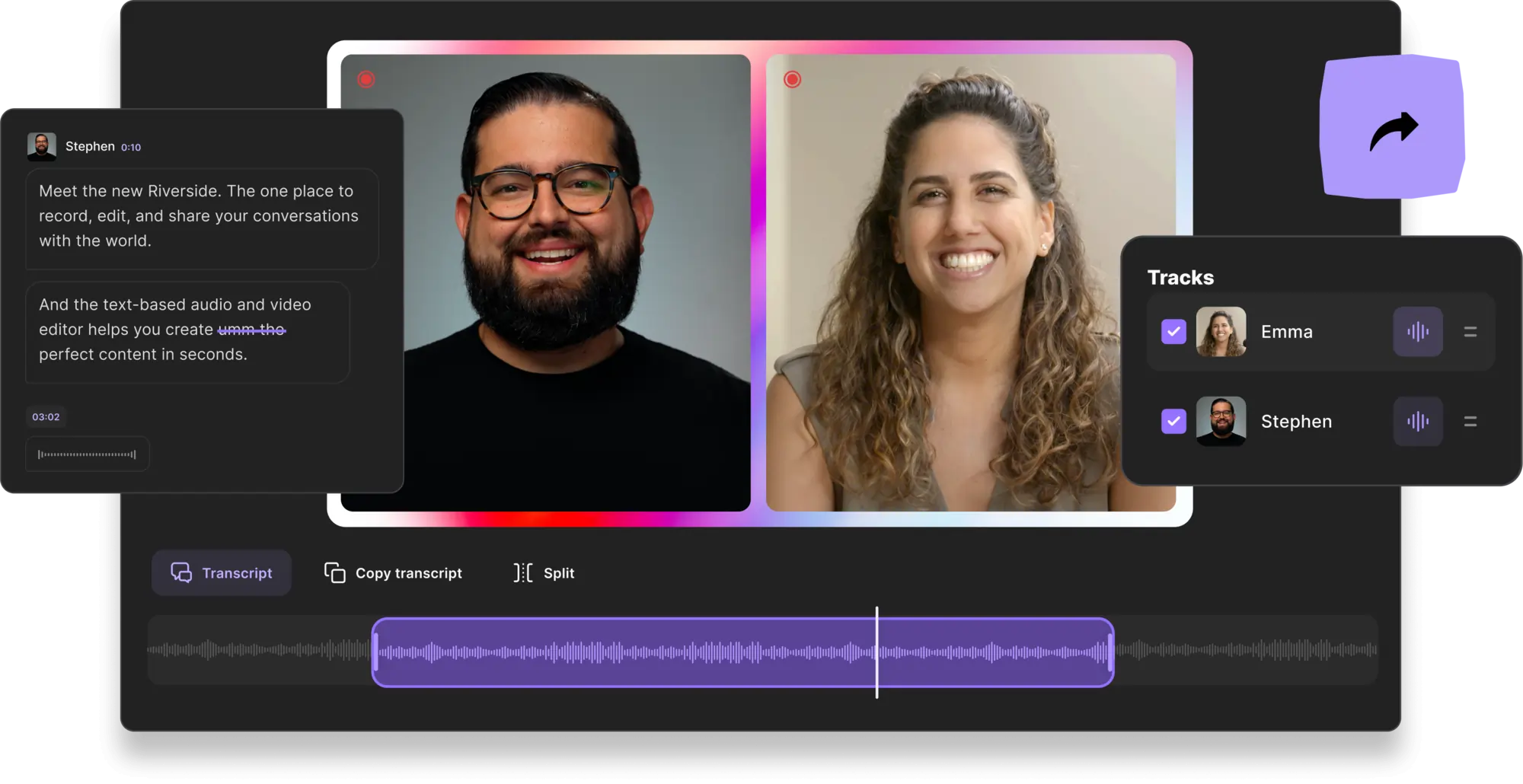
Riverside offers an AI‑powered, text‑based editing workflow. Transcriptions in over 100 languages allow you to trim videos by editing text—deleting a sentence removes the corresponding clip. The platform supports 4K recording, separate audio tracks, and the innovative Magic Clips feature, which automatically extracts highlight reels for social media.
- 100+ language transcriptions
- Speaker‑separated transcripts for easy navigation
- AI speaker view auto‑focusing on the active speaker
- Custom backgrounds and logos
- Magic Clips for instant multi‑format outputs
- Multitrack sync for seamless edits
- Offline 4K recording
Best for: Podcast editing and quick social‑media content creation
Final Cut Pro
Price: $299.99 (one‑time)
Skill Level: Advanced
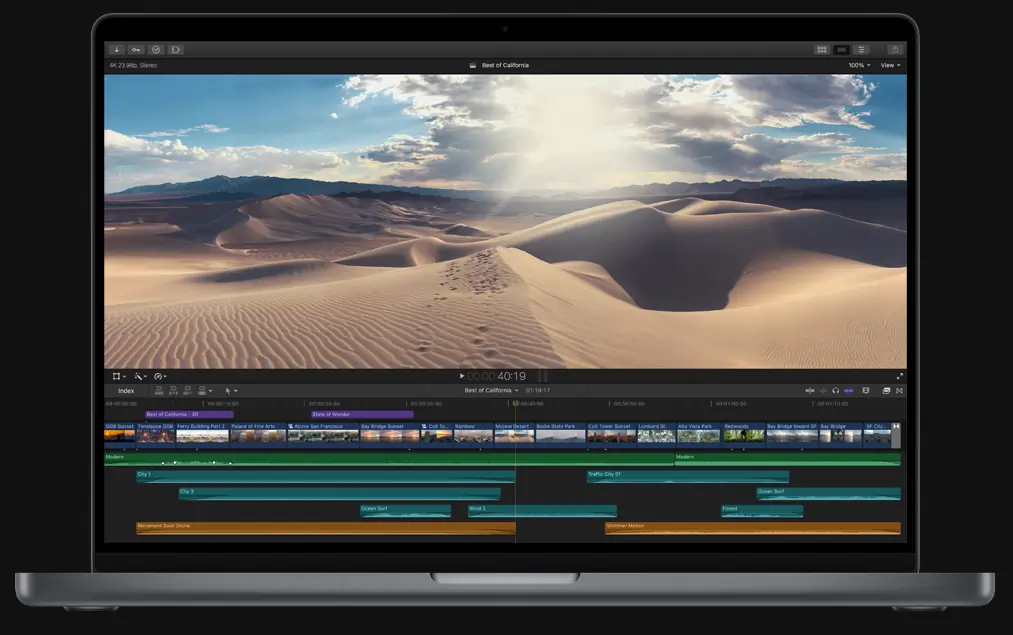
Final Cut Pro is the industry’s go‑to tool for cinematic productions. Its magnetic timeline eliminates gaps automatically, and the software supports up to 8K resolution, 360° footage, and multicam editing. Over 300 built‑in effects, noise reduction, and variable‑speed tools give editors full creative control.
- Magnetic timeline
- Sync up to 64 angles
- 300+ special effects
- Smart Collections for media organization
- Variable‑speed effects
- Noise reduction & audio editing
Best for: Cinematic films, travel vlogs, and high‑budget productions
DaVinci Resolve
Price: Free; Studio version $295
Skill Level: Advanced
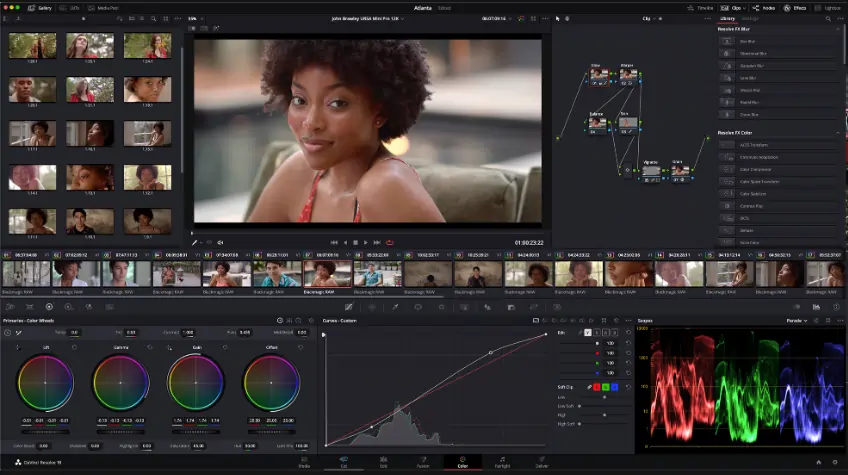
DaVinci Resolve blends a professional editing timeline with industry‑leading color grading tools. The Studio upgrade adds GPU support, additional effects, and remote scripting. The software is ideal for projects where color precision and audio quality are paramount.
- Color wheels & curves
- Color Warper for luminance adjustments
- 4K export support
- Royalty‑free audio library
- Advanced effects (Studio only)
Best for: Color grading and post‑production pipelines
Adobe Premiere Pro
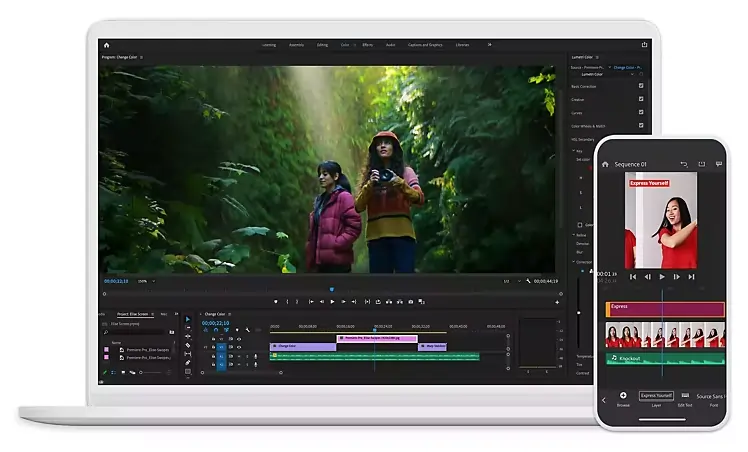
Price: From $20.99/mo (Creative Cloud)
Skill Level: Advanced
Premiere Pro remains the industry standard for YouTubers and commercial editors, thanks to its seamless integration with After Effects, Photoshop, and the Adobe Stock library. Features such as automated transcriptions, motion graphics templates, and team collaboration tools make it versatile for any workflow.
- Auto transcriptions & captions
- Motion graphics templates
- 47 transition effects
- Team Projects for collaboration
- Adobe Stock music & assets
- Color correction & stabilization
- Reframe for social‑media formats
Best for: Vlog editing and collaborative projects
Clipchamp
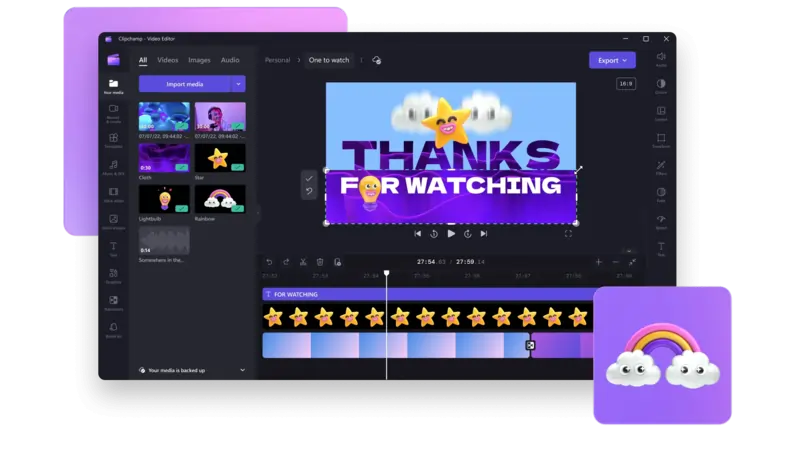
Price: Free; paid plan $12/mo
Skill Level: Beginner
Clipchamp’s web‑based editor offers an extensive template library, stock media, and AI‑powered voiceovers. Its drag‑and‑drop interface is ideal for quick, shareable content, while the free tier supports 1080p export.
- Stock video & audio library
- Video compression & format conversion
- Special effects & transitions
- AI voiceovers
- Green‑screen editing
- Text, trim, crop tools
Best for: Free online editing for social media videos
HitFilm Express
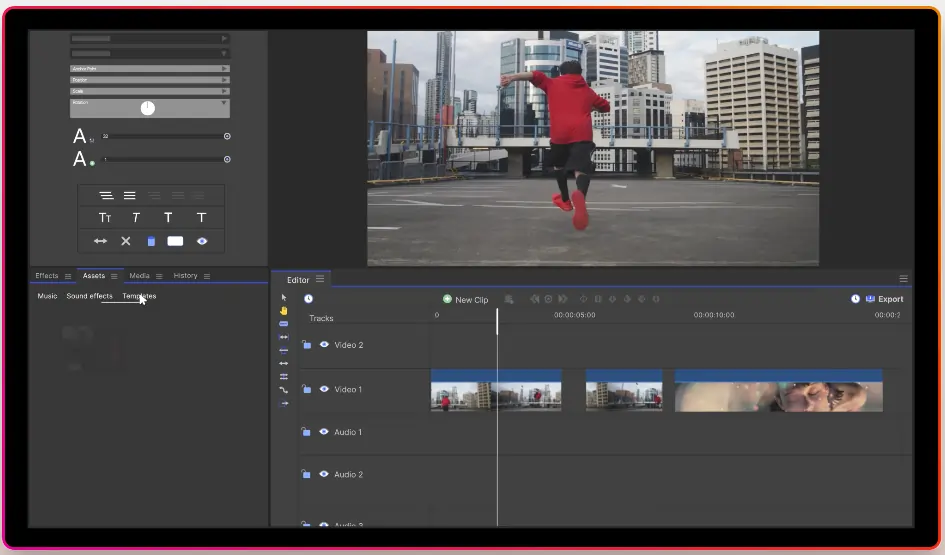
Price: Free; paid plans from $7.99/mo
Skill Level: Beginner to intermediate
HitFilm Express combines a user‑friendly interface with professional‑grade visual effects and color grading tools. The platform’s built‑in tutorials help new users master the software quickly.
- Media panel for easy imports
- Preview clips with Trimmer
- Drag‑and‑drop transitions
- Automatic audio sync
- Trim, crop, and flip tools
Best for: YouTubers and content creators seeking a free yet powerful tool
CyberLink PowerDirector 365
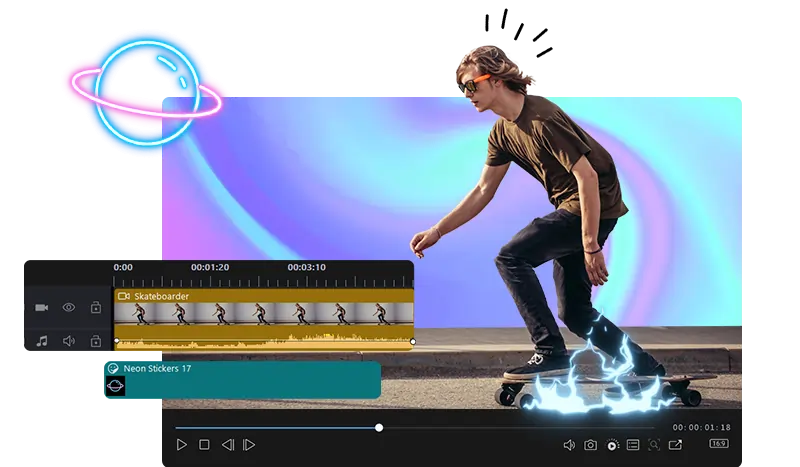
Price: From $51.99/year
Skill Level: Advanced
PowerDirector 365 offers a comprehensive suite of editing tools, stock media, and AI features such as motion tracking and speech‑to‑text. Its large 8M+ media library and 3D text options provide endless creative possibilities.
- 3D text & title animations
- Motion graphics & stickers
- Sound effects & music library
- Custom intros & outros
- Speech‑to‑text conversion
- AI motion tracking & body effects
- Green‑screen effects
Best for: Professional editing with extensive AI and stock media support
Lightworks
Price: From $9.99/mo
Skill Level: Intermediate
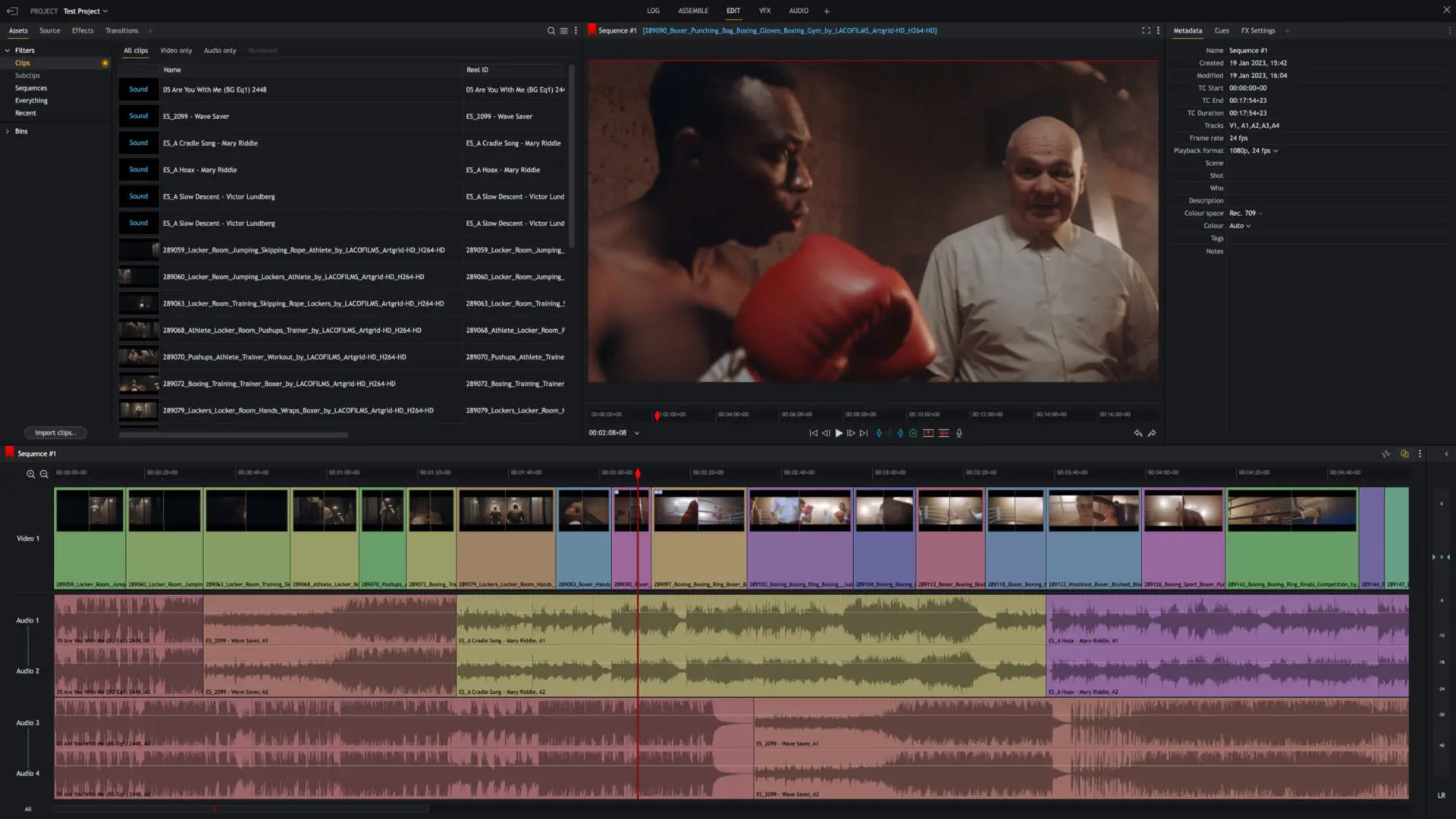
Lightworks provides a clean, cloud‑integrated interface that supports a wide range of formats. Its real‑time collaboration tools and extensive customization options make it a solid choice for teams.
- 100+ customizable graphics
- Cloud‑based editing
- Project sharing
- Hardware support for Blackmagic Design
- Title & motion graphics
- Color correction & filters
- Built‑in EQ & audio filters
Best for: Collaborative video projects and teams
Movavi Video Editor
Price: $39.95/year
Skill Level: Beginner
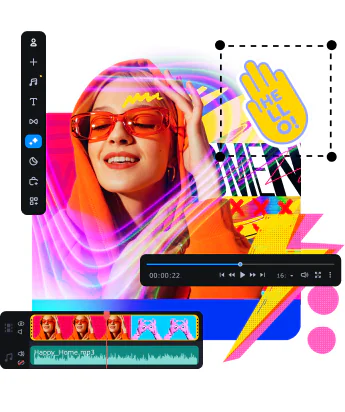
Movavi’s drag‑and‑drop interface is ideal for quick social‑media clips, slideshows, and basic storytelling. While it lacks some advanced features, its intuitive design and wide range of presets make it accessible to all creators.
- Brightness & saturation controls
- Background replacement
- Cut & crop tools
- 180+ filters
- Slideshow creation
- Titles, stickers, & transitions
Best for: Social media videos and quick content creation
Best Free Video Editing Software for Mac
For budget‑conscious creators, iMovie remains the premier free option. It offers a solid set of editing tools and storyboard templates that are perfect for beginners and short‑form content.
Best Easy‑to‑Use Software for Mac Beginners
If you’re new to editing, Riverside simplifies the process with its transcription‑based workflow, allowing you to edit by editing text. This approach speeds up trimming and reformatting for social media.
Best Practices for Editing on a Mac
- Focus on storytelling: Keep the narrative clear and pacing tight.
- Use transitions sparingly: They should enhance, not distract.
- Balance audio: Match speaker levels for a seamless listening experience.
- Back up to an external drive: Preserve footage and free up local storage.
- Pause before previewing: Let the edit sit for 24 hours to catch hidden issues.
FAQs About Mac Video Editing Software
What are the best free video editors for Mac?
iMovie and Riverside are top choices for free editing, while DaVinci Resolve offers a feature‑rich free tier. Each platform caters to different needs—from quick cuts to advanced color grading.
What software do YouTubers use on Mac?
YouTubers often use a mix of iMovie for quick edits, Final Cut Pro for high‑end projects, and Premiere Pro for its integration with Adobe Creative Cloud. The best choice depends on workflow preferences and budget.
Is Final Cut Pro free on Mac?
Final Cut Pro is not permanently free, but Apple offers a 90‑day trial. After the trial, a one‑time purchase of $299.99 is required.
Is iMovie better than Final Cut Pro?
iMovie is ideal for beginners, providing essential tools without a steep learning curve. Final Cut Pro offers advanced features, larger format support, and a professional workflow suitable for experienced editors.
What is the best video format to edit on Mac?
MP4 is the most widely supported format across editing software, balancing file size and compatibility. Many editors also support MOV, AVI, and MOV (Apple ProRes) for higher‑quality workflows.