
In 2024, the average viewer spends 17 hours a week streaming video. Enhancing your footage not only sharpens visuals but also elevates your brand’s credibility.
Whether you’re a hobbyist or a seasoned creator, the right enhancement tool can transform ordinary clips into professional-grade content.
Below are our hand‑picked recommendations that cover every budget, from zero‑cost options to premium studios.
Can you actually improve video quality?
Absolutely. Modern software lets you increase resolution, sharpen images, and clean up audio with just a few clicks.
Many tools also offer brightness adjustments, color correction, and even AI‑driven noise reduction, giving you a comprehensive suite of enhancement options.
Moreover, most programs support multiple export formats, allowing you to keep the best possible quality while meeting platform specifications.
What is video enhancer software?
These applications give you precise control over key parameters such as resolution, exposure, and frame rate. By correcting blur or lighting issues, they elevate the overall professionalism of your footage.
How to choose the best video enhancer
Consider the following factors to match a tool to your creative vision.
Type of content
Short‑form social clips differ from long‑form documentaries. Pick software that excels at your chosen format and file type.
Features you may need
Some editors excel at basic tweaks, while others provide advanced visual effects or audio mastering. Align the tool’s capabilities with your project goals.
Sharing formats and requirements
Know the destination platform’s requirements—YouTube, TikTok, or commercial broadcast—so the final export meets those standards.
Your budget
Free tools are plentiful, but premium features often require a subscription or one‑time purchase. Evaluate the ROI for your workflow.
10 Best Free & Paid Video Enhancers for 2026
Here are our top ten picks, ranging from web‑based services to full desktop suites.
1. Riverside
Price: Free tier or $24/month
Compatibility: Online (web and mobile)
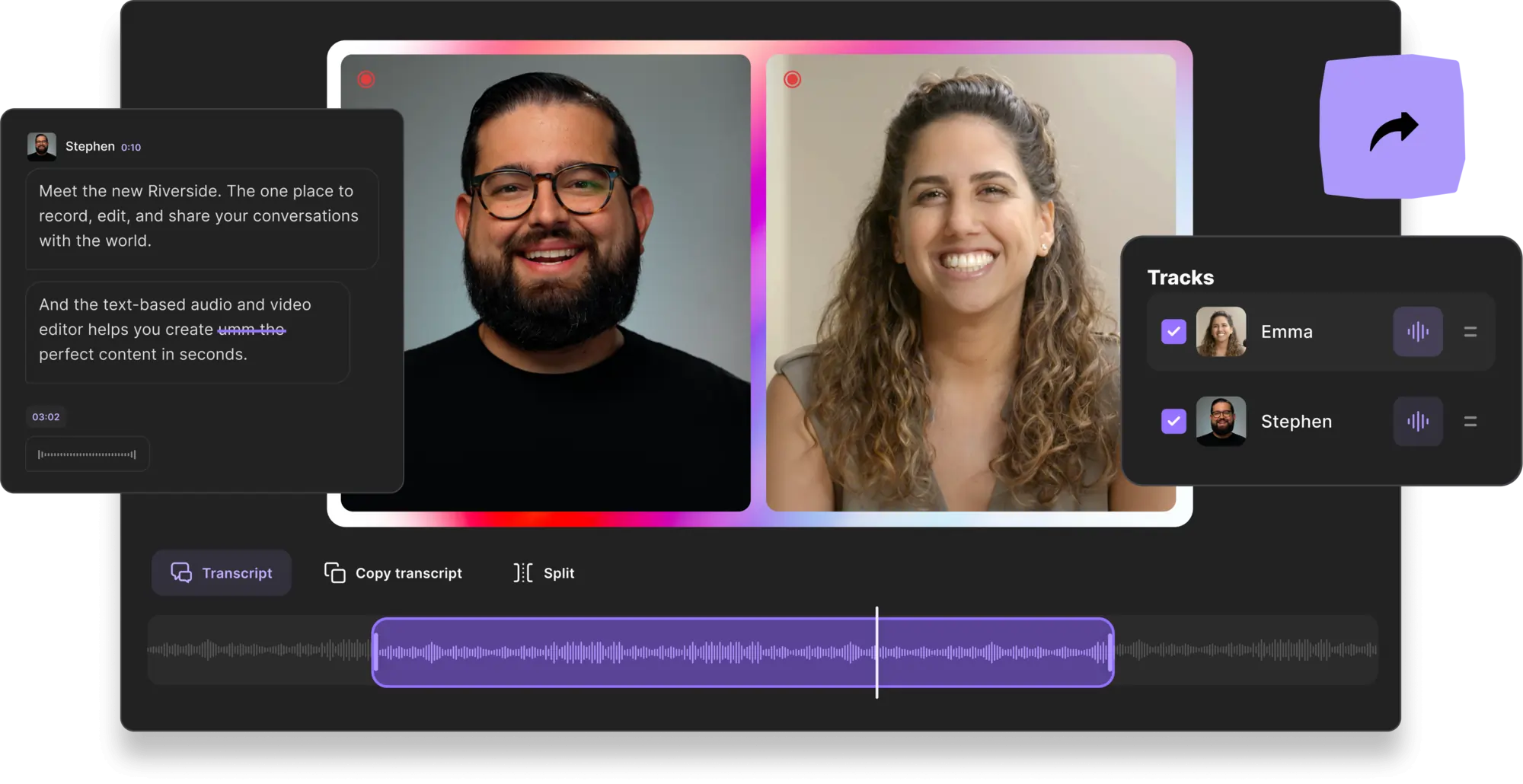
Riverside delivers studio‑grade recordings directly from your browser. Capture up to 4K video and 48kHz audio, even when participants are on a shaky internet connection. Local storage ensures your footage stays secure.
Built‑in AI removes echo, cleans background noise, and eliminates long silences. The “Magic Clips” feature automatically truncates long sessions into bite‑size segments.
Key features
- 4K video & 48kHz audio capture
- AI audio fine‑tuning (normalization, noise removal, echo cancellation)
- Magic Clips – auto‑cut into shareable snippets
- Text‑based editing for quick adjustments
- Custom backgrounds, layouts, and logos
- AI Speaker Mode – spotlight the active speaker
Best for: Creators who want high‑quality footage from the start.
2. Filmora
Price: Free tier or $59.99/year
Compatibility: macOS & Windows
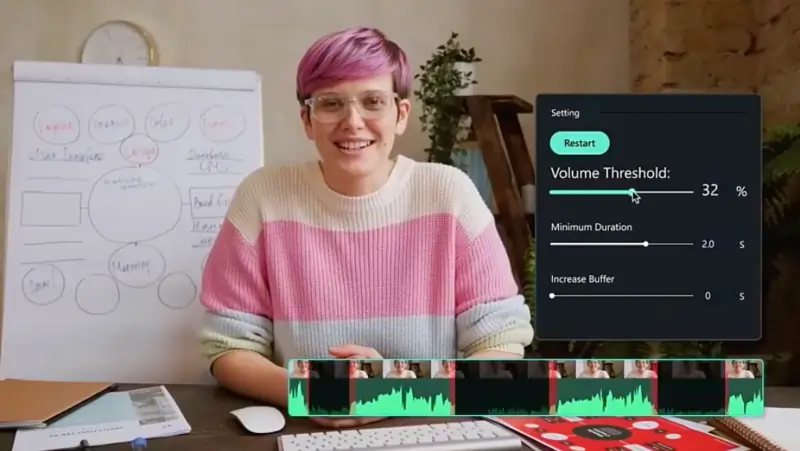
Filmora blends intuitive design with powerful AI tools. Automatic color correction and background noise removal help beginners produce crisp videos without a steep learning curve.
Key features
- AI editing and auto‑adjustments
- Robust audio & video controls
- User‑friendly interface for novices
Best for: New creators seeking an all‑in‑one solution.
3. Adobe Premiere Pro
Price: $29.99/month
Compatibility: macOS & Windows
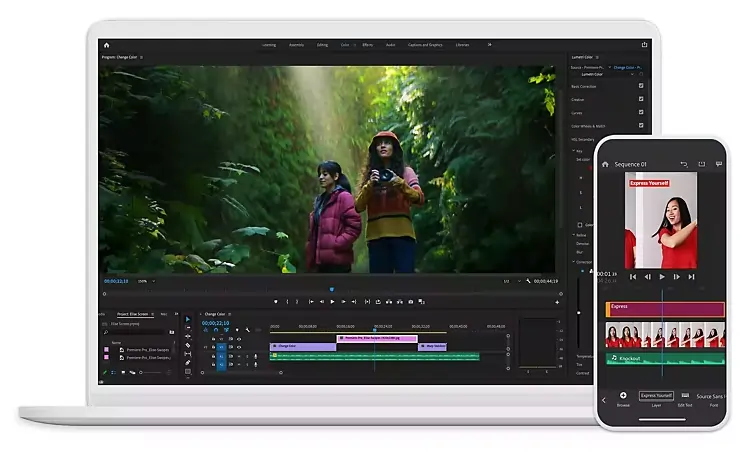
Premiere Pro is the industry standard for professionals. It offers a full suite of tools—color grading, frame‑rate adjustments, audio mixing, and more—ensuring impeccable output.
Key features
- Comprehensive editing toolbox
- High‑resolution output with pristine sound
- Complete creative control over every element
Best for: Experienced editors looking for a pro‑grade solution.
4. PikaVue by GDFLab

Price: Free tier, pay per project thereafter
Compatibility: Online (browser‑based)
PikaVue offers a lightweight interface for basic sharpening and audio cleanup. It’s ideal for creators who need quick, no‑frills enhancements.
Key features
- Intuitive editing UI
- Up to 16K resolution support
- Fast, effective enhancement options
Best for: Beginners with simple needs.
5. HitFilm Express
Price: Free
Compatibility: macOS & Windows
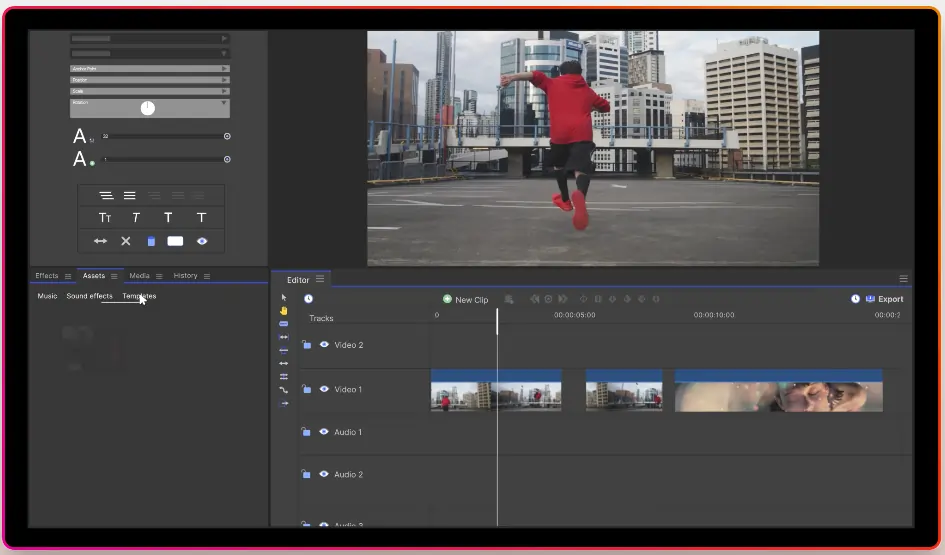
HitFilm Express unlocks 4K video editing on a zero‑cost platform. It’s ideal for creators who want advanced VFX without a hefty price tag.
Key features
- VFX tools for dynamic visuals
- Professional‑level editing options
- Built‑in motion tracking and animation
Best for: Budget‑conscious editors who want powerful tools.
6. VideoShop
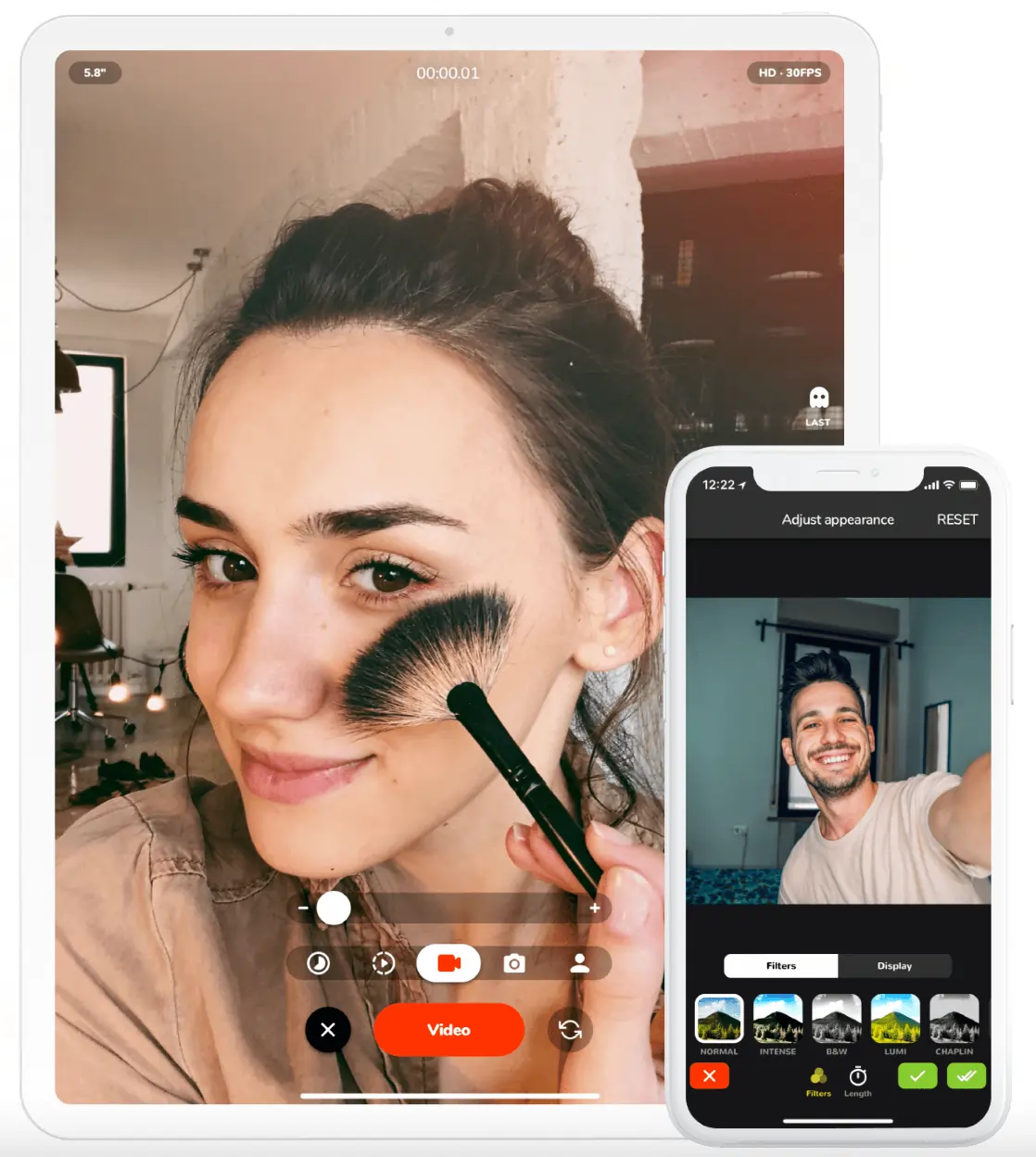
Price: Free
Compatibility: iOS & Android
VideoShop turns your smartphone into a portable studio. With stickers, text, and preset effects, it’s perfect for quick social‑media content.
Key features
- Mobile‑friendly interface with instant sharing
- Preset fonts, colors, stickers, and sound effects
- Easy, beginner‑level editing tools
Best for: New creators shooting straight from a phone.
7. DaVinci Resolve 18
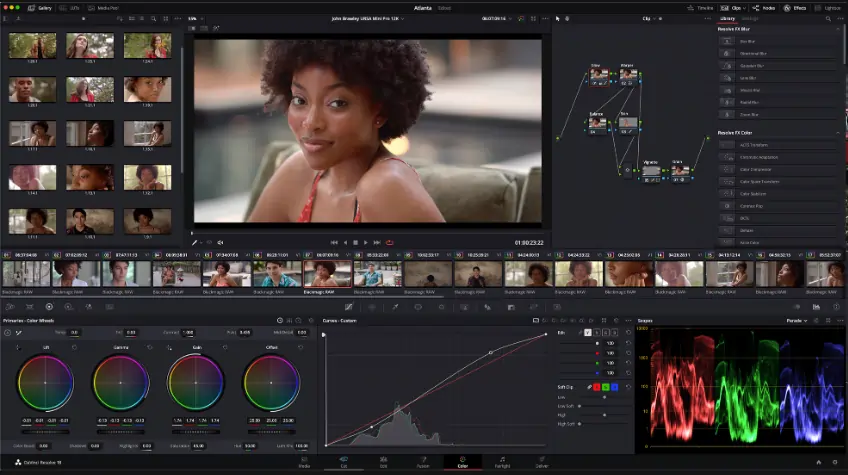
Price: Free tier or $459 license
Compatibility: macOS, Windows, Linux
Resolve delivers a complete post‑production pipeline. From color grading to audio mastering and visual effects, it’s a favorite among pros.
Key features
- All‑in‑one post‑production suite
- Professional‑grade non‑linear editing
- Support for resolutions beyond 4K on paid plans
Best for: Creators needing high‑end visual polish.
8. Final Cut Pro
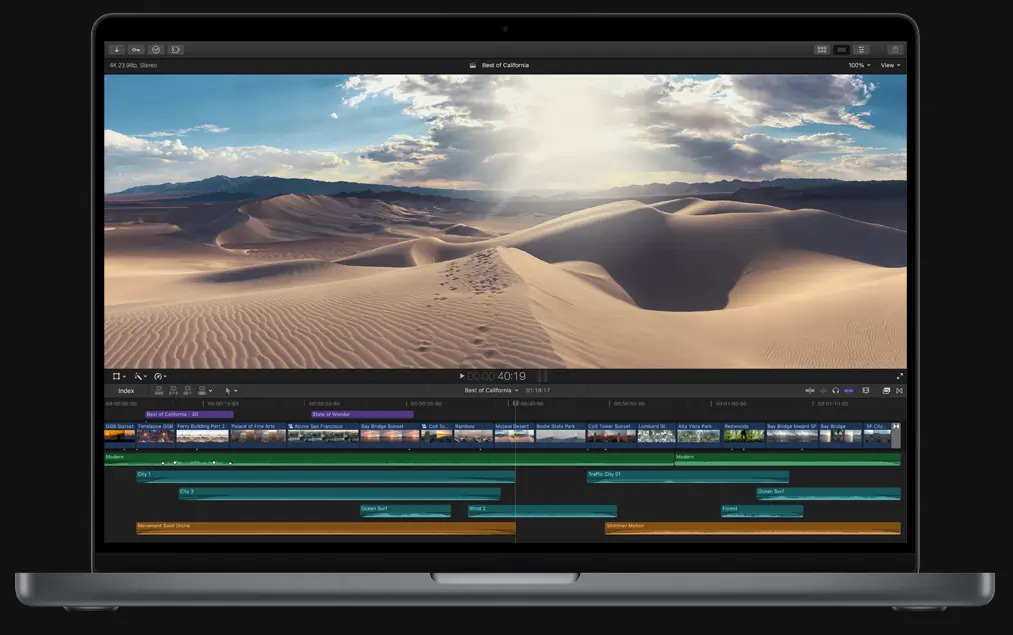
Price: $299.99 (one‑time)
Compatibility: macOS (OS 12.0+)
Final Cut Pro powers many Hollywood productions. With 360° editing, automatic effect application, and AI‑assisted audio, it delivers studio‑level quality.
Key features
- Voice isolation for crystal‑clear dialogue
- High‑resolution rendering
- Professional editing tools for long‑form content
Best for: Mac users creating feature‑length or broadcast material.
9. HitPaw Video Enhancer AI
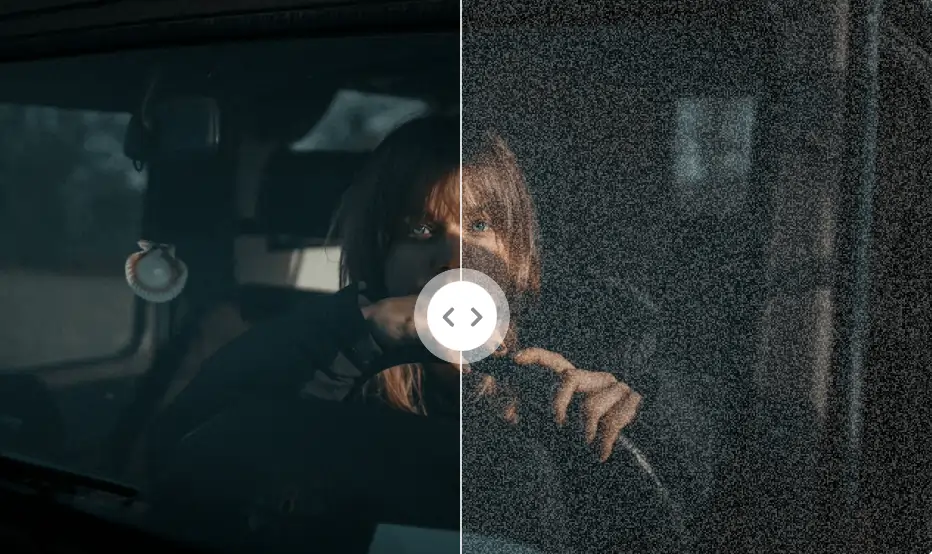
Price: $69.99/month
Compatibility: macOS & Windows
HitPaw’s AI engine sharpens images, brightens footage, and retouches faces or animation frames. It’s a versatile tool for any visual style.
Key features
- AI‑driven brightness & pixel enhancement
- Portrait‑mode sharpening for faces
- Animation‑model support for cartoon‑style projects
Best for: Noise reduction and visual polishing across genres.
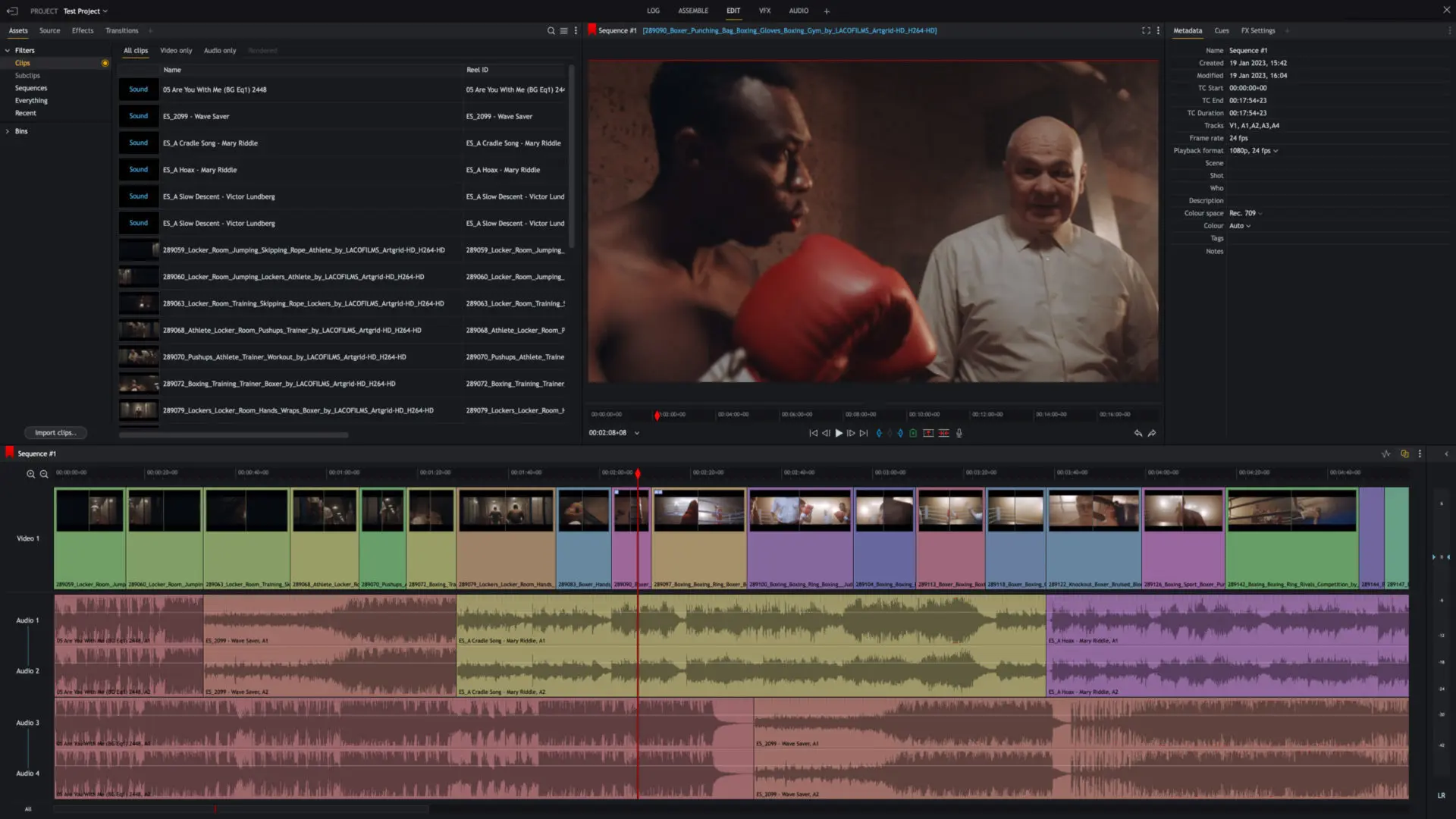
10. Lightworks
Price: Free tier or $23.99/year
Compatibility: macOS, Windows, Linux
Lightworks blends advanced editing with a user‑friendly layout. It supports 10‑bit export and offers custom formatting, making it a favorite among indie filmmakers.
Key features
- Variable bitrate control for optimal compression
- High‑resolution timeline rendering
- Extensive plugin ecosystem for audio and video effects
Best for: Professionals seeking flexibility without breaking the bank.
Best Practices for Video Enhancement
Achieving top‑tier quality starts before you hit “edit.” Here are quick, actionable tips.
Capture quality video
Plan your shoot for the best possible source footage. Use proper lighting, stable framing, and high‑resolution settings. Tools like Riverside help you lock in quality from the start.
Choose tools wisely
Match the editor’s strengths to your skill level and project goals. A lightweight tool can be powerful if it aligns with your workflow.
Avoid overcomplicating
Simple edits often look more polished than cluttered visuals. Prioritize clarity and relevance over flashy effects.
Continue improving skills
Learning new techniques—color grading, audio mastering, motion graphics—keeps your videos evolving. The better you understand the craft, the easier it is to troubleshoot and refine.
FAQs on Video Enhancers
Got more questions? Here are concise answers to the most common inquiries.
What is the best AI video enhancer?
HitPaw Video Enhancer AI excels at removing pixelation and boosting clarity. Riverside’s AI suite is ideal for crisp audio and rapid clip creation.
How can I increase a video’s resolution?
Most editors allow upscaling to a higher resolution, provided the original source supports it. Upload your file, select the desired output, and let the software interpolate.
Is there an app that can enhance video quality?
Yes—Riverside and VideoShop are mobile‑friendly options. For desktop, Filmora and HitFilm Express are excellent.
How can I enhance a blurry video?
Use sharpening tools or AI upscalers. The solutions listed above offer features that can correct blur and improve pixel clarity.
Ready to elevate your footage? Try Riverside today!